

On Gymkee, you can do more than just create training programs for your clients... you can create what we call "On-demand fitness."
The fitness coaching industry is evolving fast and you can always count on us to keep you up to date with the latest market trends.
That's why you'll be able to create on-demand content for your clients to satisfy a certain type of client.
First... what are "video courses"?
Video courses are simply long workouts where you film yourself performing the exercises, and then share them with your clients who follow along in real time.
For example, you can create an awesome 45-minute cardio workout where you chain exercises, add music, add visual elements, etc. and then share it with your clients.
Your clients will have access to it anytime on Gymkee and can follow your movements in real time.
Now that you know what it is... how do you add one on Gymkee?
Note that on-demand fitness is only available starting from the STANDARD plan on Gymkee.
Start by going to the "On Demand" section.
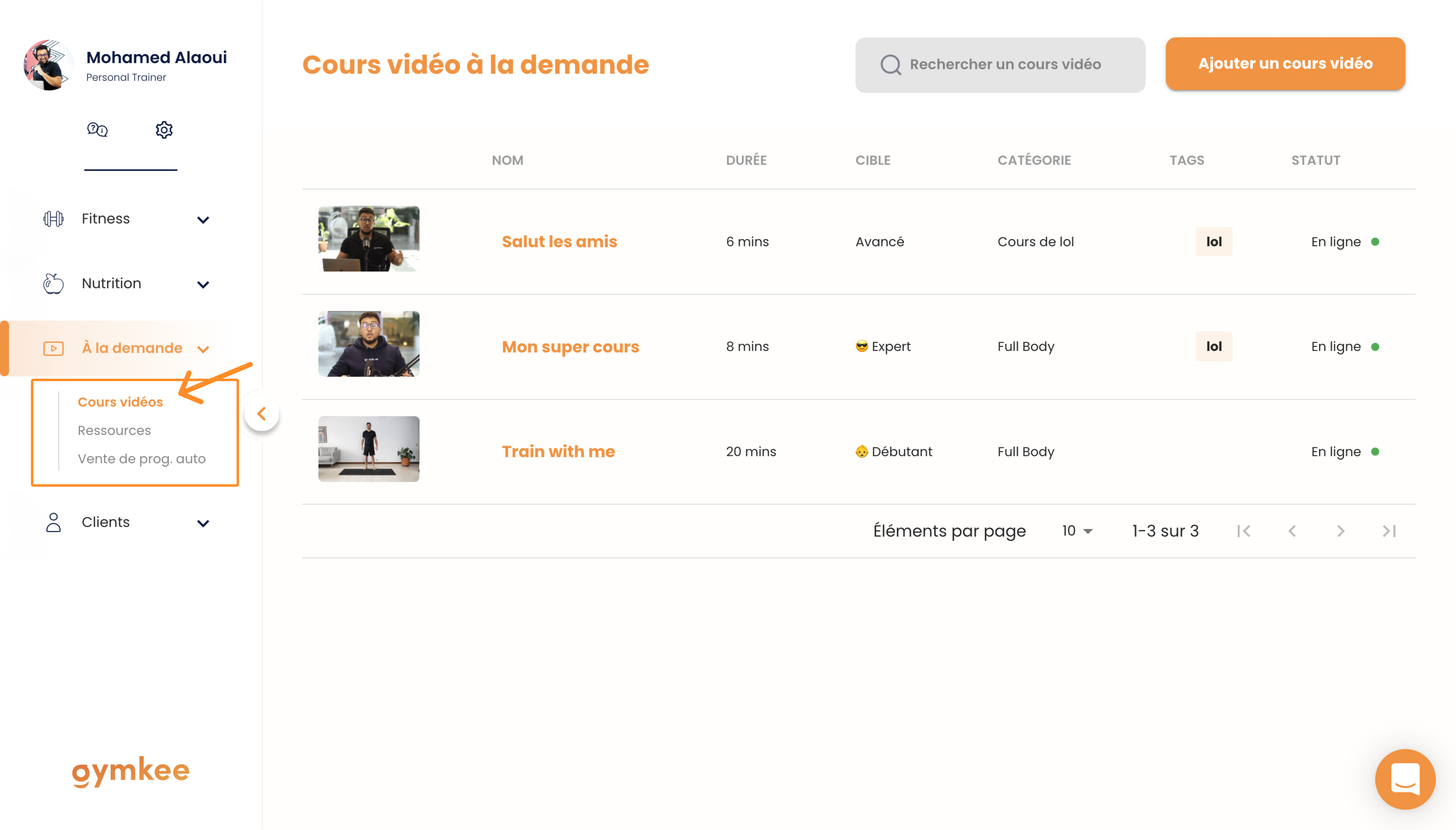
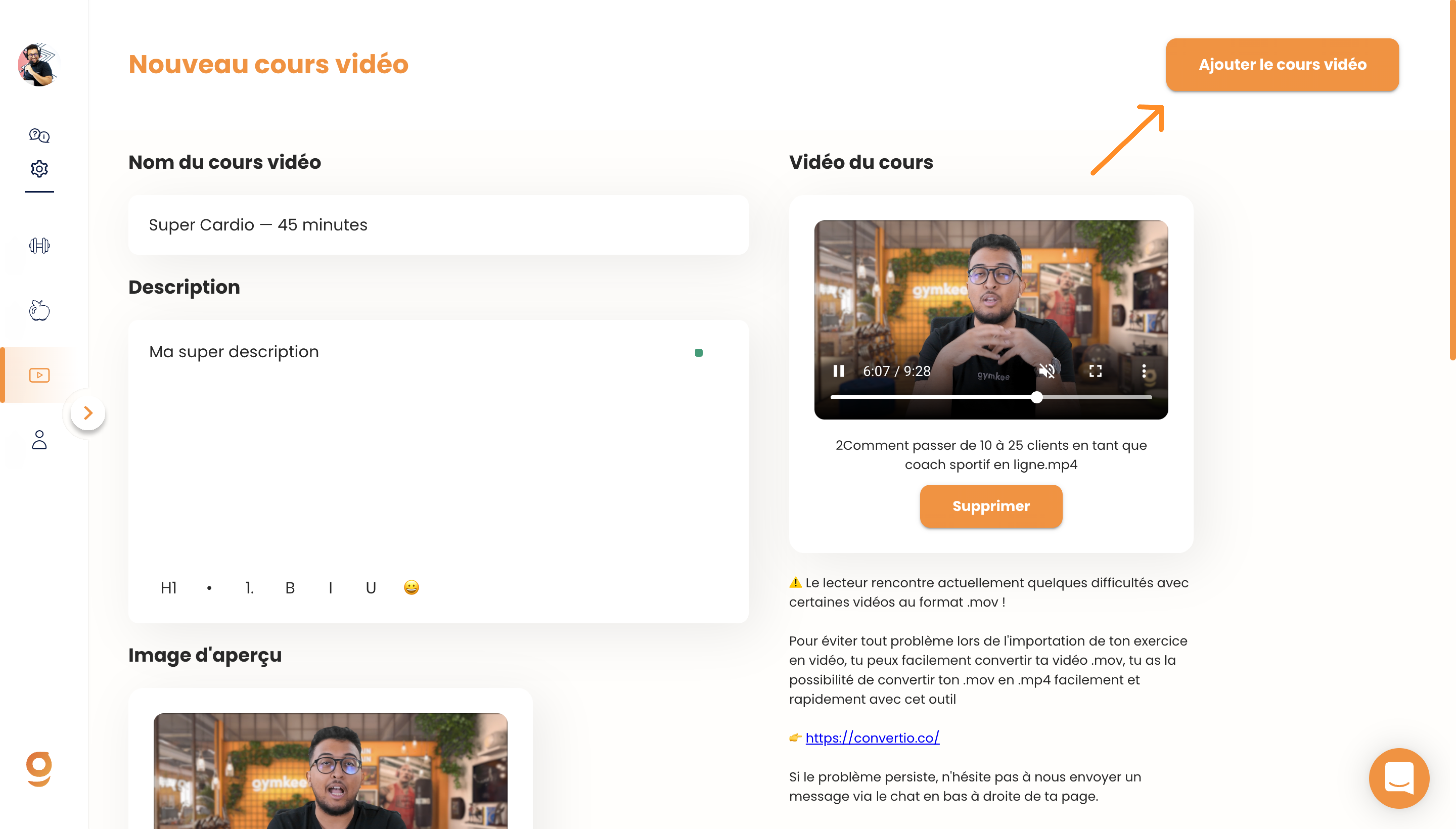
Then click the button in the top right corner: "Add a video course"
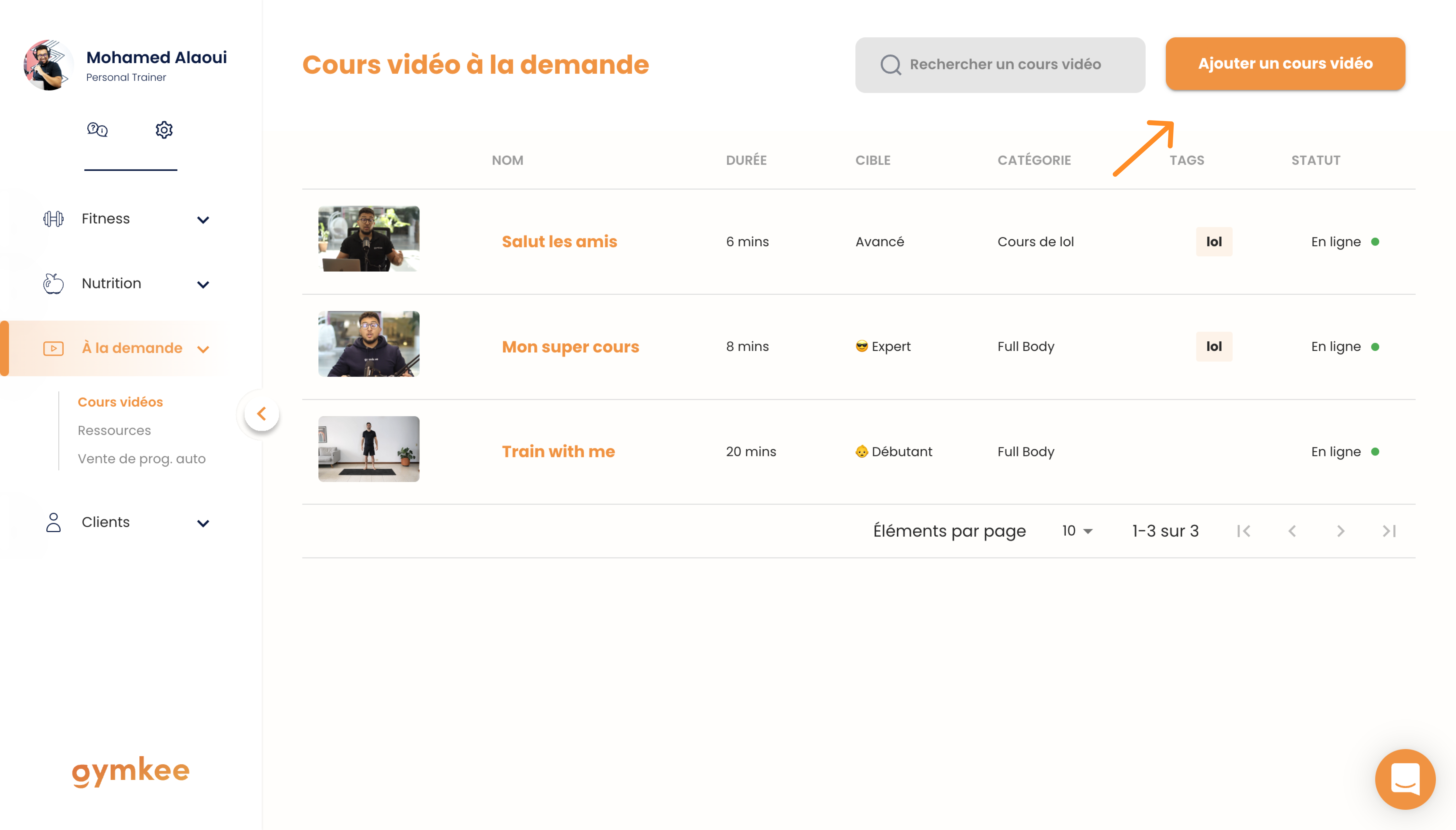
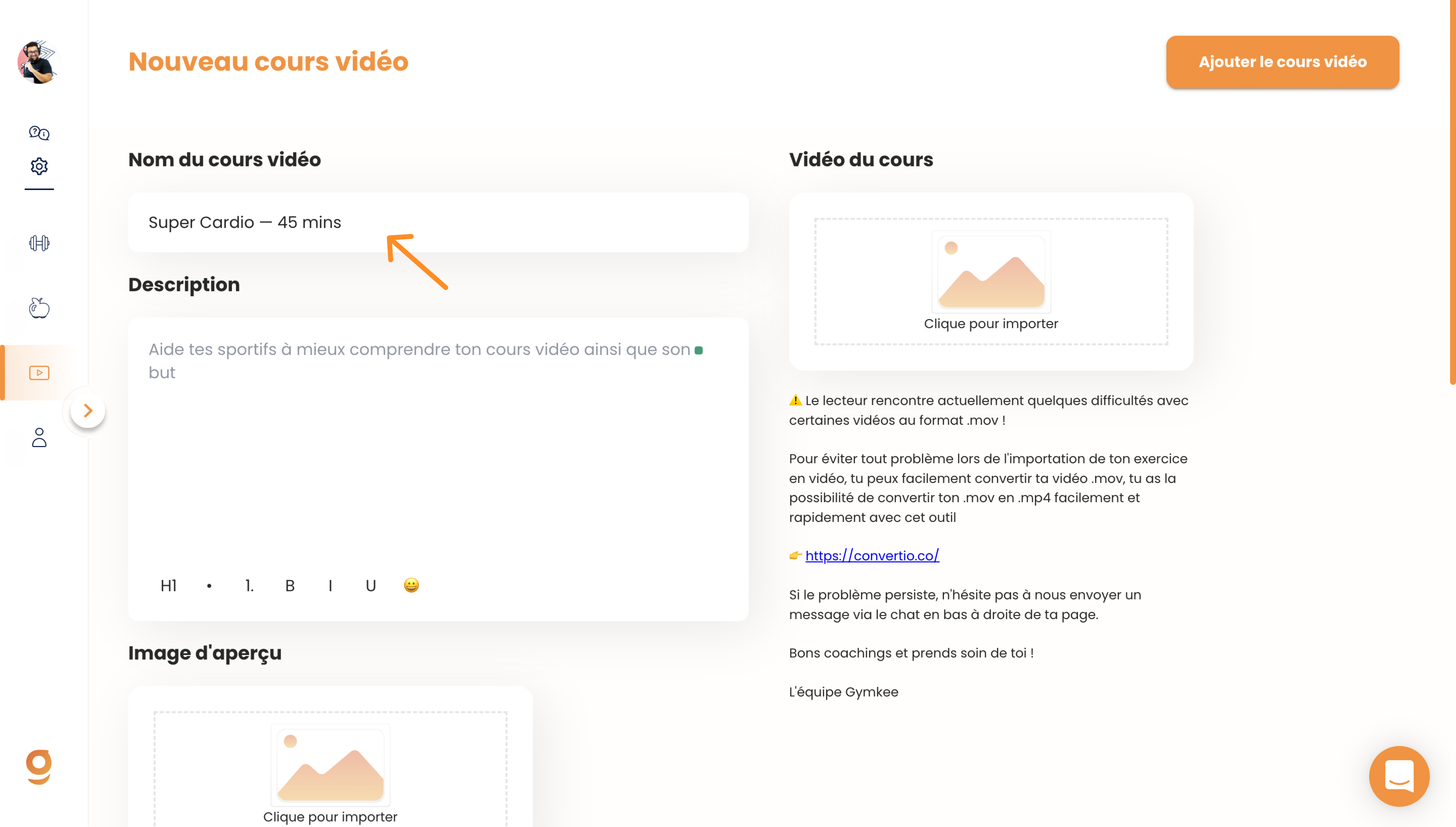
Give your video course a name.
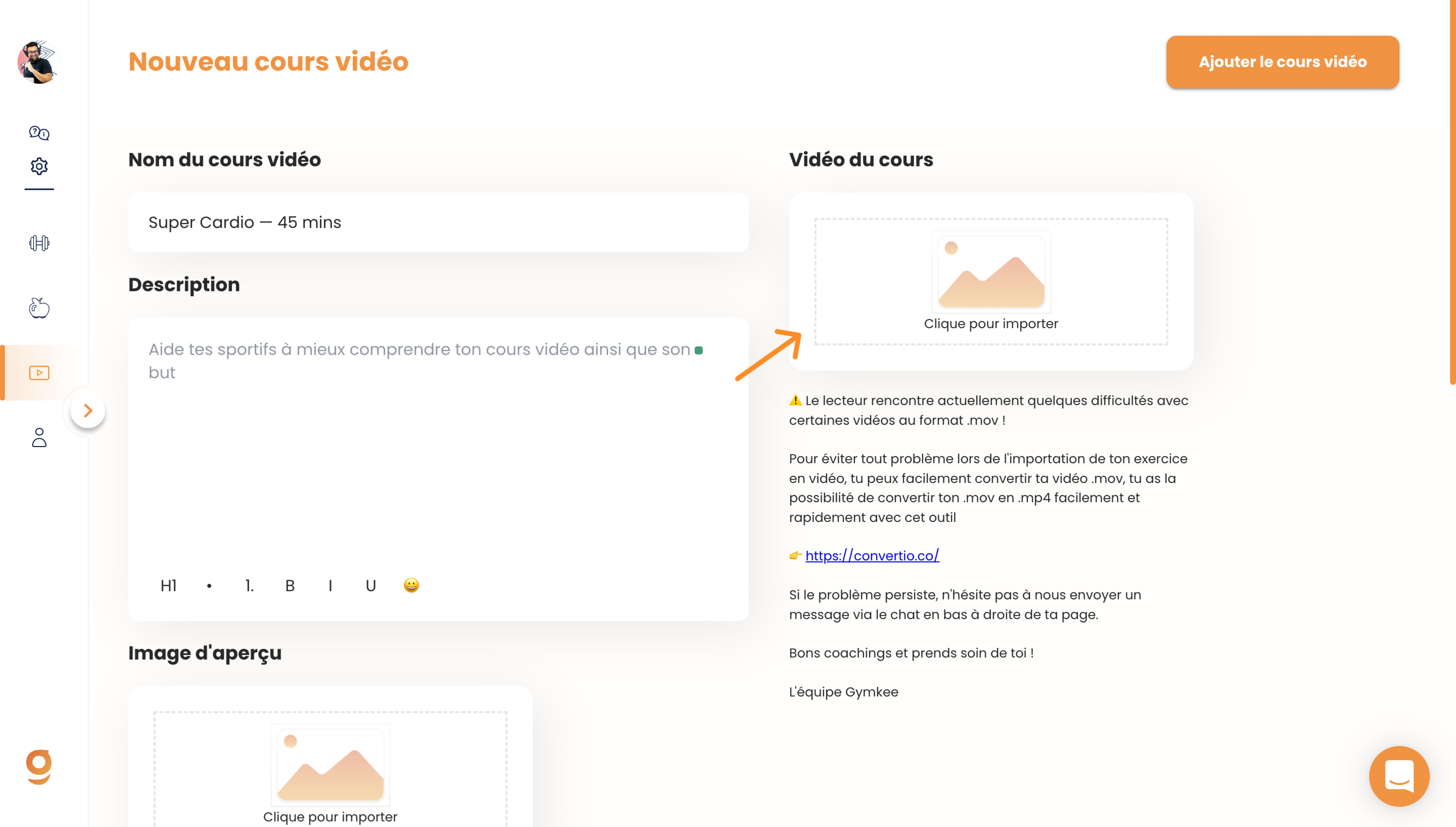
Then upload your video course. You can upload videos up to 2 hours long.
Once the video is uploaded, a thumbnail will be generated automatically. You can change this thumbnail and add a proper one for your course (which we strongly recommend).
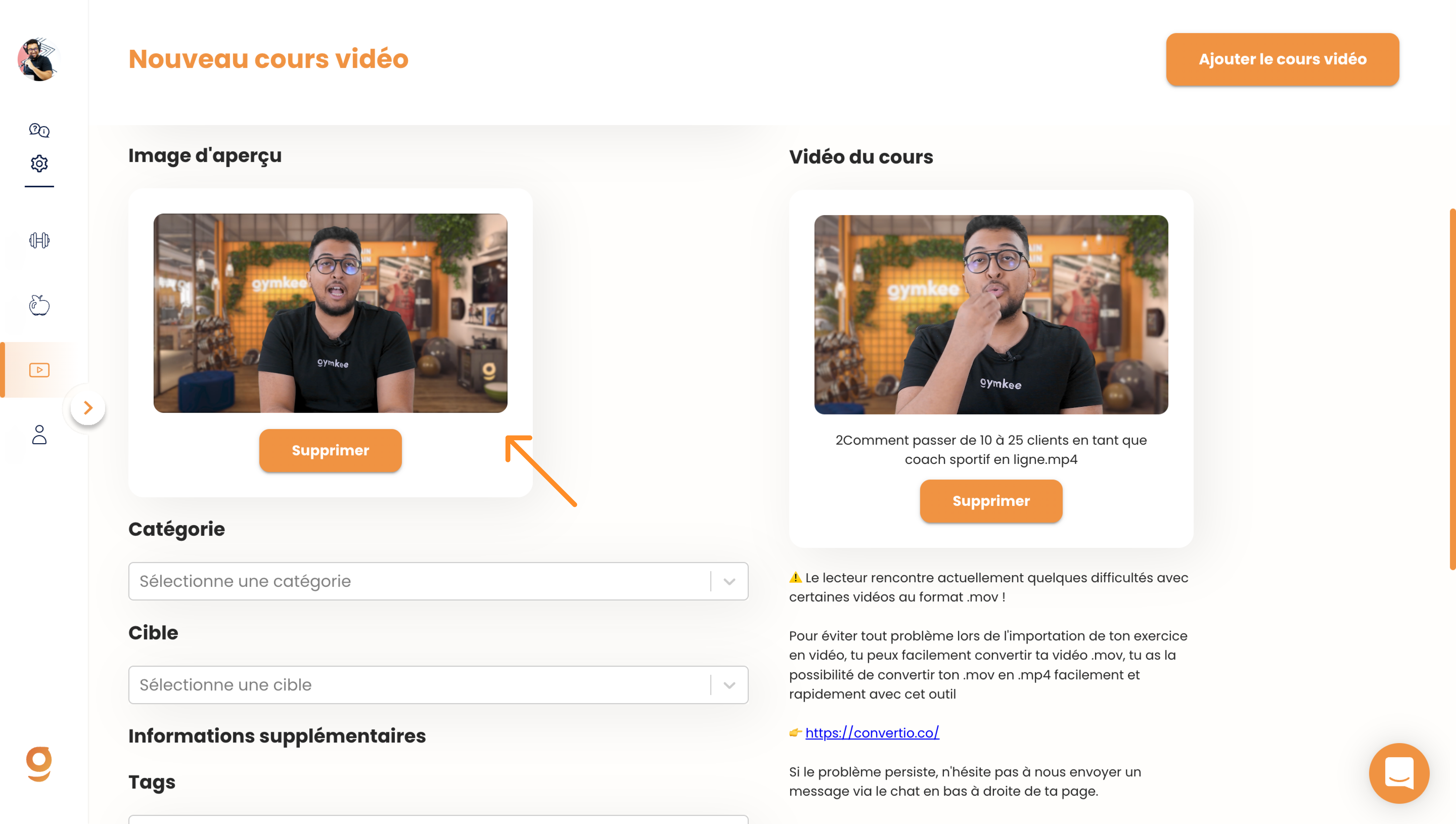
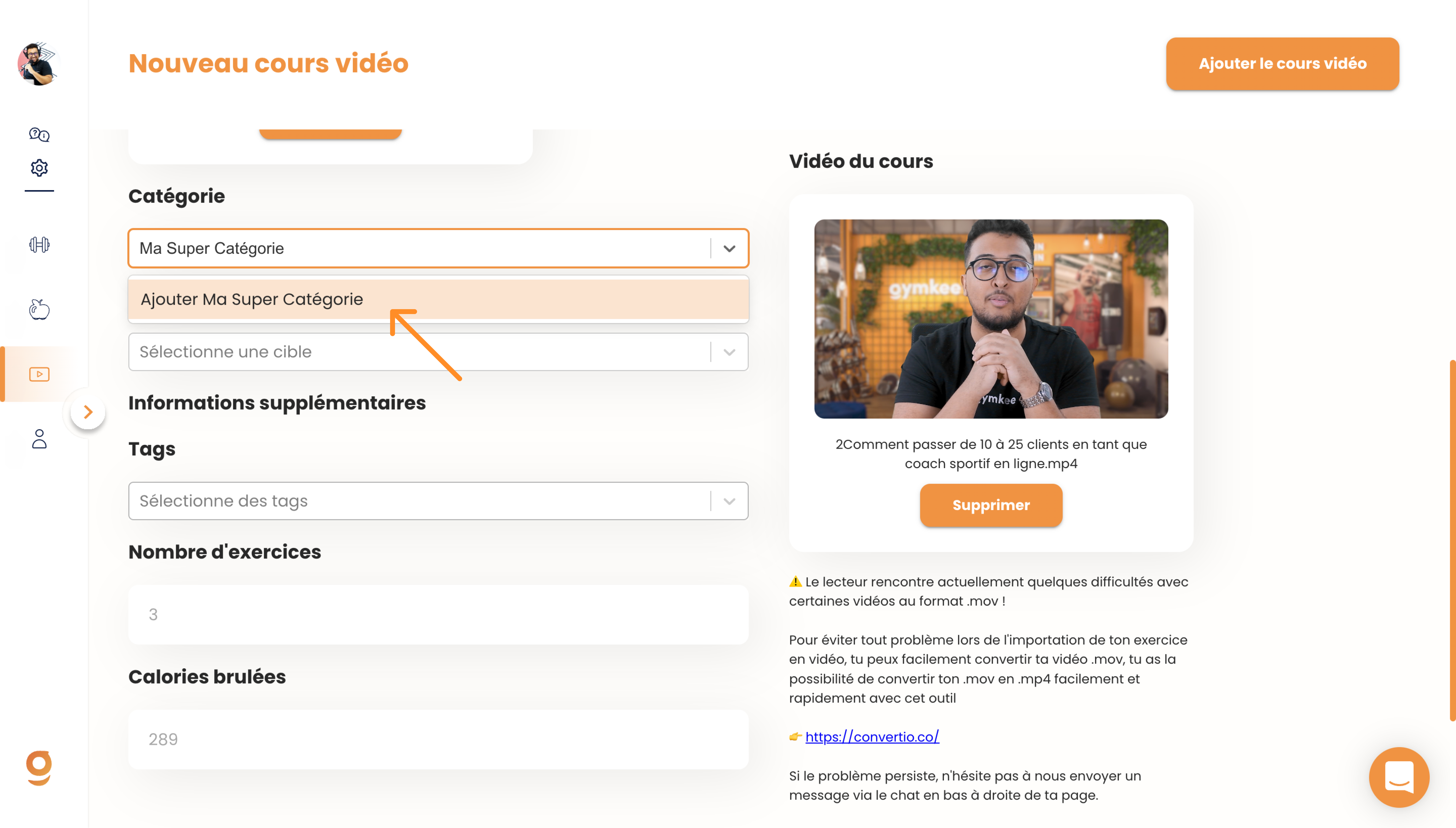
You can then create a category, a sort of "Playlist" where you can organize the video and add similar ones.
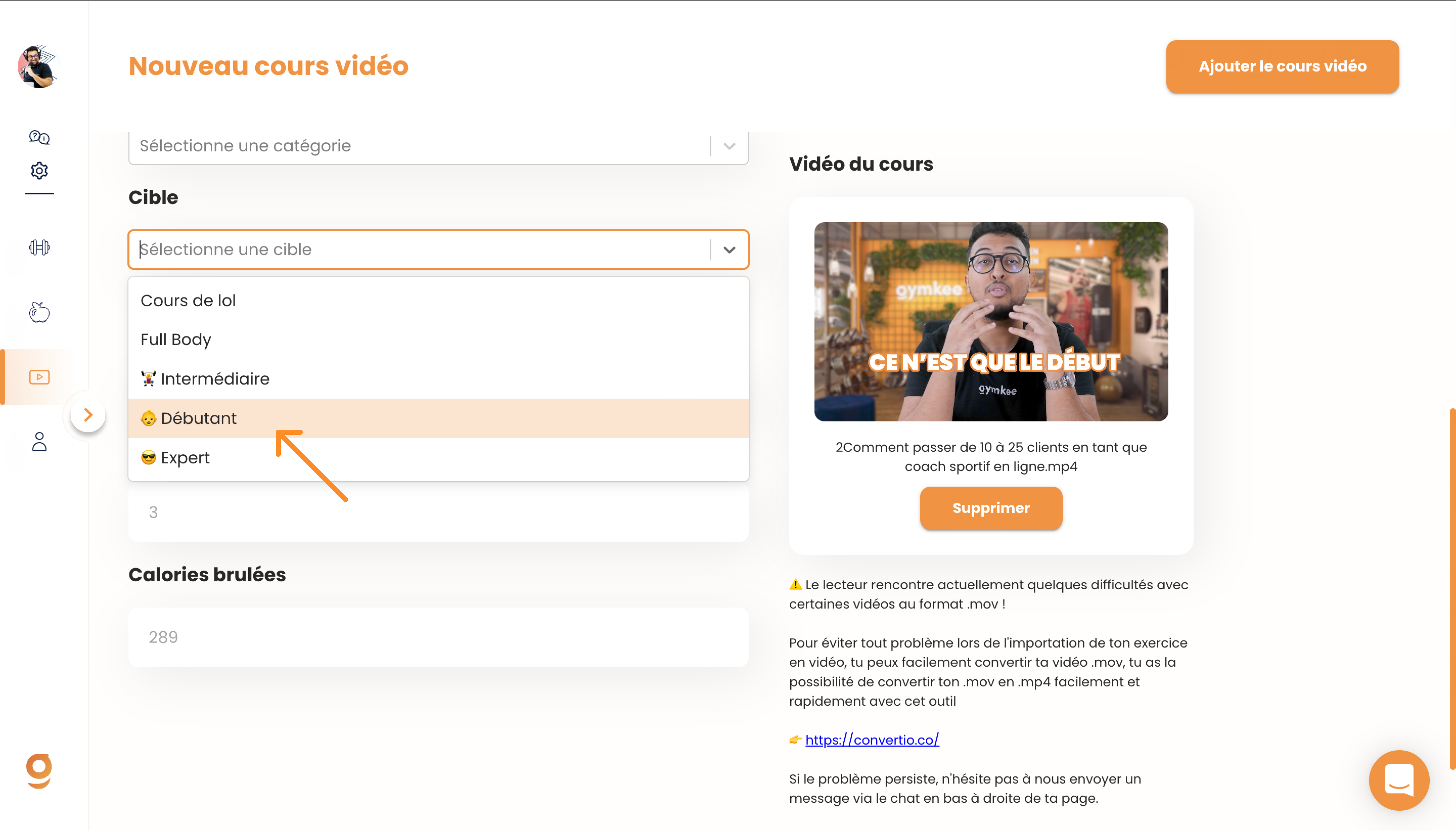
You can choose who the video course is for... whether it's for beginners, intermediate, or advanced.
If you have custom names for your target audience, you can add your own audience names.
You can add tags that will be visible to your clients so they can get a quick overview of the workout.
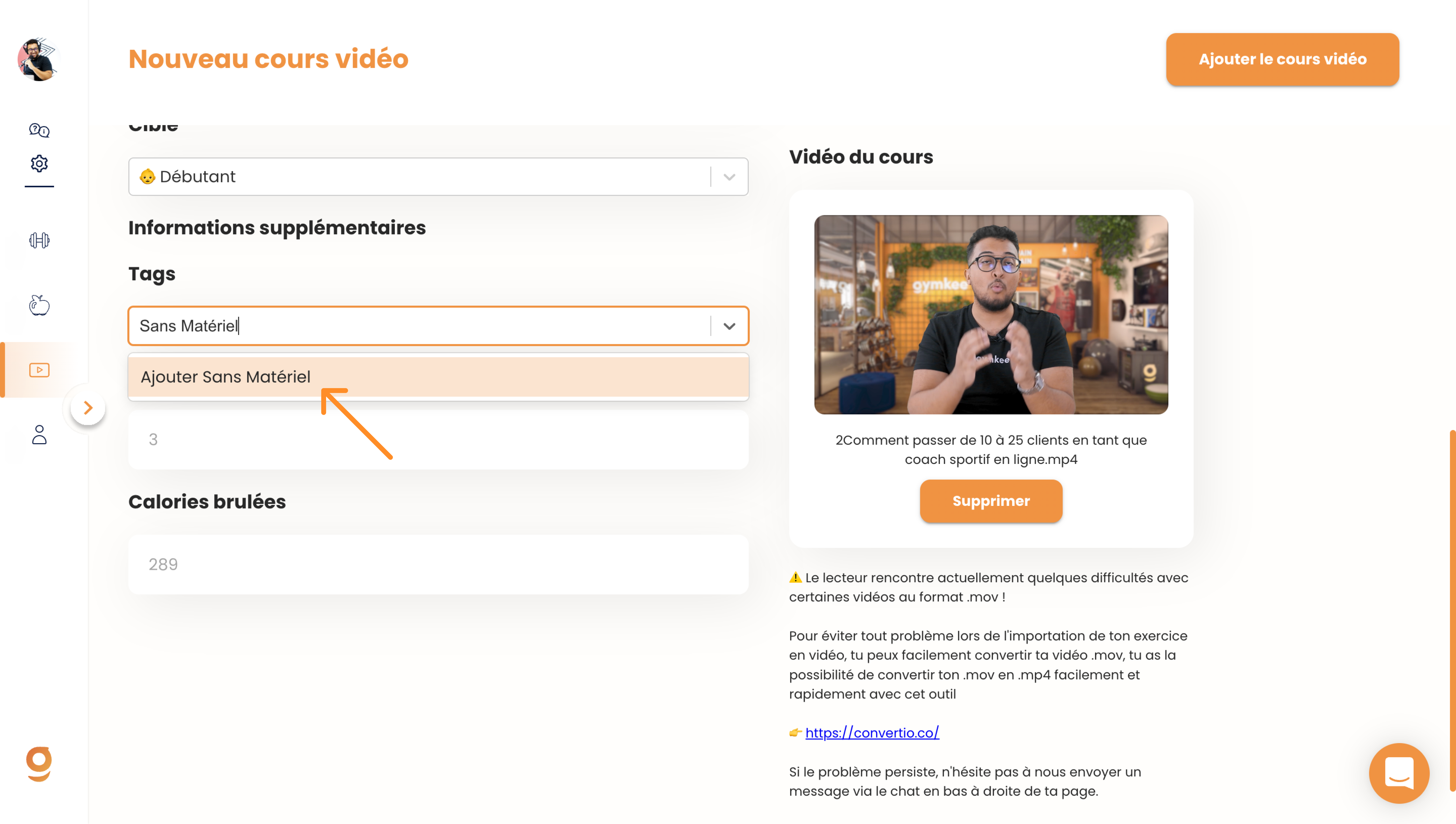
To help your clients understand what to expect, you can specify the number of exercises in the workout.
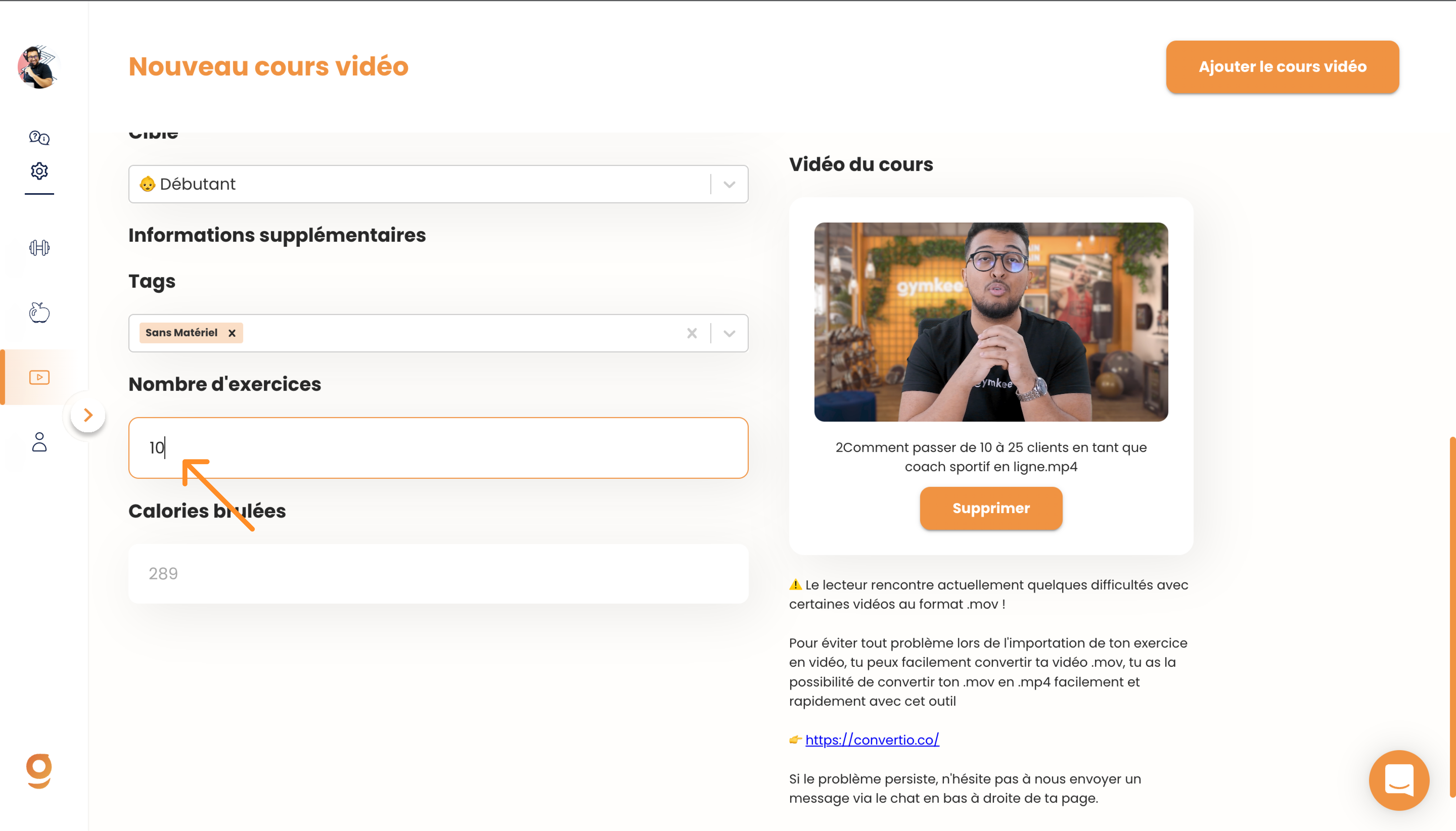
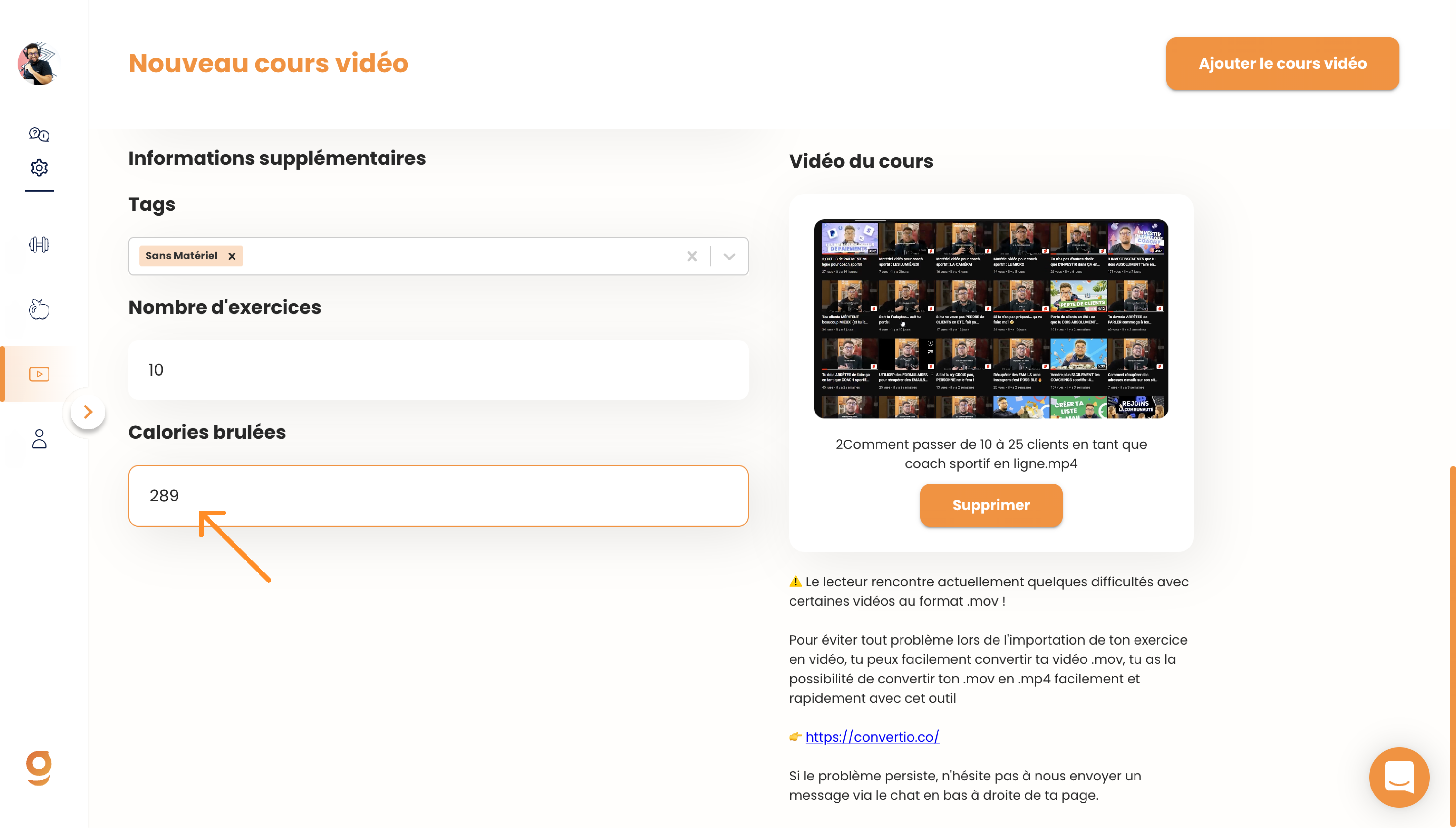
Finally, you can give an estimate of the calories burned during this workout to help your clients choose based on what they need.
Once all the information is filled in, all that's left is to confirm and add the video course to your library.
There you go! Now you know how to add your first video course on Gymkee! You can start by adding your first one right now
