

How do I edit an active fitness program?
On Gymkee, you have the possibility of updating the fitness program of one of your clients at any time.
No need to resend a new one, once the changes are saved, your client already has the new version on his mobile application.
Let's see how to do it together 👇
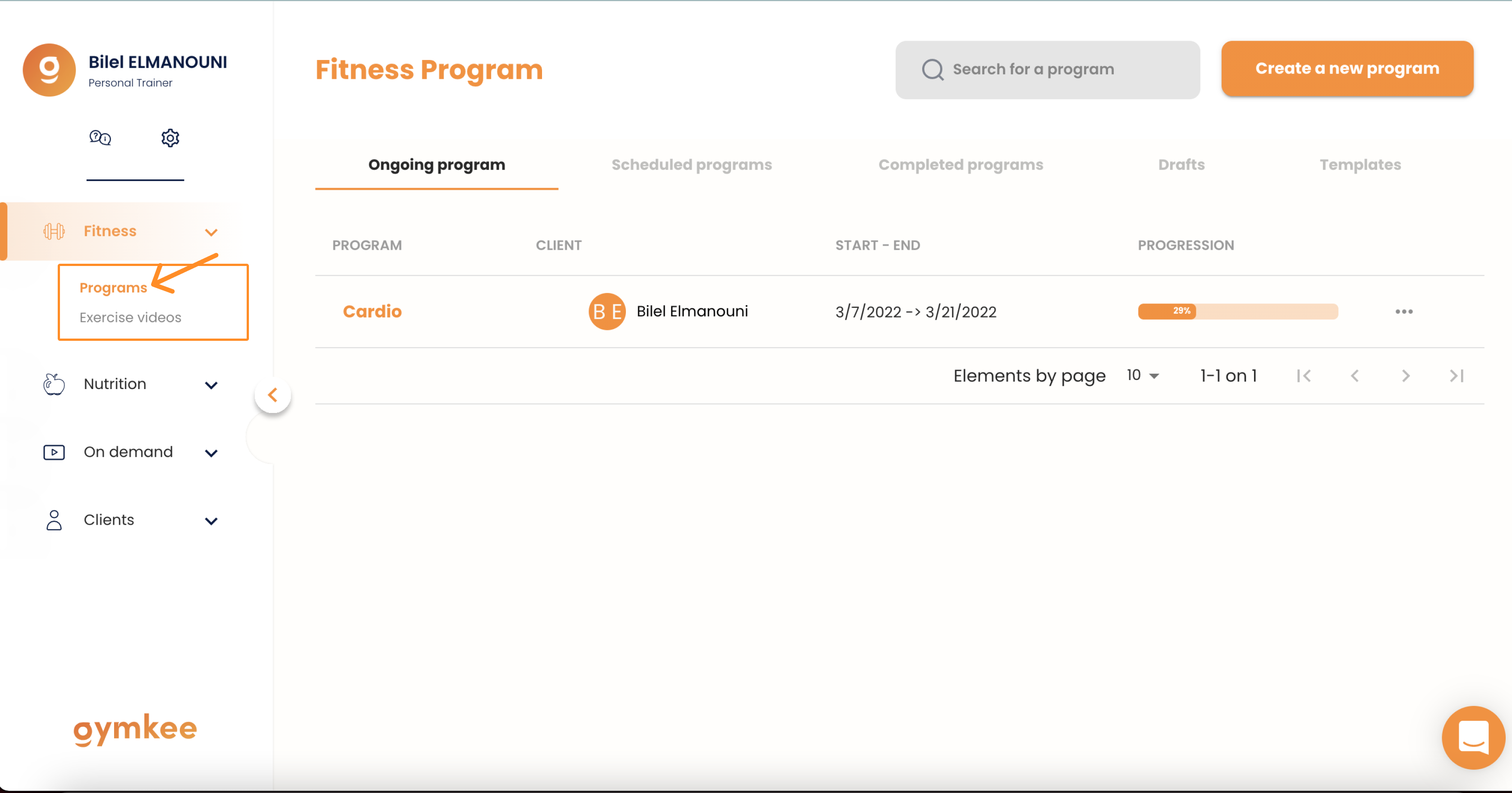
First, go to the "Programs" category on your navigation bar on the left side of your app.
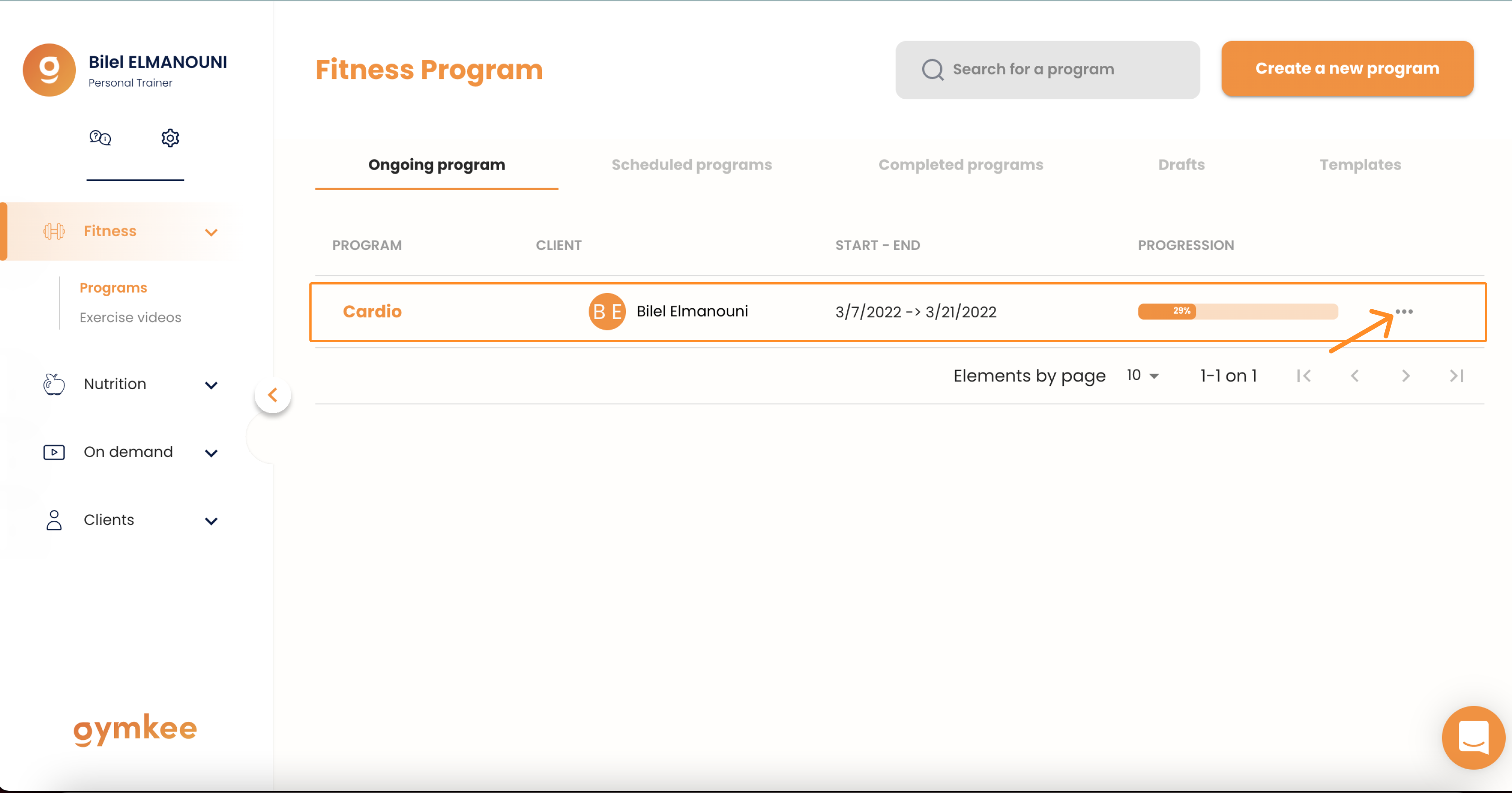
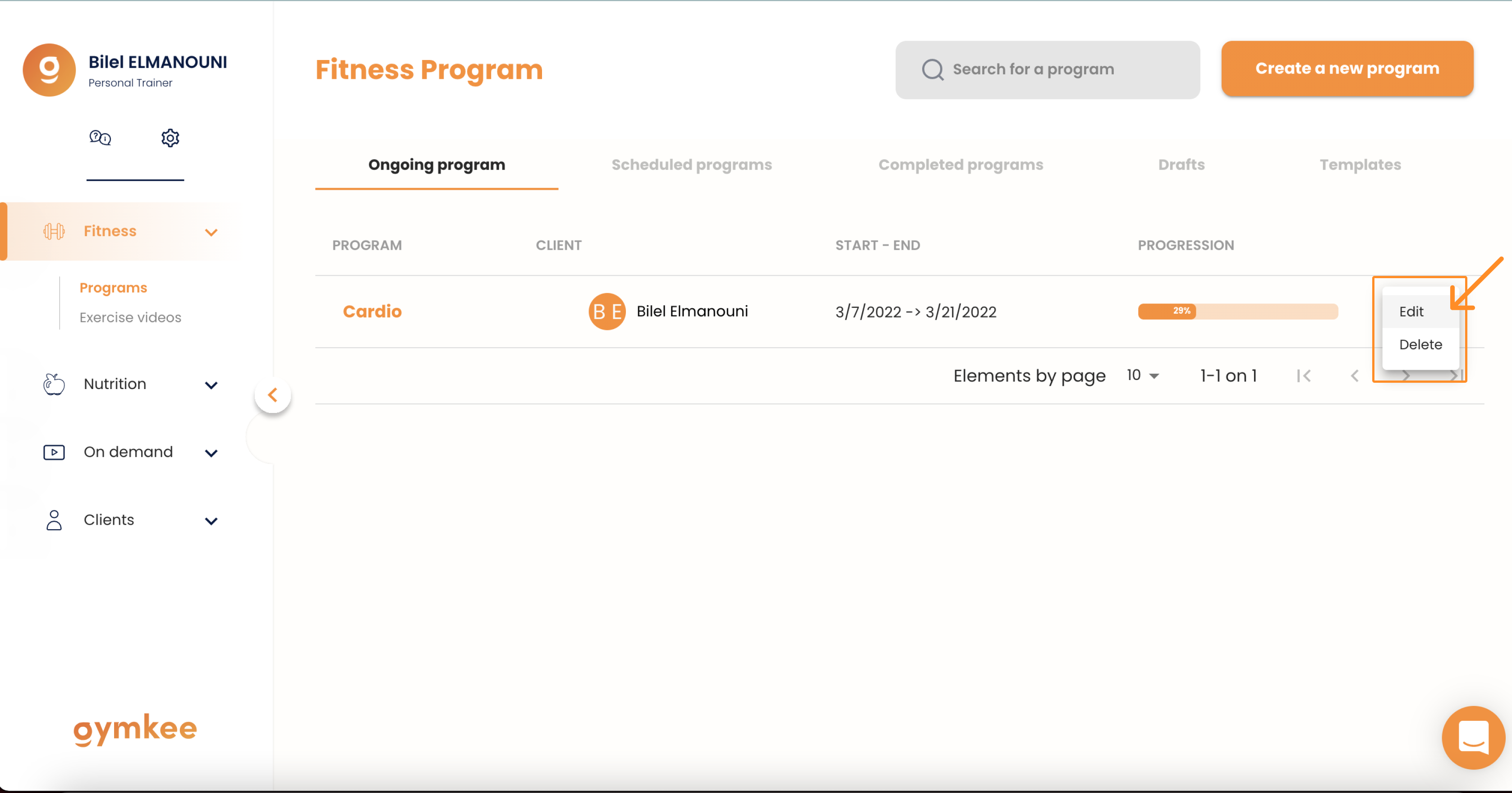
Once on your program page, on the right side of the program you want to edit you have 3 little dots "...".
Once you have modified the elements of your sessions and your program, all you have to do is save your changes.
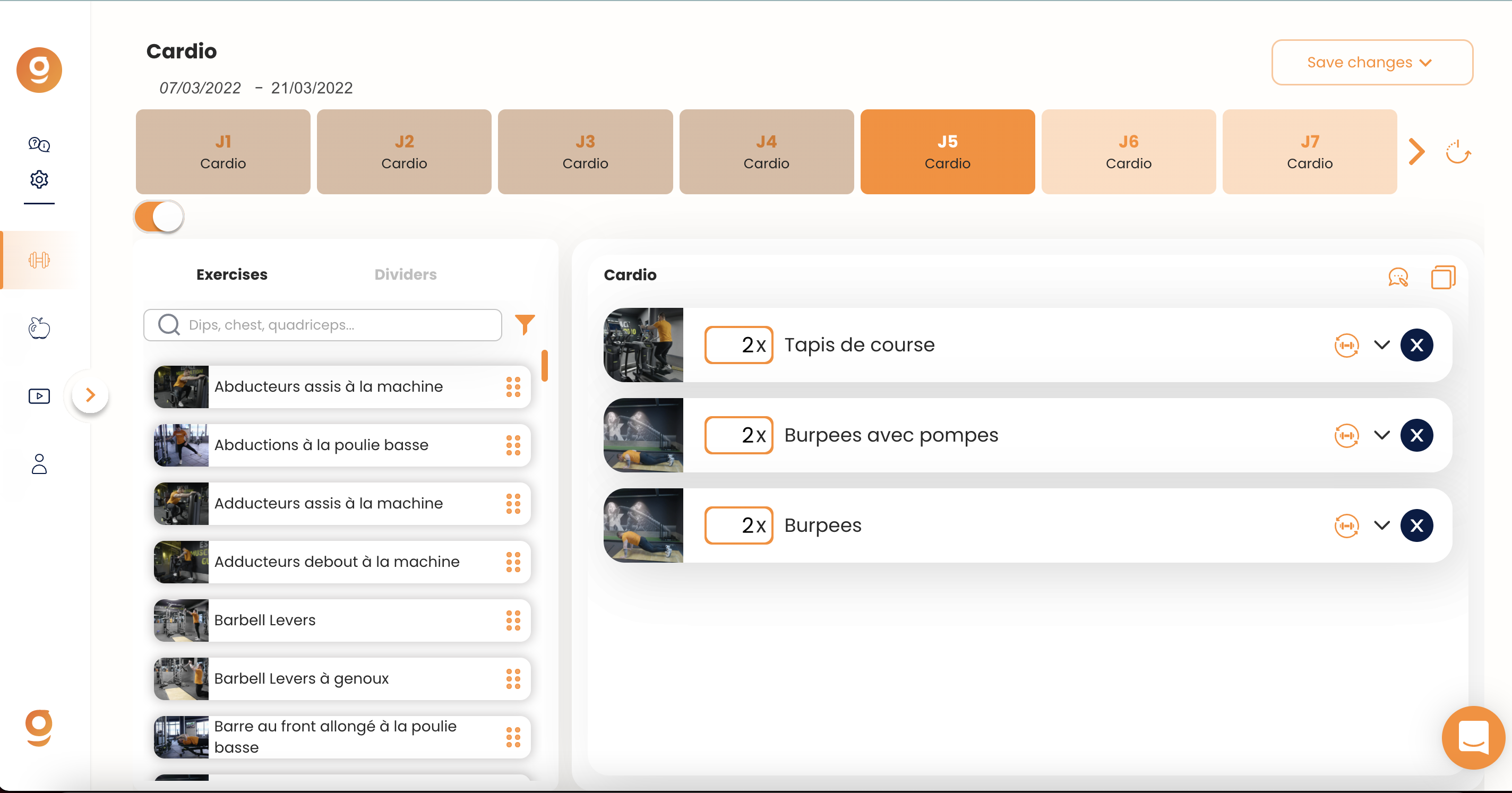
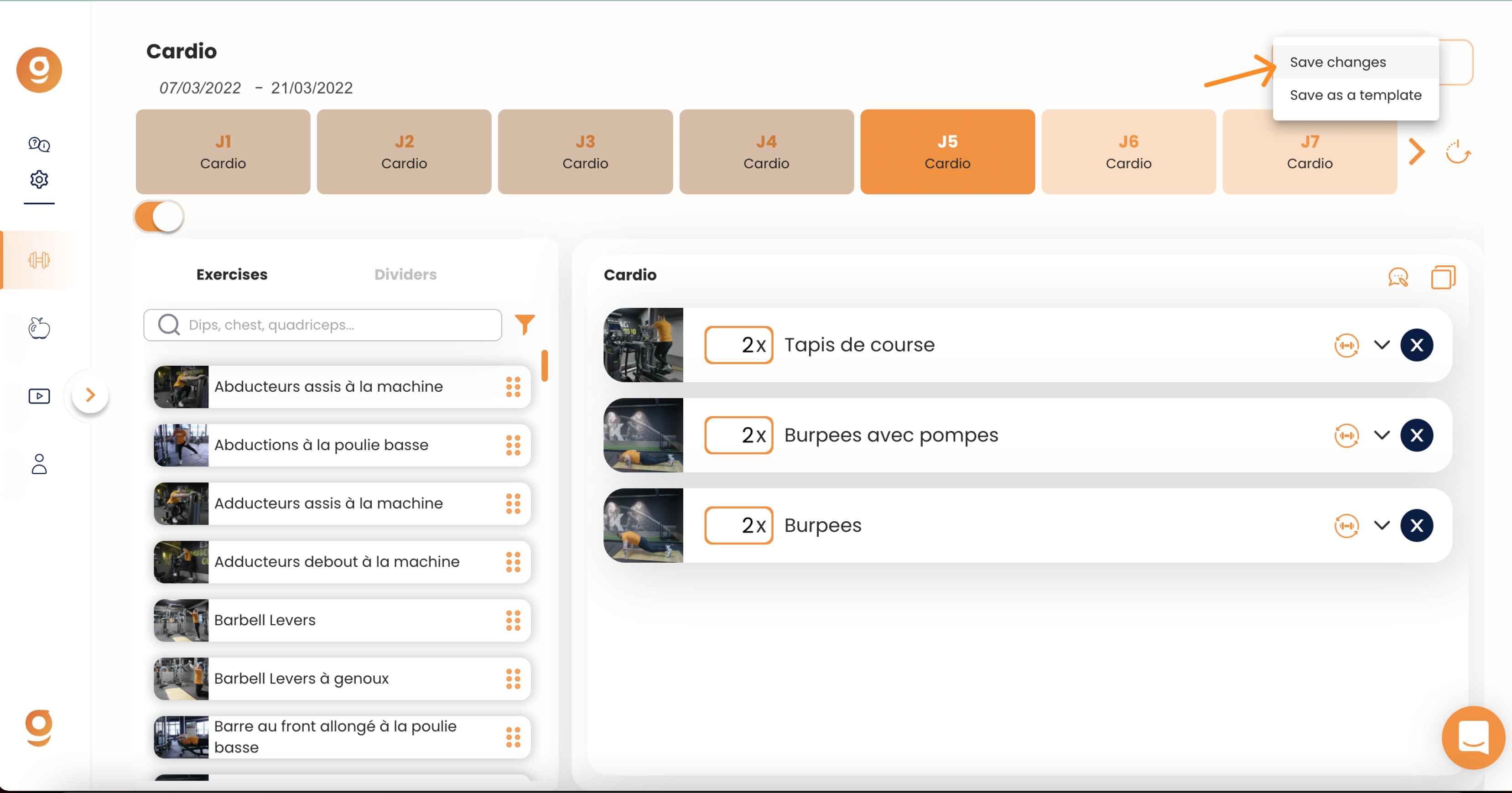
That's it! Now you know how to modify a current program for your clients :) Whether it's a fitness program or a food program, they both work the same way :)
If you need anything, feel free to contact us via the internal app chat on the bottom right 😉
Good coaching & take care of yourself ❤️
