

No Gymkee, tudo o que o teu cliente faz fica registado num só sítio, para que possas ver como ele está realmente e ajustar o teu coaching.
Abre Clientes, clica num cliente para abrir o seu perfil e fica no separador Atividade, é a primeira coisa que vês. É uma cronologia completa de tudo: treinos concluídos, refeições registadas, atividades como uma corrida e avaliações, dos mais recentes para os mais antigos.
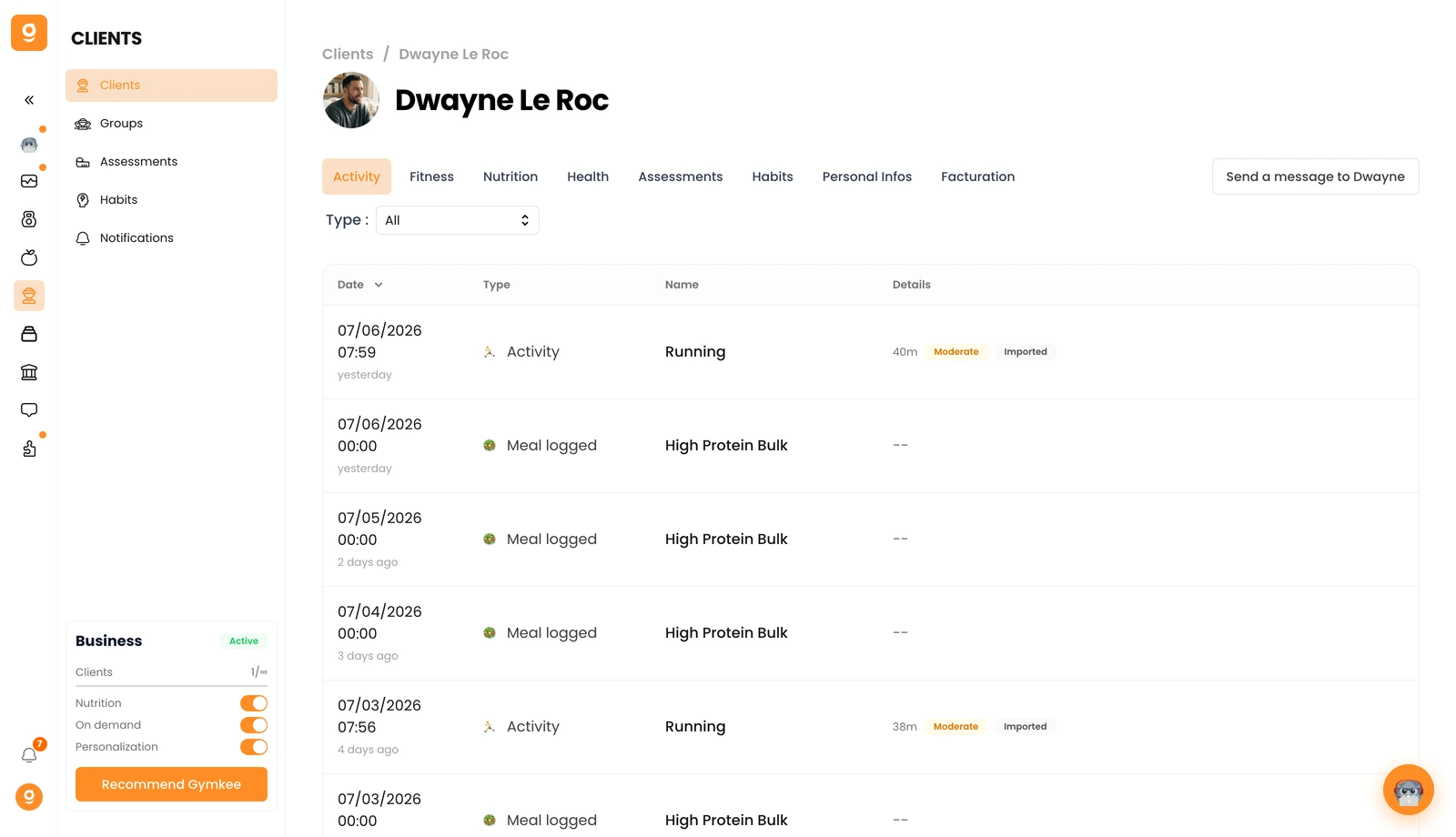
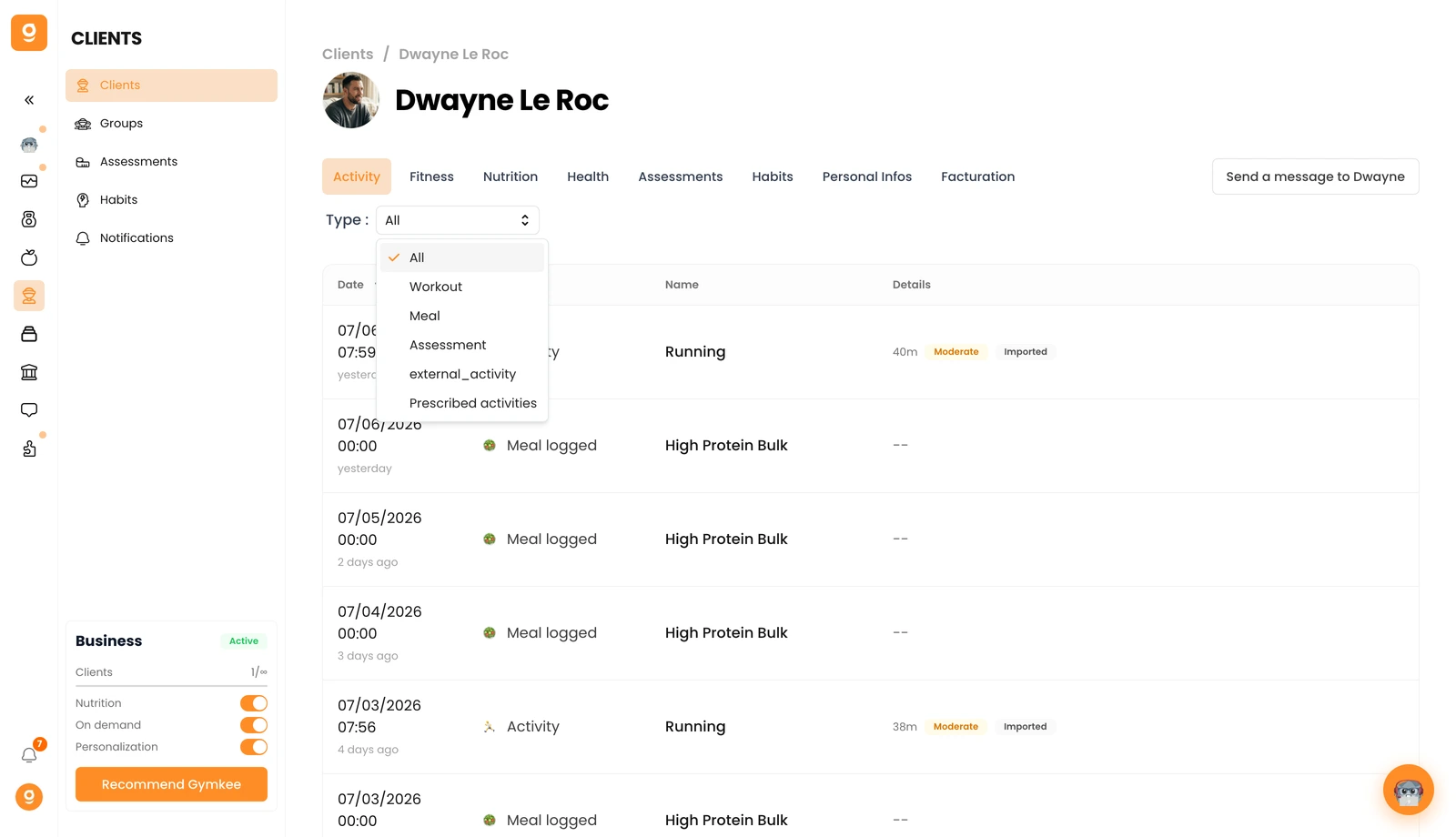
Queres focar-te numa só coisa? Usa o filtro Tipo no topo. Muda-o para Treino para veres apenas as sessões de treino, ou Refeição, Avaliação e mais.
Clica em qualquer treino da lista para abrir a sessão completa, um resumo rápido, o feedback do teu cliente no fim da sessão e os dados completos exercício a exercício. É assim que verificas se uma sessão correu bem e afinas o próximo bloco.
Se precisares de alguma coisa, contacta-nos através do chat na aplicação, no canto inferior direito 😉
Bom coaching & cuida de ti ❤️
