

On Gymkee, everything your client does is logged in one place, so you can see how they're really doing and adjust your coaching.
Open Clients, click a client to open their profile, and stay on the Activity tab — it's the first thing you see. It's a full timeline of everything: completed workouts, logged meals, activities like a run, and assessments, newest first.
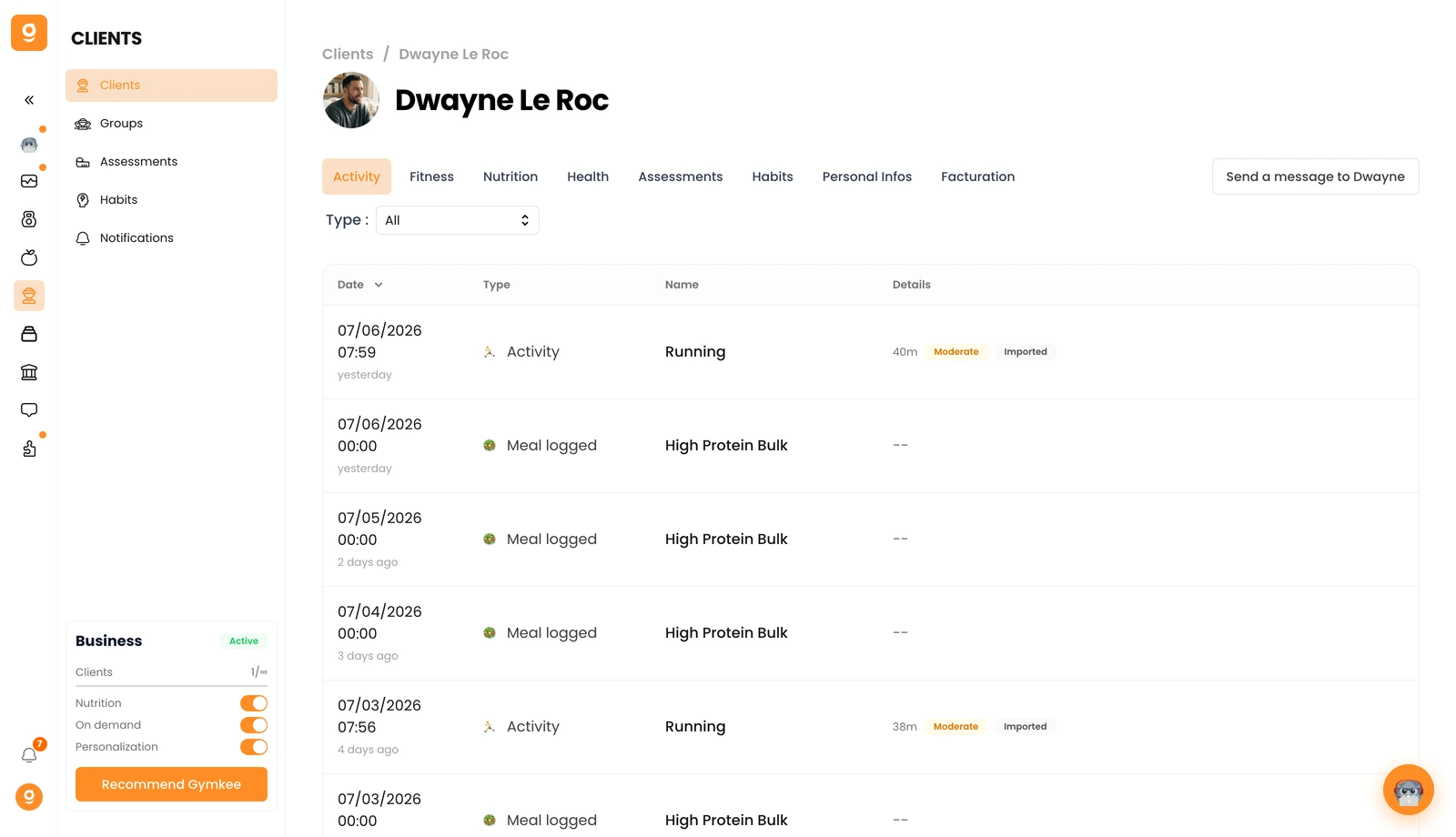
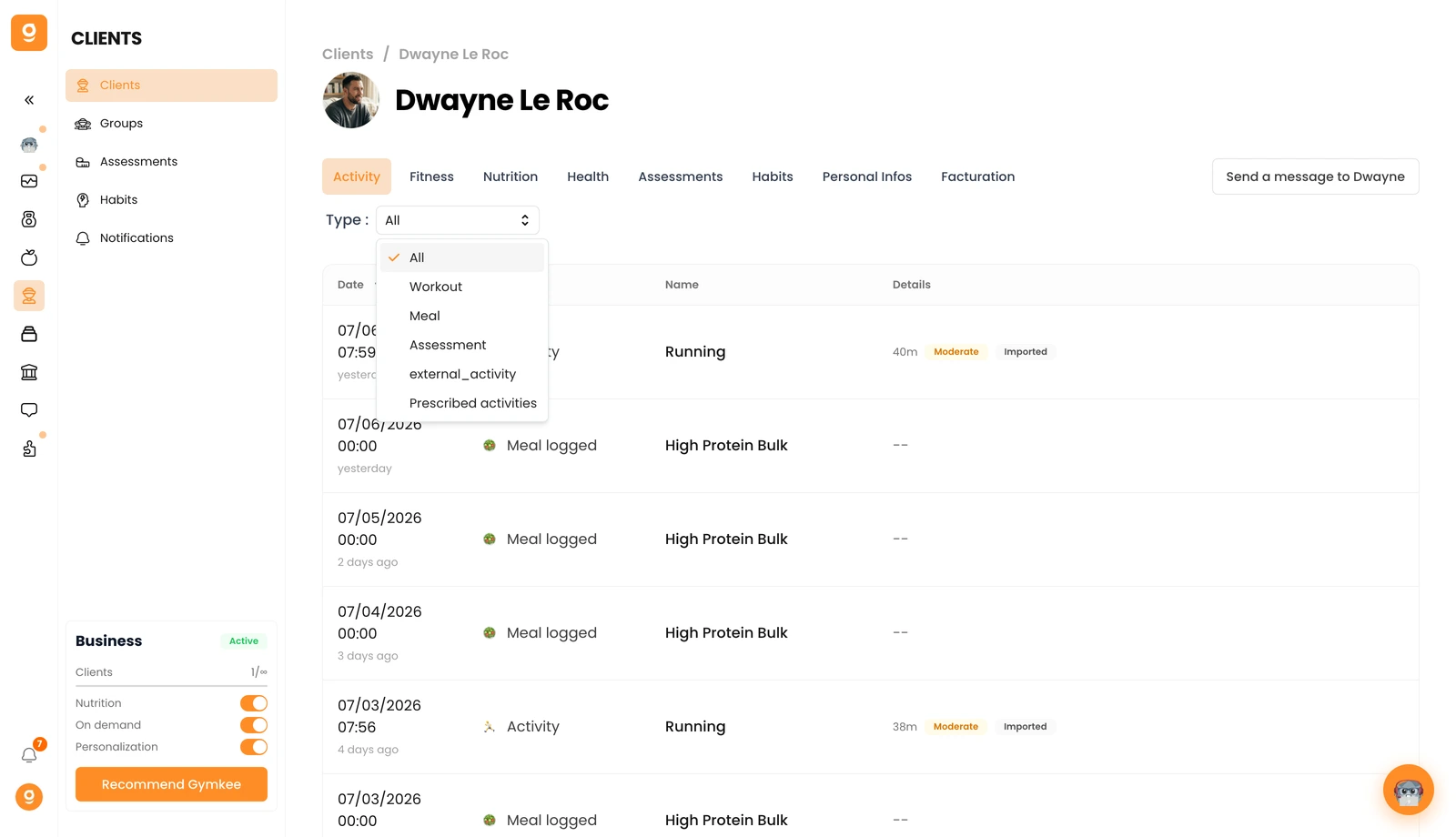
Want to focus on one thing? Use the Type filter at the top. Switch it to Workout to see only training sessions, or Meal, Assessment, and more.
Click any workout in the list to open the full session — a quick summary, your client's end-of-session feedback, and the complete data exercise by exercise. That's how you check a session went well and fine-tune the next block.
If you need anything, reach us via the in-app chat at the bottom right 😉
Good coaching & take care of yourself ❤️
