

On Gymkee, you can keep private notes on each client — so you remember what matters and give them the best possible coaching.
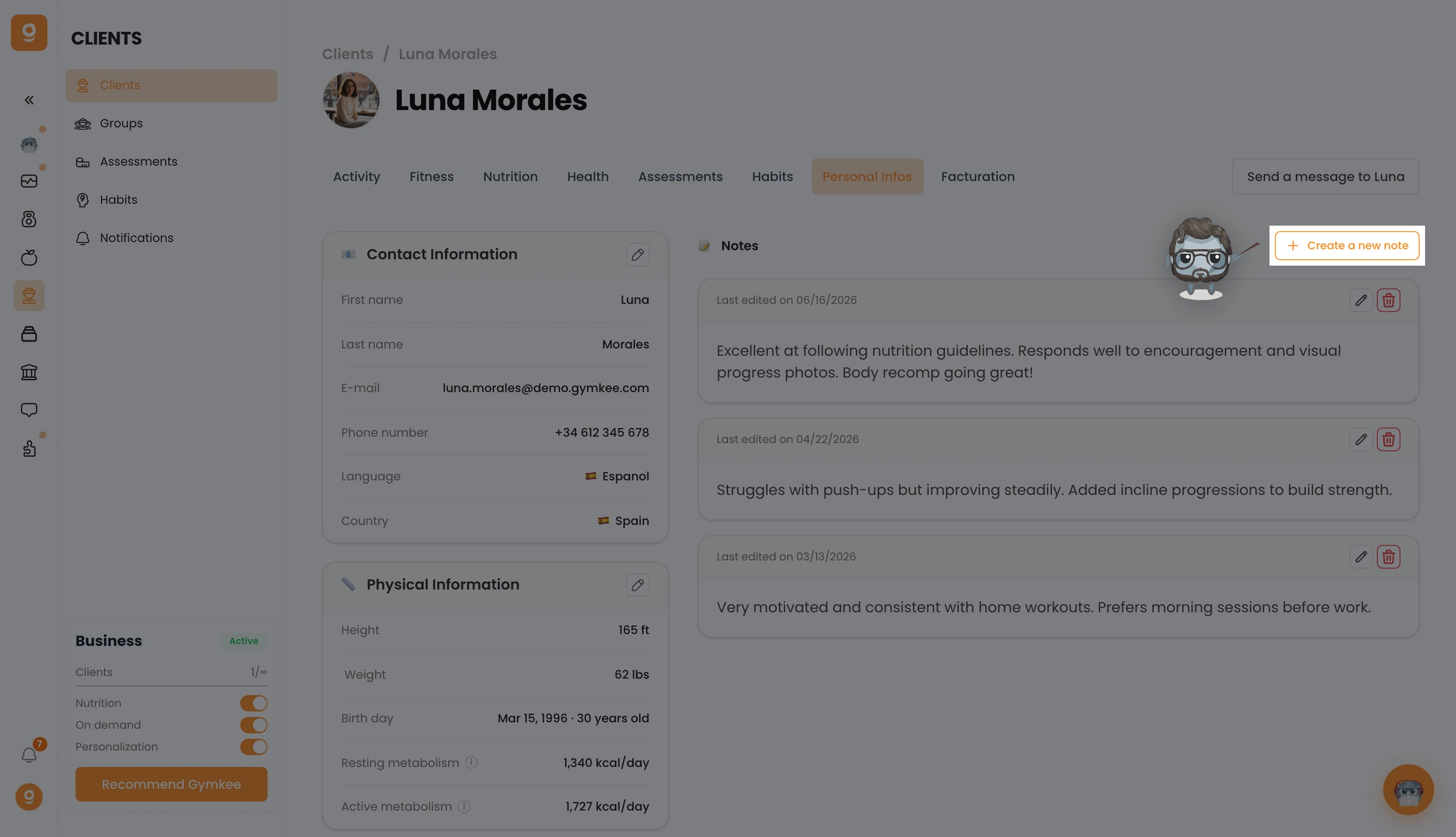
Open Clients, click a client to open their profile, and go to the Personal Infos tab. On the right you'll see the Notes section — click Create a new note.
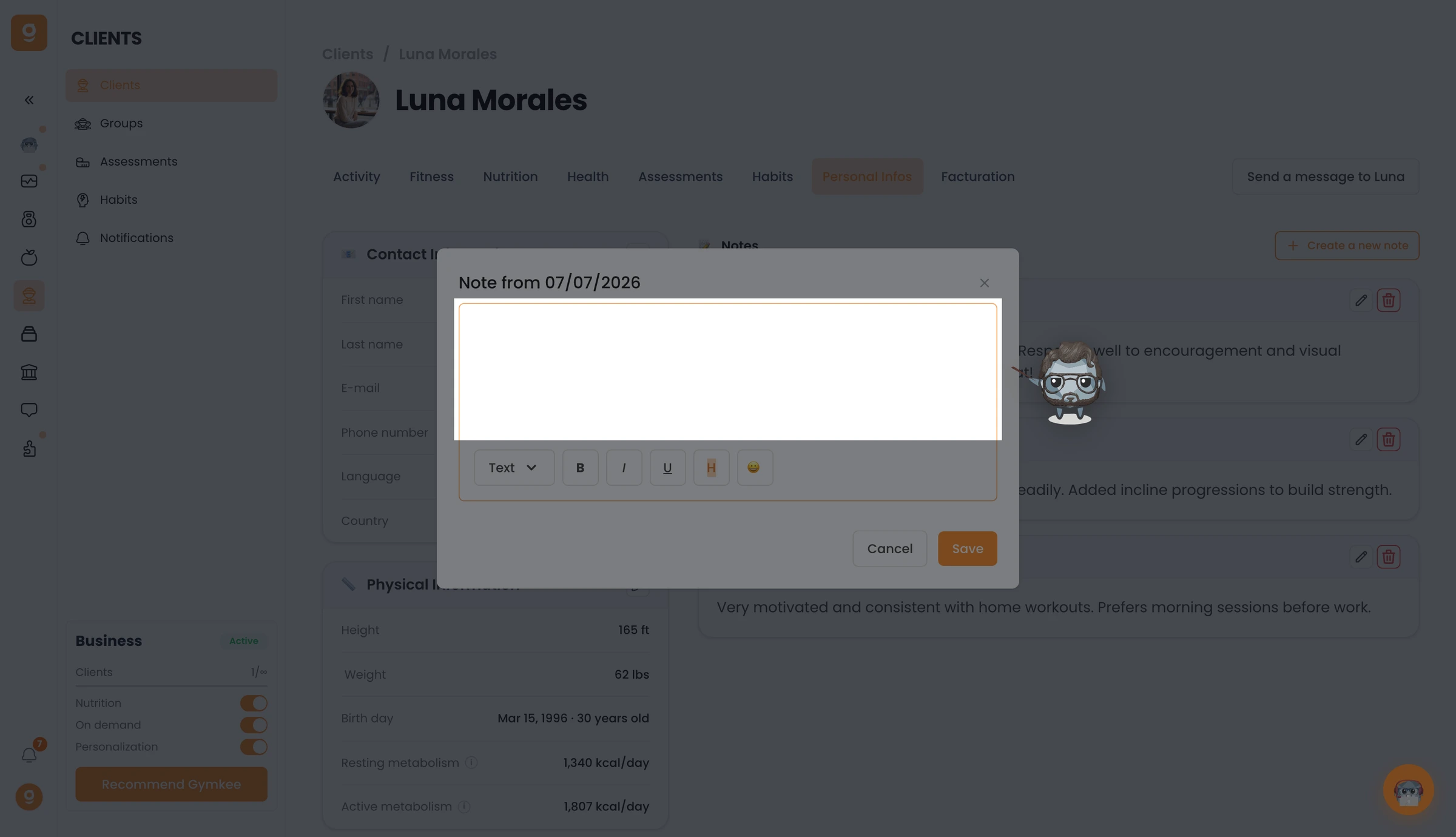
A note editor opens. Write whatever you want to remember, format it if you need to, and click Save. You can reopen and edit your notes anytime.
That's it — you now know how to keep notes on your clients on Gymkee.
If you need anything, reach us via the in-app chat at the bottom right 😉
Take care of yourself ❤️
