

Gymkeeでは、クライアントごとにプライベートなメモを残しておけます。大切なことを忘れずに覚えておけるので、より質の高いコーチングを提供できます。
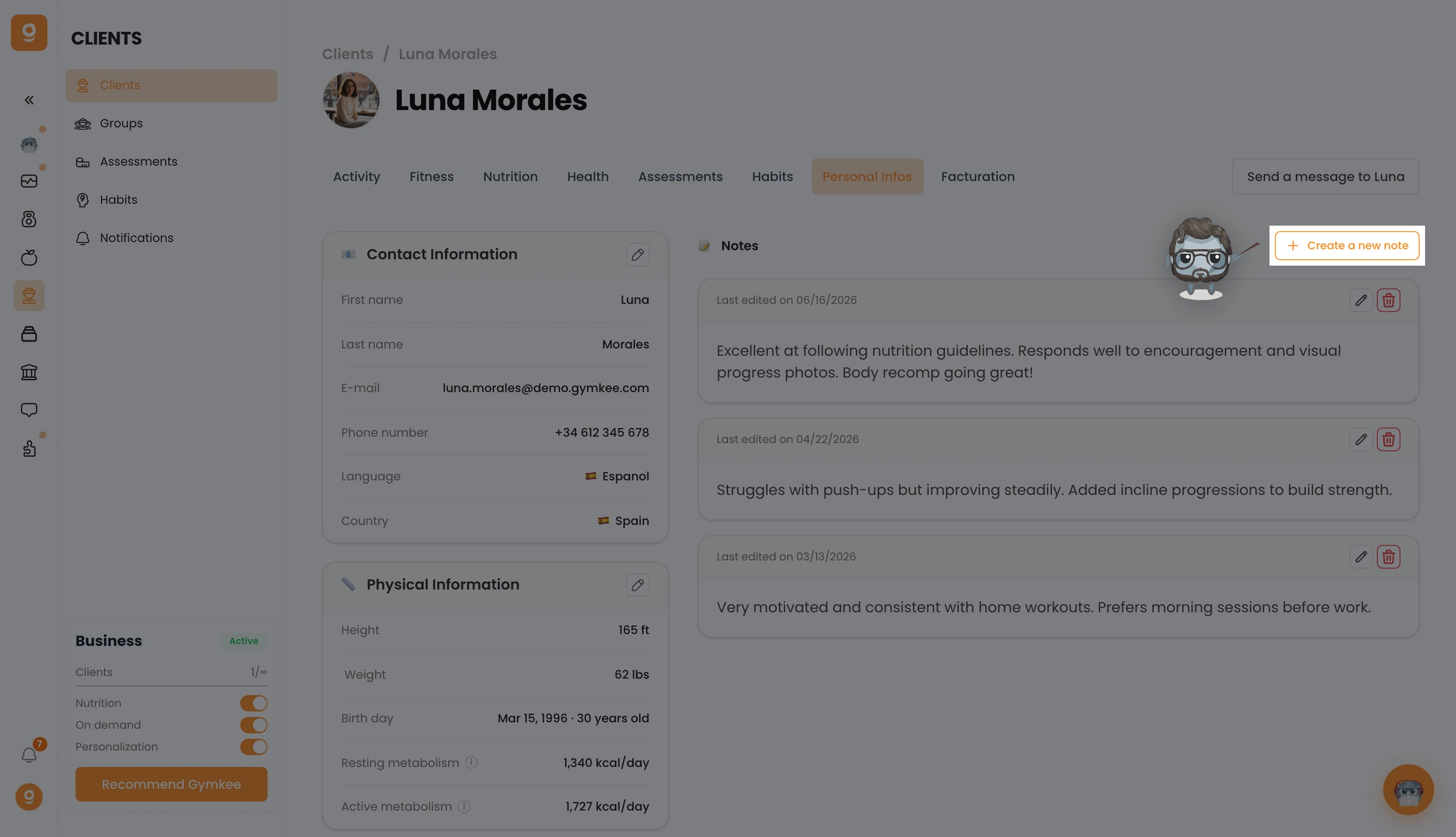
Clients(クライアント)を開き、クライアントをクリックしてプロフィールを開いたら、Personal Infos(個人情報)タブに移動します。右側に Notes(メモ)セクションが表示されるので、Create a new note(新しいメモを作成)をクリックします。
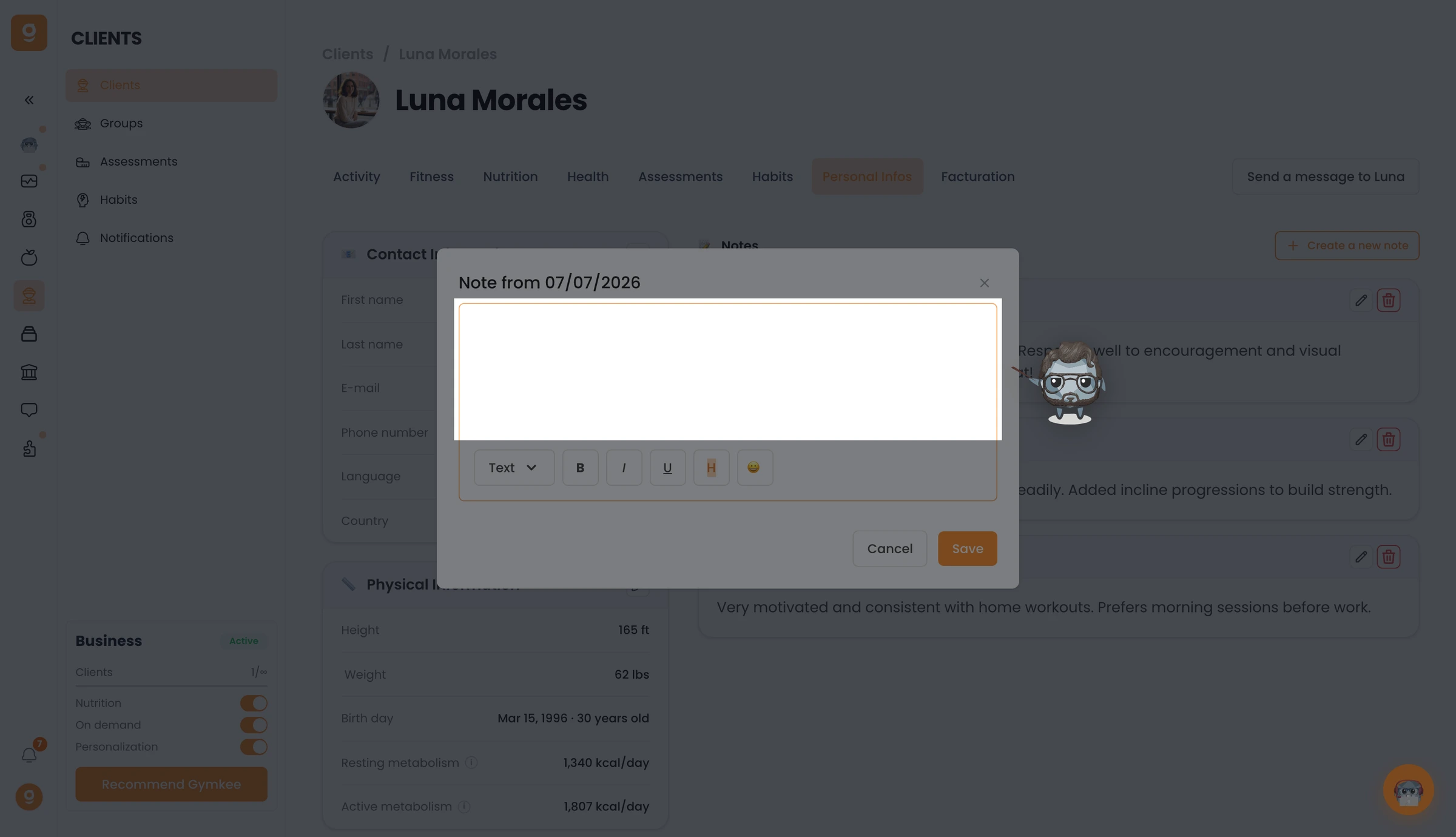
メモエディターが開きます。覚えておきたいことを自由に書き、必要に応じて書式を整えて、Save(保存)をクリックしましょう。メモはいつでも再度開いて編集できます。
これで完了です。Gymkeeでクライアントのメモを残す方法がわかりましたね。
何かお困りのことがあれば、画面右下のアプリ内チャットからお気軽にご連絡ください 😉
どうぞご自愛ください ❤️
