

On Gymkee, you can keep private notes on each client, so you remember what matters and give them the best possible coaching.
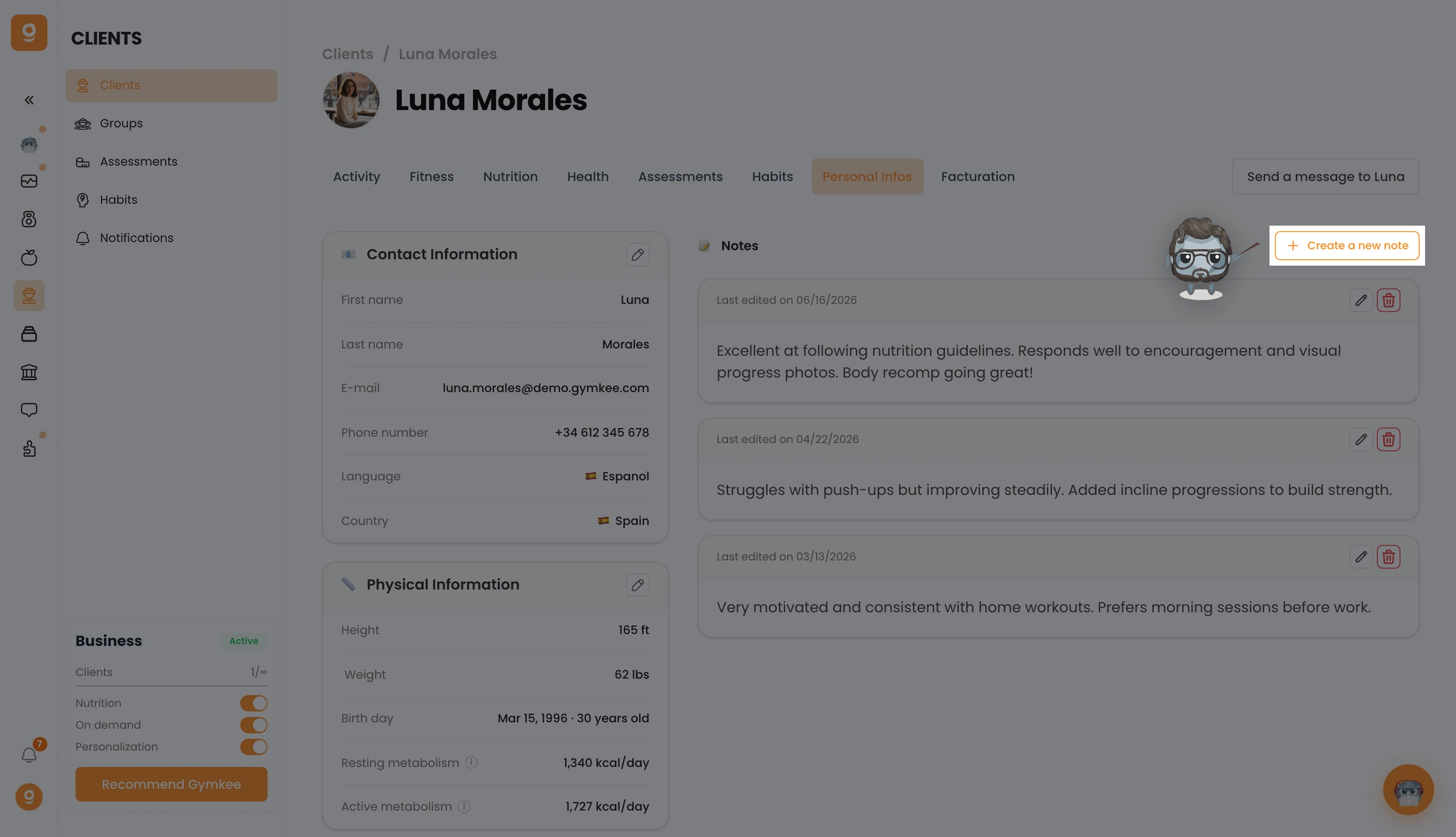
Open Clients, click a client to open their profile, and go to the Personal Infos tab. On the right you'll see the Notes section, click Create a new note.
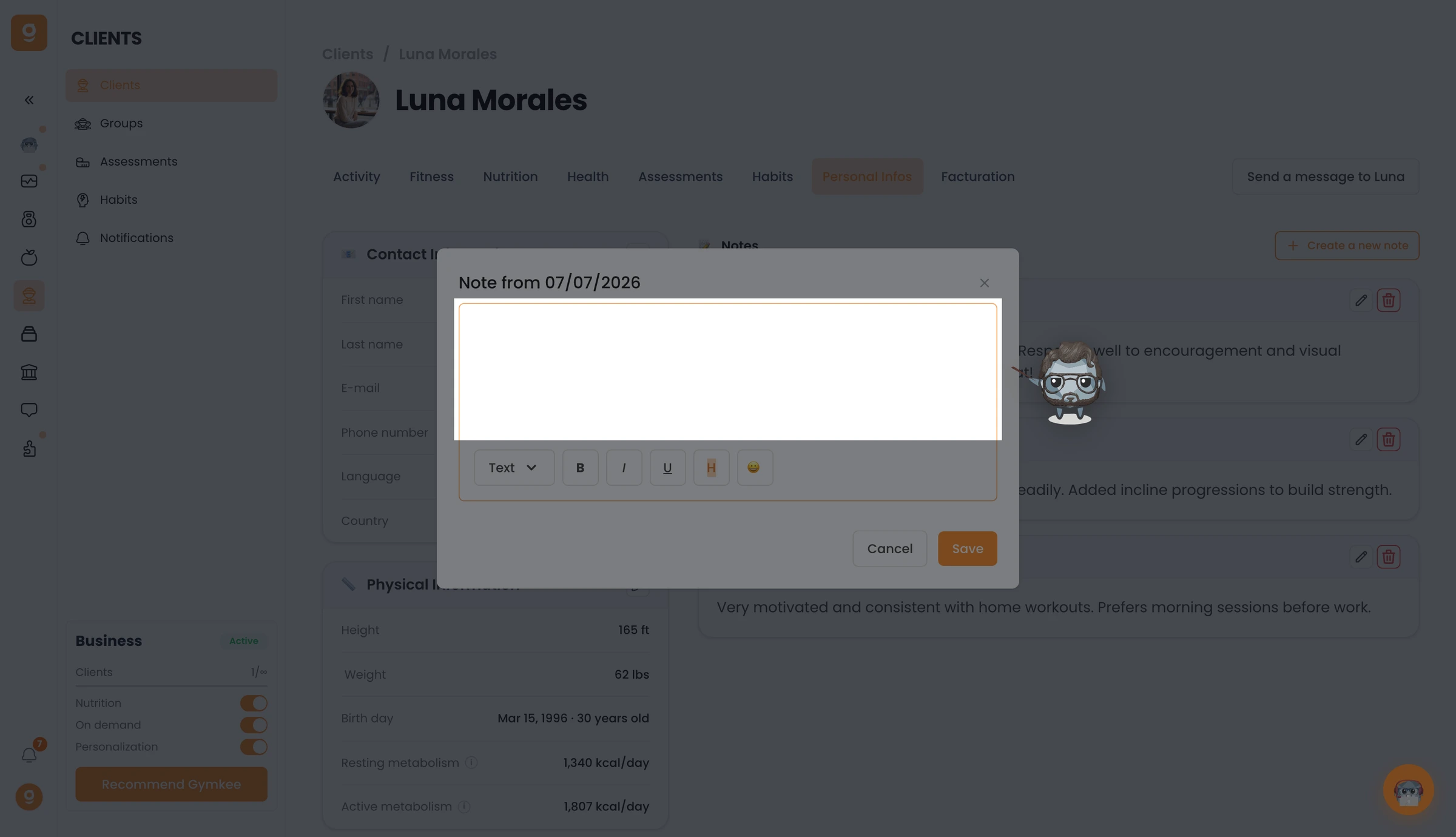
A note editor opens. Write whatever you want to remember, format it if you need to, and click Save. You can reopen and edit your notes anytime.
That's it, you now know how to keep notes on your clients on Gymkee.
If you need anything, reach us via the in-app chat at the bottom right 😉
Take care of yourself ❤️
