

Gymkee comes with 550+ ready-to-use exercises, but you can also add your own, with your own videos, so your clients see exactly the movement you want.
Open Fitness → Exercise library and click Add an exercise at the top right.
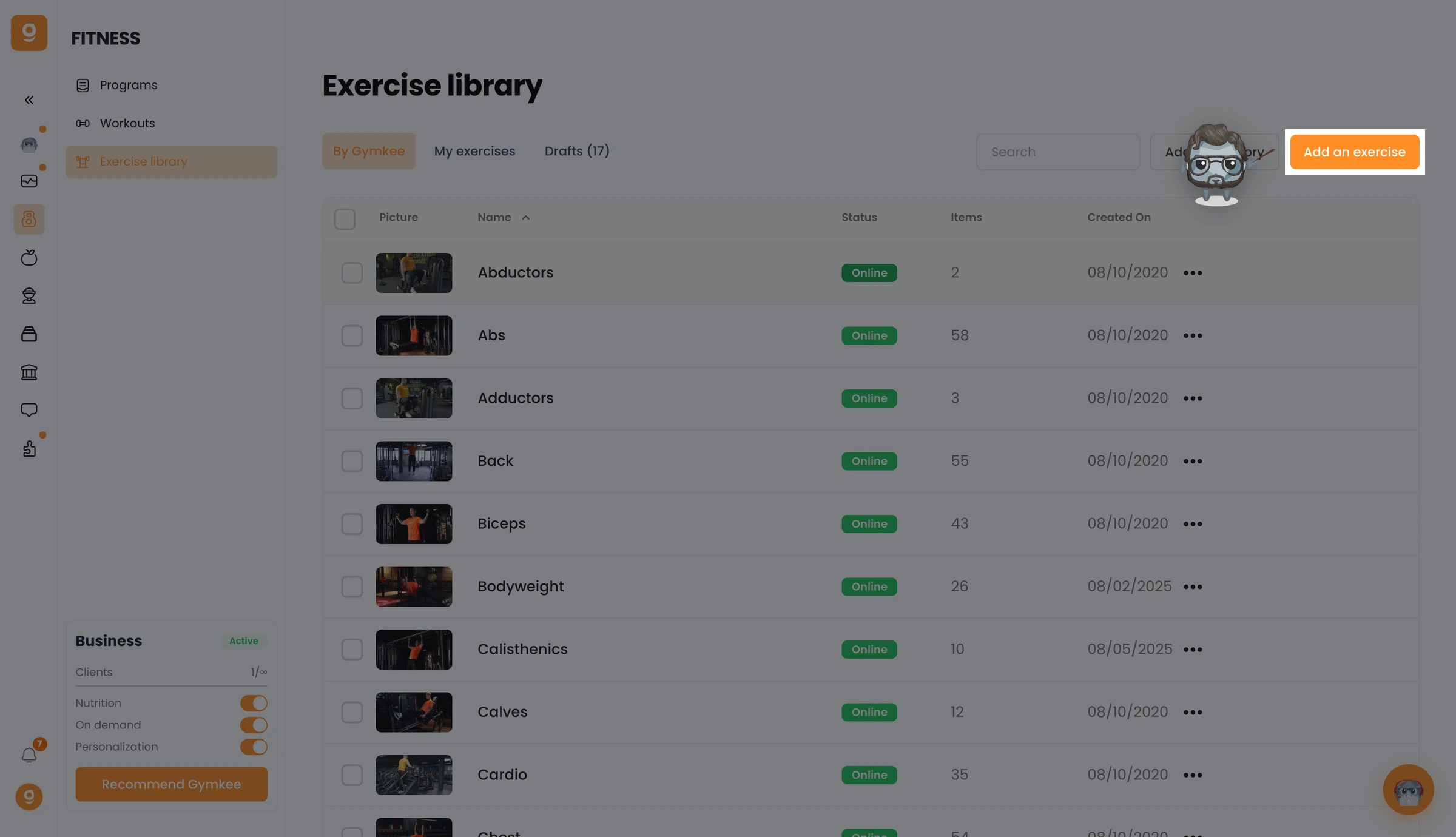
Drag one or more videos into the drop zone (MP4, MOV or WebM), drop one to create a single exercise, or several to create them all at once. You can also turn on Use Dwayne AI to auto-fill the name, description, categories and tags from your video, then click Continue.
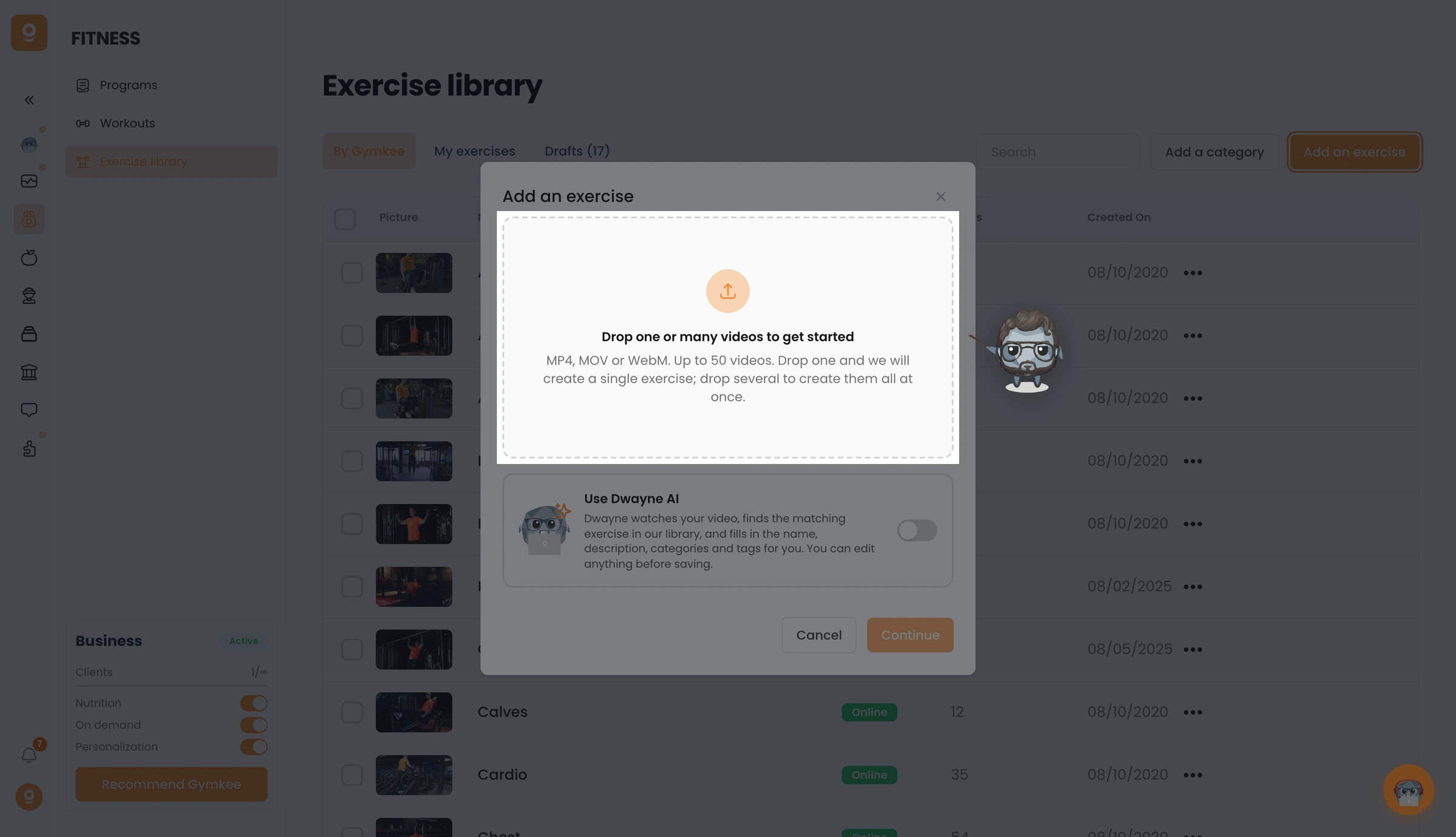
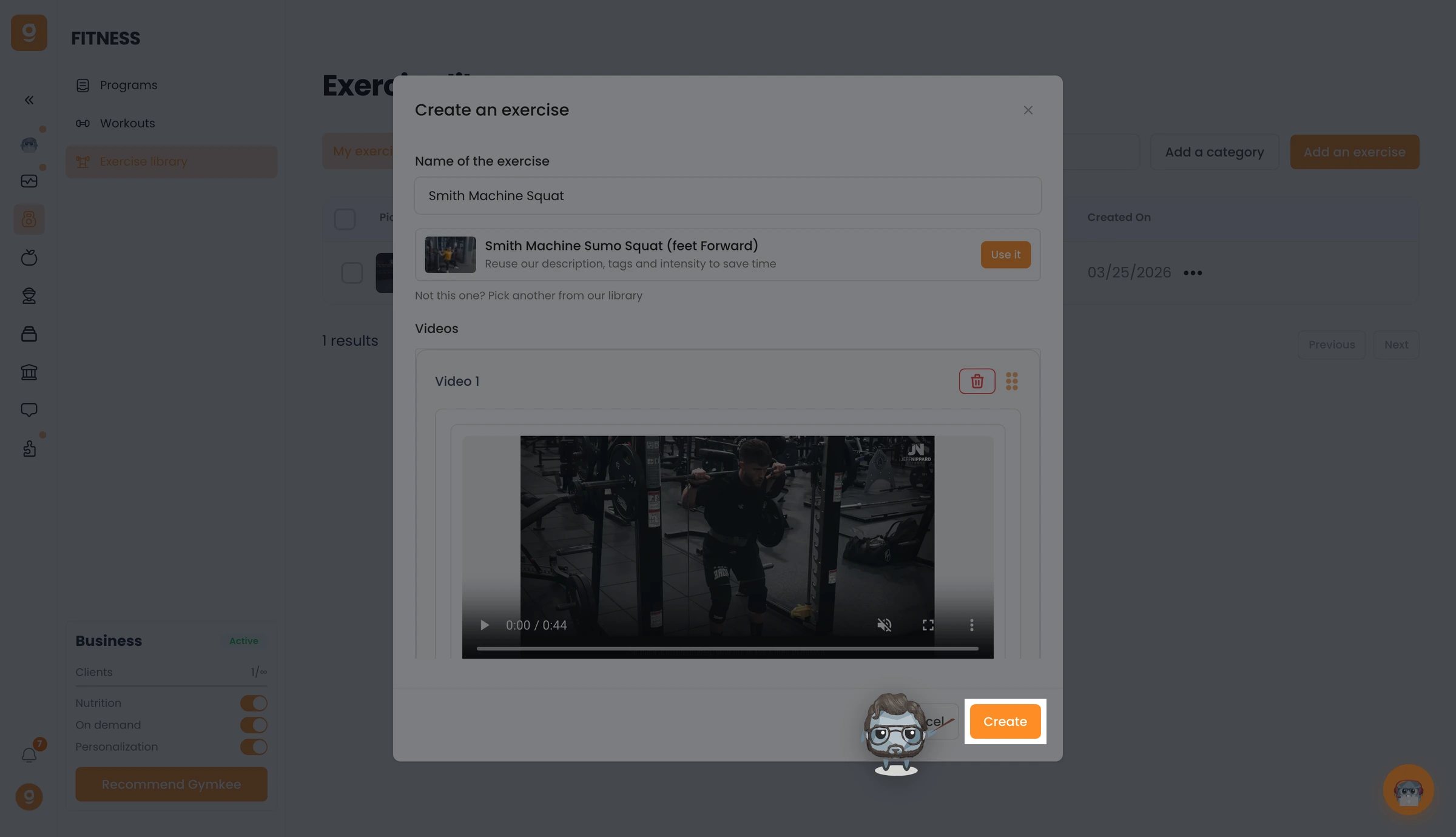
In the editor, give your exercise a name and check its video.
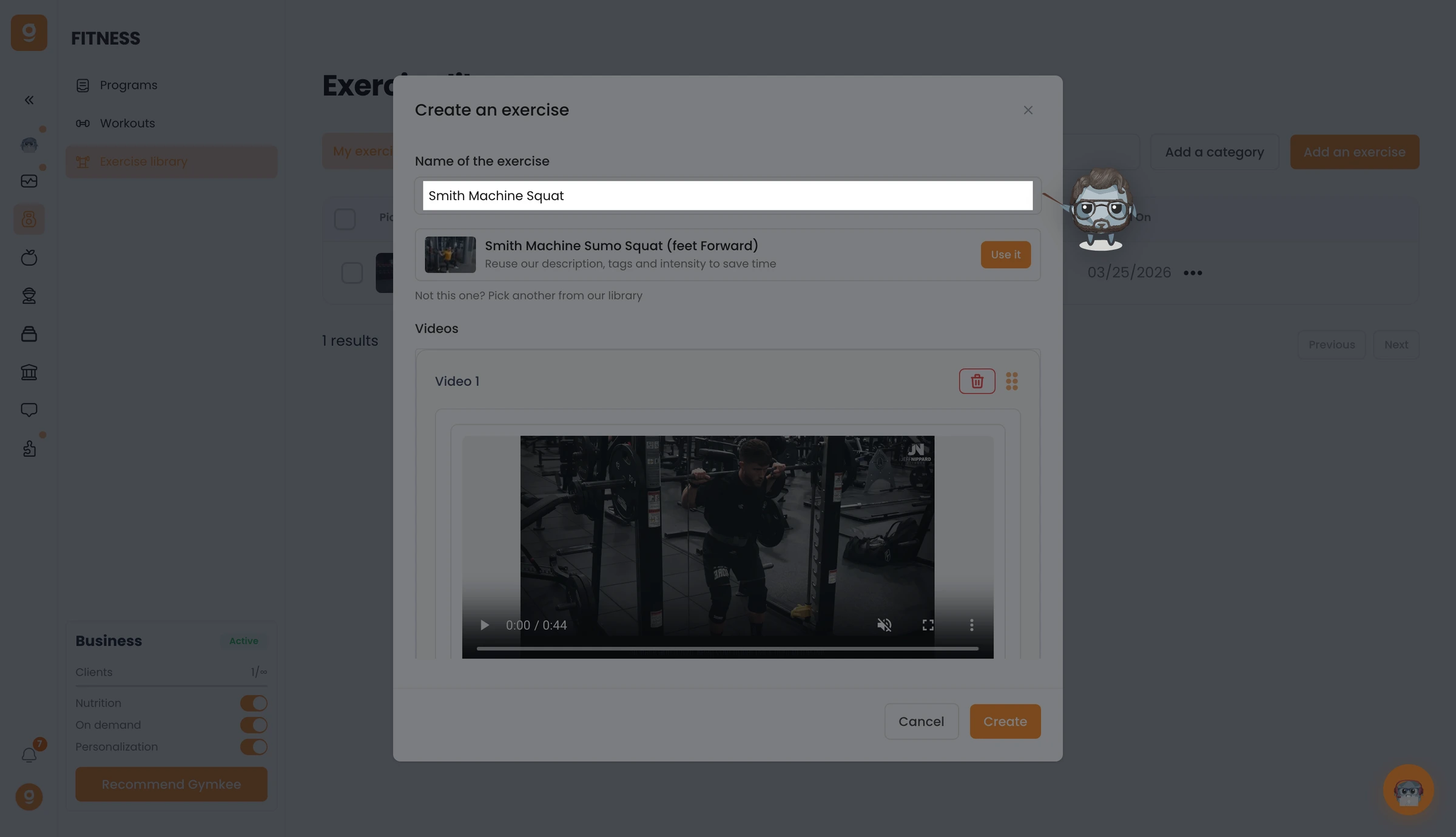
Set the model and orientation, then write a description & execution to guide your clients through the movement.
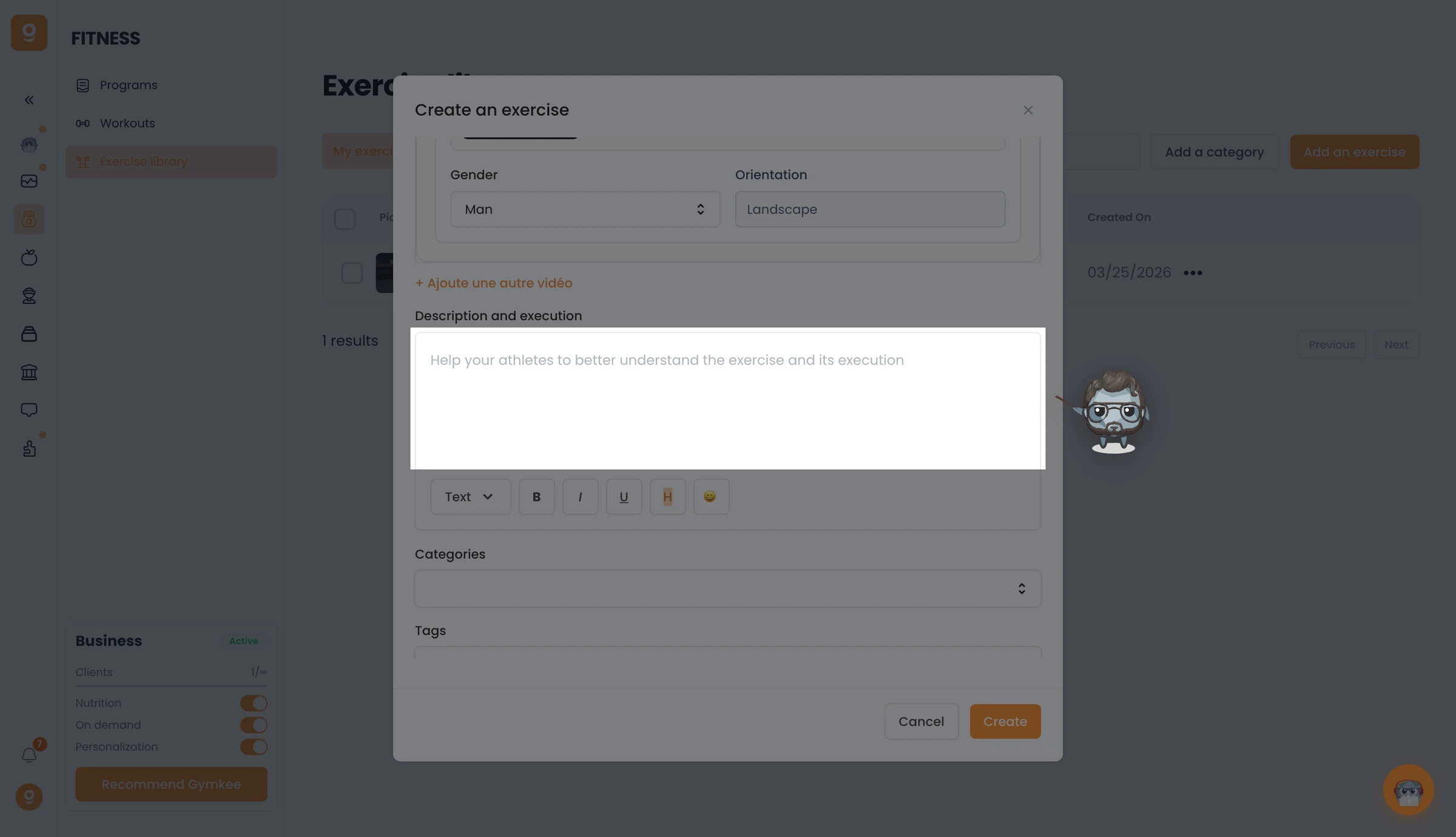
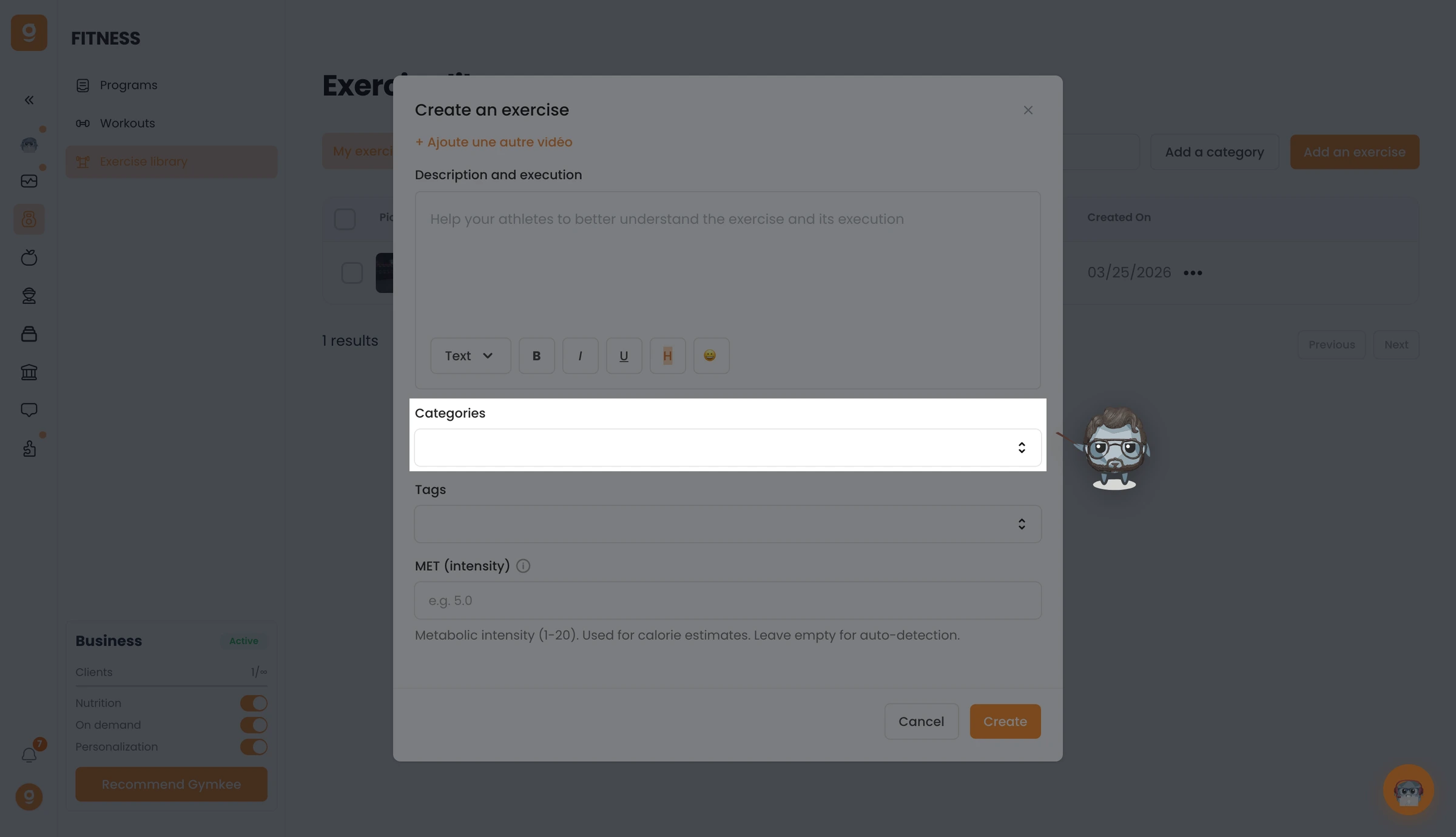
Pick the Categories, every muscle group the exercise targets, primary and secondary, add Tags to organize it, and optionally a MET value for calorie estimates.
When everything's set, click Create. Your exercise is added to your library, ready to drop into any program.
Once you've added your own exercises, you can also hide the Gymkee library so clients see only yours, see Hide the Gymkee exercise library.
If you need anything, reach us via the in-app chat at the bottom right 😉
Great coaching & take care of yourself ❤️
