

Staat je app niet in jouw taal? Geen probleem, je kunt hem in een paar klikken wijzigen.
Open Instellingen in het linkermenu en open dan het tabblad Workspace. Gebruik onder Lokalisatie het dropdownmenu Taal.
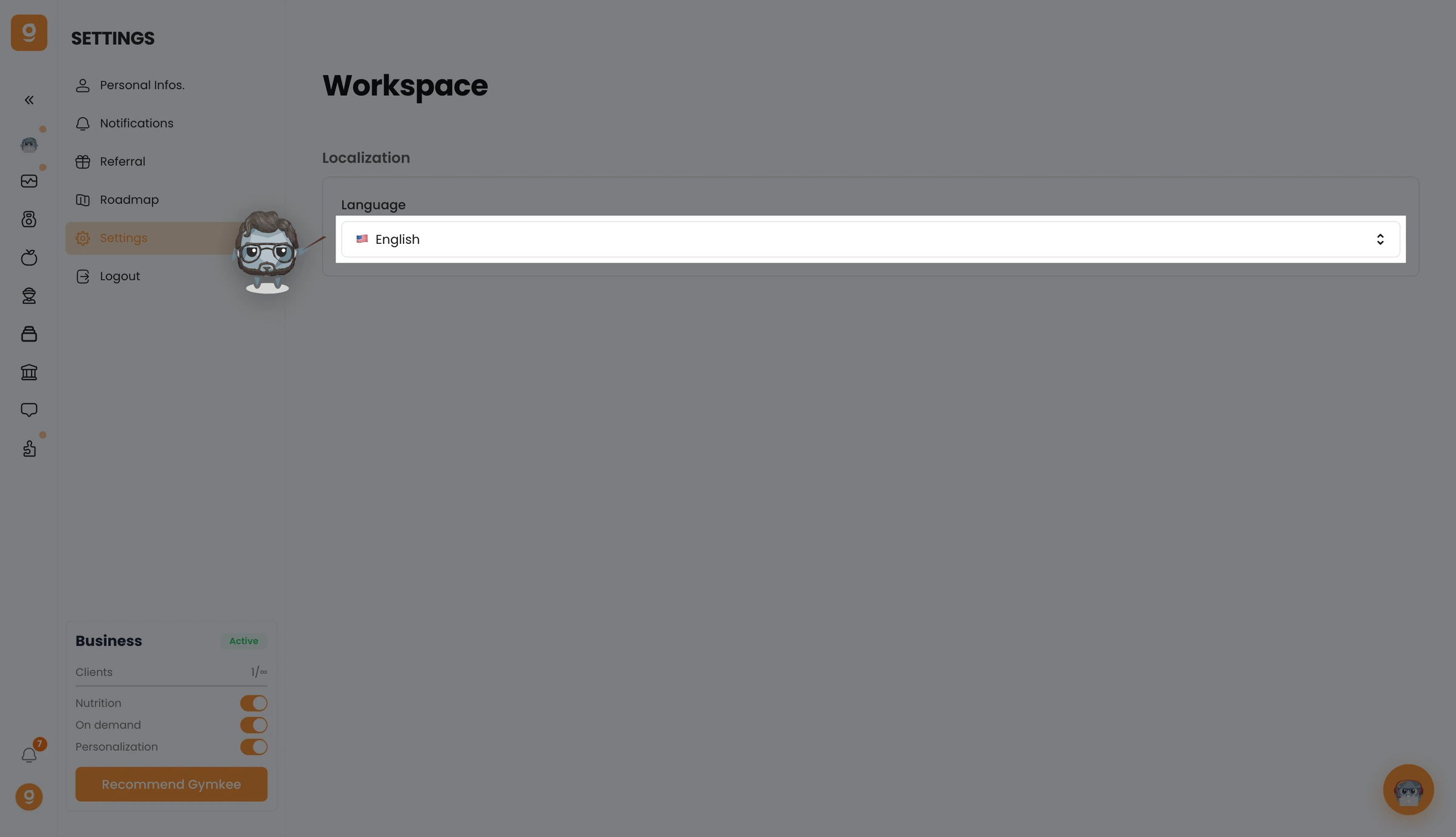
Kies je taal uit het dropdownmenu, hij wordt meteen op je hele workspace toegepast.
We helpen je graag als je ergens hulp bij nodig hebt!
Fijne trainingen en zorg goed voor jezelf ❤️
