

Is your app not in your language? No problem, you can change it in a couple of clicks.
Open Settings in the left menu, then open the Workspace tab. Under Localization, use the Language dropdown.
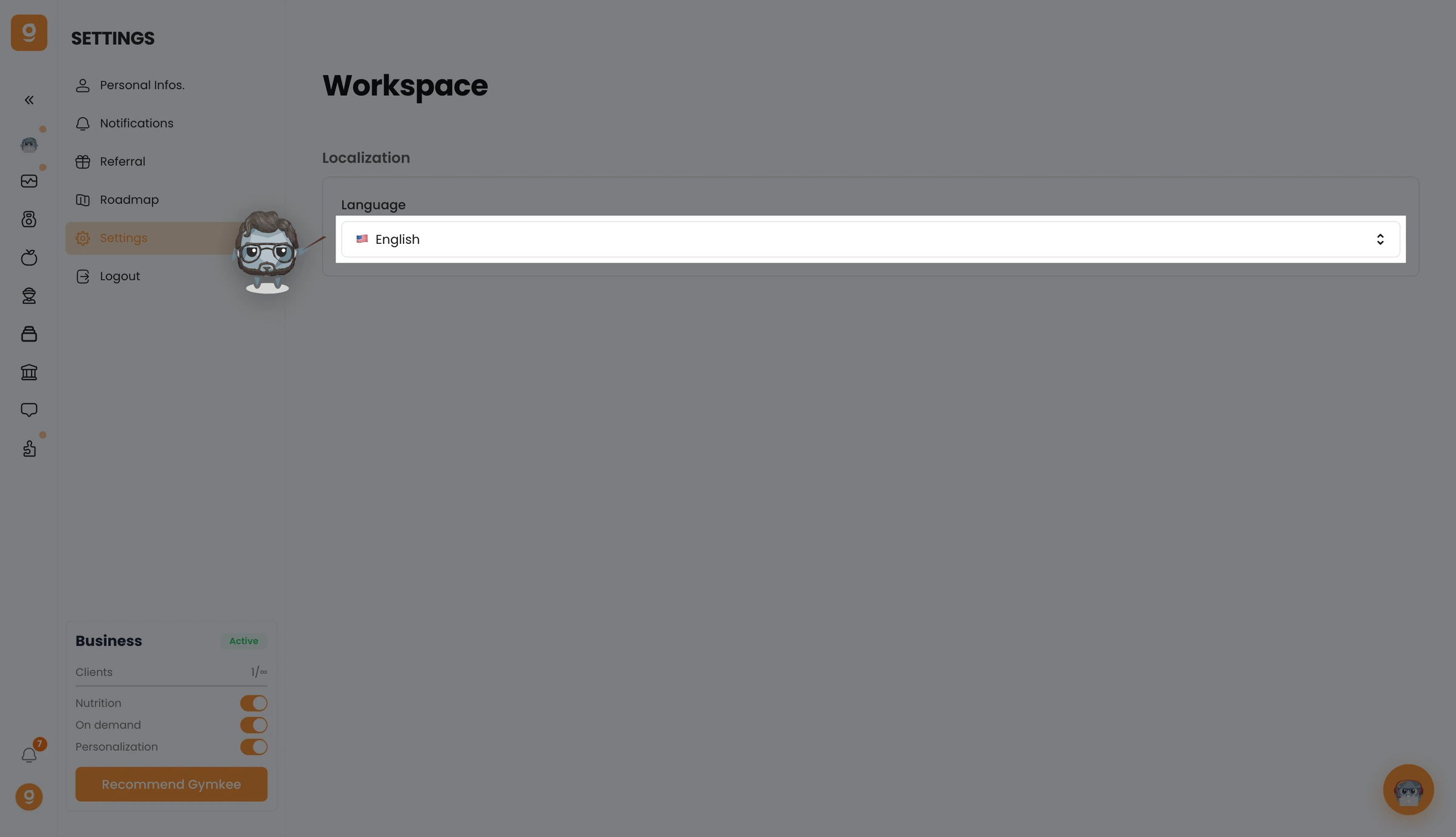
Pick your language from the dropdown, it applies to your whole workspace right away.
We'll be happy to help if you need anything!
Enjoy your sessions and take care ❤️
