

Once you've built a nutrition program, you can save it as a template to reuse it later, it's exactly what we recommend doing.
The best coaches on Gymkee save most of their programs as templates, naming them by client profile so they can reuse them with the next similar client.
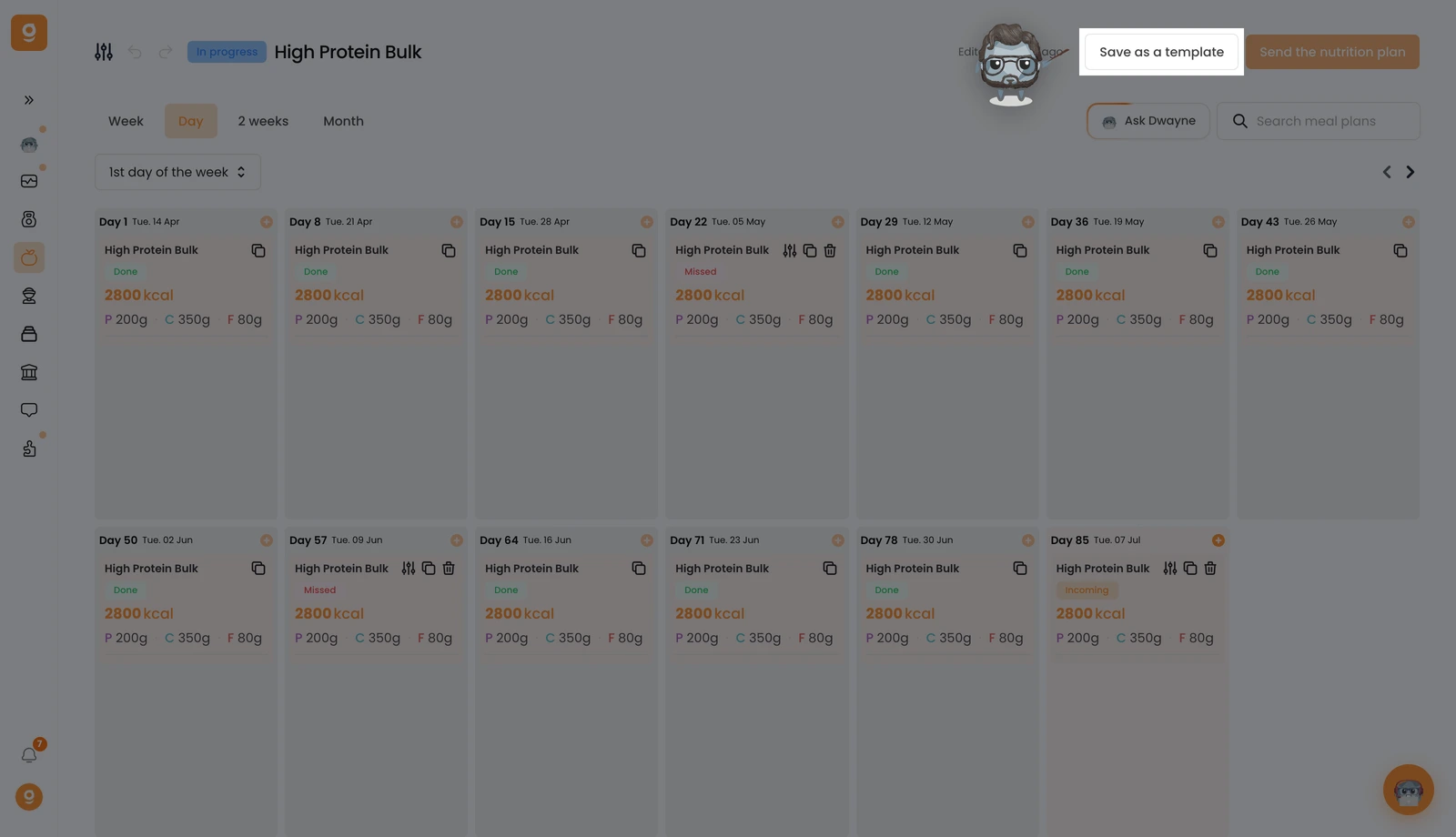
Click Save as a template at the top right of the program.
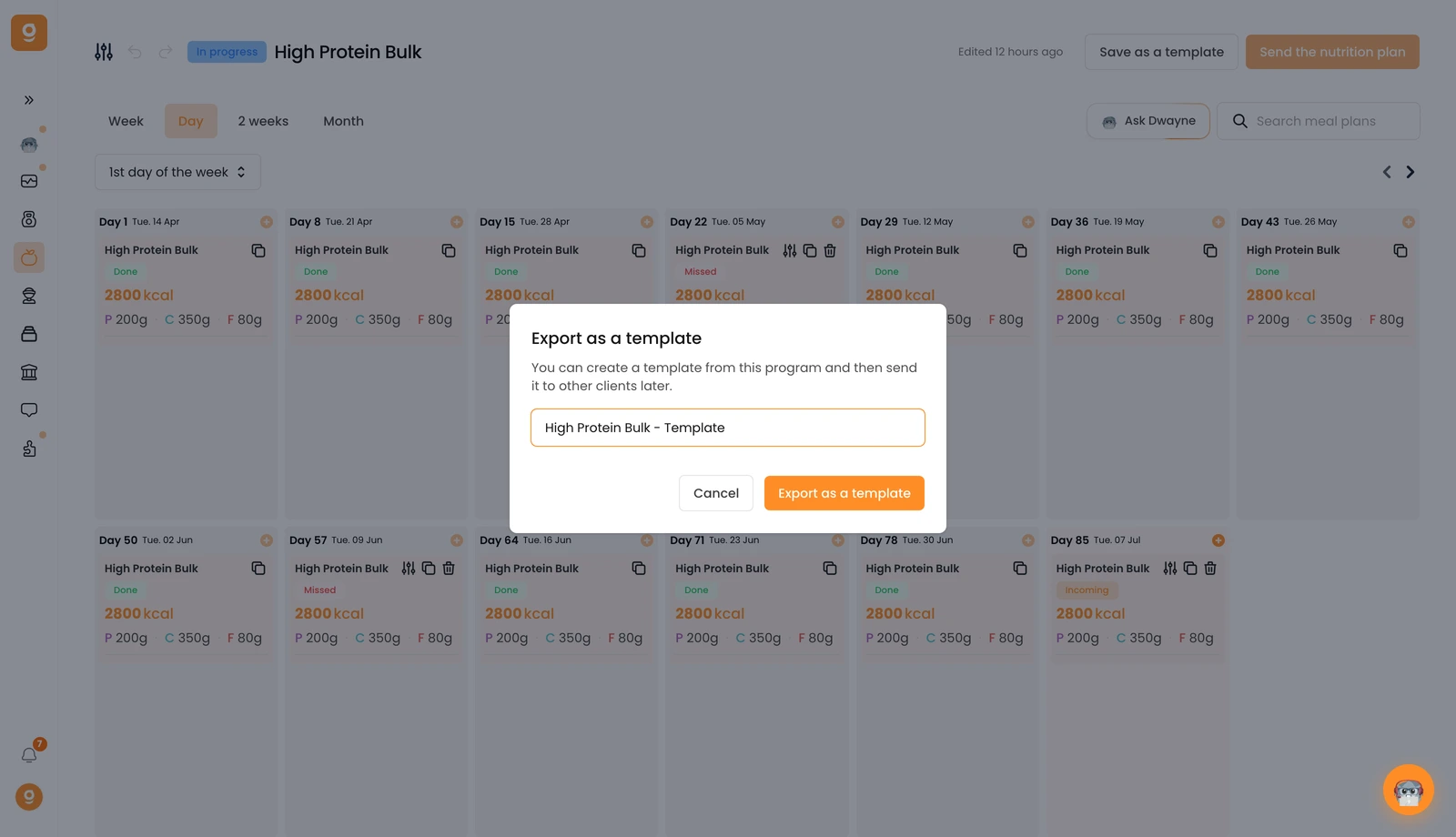
A pop-up opens where you name your template, then click Export as a template.
You'll find it afterwards in the Template category in your list of nutrition programs, ready to reuse with any client.
