

Need to change the order of the exercises in your workout? Maybe a machine is taken and you'd rather do a different exercise first. No problem, you can rearrange your session in just a few taps.
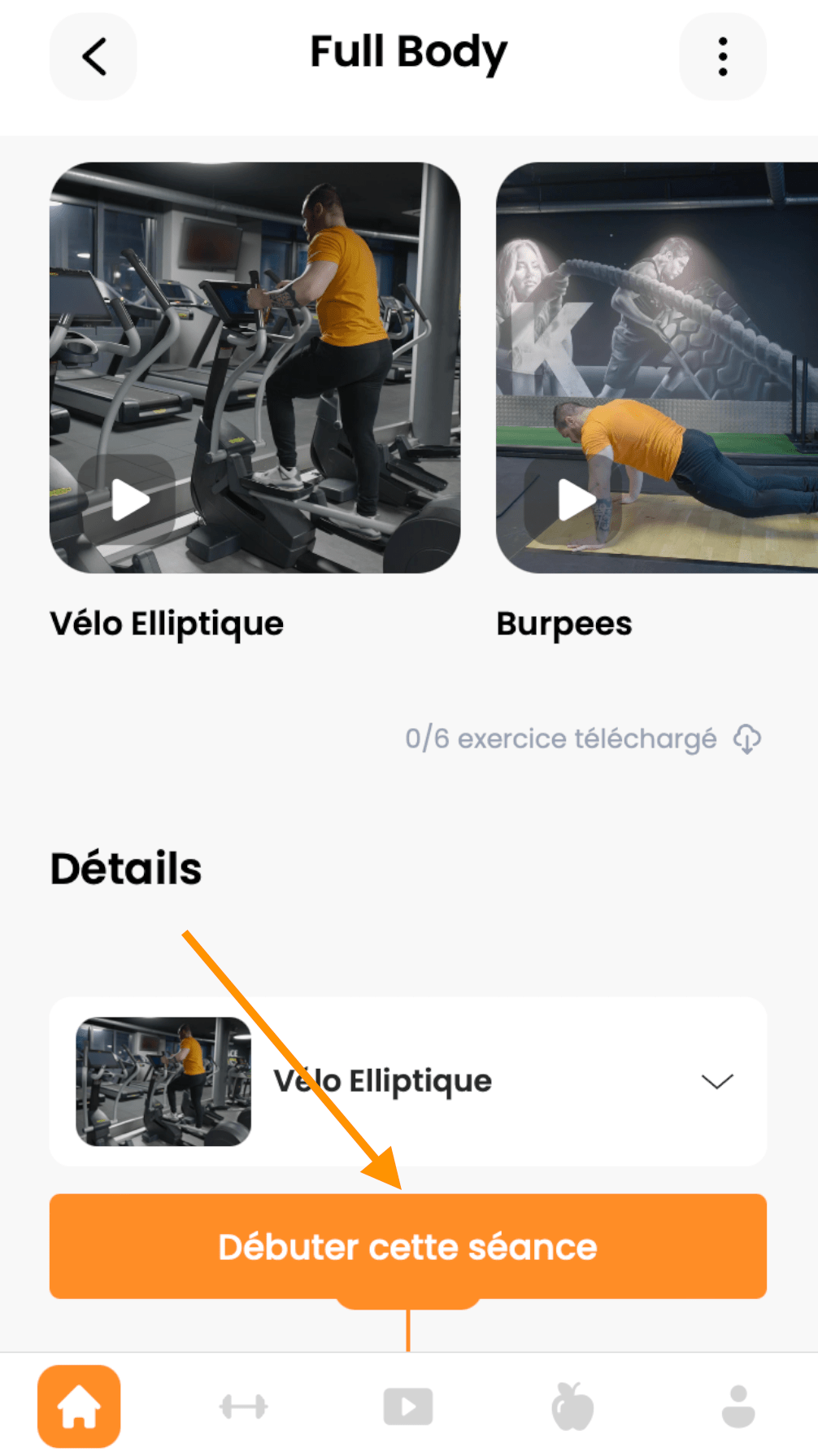
Open the workout you want to reorder and tap Start this workout.
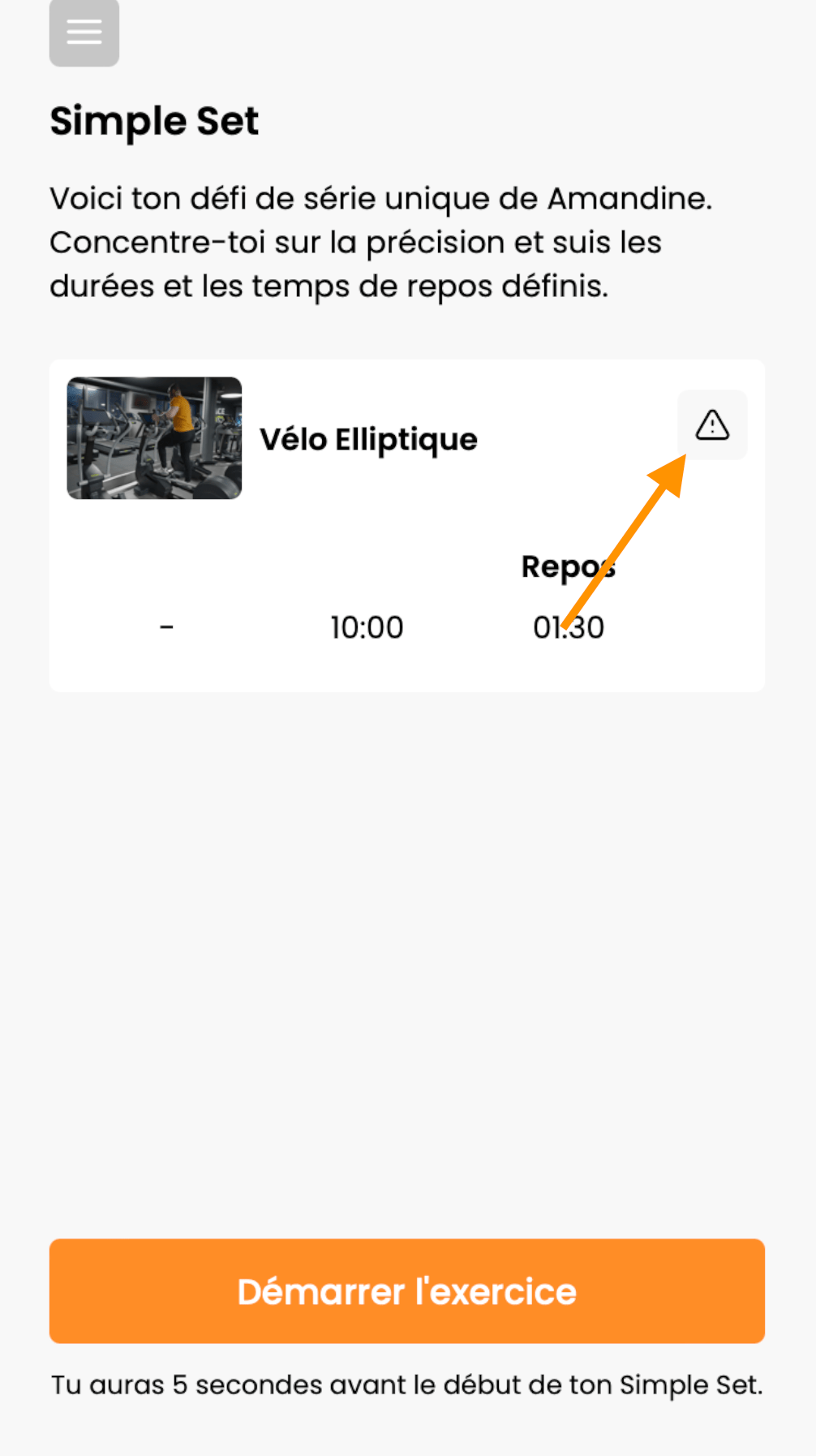
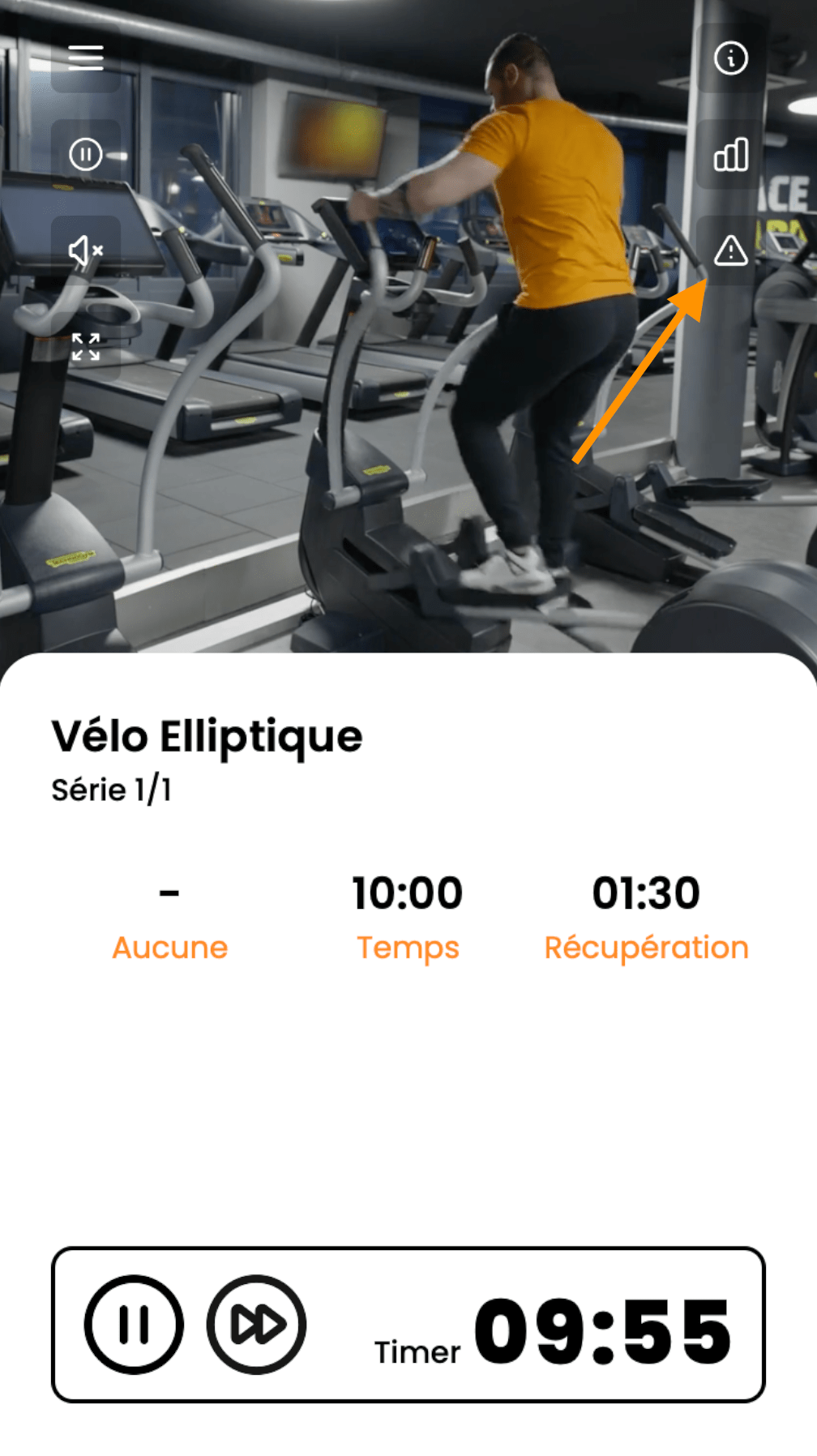
Once your session has started, tap the warning icon (the triangle with an exclamation mark inside). You can reach it either before you begin an exercise, or while you're doing it.
Before you start the exercise:
Or while the exercise is in progress:
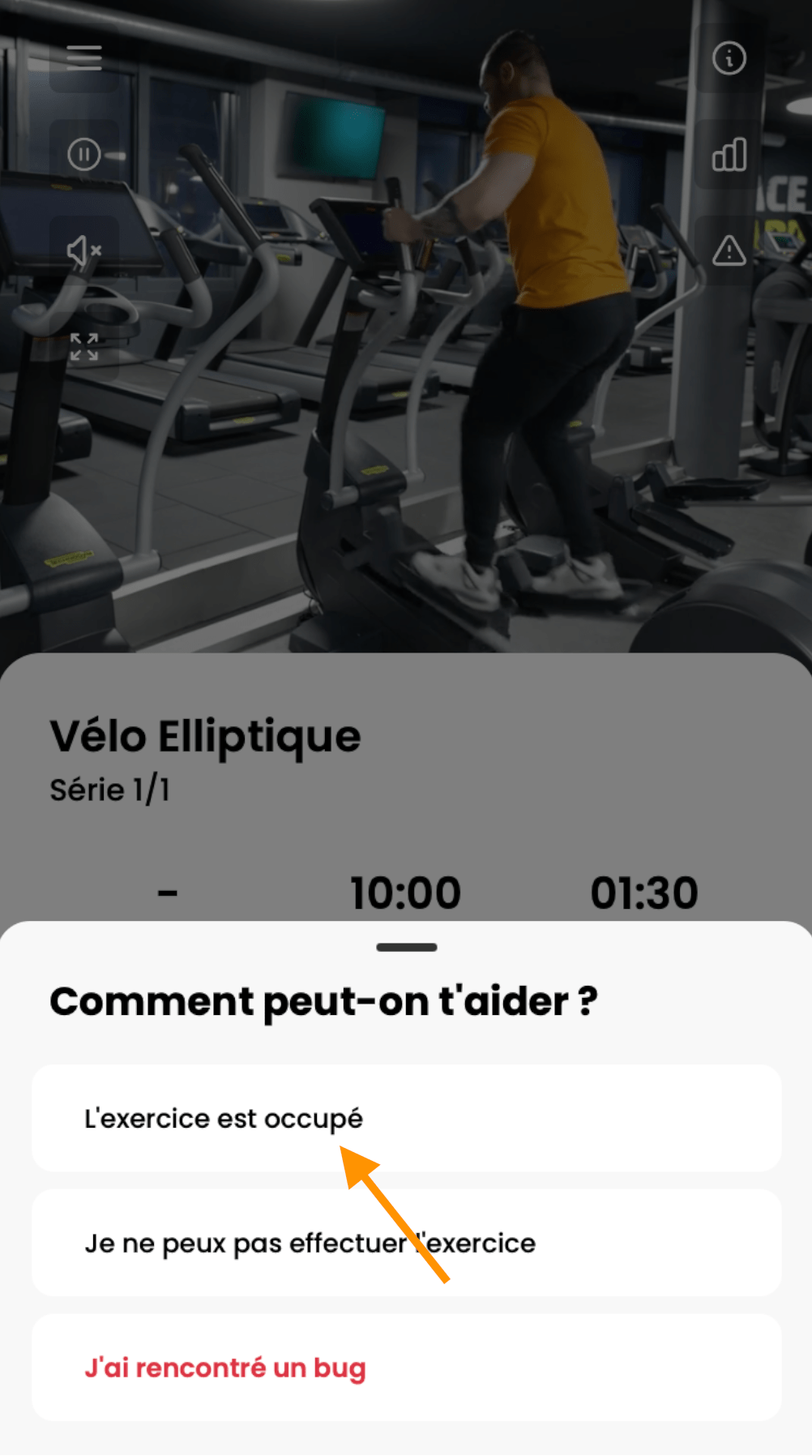
When the menu opens, choose The exercise is busy.
Now press and hold the 6 orange dots next to the exercise, then drag it up or down to wherever you want it in your session. When you're happy with the new order, tap Confirm.
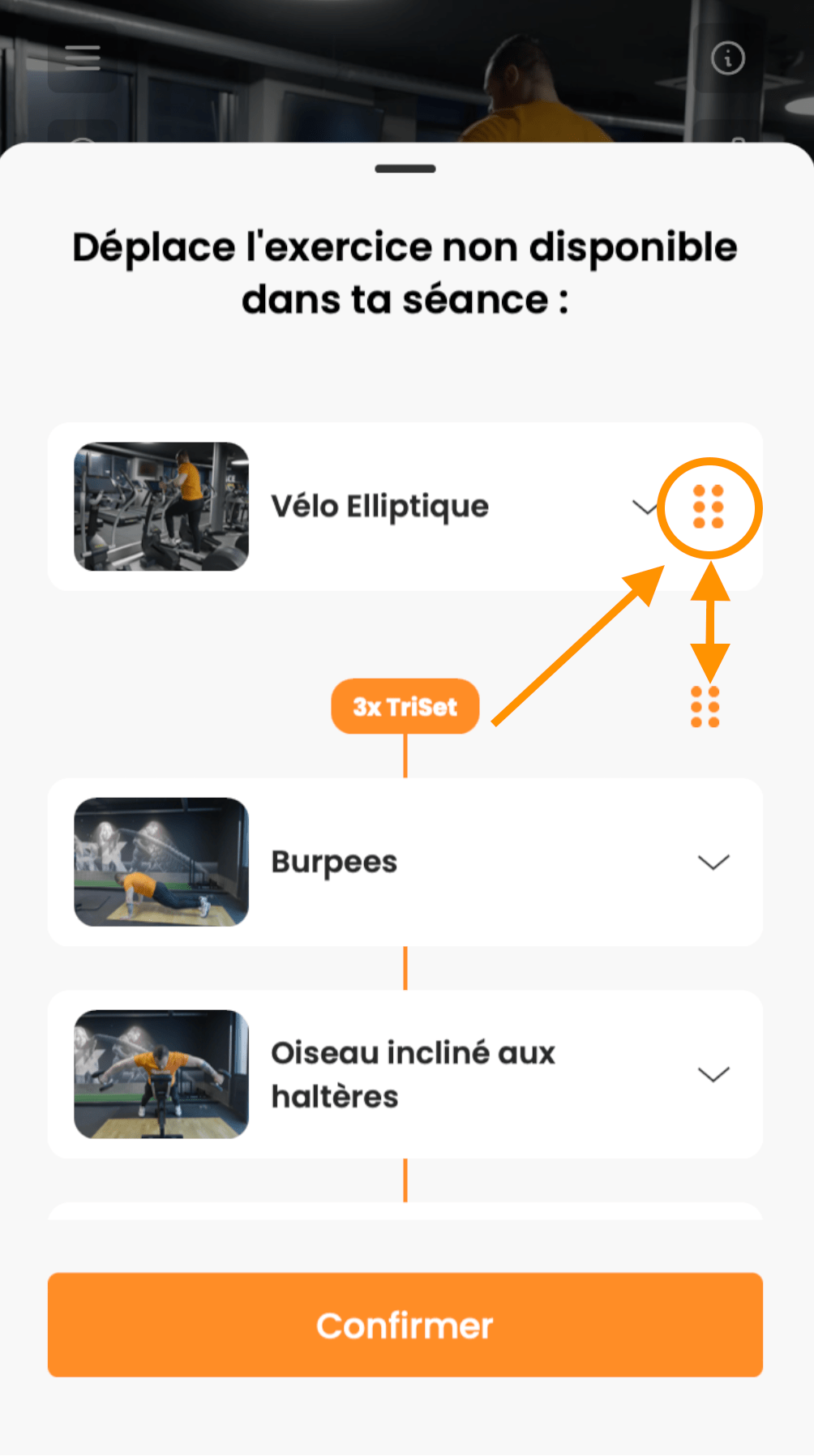
And that's it! Your workout is reordered and ready to fit exactly what you need.
Have a great session, and take care of yourself ❤️
