

Dwayne is your AI coaching copilot inside Gymkee. Ask it in plain language and it helps you build programs, find clients, and act on your account, right from the chat.
Open Dwayne from the top of the left sidebar. You land on the chat, with the ask bar at the bottom.
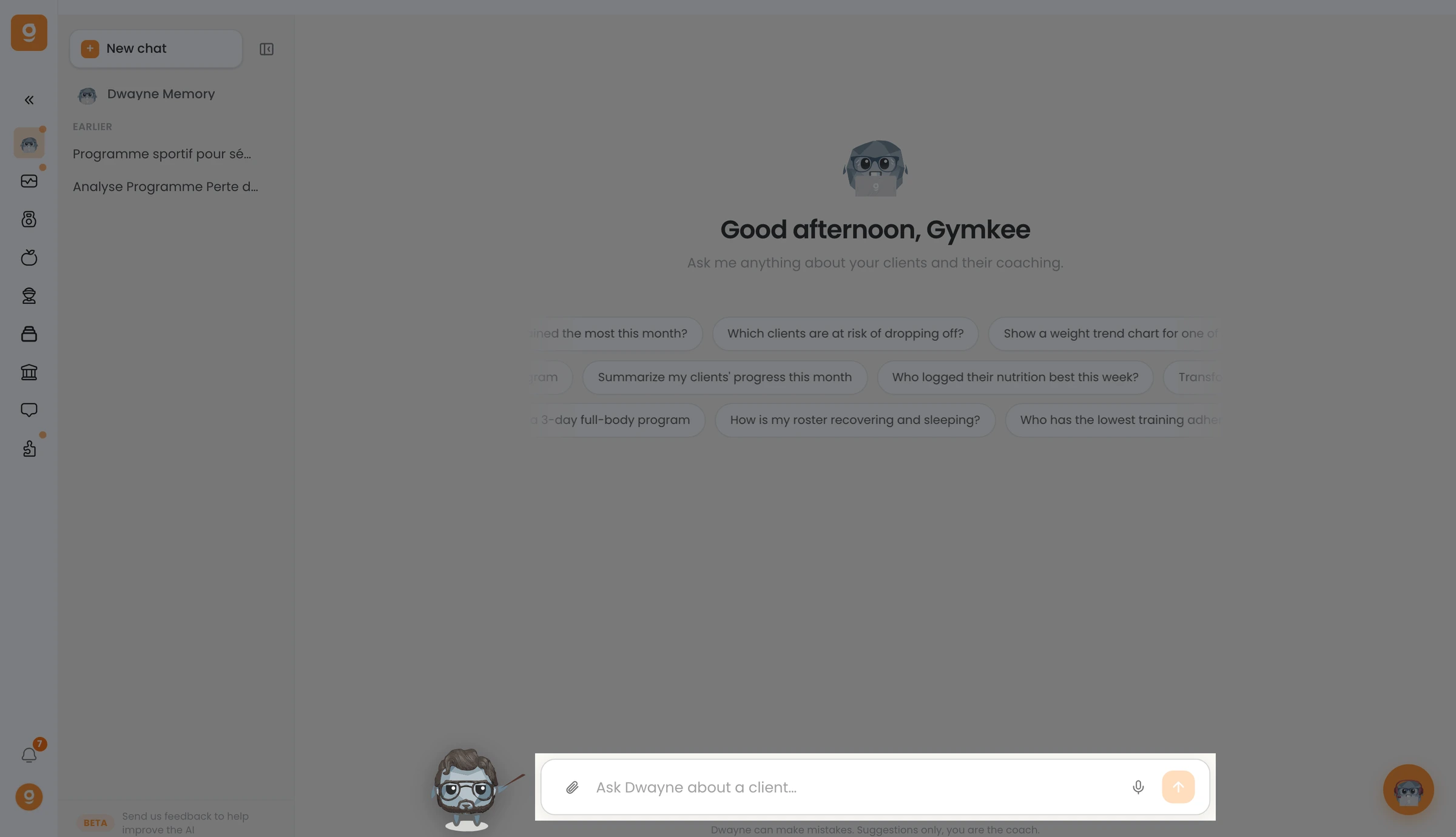
Type what you need, for example "Create a 4-week hypertrophy program for Luna", and send it. Dwayne answers with the result and shows the client, program, or exercise cards it used.
Before anything is applied to your account, Dwayne asks you to confirm or edit the suggested action, so you stay in control.
Dwayne runs on credits: your balance is shown in the app, and each request uses a small amount depending on its complexity.
Give it a try, it's the fastest way to get things done in Gymkee. 🚀
