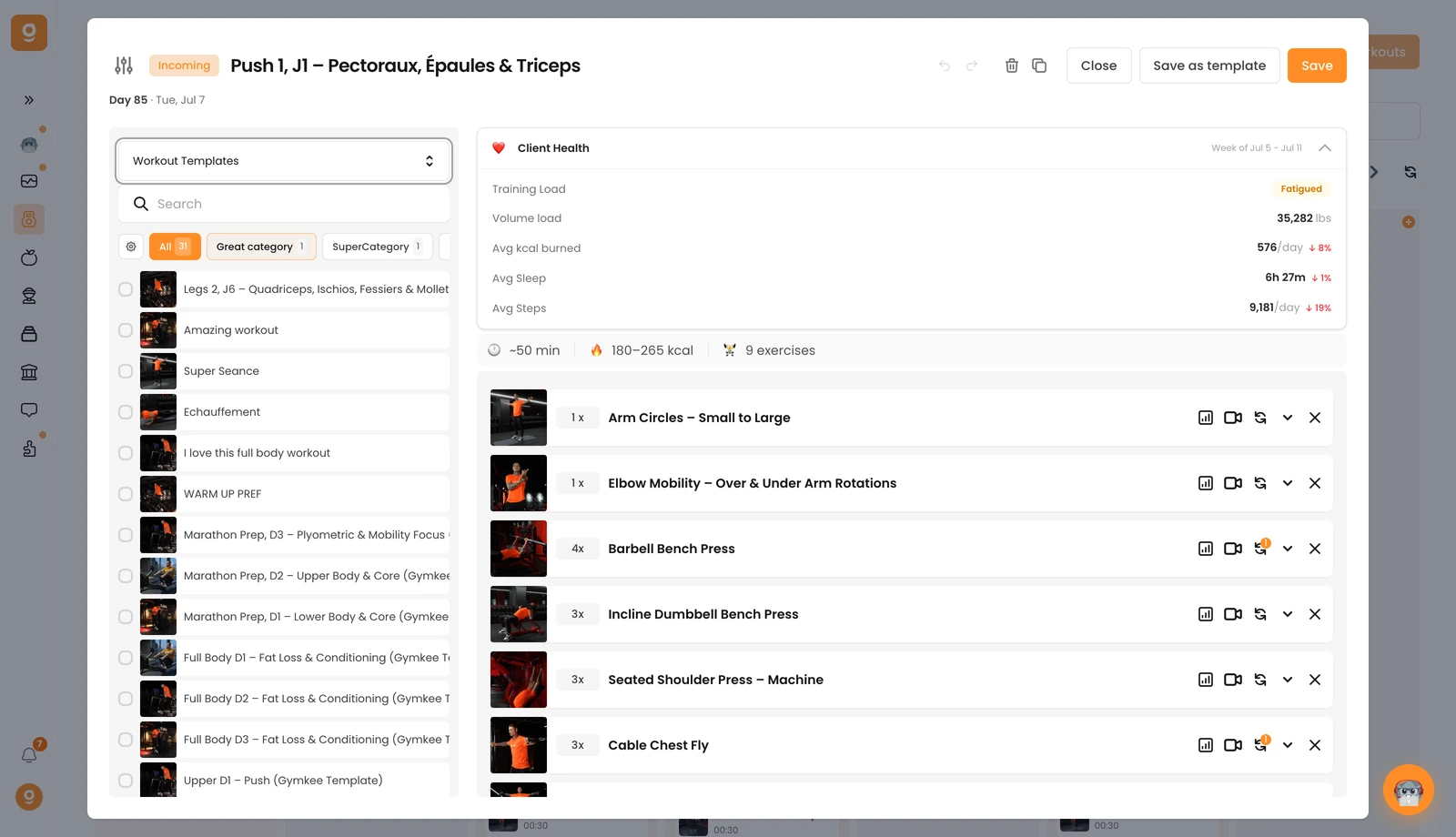
Built the perfect workout? Save it as a template so you can reuse it across programs without starting from scratch.
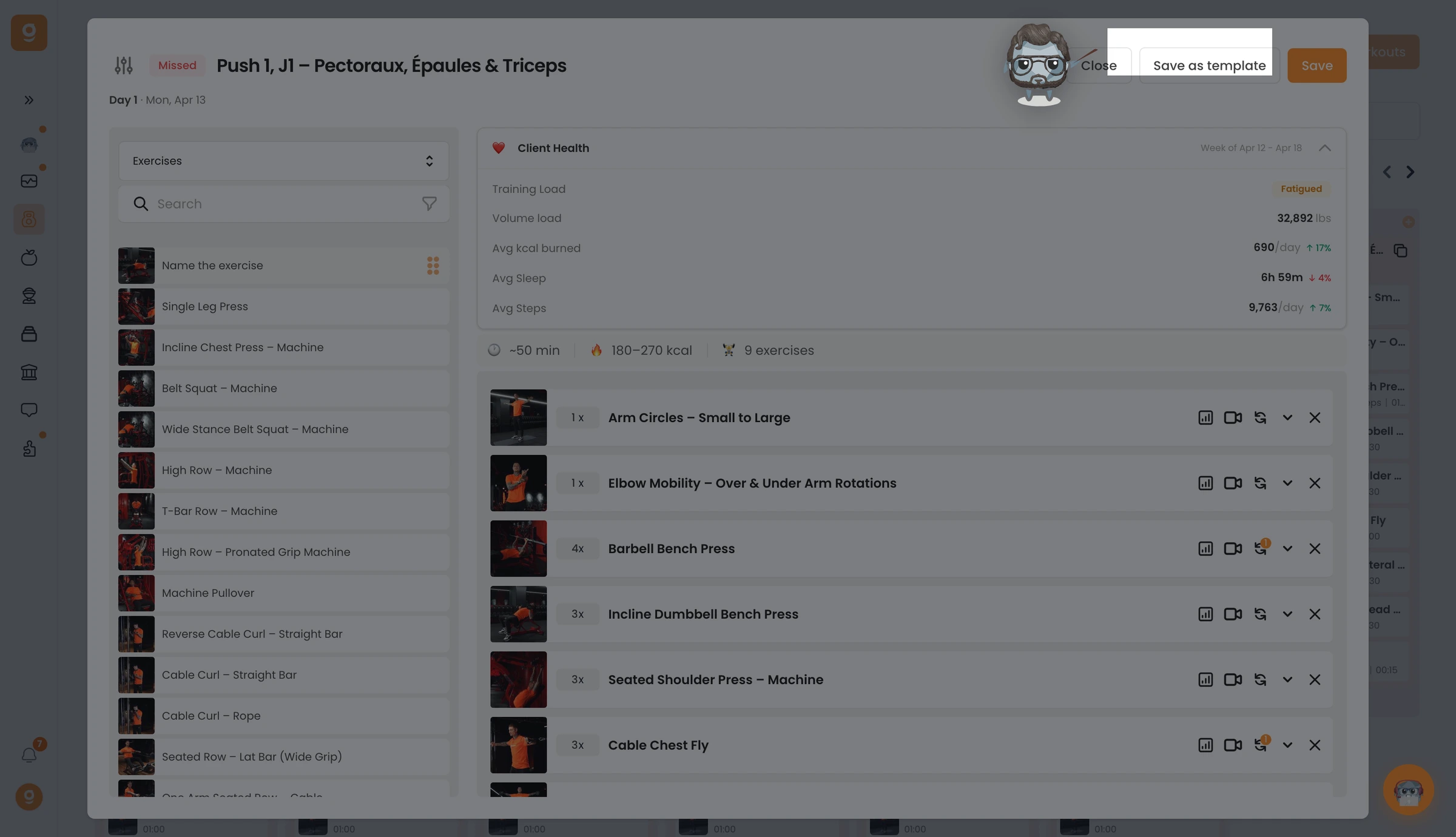
In the workout editor, click Save as template at the top right. You'll get a confirmation that it's saved. (Tip: rename the workout first so it's easy to find later.)
To reuse it, open the source dropdown in the workout editor and switch to Workout templates, your saved workout appears at the top of the list, keeping its name.