

Wil je je profielfoto wijzigen? Dat is zo gebeurd.
Open Instellingen in het menu links, ga naar Persoonlijke gegevens en klik naast je foto op Foto wijzigen (of Foto verwijderen om hem te wissen).
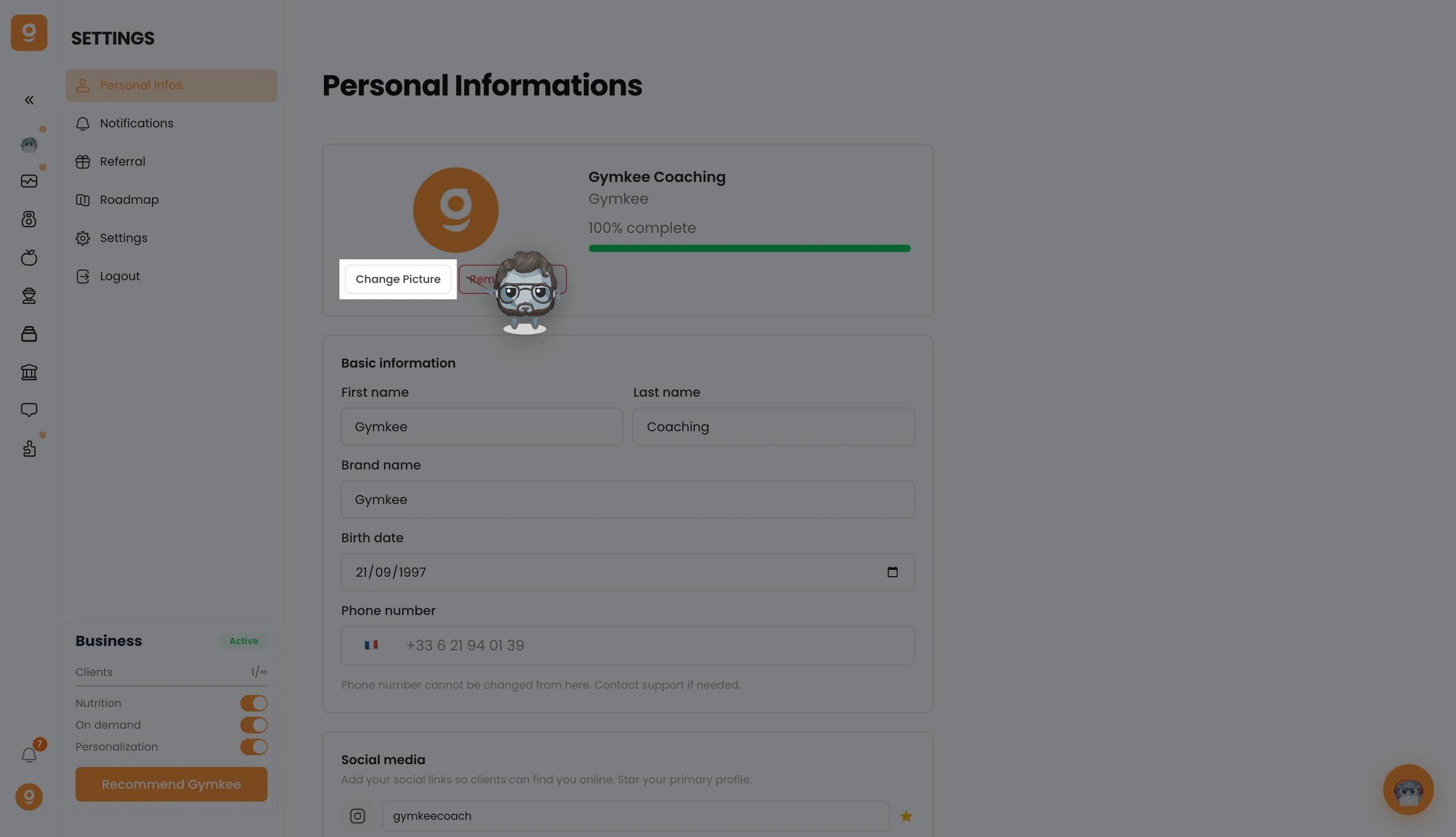
Kies een nieuwe foto van je computer en die wordt meteen bijgewerkt.
We staan voor je klaar als je iets nodig hebt!
Fijne trainingen en zorg goed voor jezelf ❤️
