

Want to change your profile picture? It's quick.
Open Settings in the left menu, go to Personal Infos, and next to your photo click Change Picture (or Remove Picture to clear it).
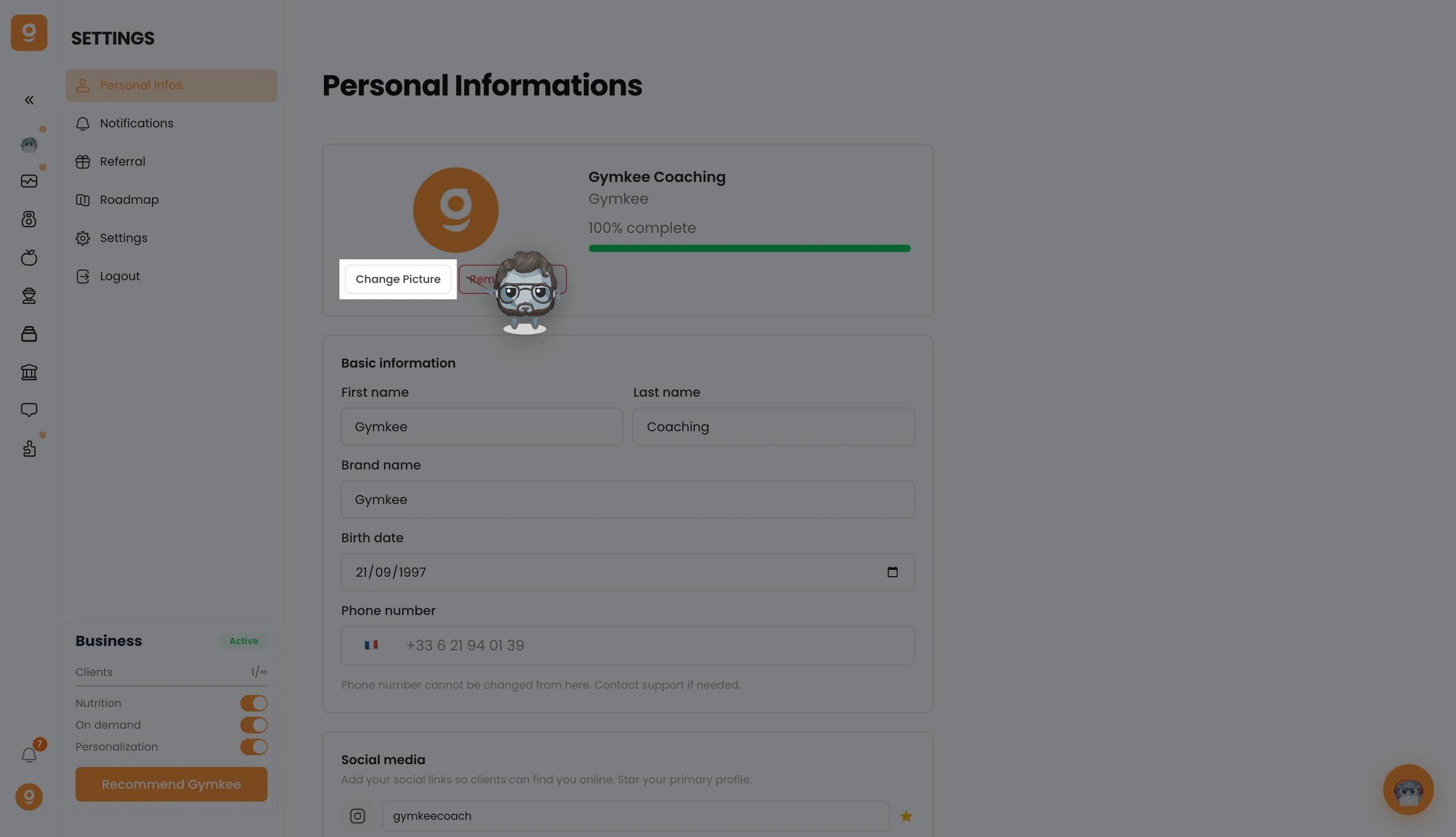
Choose a new photo from your computer and it updates right away.
We're here for you if you need anything!
Have great workouts and take care of yourself ❤️
