

Once you've built your first day, you can fill in the rest of the week fast — no need to rebuild every meal.
On the day you want to reuse, switch to the Day view and click the Copy icon.
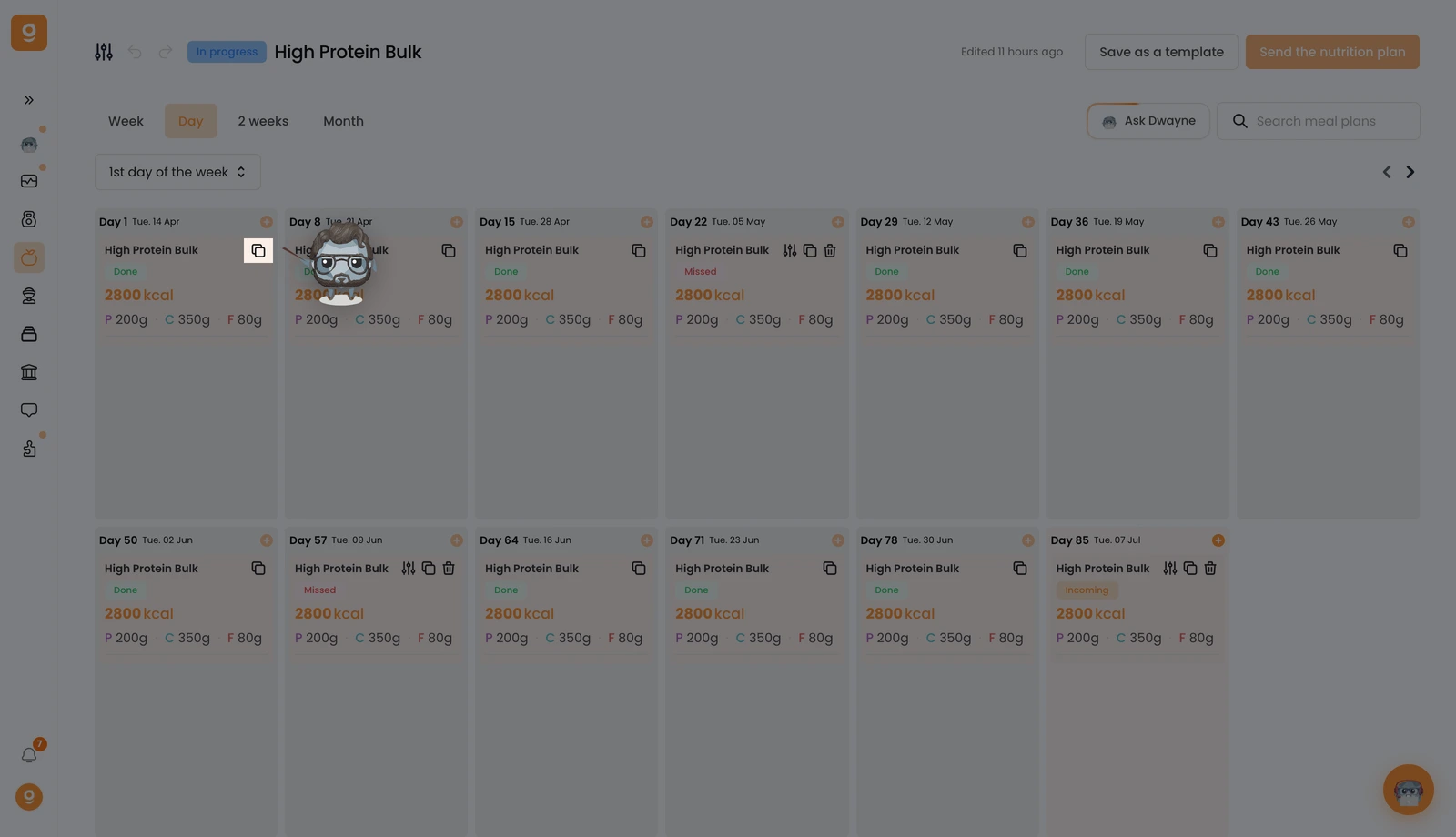
You'll see a "Meal plan has been copied" confirmation at the bottom of the screen.
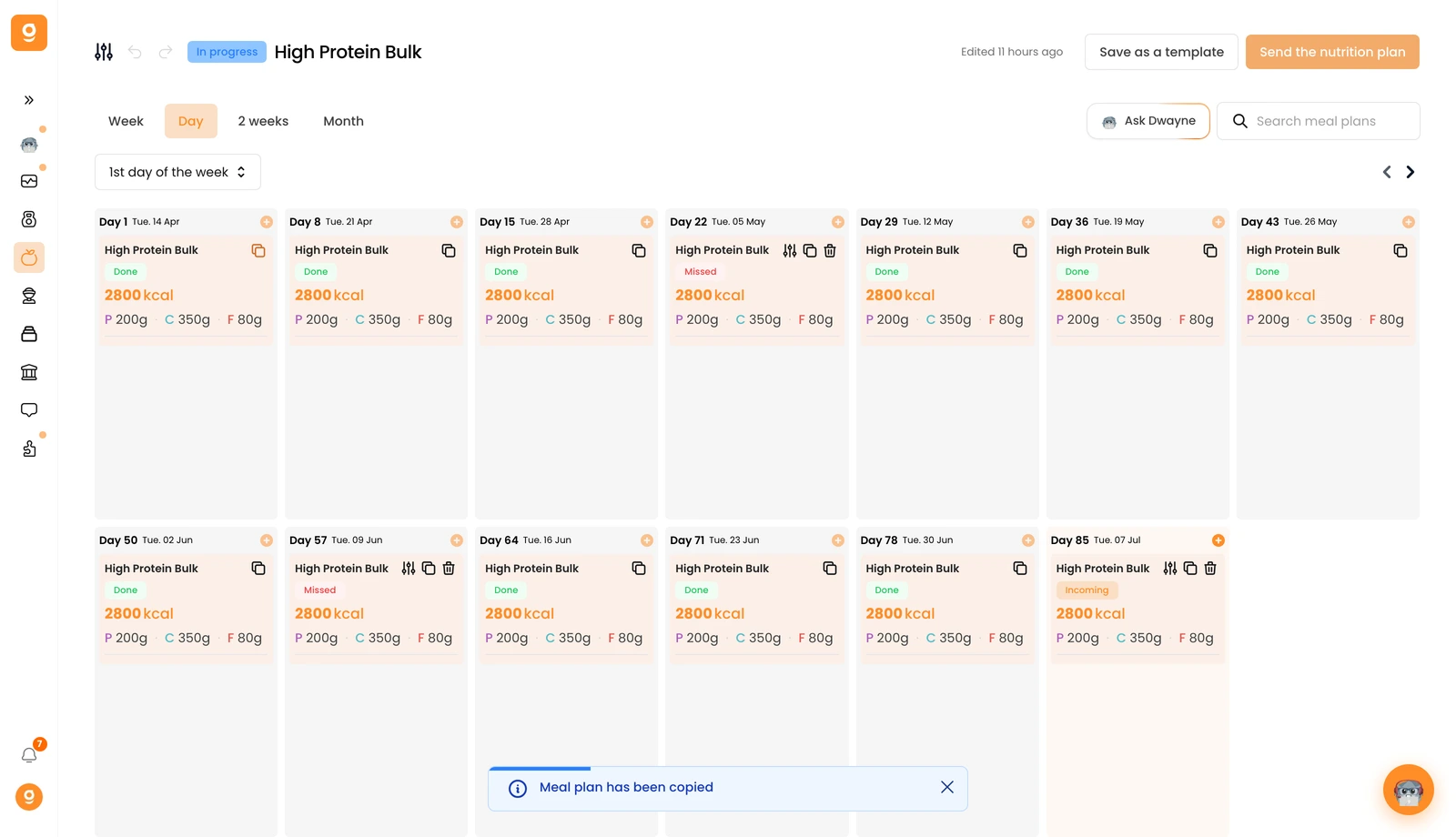
Now hover over the day where you want it and click Paste meal plan. Everything is copied over — the name, description, thumbnail, all meals, and even the meal alternatives.
