复制粘贴每日饮食计划

快速将每日饮食计划复制到另一天。

Once you’ve created your first meals, you can quickly fill in the rest of the week… without having to redo everything!

On Gymkee, you can copy a meal plan from one day and paste it into another.

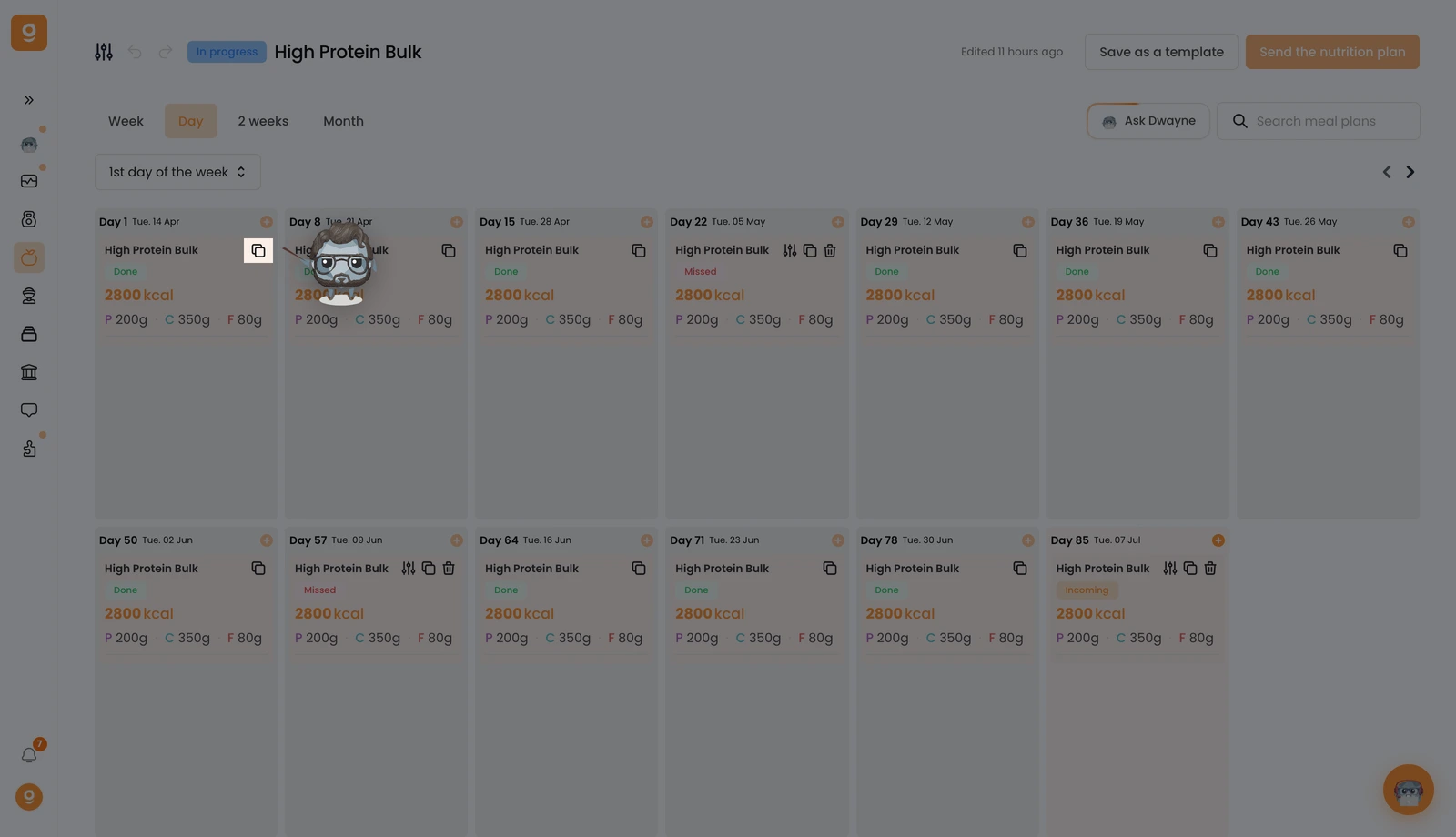
To do this, click on the “Copy” icon here:

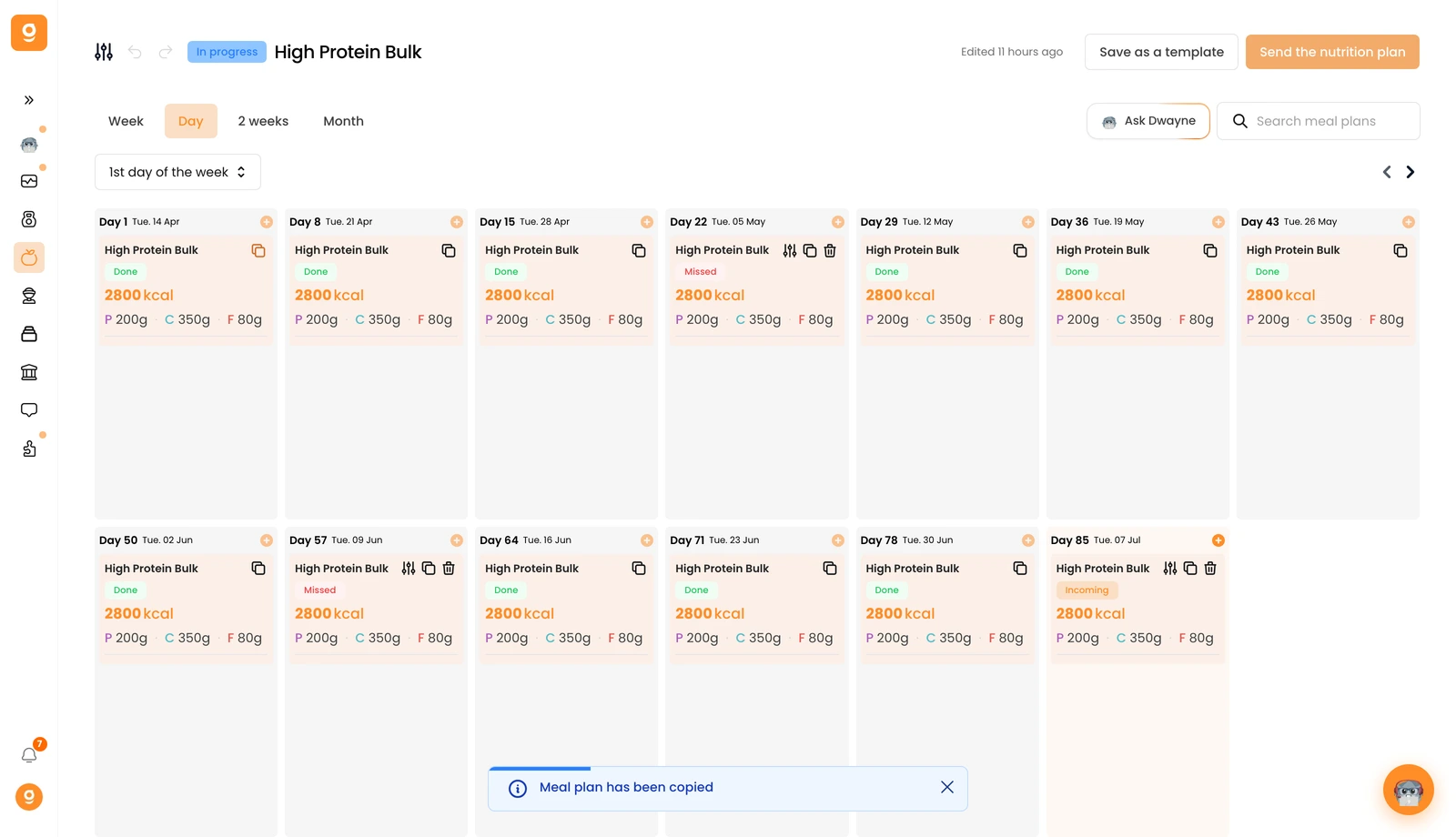
You’ll see a confirmation notification at the bottom of your screen letting you know the meal plan has been copied.

Once copied, hover over the day where you want to paste the plan. A new button will appear: “Paste meal plan”.

Click it, and the exact same plan will be imported into that day.

Everything you created will be copied over: the name, description, thumbnail, all meals, and even the meal alternatives.

This works the exact same way for calorie-goal days. Just like with detailed meals, you can copy a day that only contains a calorie and macro goal.

Use the same “Copy” button.

Then hover over the day where you want to paste. You’ll see the “Paste meal plan” option appear.

You can go even further with your programs.

If you’re building a multi-week plan, you can save even more time once your first week is ready.

这篇文章对你有帮助吗?

还需要帮助吗?

我们的团队和 Gymkee AI 助手 Dwayne 随时为你服务。

询问 Dwayne