

Depois de teres criado o teu primeiro dia, podes preencher o resto da semana rapidamente, sem precisares de reconstruir cada refeição.
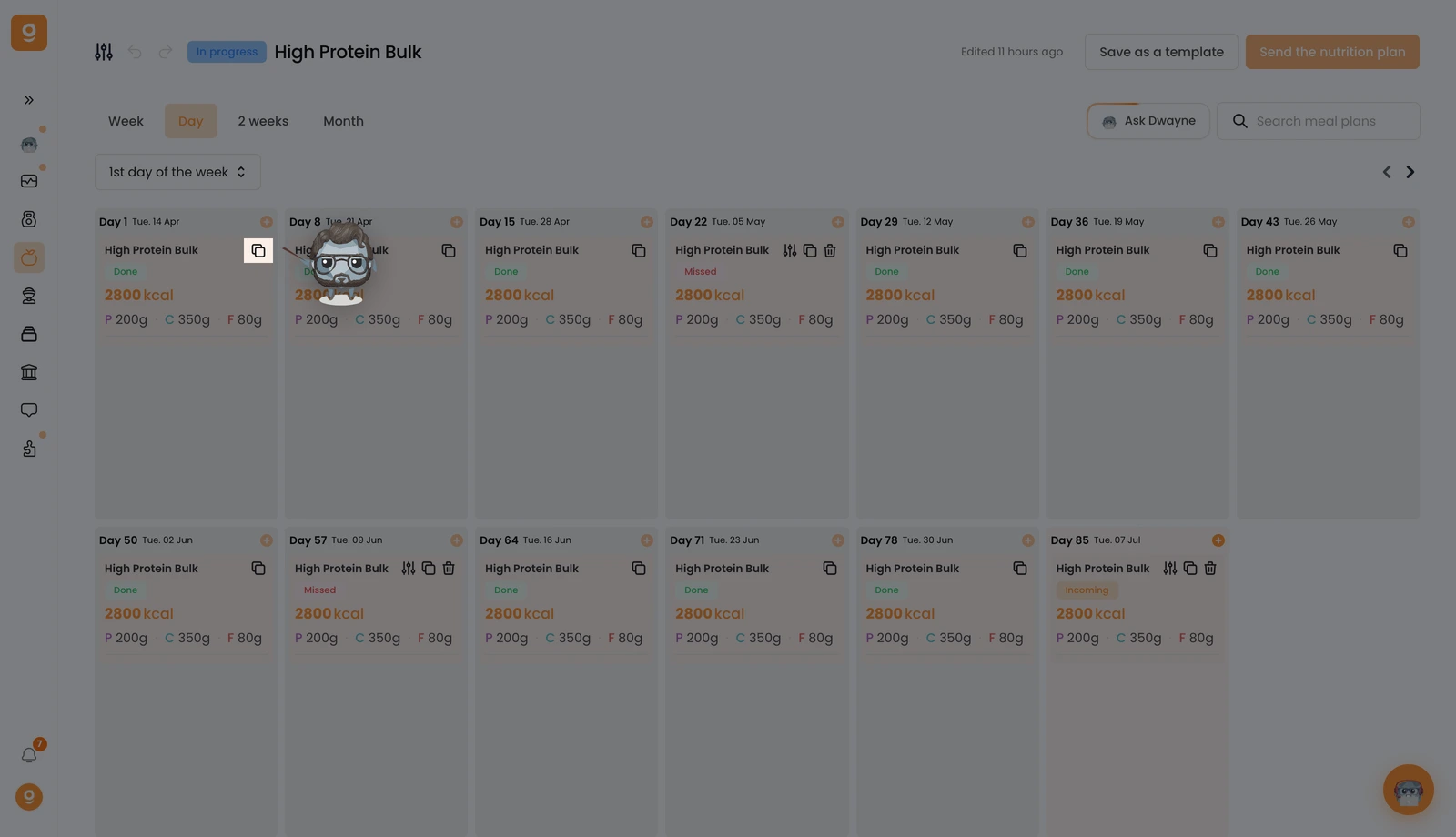
No dia que queres reutilizar, muda para a vista Dia e clica no ícone Copiar.
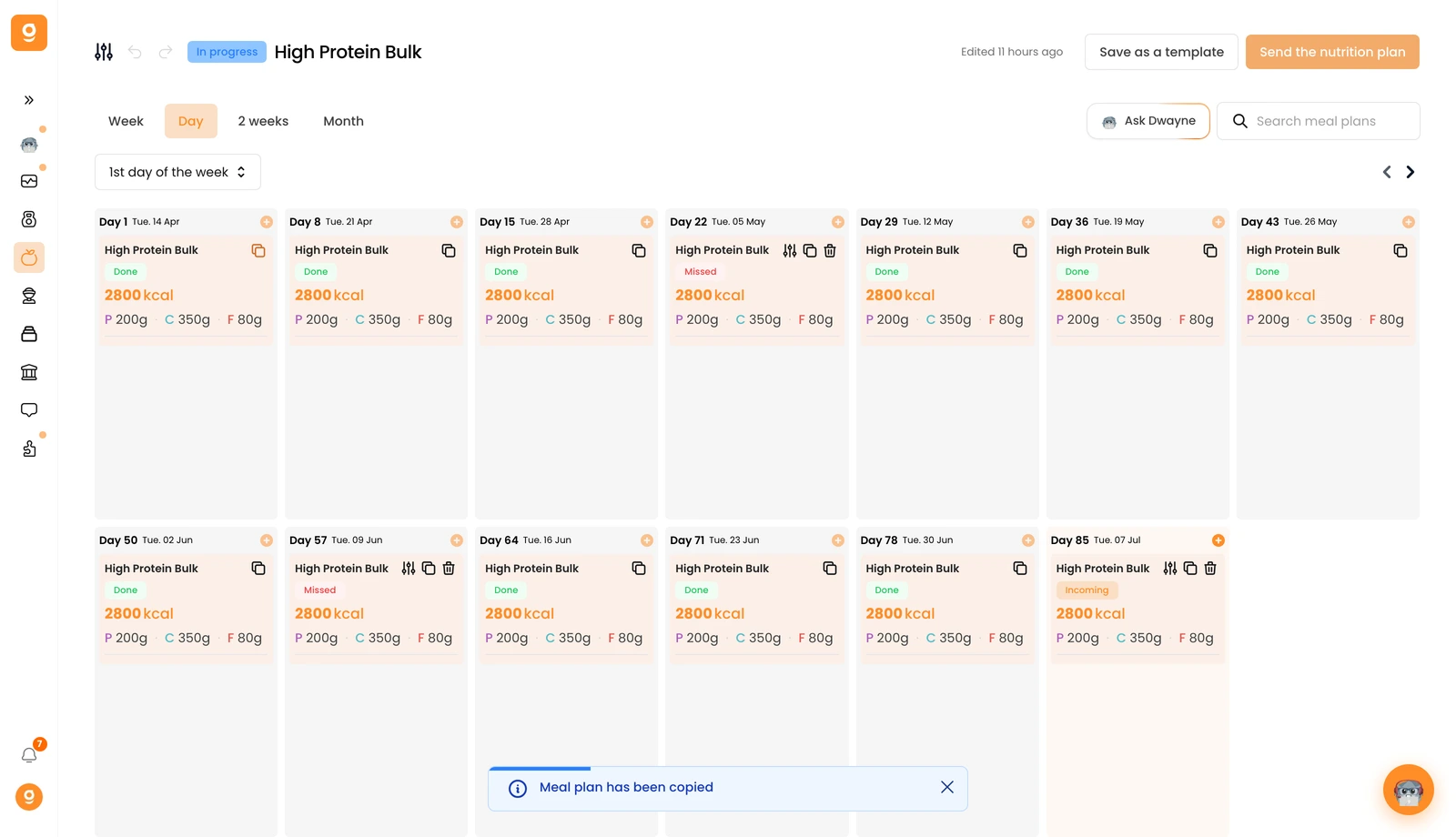
Vais ver uma confirmação "O plano alimentar foi copiado" na parte inferior do ecrã.
Agora passa o cursor sobre o dia onde o queres colocar e clica em Colar plano alimentar. Fica tudo copiado: o nome, a descrição, a miniatura, todas as refeições e até as alternativas de refeição.
