

İlk gününü oluşturduktan sonra, haftanın geri kalanını hızlıca doldurabilirsin, her öğünü yeniden oluşturmana gerek yok.
Tekrar kullanmak istediğin günde, Gün görünümüne geç ve Kopyala simgesine tıkla.
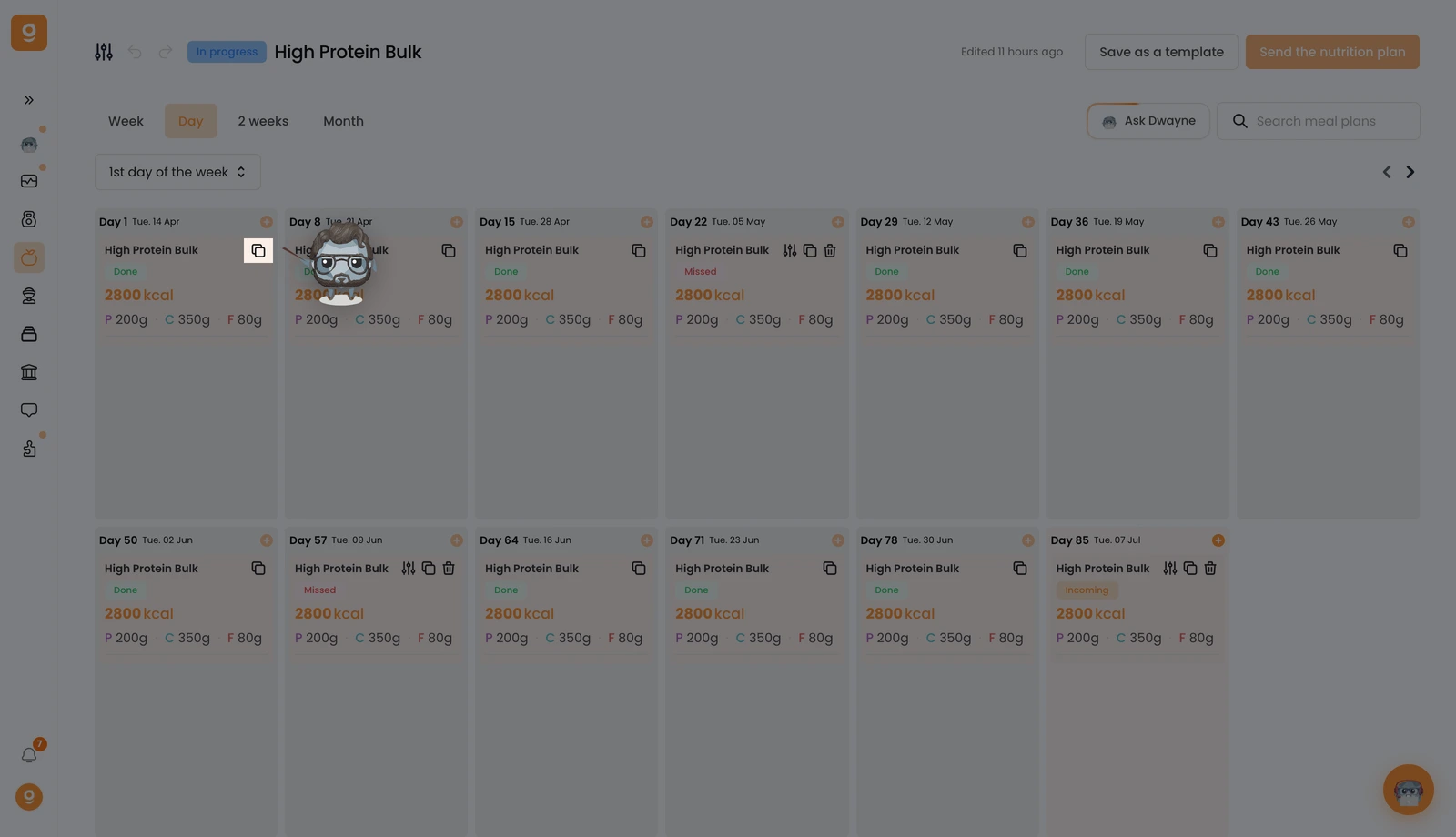
Ekranın altında bir "Öğün planı kopyalandı" onayı görürsün.
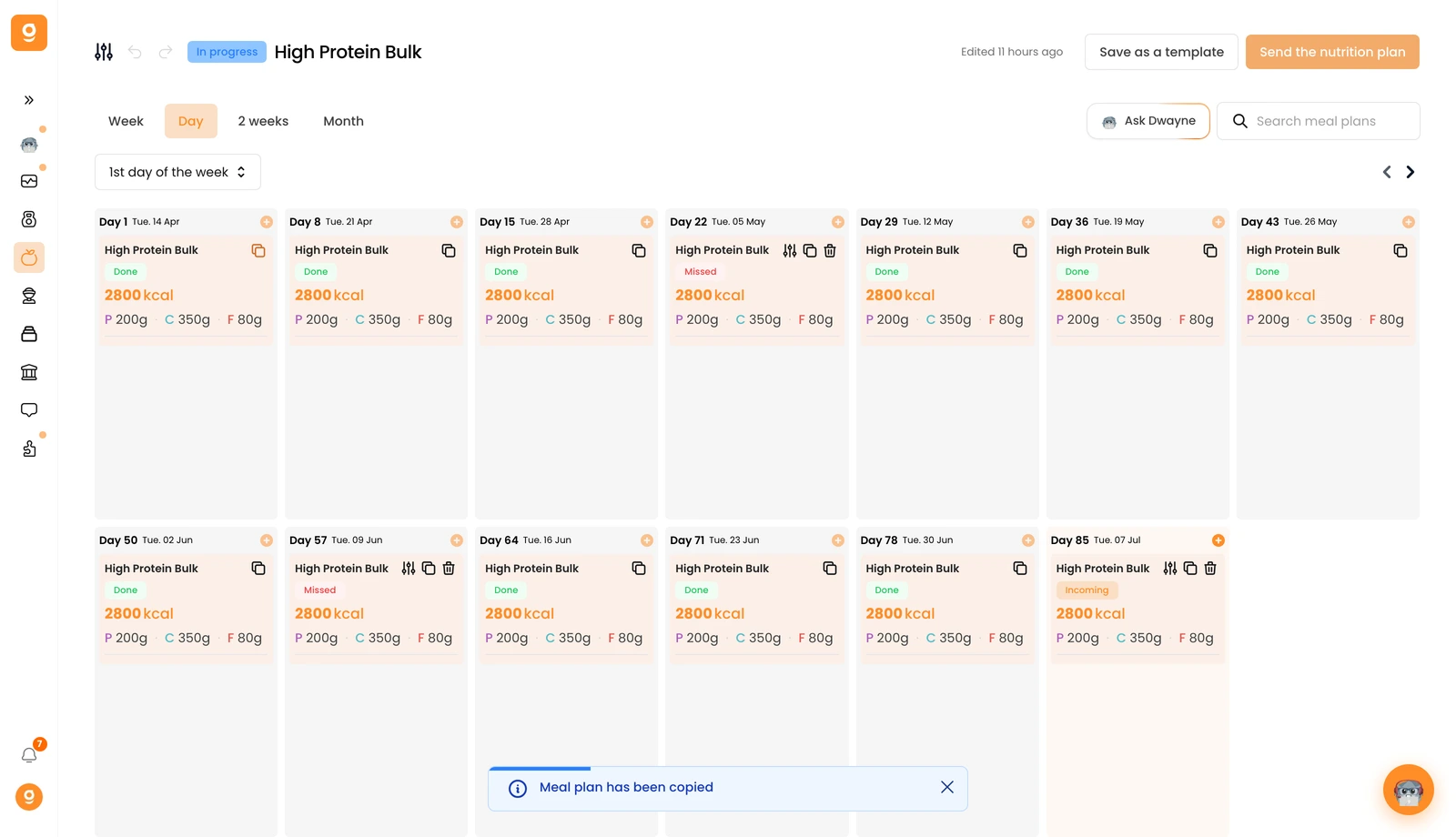
Şimdi onu istediğin günün üzerine gel ve Öğün planını yapıştır'a tıkla. Her şey kopyalanır, ad, açıklama, küçük resim, tüm öğünler ve hatta öğün alternatifleri.
