

Gdy zbudujesz już pierwszy dzień, możesz szybko uzupełnić resztę tygodnia, bez tworzenia każdego posiłku od nowa.
Na dniu, który chcesz ponownie wykorzystać, przełącz na widok Dzień i kliknij ikonę Kopiuj.
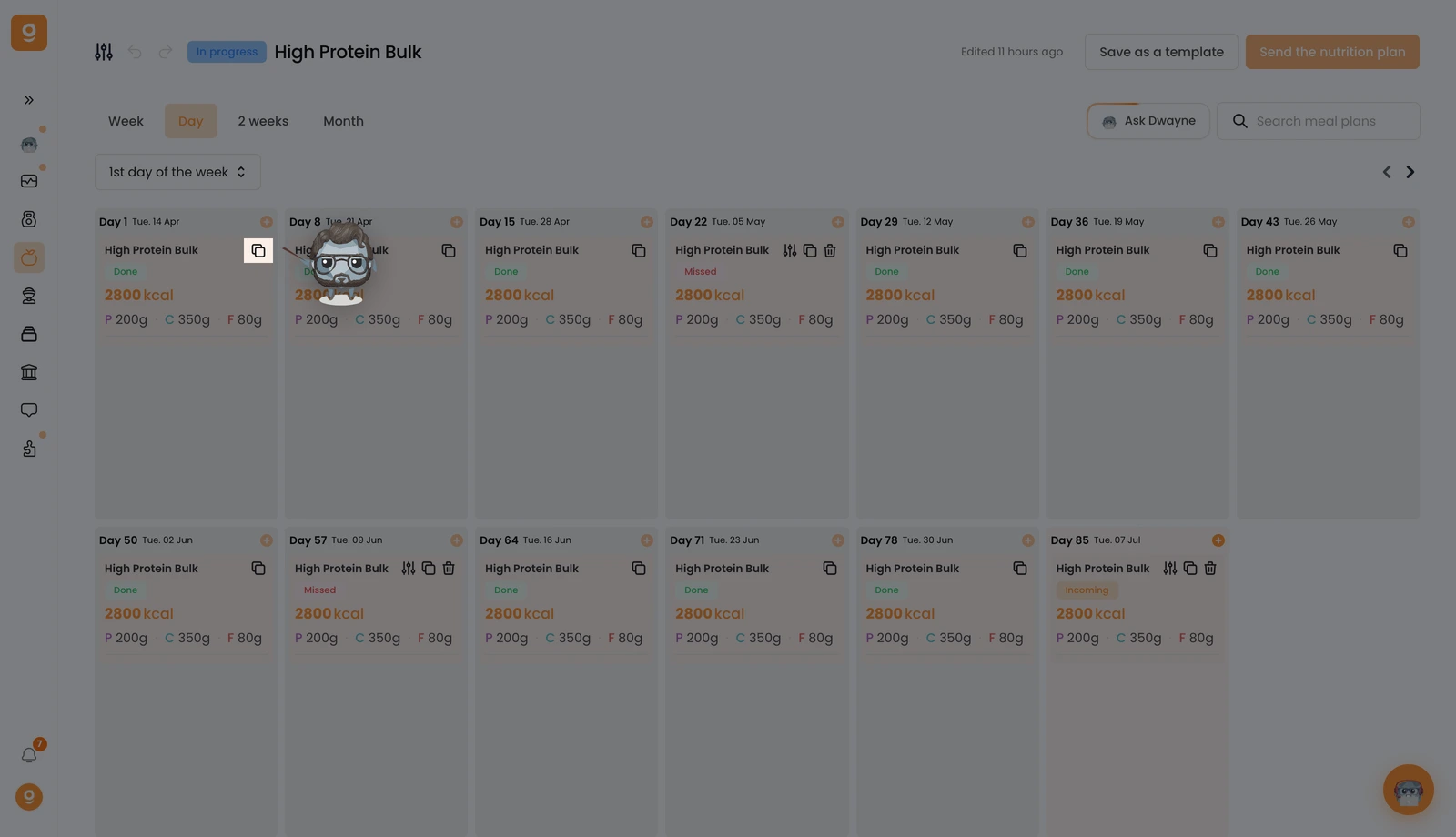
Na dole ekranu zobaczysz potwierdzenie „Plan posiłków został skopiowany”.
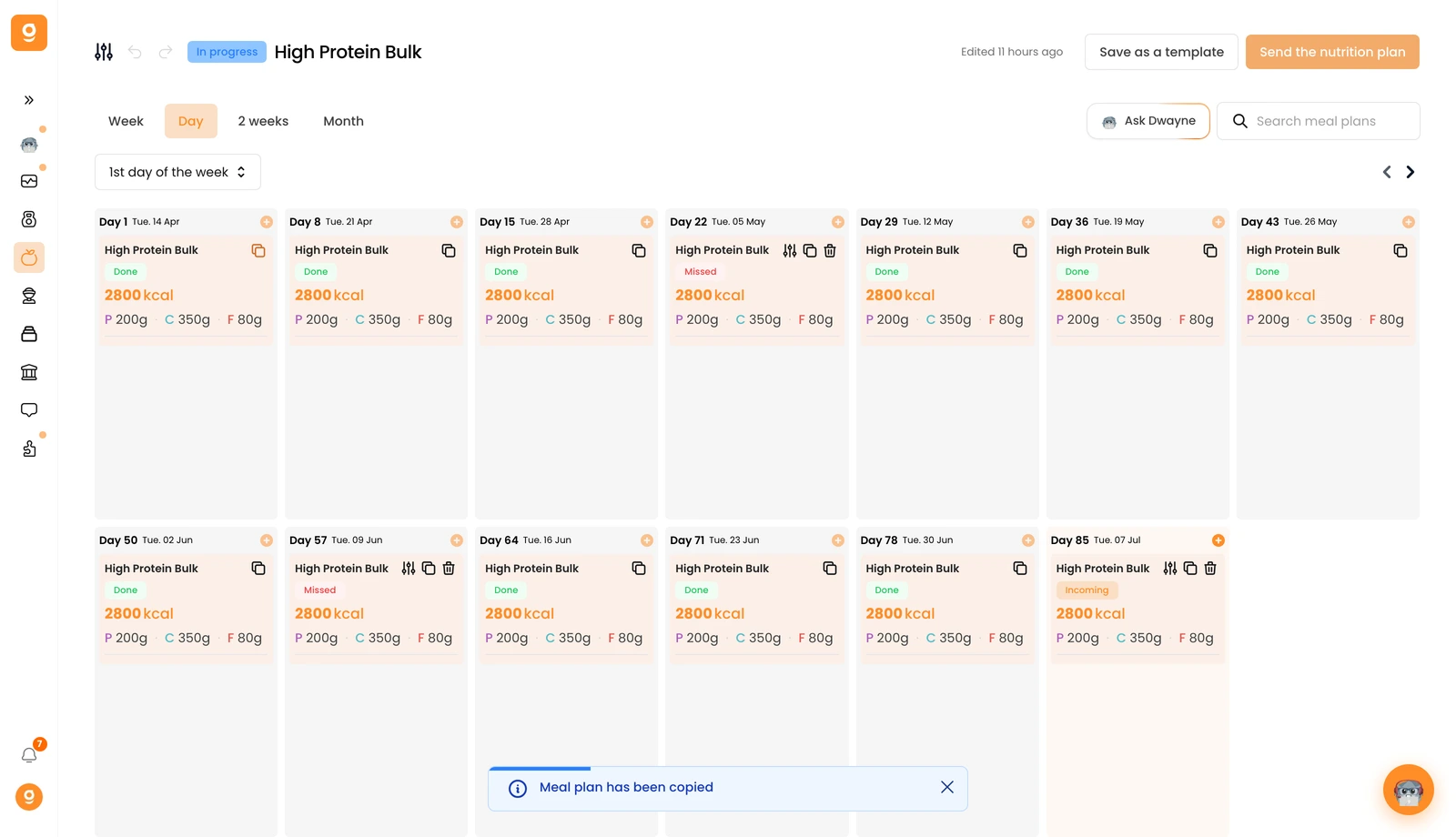
Teraz najedź na dzień, w którym go chcesz, i kliknij Wklej plan posiłków. Wszystko zostaje skopiowane, nazwa, opis, miniatura, wszystkie posiłki, a nawet alternatywy posiłków.
