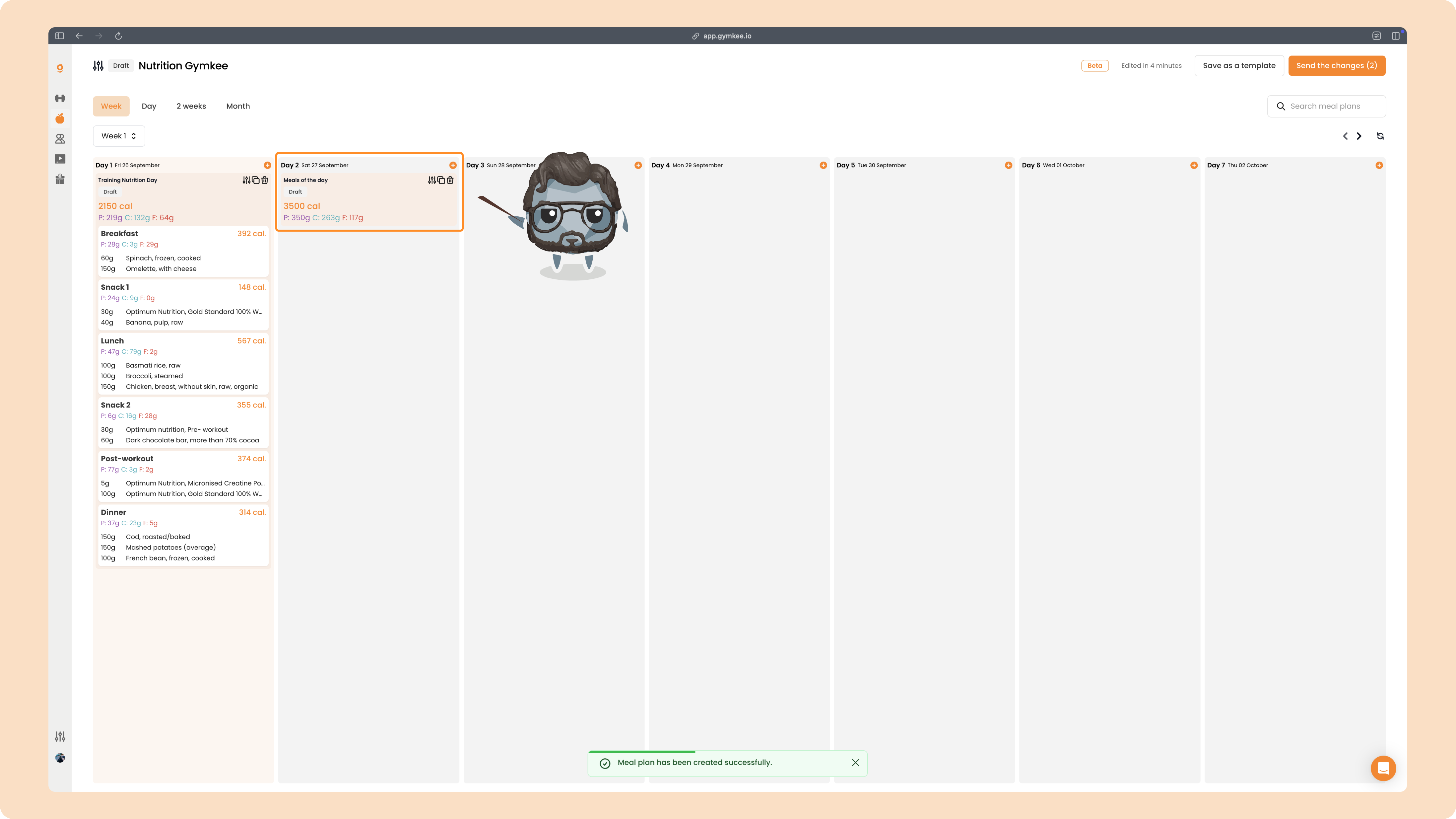
On Gymkee, instead of giving ultra-detailed instructions for each meal, you can set up a daily calorie target.
Here, instead of detailing every meal with specific foods, you give your clients a calorie target with macros to hit.
When you arrive on the meal creation page, before adding any food, you’ll see this option:
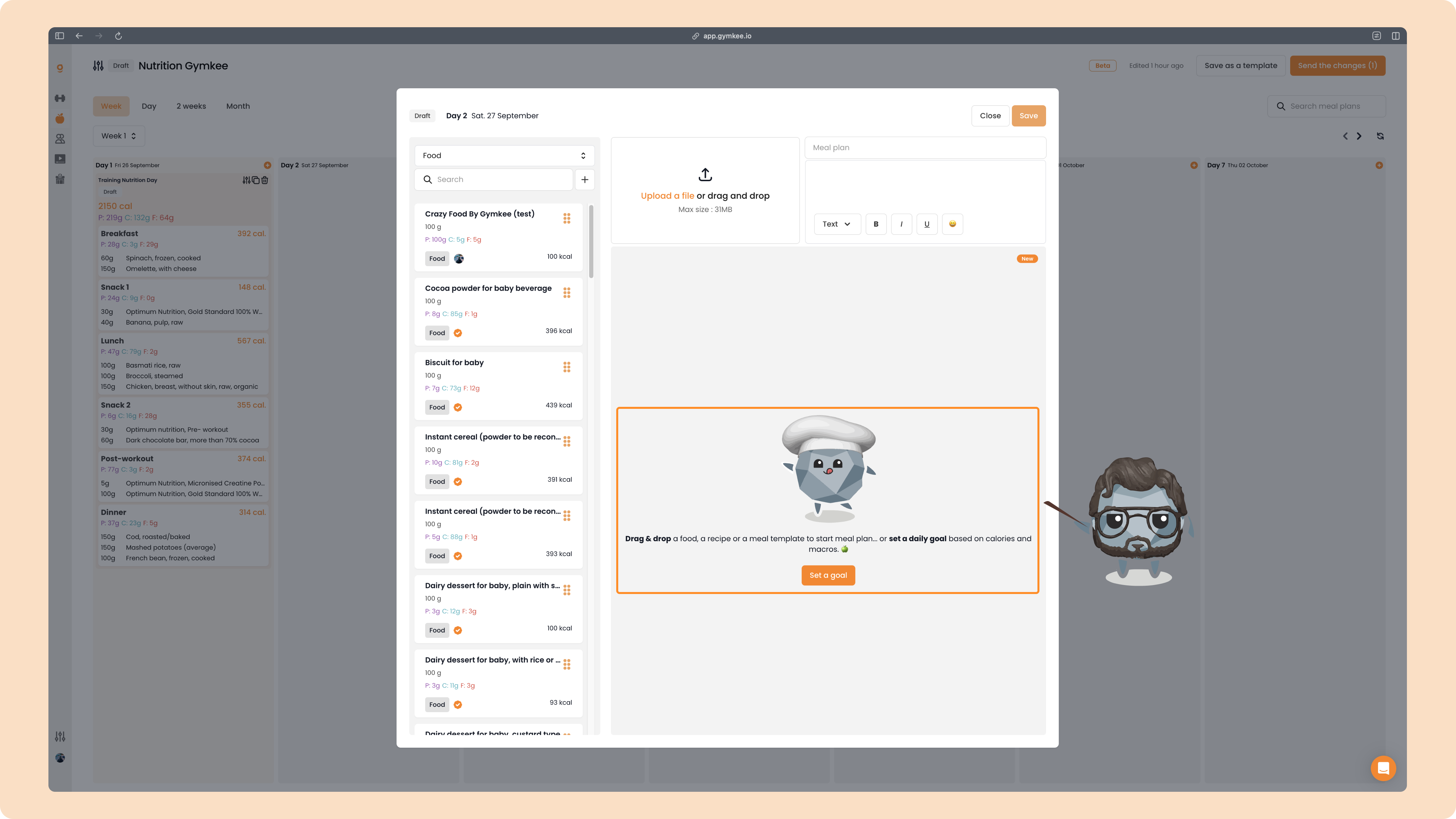
👉 Click "Set a goal"
Once you click, a few things will appear where you can set:
- Calories
- Proteins, Carbs, and Fats
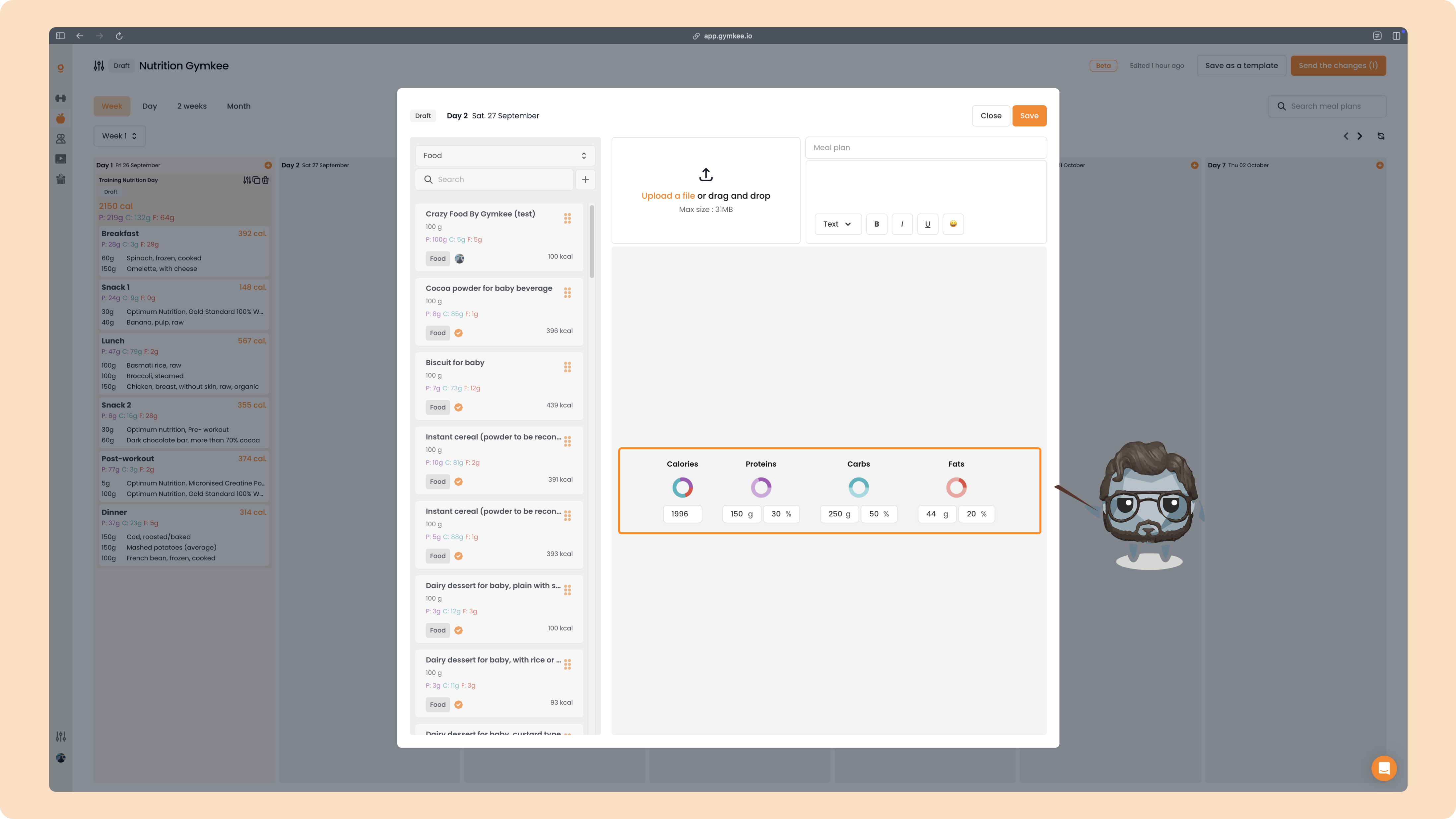
On Gymkee, there’s a clear order to follow:
Start with calories – define the total kcal for the day.
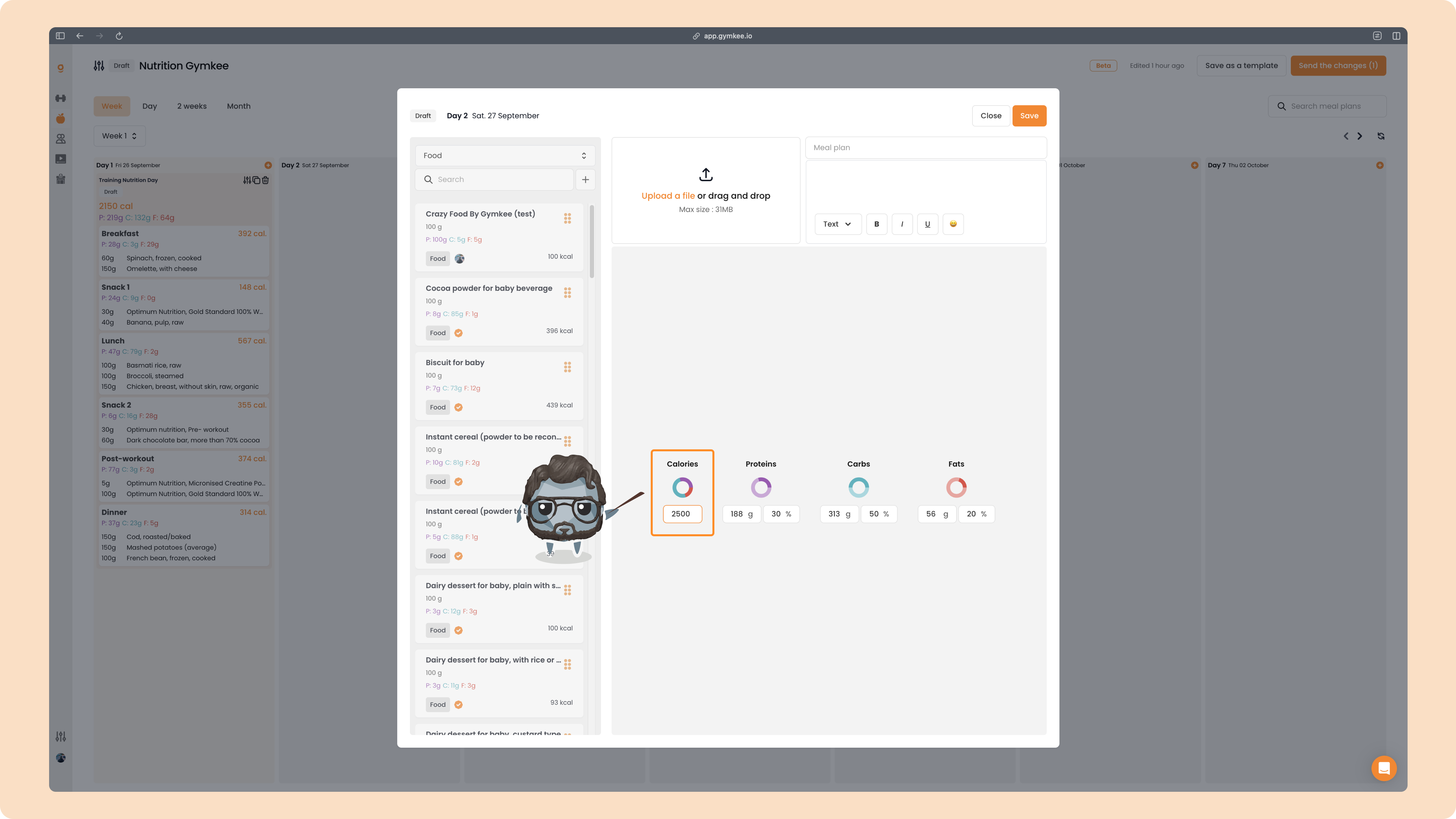
Then, define the macros.
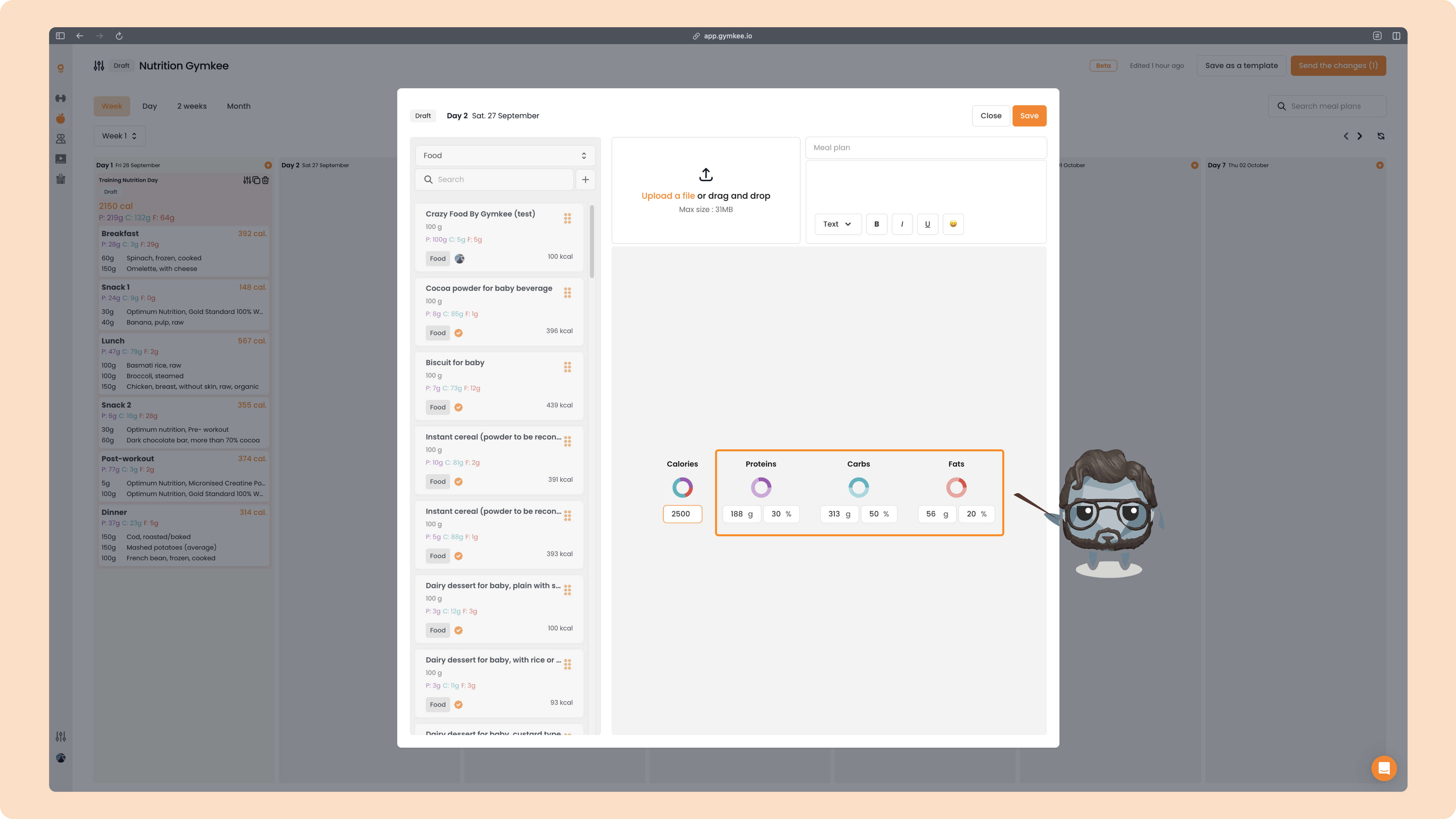
For macros, you have two options:
- Set the goal in grams
- Or set the goal in percentages
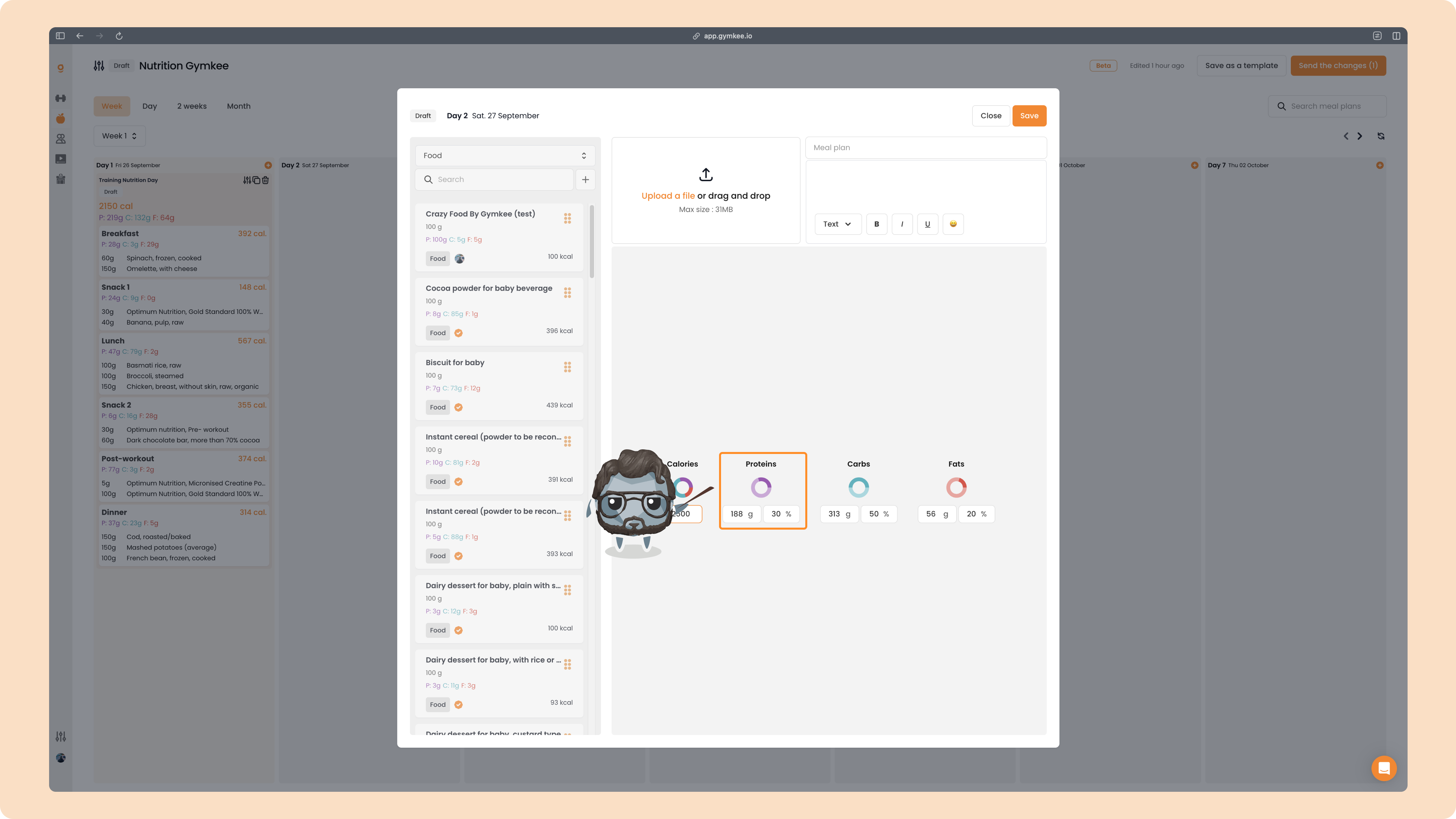
Begin with protein (purple).
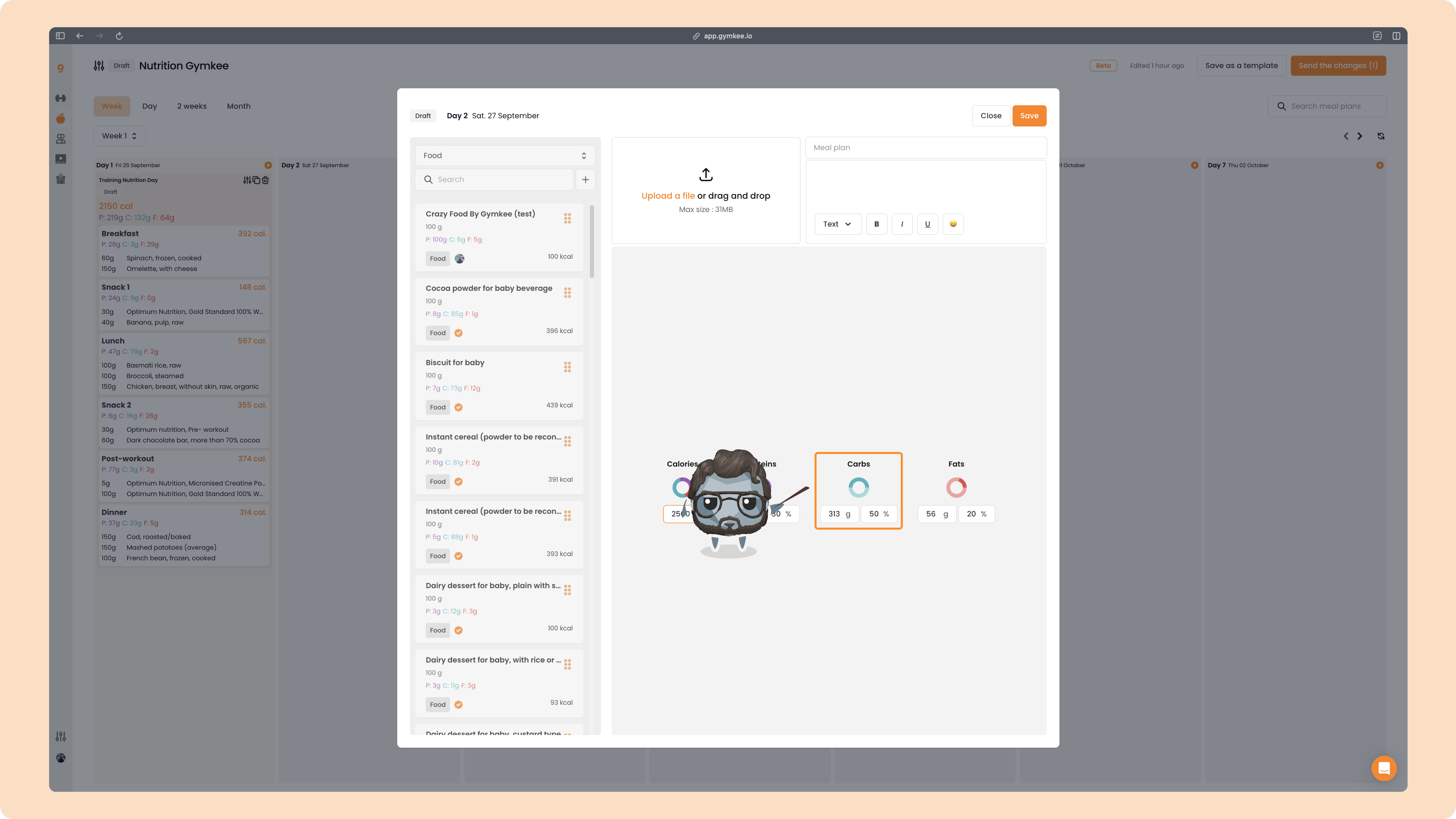
Then move on to carbs (blue).
Finish with fats (red).
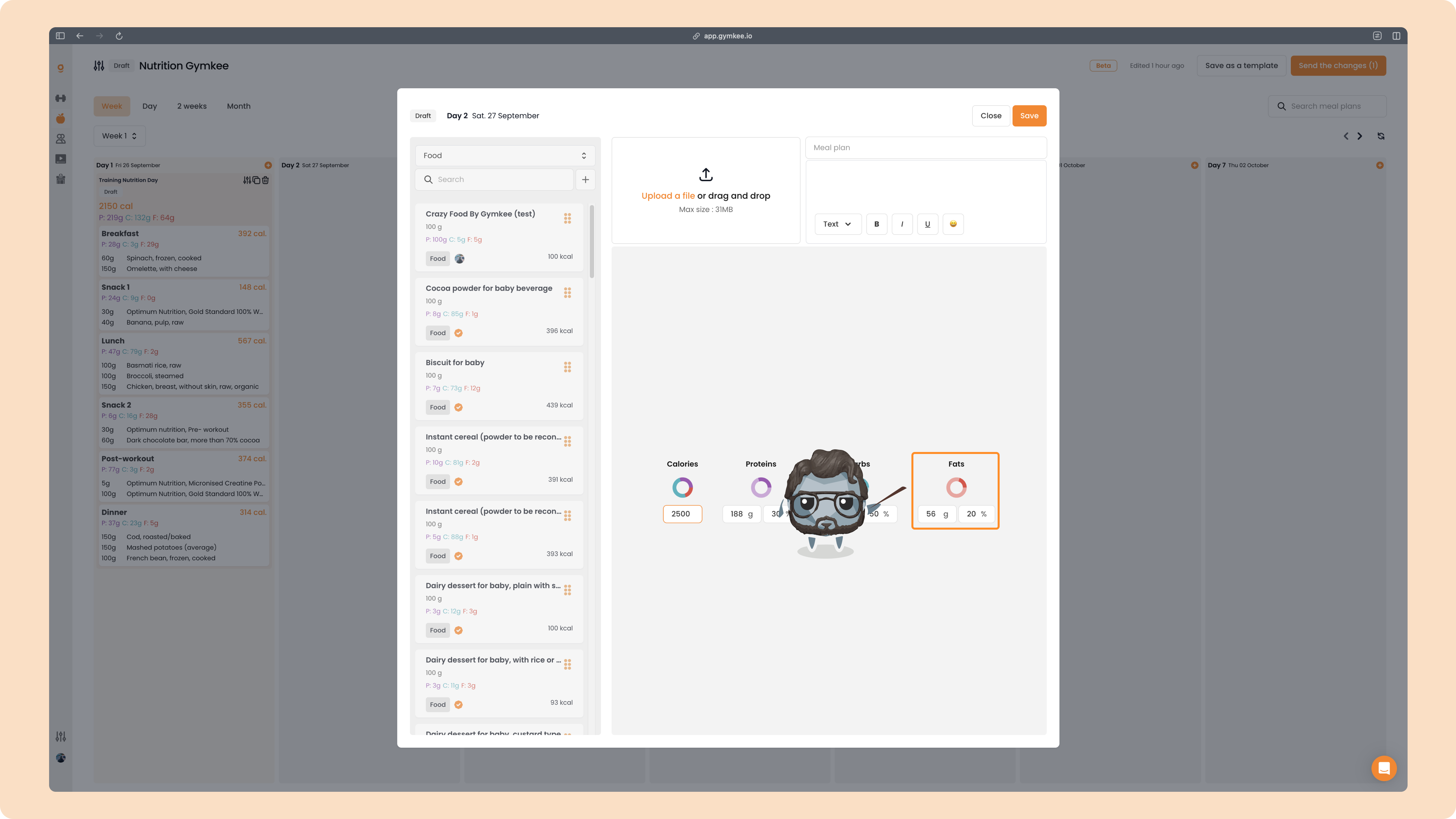
If you adjust protein:
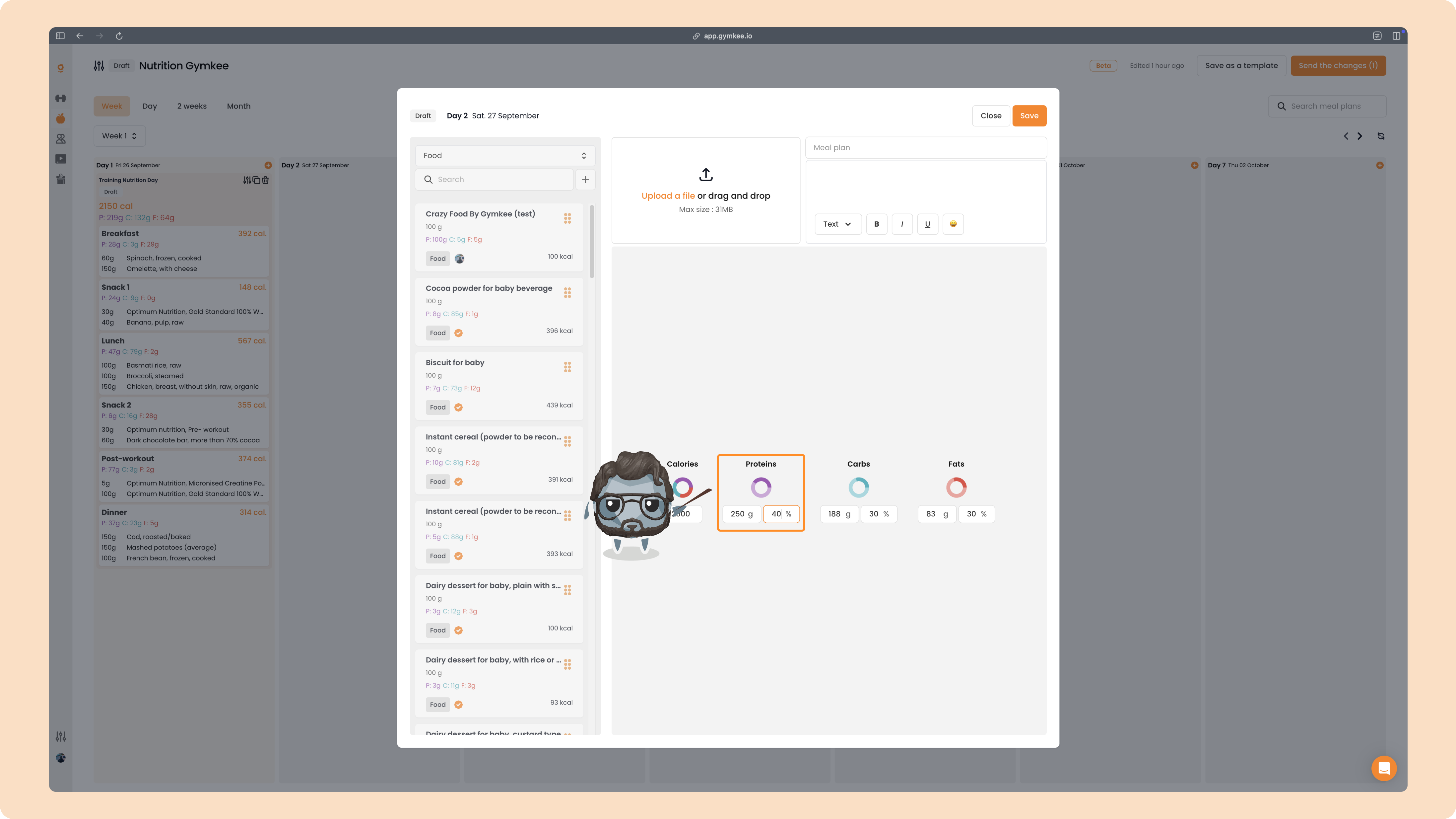
you’ll notice the other macros automatically adapt to stay aligned with the total calories you set.
Later, if you modify the total calorie goal, the macros will readjust automatically according to the percentages you defined.
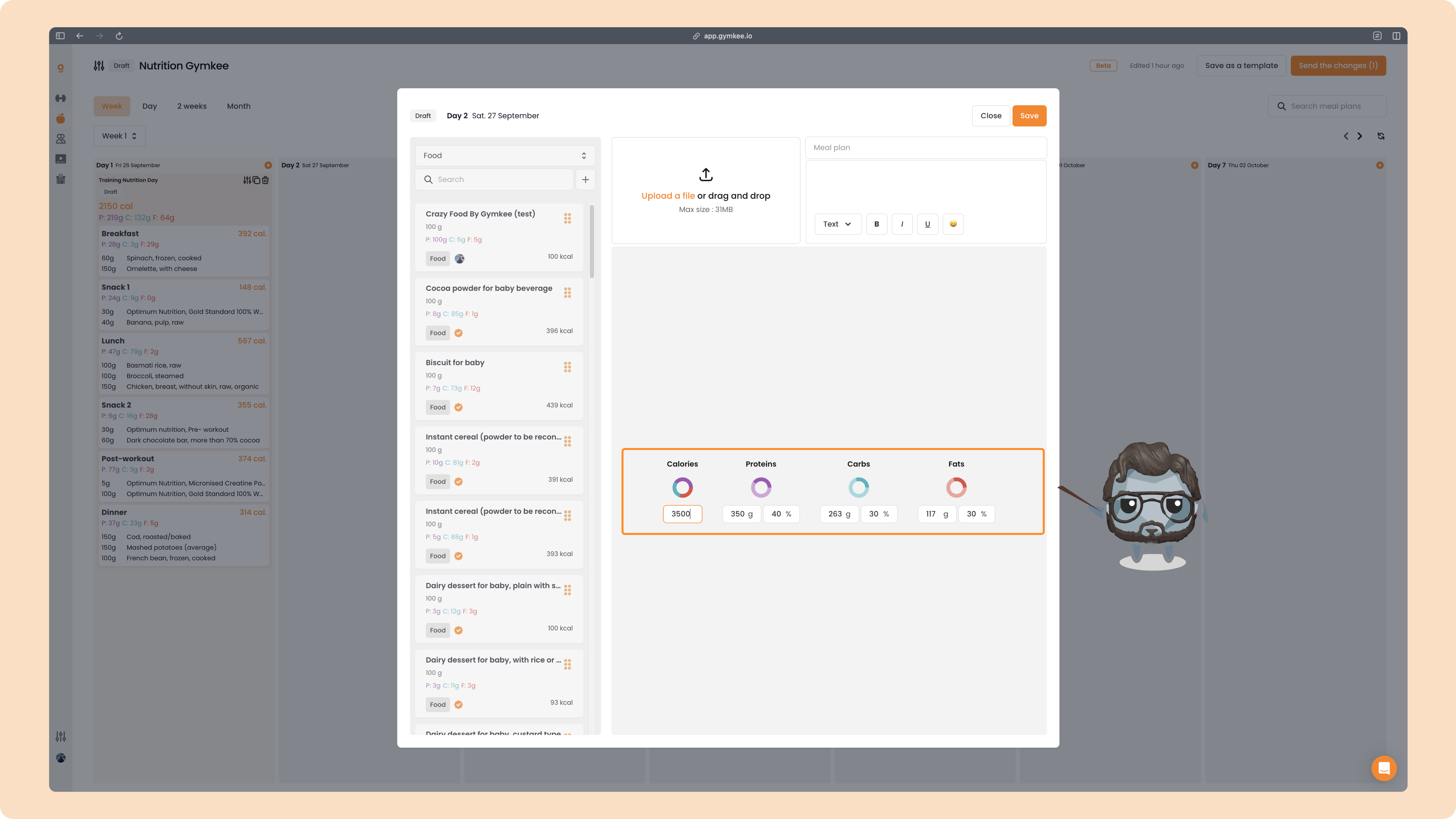
Once everything is set, you’ll see your day displayed with the calorie target like this: