

On Gymkee, you don't have to build every meal food by food. Instead, you can give your client a daily calorie target with macros to hit, and let them handle the meals themselves.
This is the way to go when you want to set the direction (calories and macros) without prescribing every single meal.
Where to find it
Open the day you want to work on. On an empty meal day, before you add any food, Gymkee gives you two options: drag & drop a food, a recipe or a meal template, or set a daily goal based on calories and macros.
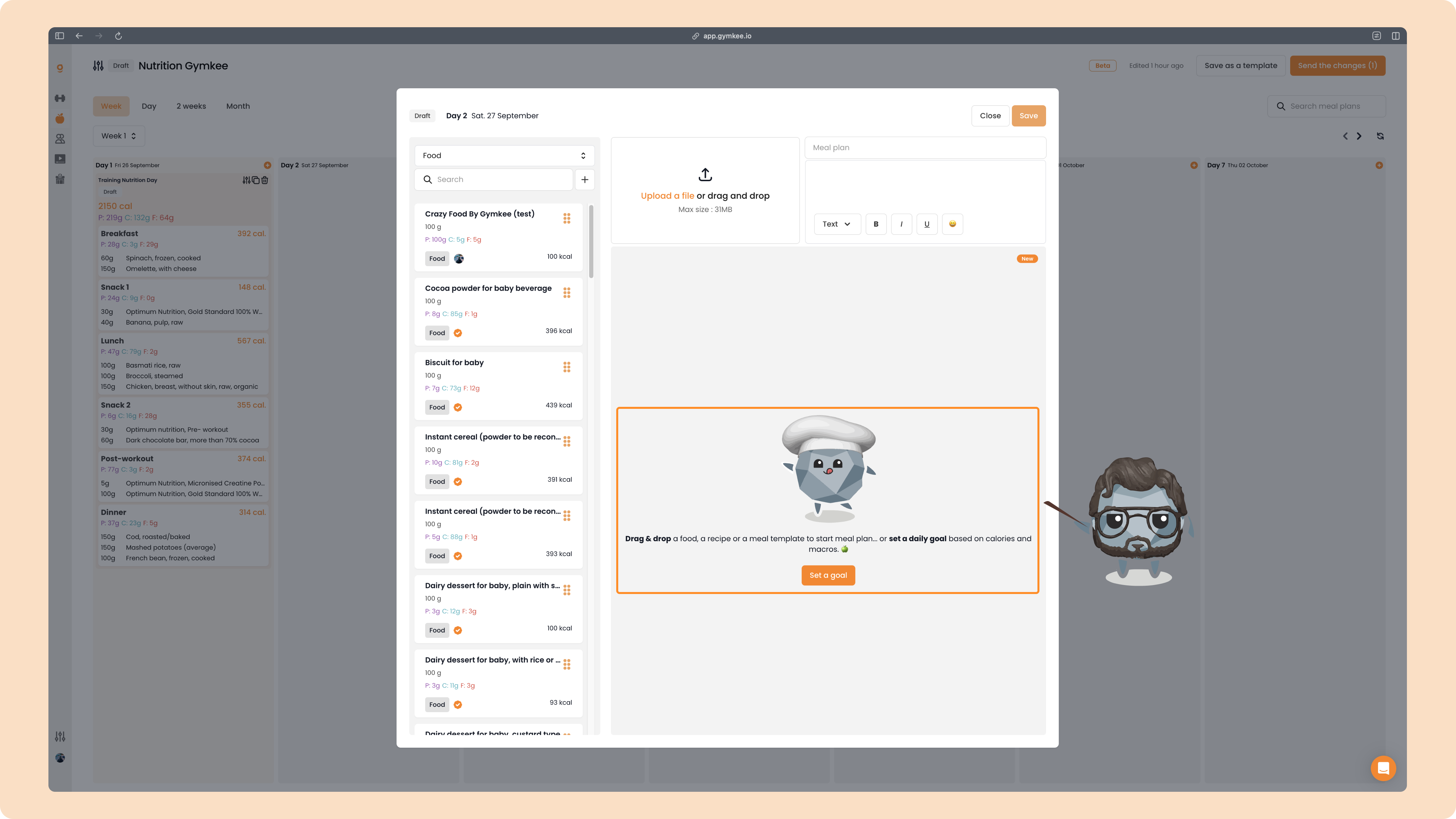
Click "Set a goal".
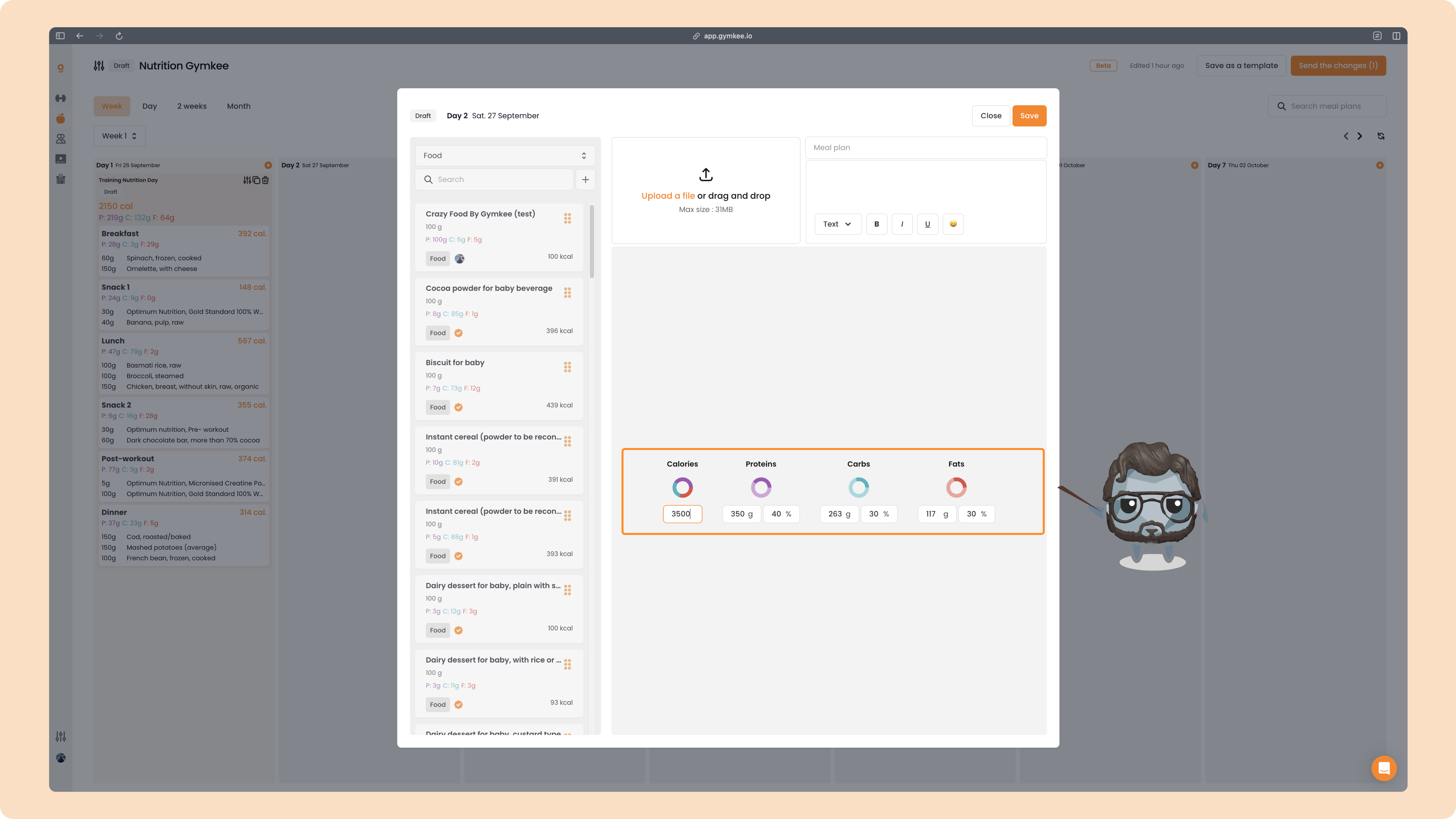
A goal panel opens where you can set:
- Calories
- Proteins, Carbs and Fats
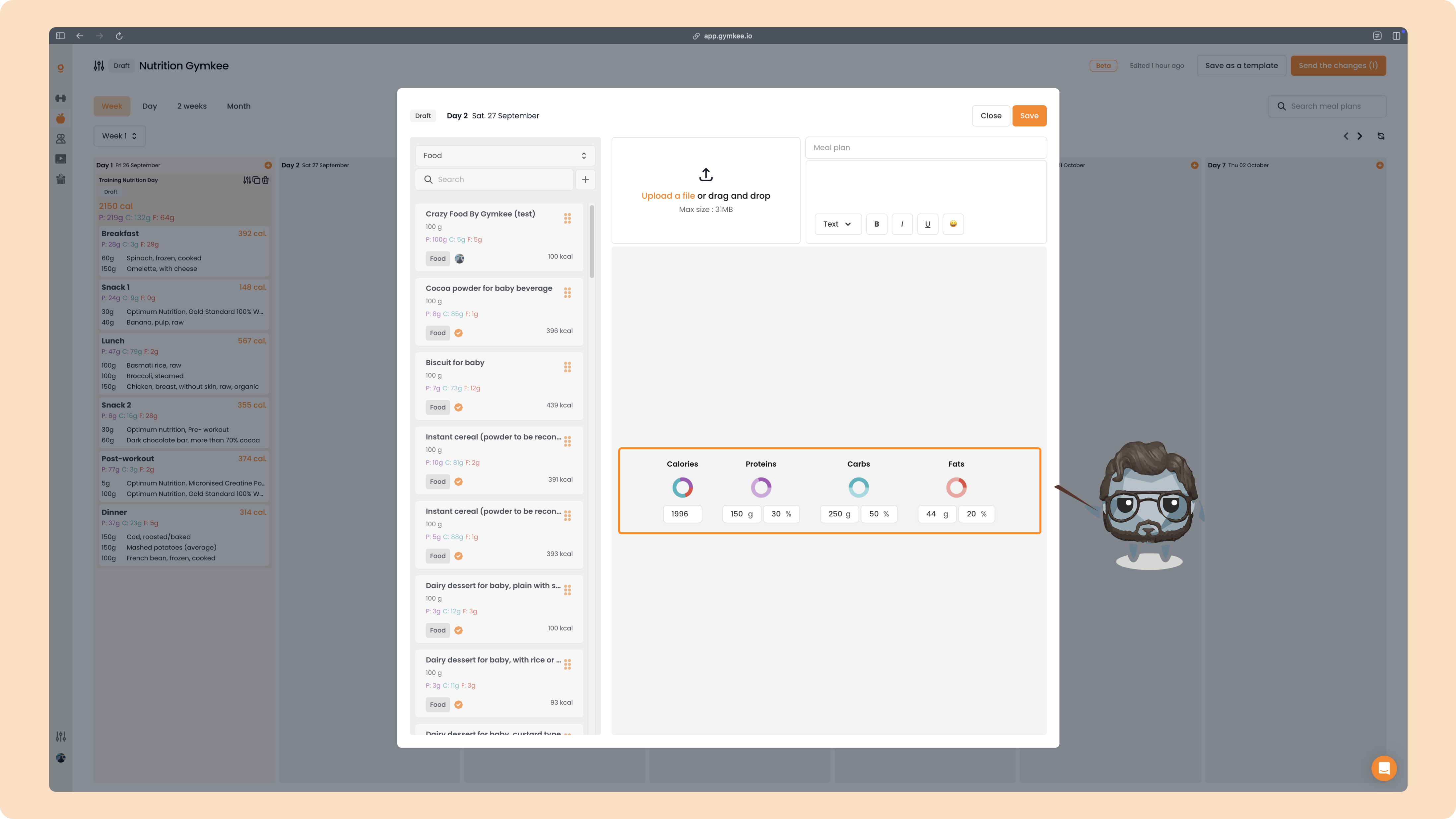
1. Start with the calories
Always begin with the total for the day. Type the number of kcal you want your client to hit.
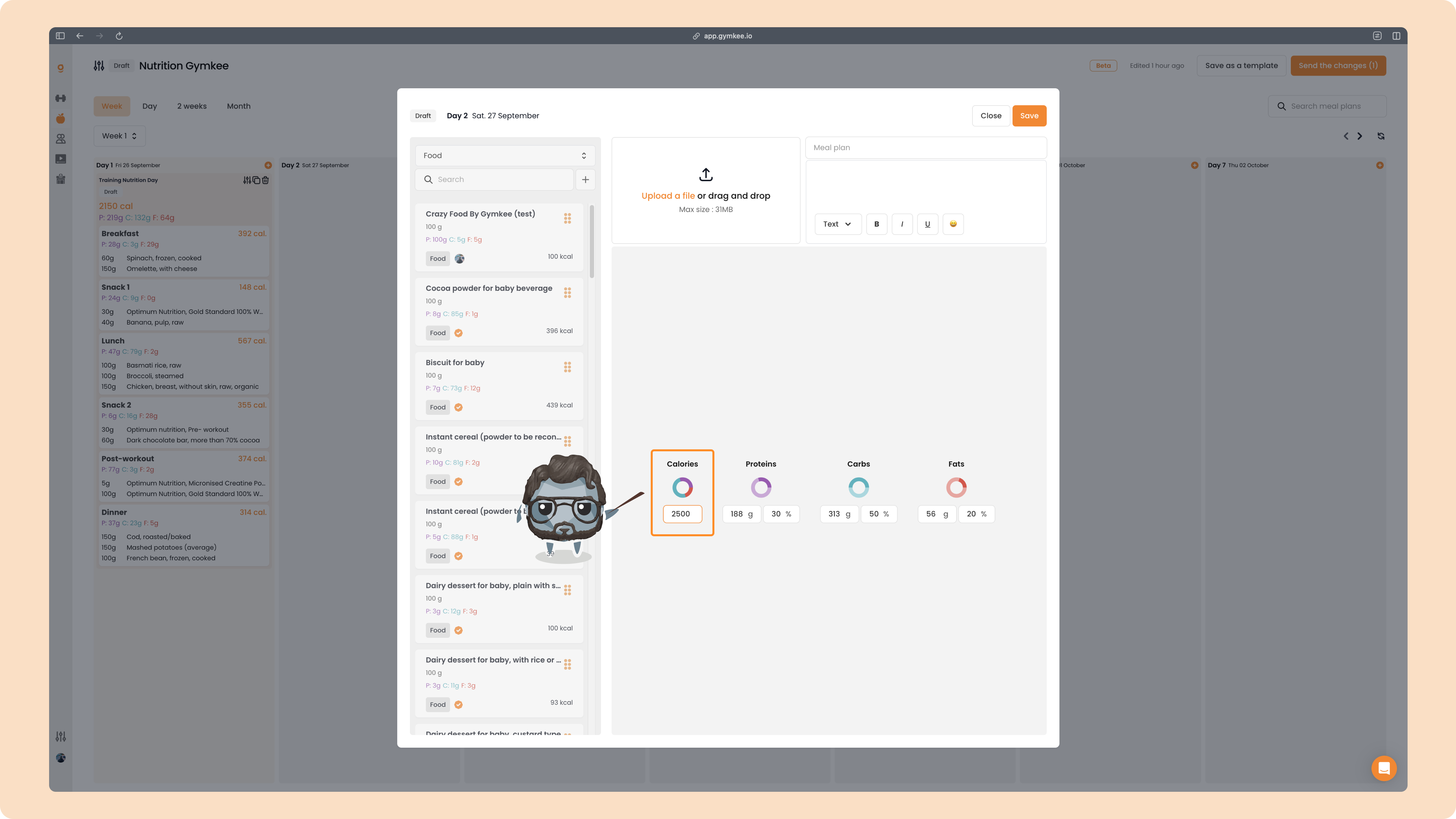
2. Then set the macros
Once calories are set, define how they split across the three macros. For each macro you have two ways to enter the value:
- in grams (g)
- or in percentage (%) of the total calories
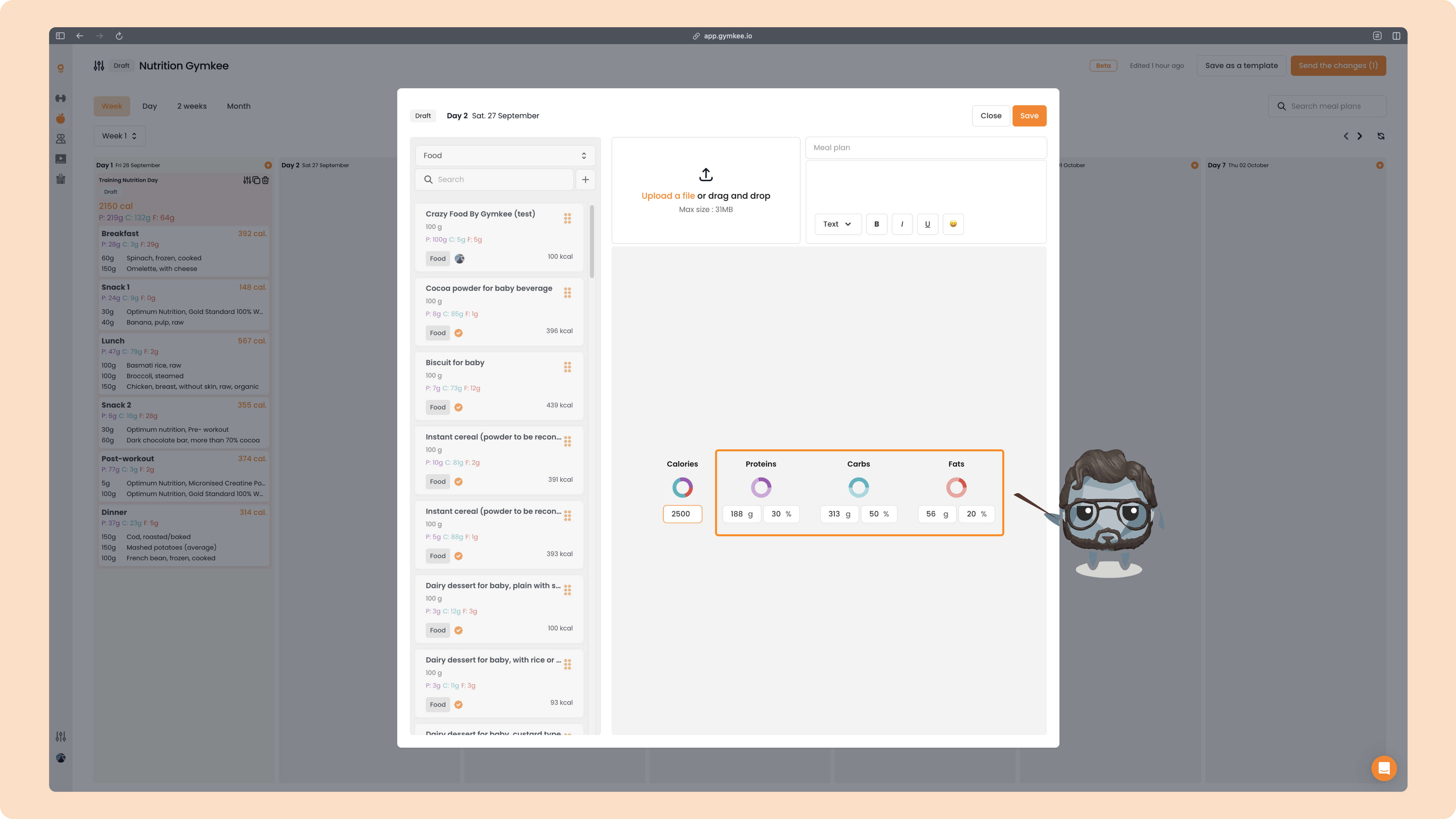
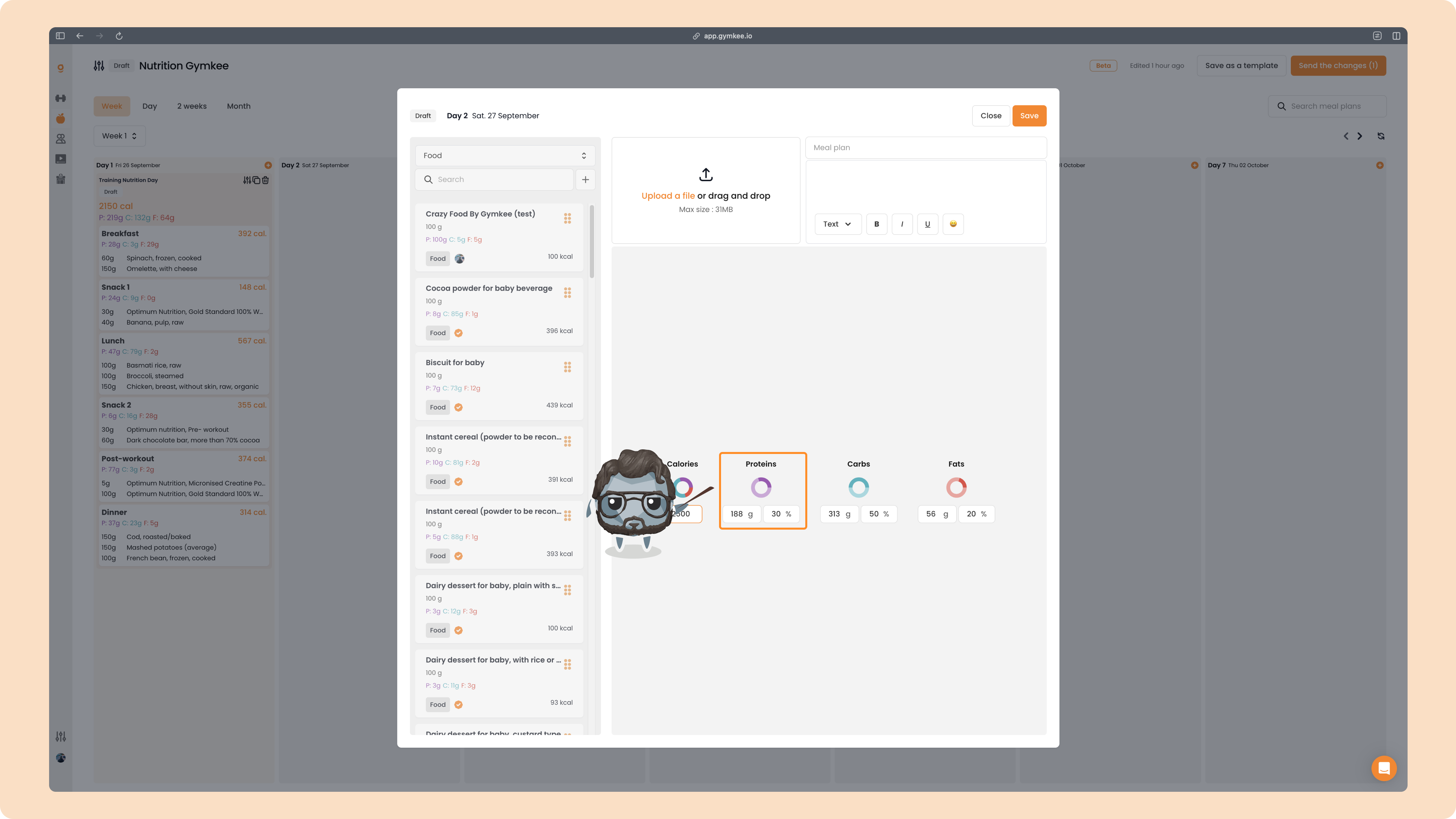
Begin with Proteins (purple).
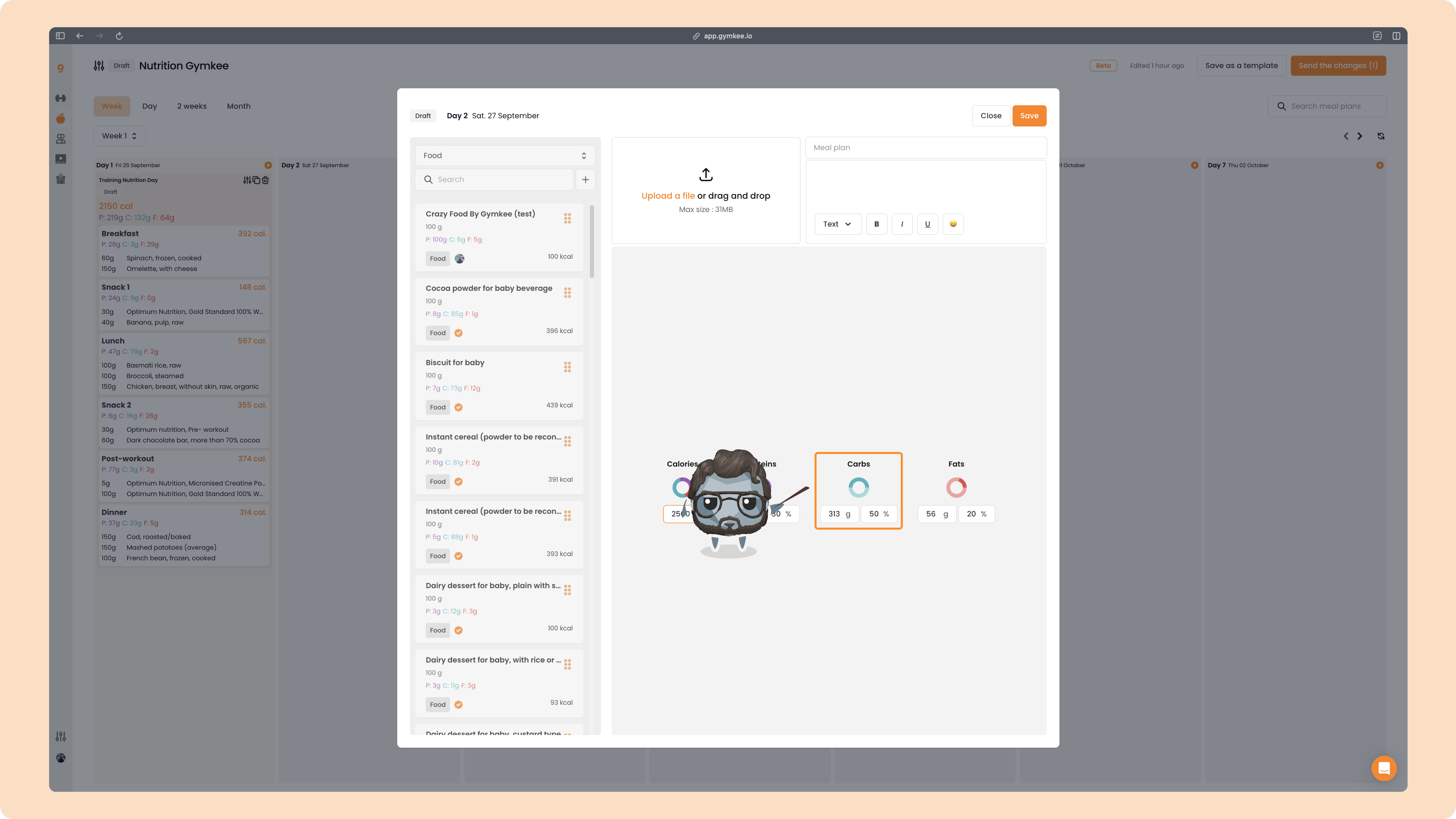
Then move on to Carbs (blue).
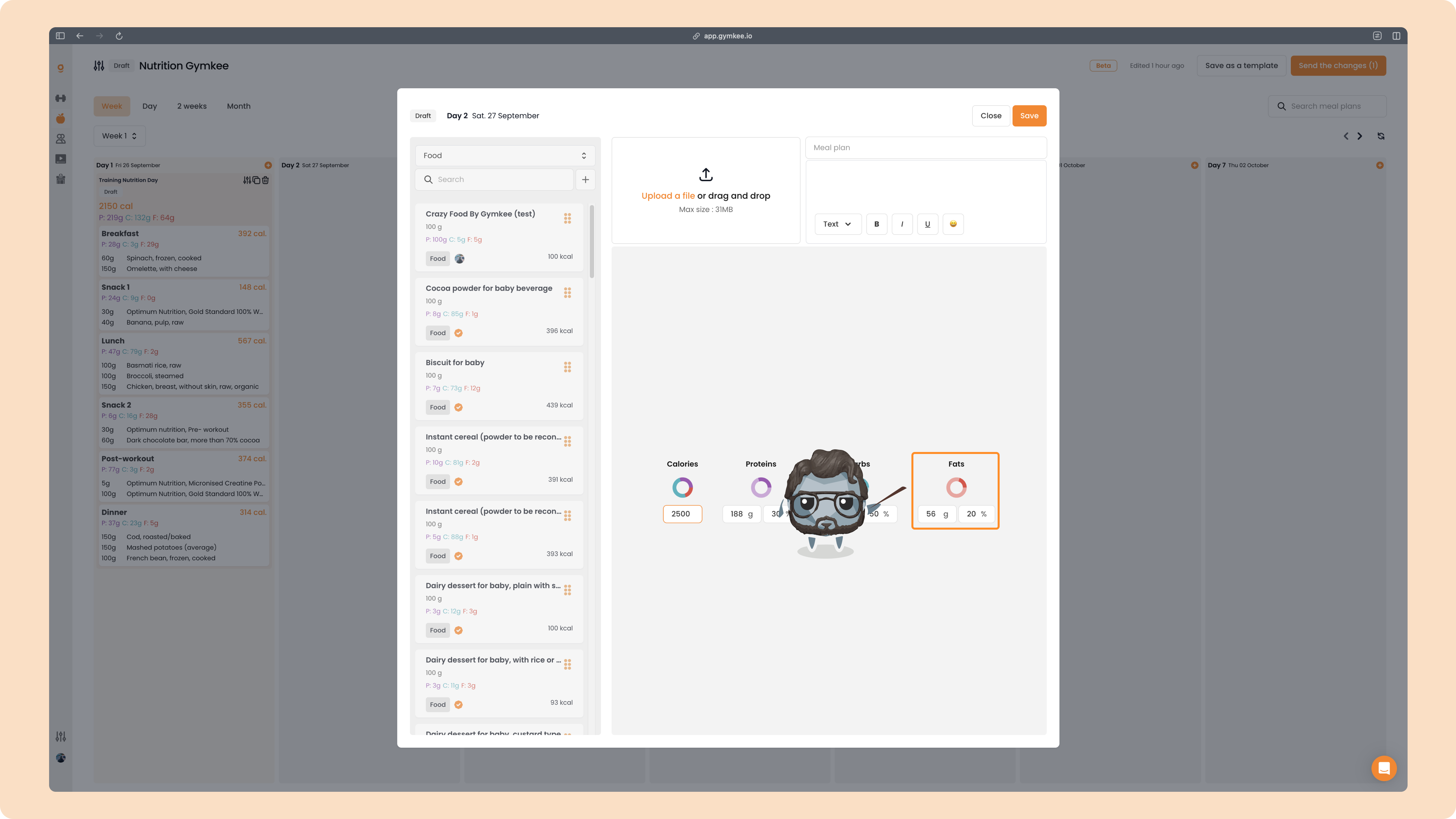
And finish with Fats (red).
Everything stays balanced automatically
When you change one macro, Gymkee automatically adjusts the others so the totals still match the calories you set. For example, if you raise Proteins:
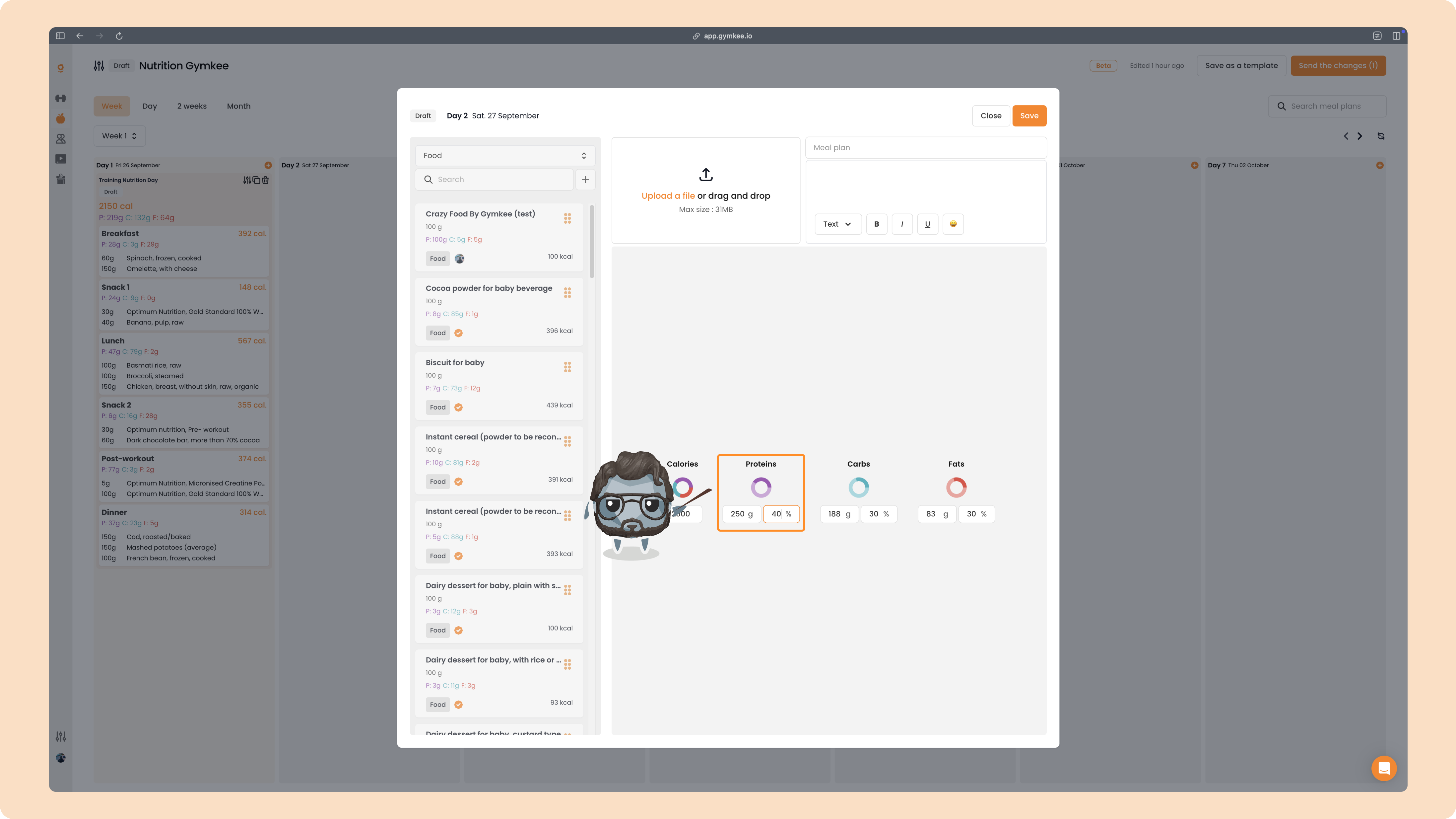
the other macros update on their own to stay aligned with the total calories.
And if you change the total calories later, the macros recalculate automatically based on the percentages you defined.
That's it
Once everything is set, your day shows the calorie target with its macros, ready to send to your client.
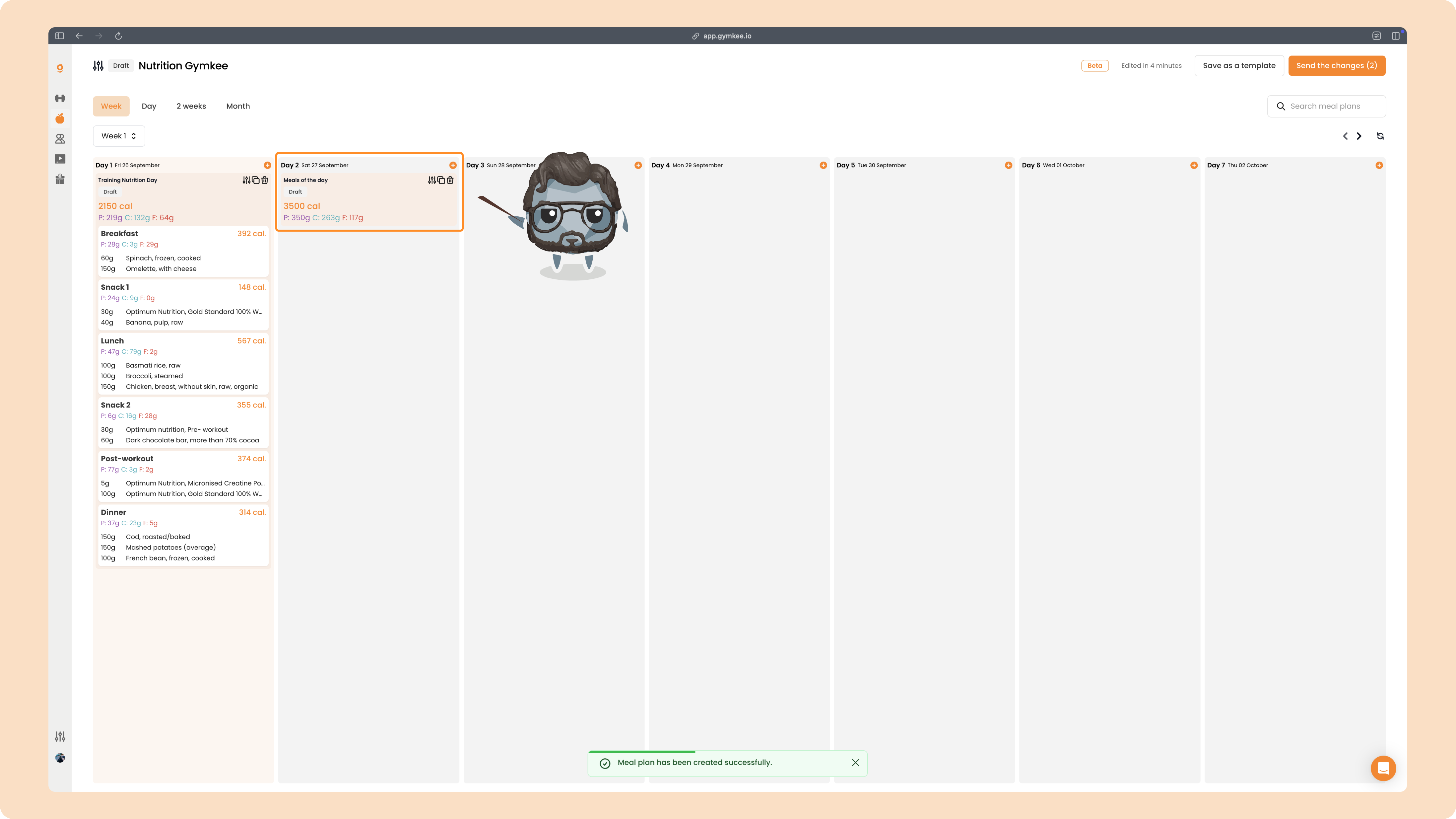
Your client now has a clear daily target to aim for, without a rigid meal-by-meal plan. Simple, flexible, and still fully guided by you.
