

Beyond copying a single day, you can duplicate a whole week of nutrition into other weeks of the program — in just two clicks.
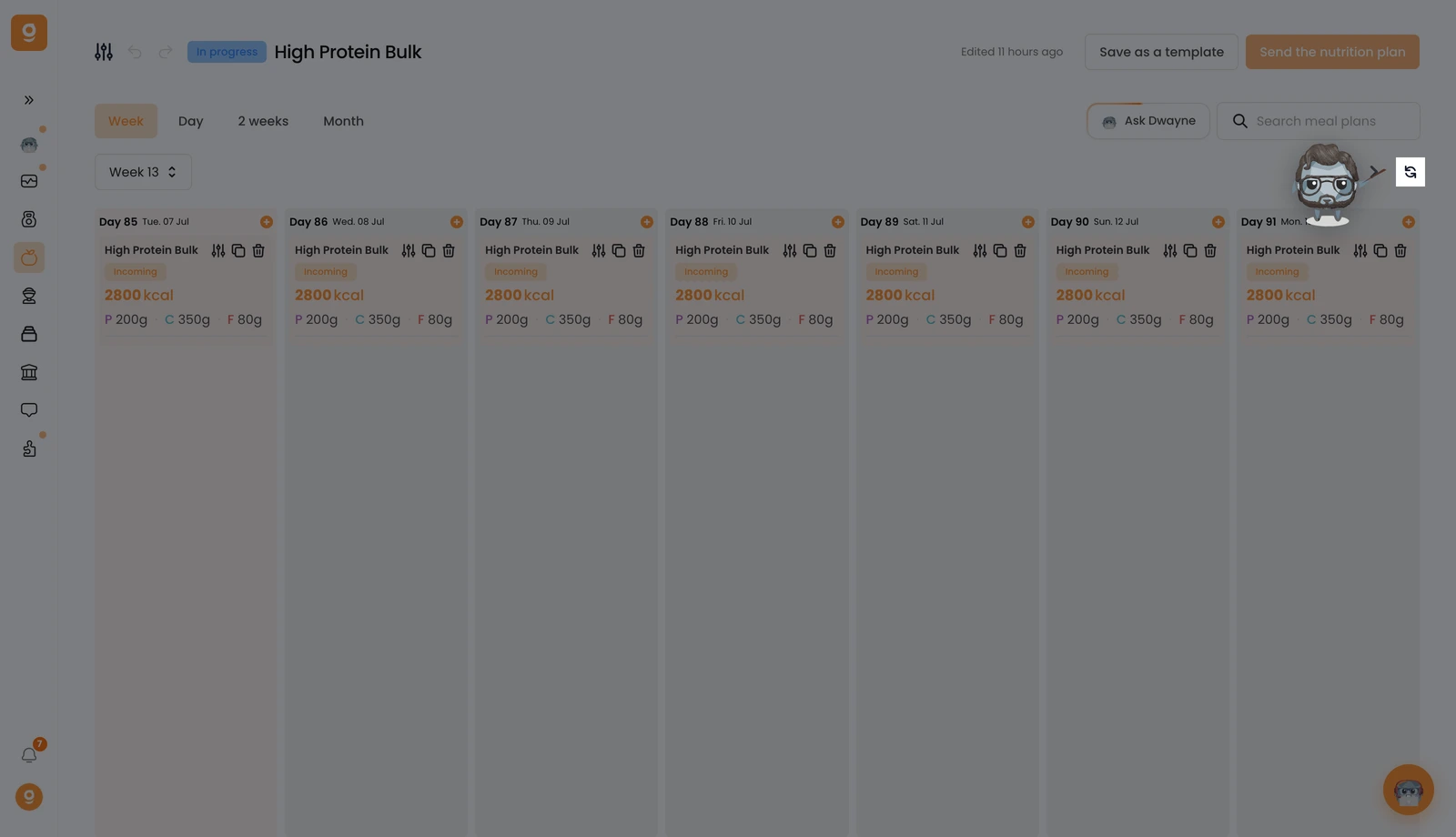
In the Week view, click the Duplicate button next to the week navigation arrows.
A pop-up lets you configure it in one place. First, choose which weeks to copy into: the following week, every 2 weeks, or all coming weeks. Then choose what happens if a week already has meal plans: replace them, keep both, or skip. Click Duplicate and you're done.
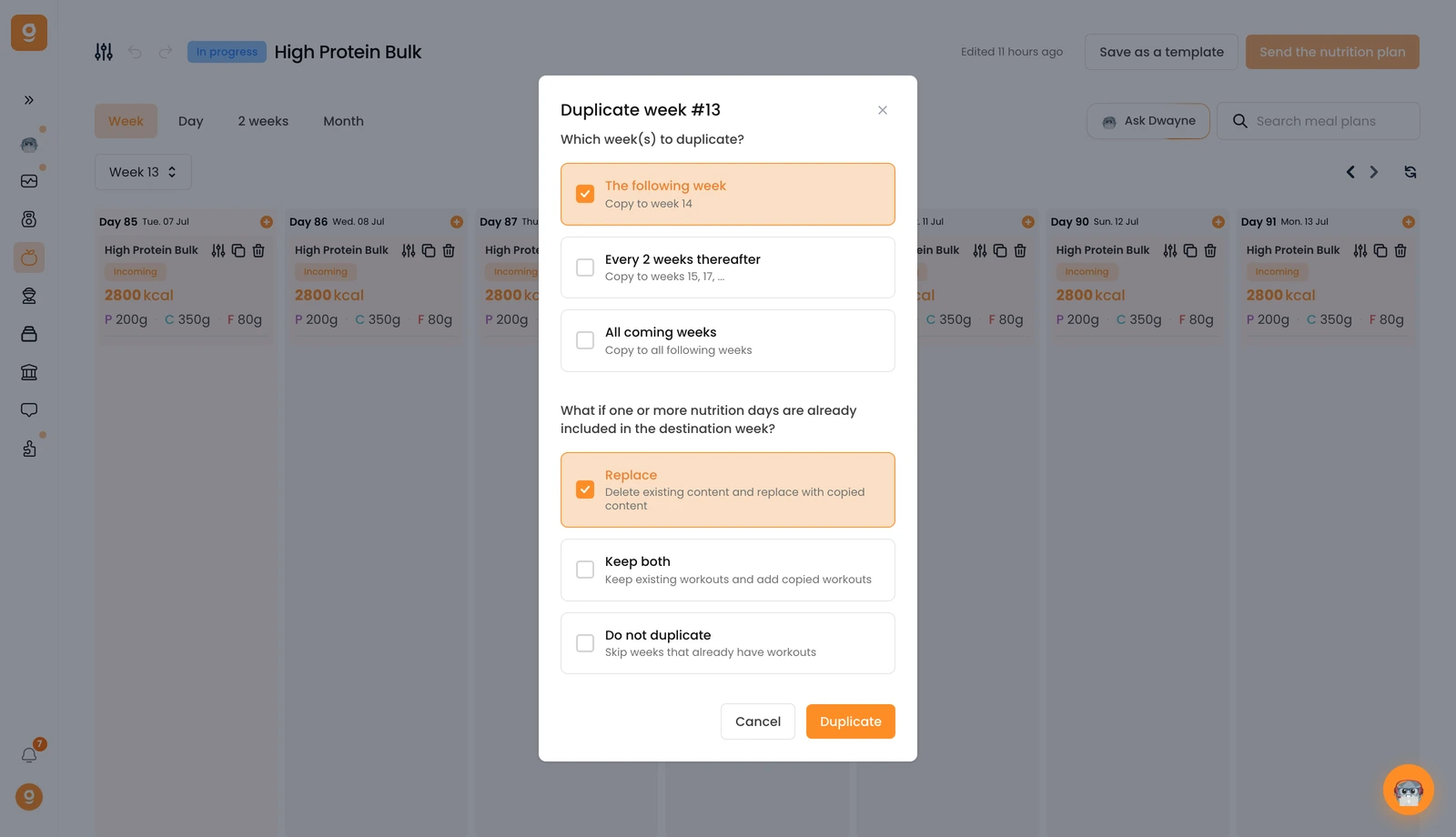
That's it — a full week of nutrition copied across your program without redoing anything.
