Gymkee University
Short tutorials to get comfortable with Gymkee.
Try Gymkee FreeGetting started on Gymkee
4 lessons
Get comfortable with Gymkee: how it works, how to move around, and how to see it from your client's side.



Fitness on Gymkee
22 lessons
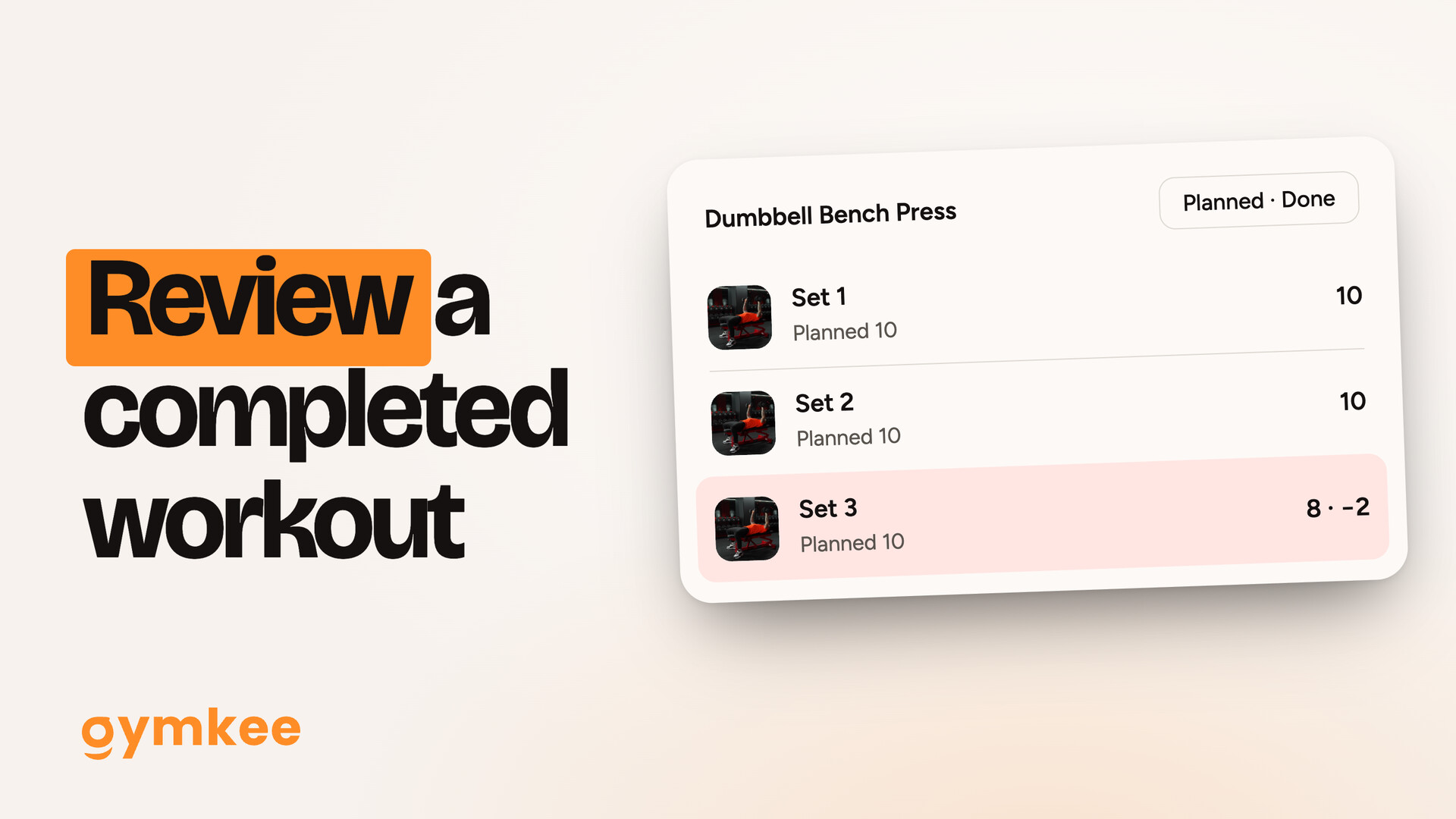
The whole fitness side, start to finish: build programs and workouts, add exercises, coach every rep, reuse templates, and master programs & activities.
-
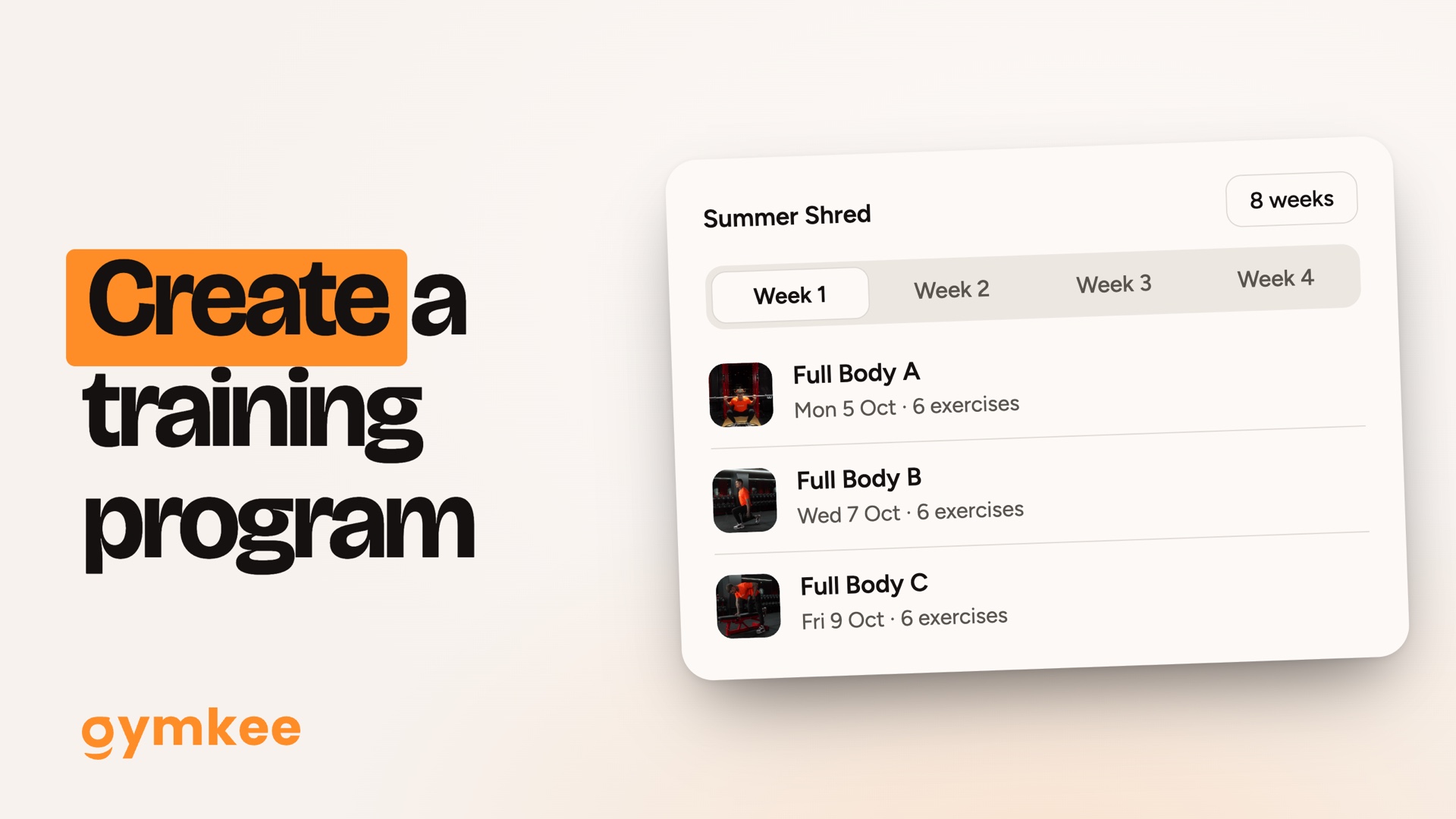 Create a fitness program
-
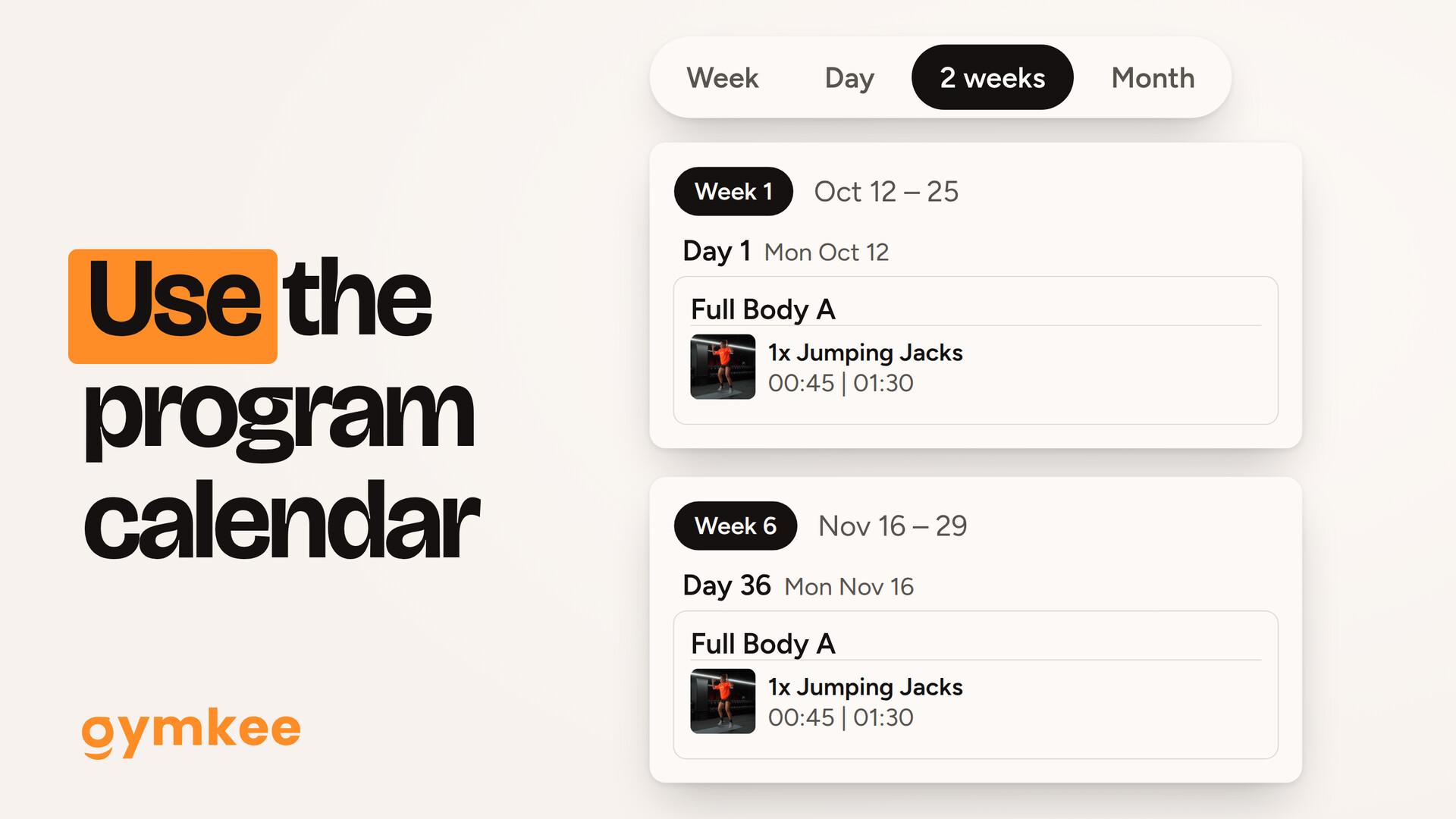 Using the program builder calendar
-
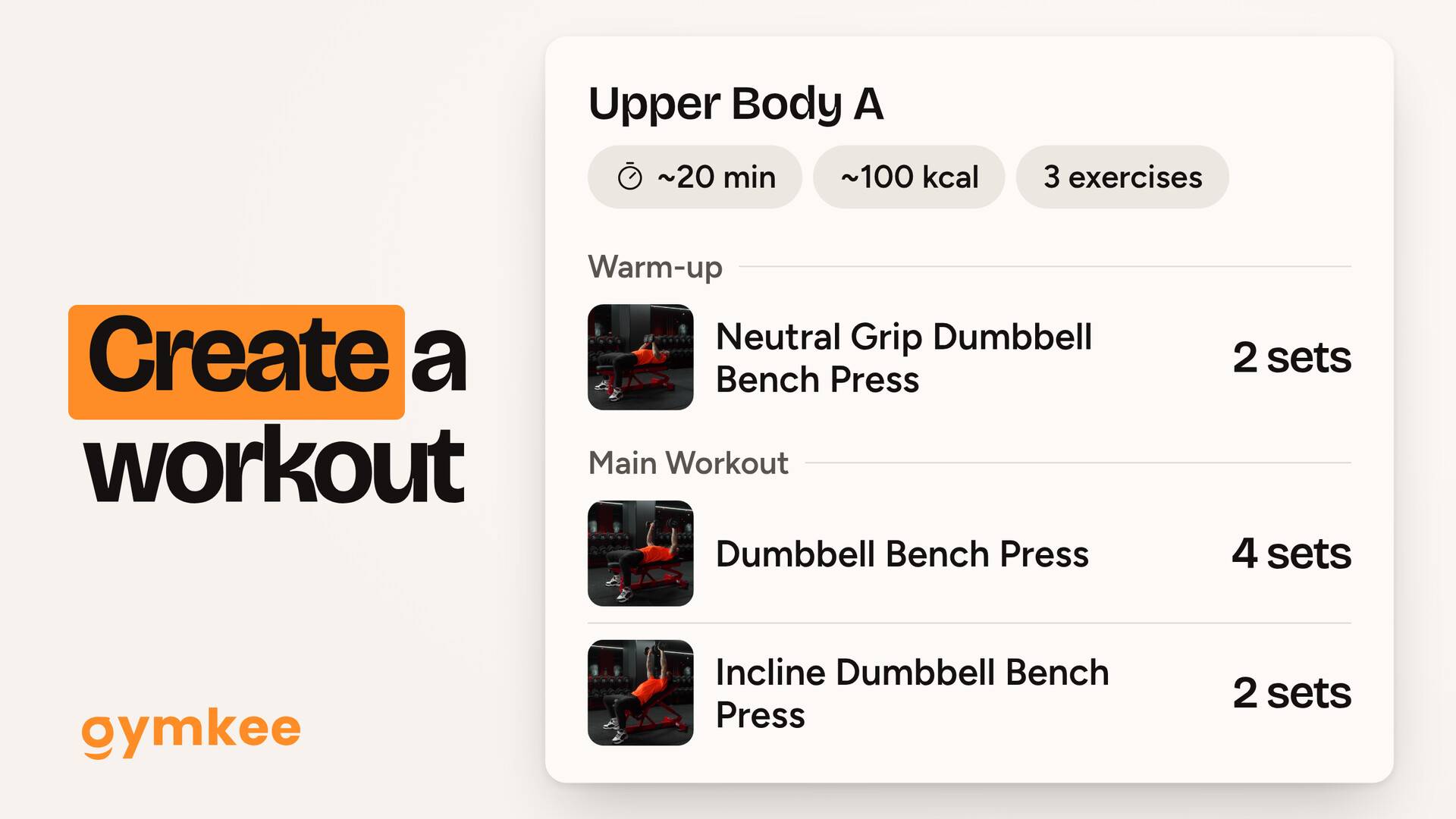 Create a workout
-
 Add exercises
-
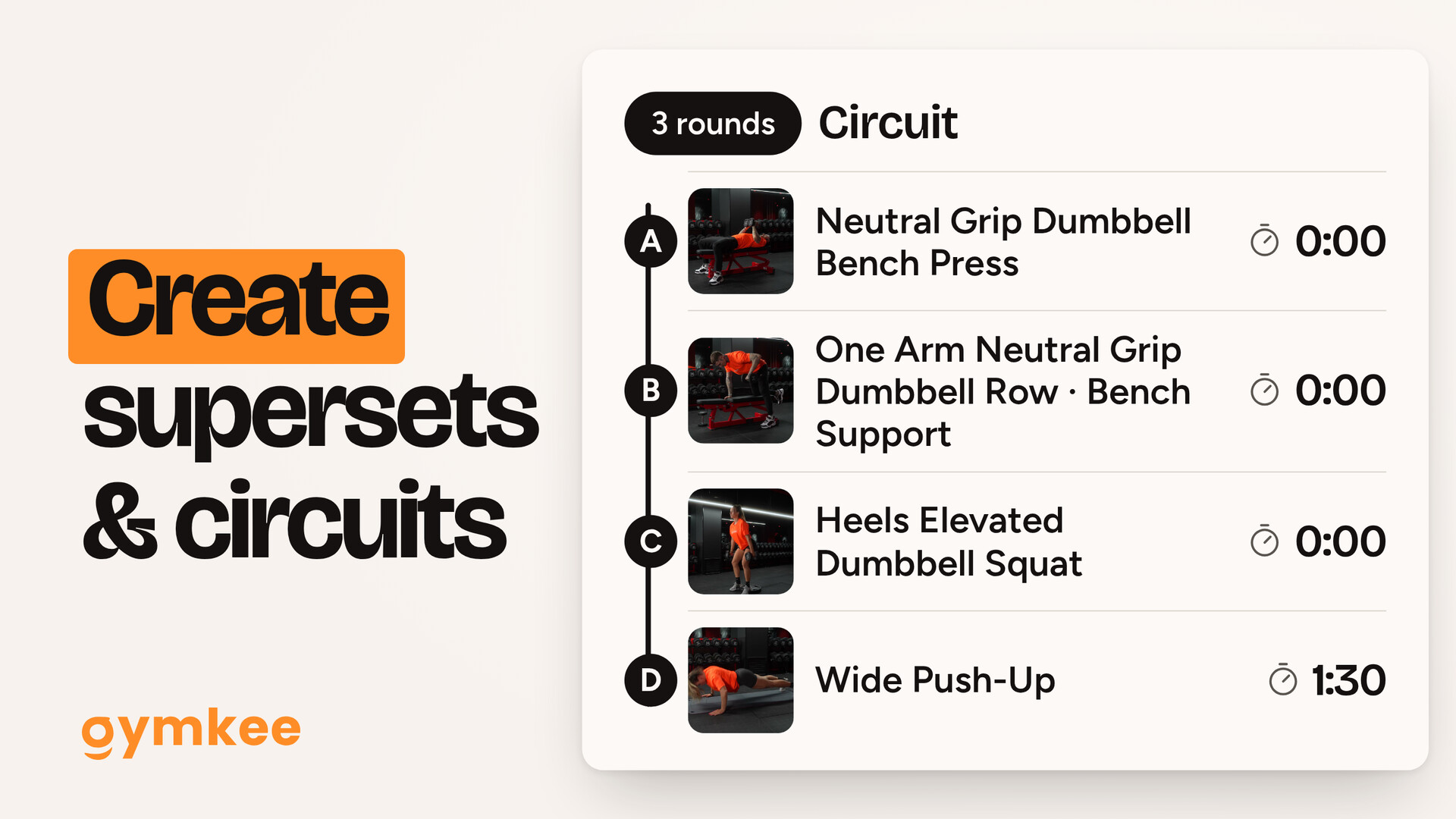 Create supersets, trisets, circuits, AMRAPs...
-
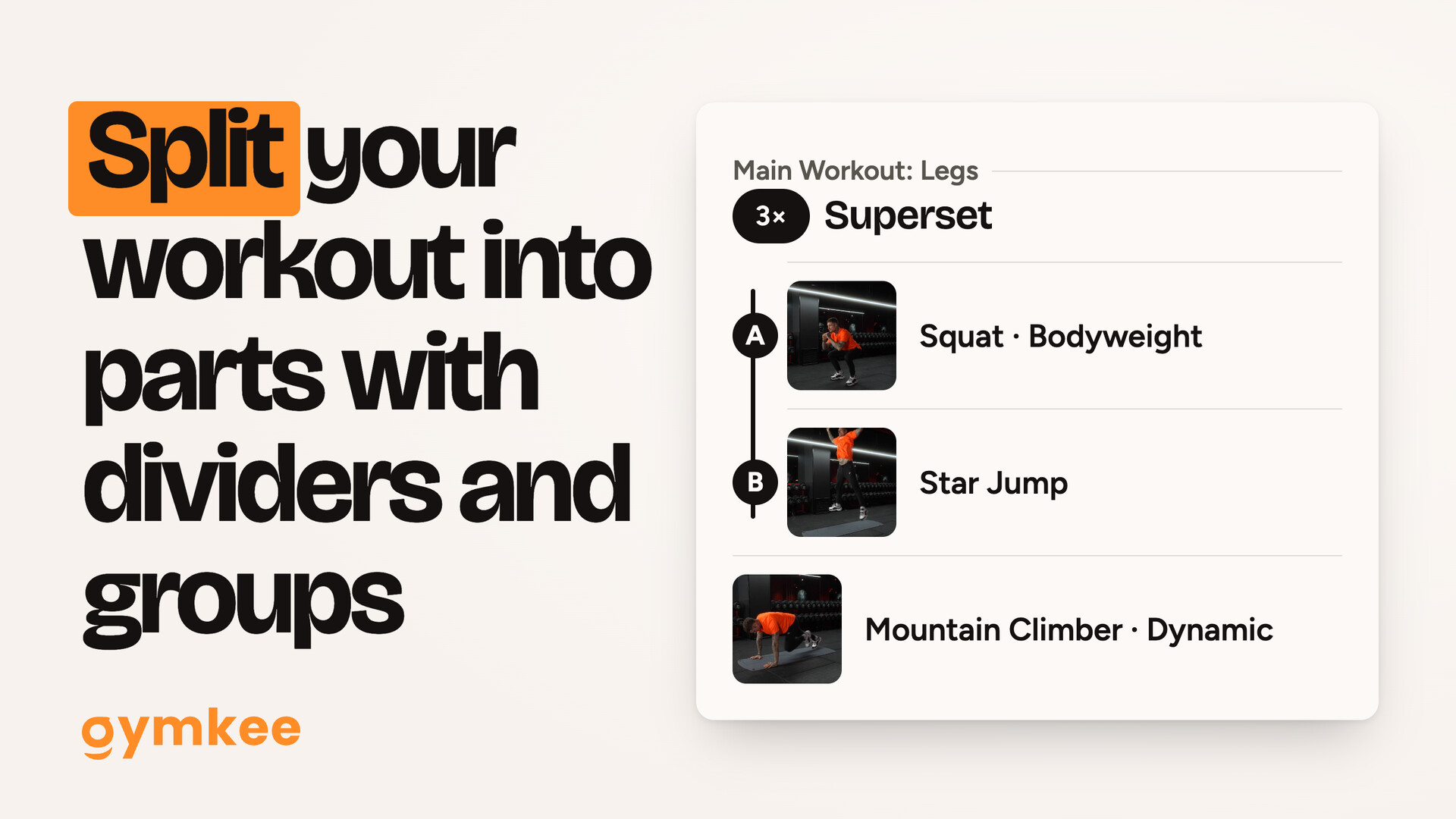 Split your workout into parts with dividers and groups
-
 Offer exercise alternatives to clients
-
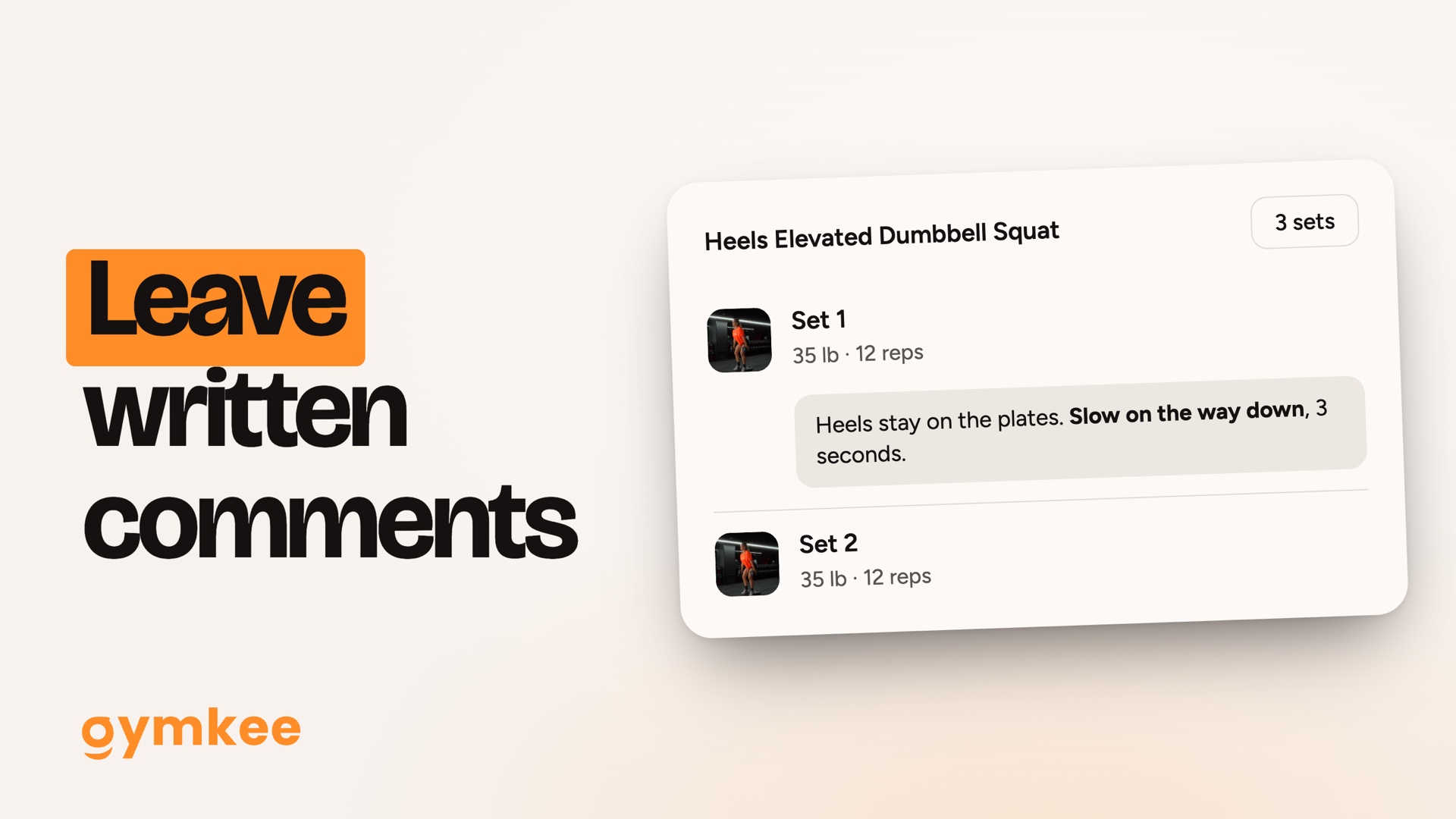 Leave written comments on exercises
-
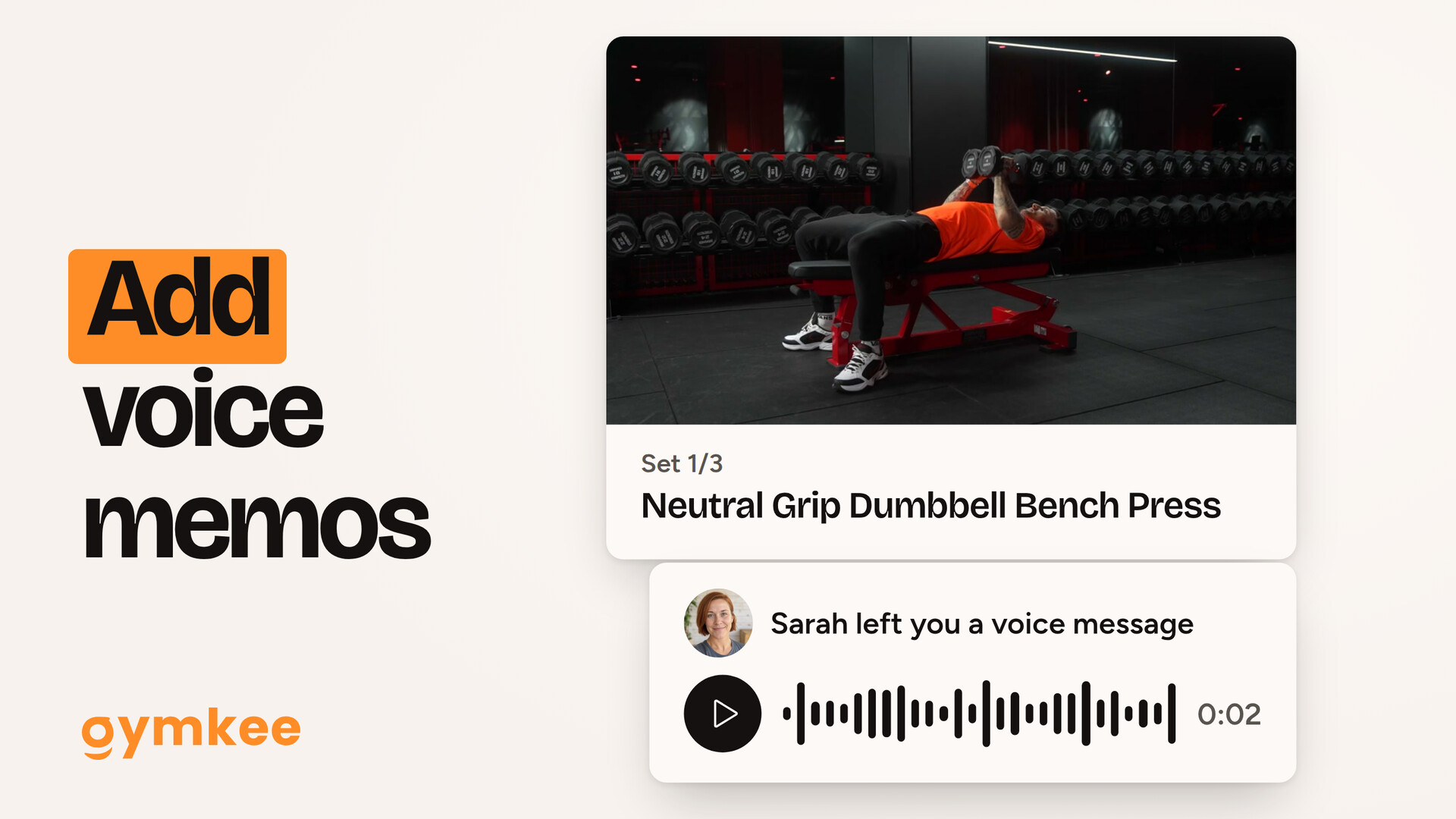 Add voice memos to your workouts
-
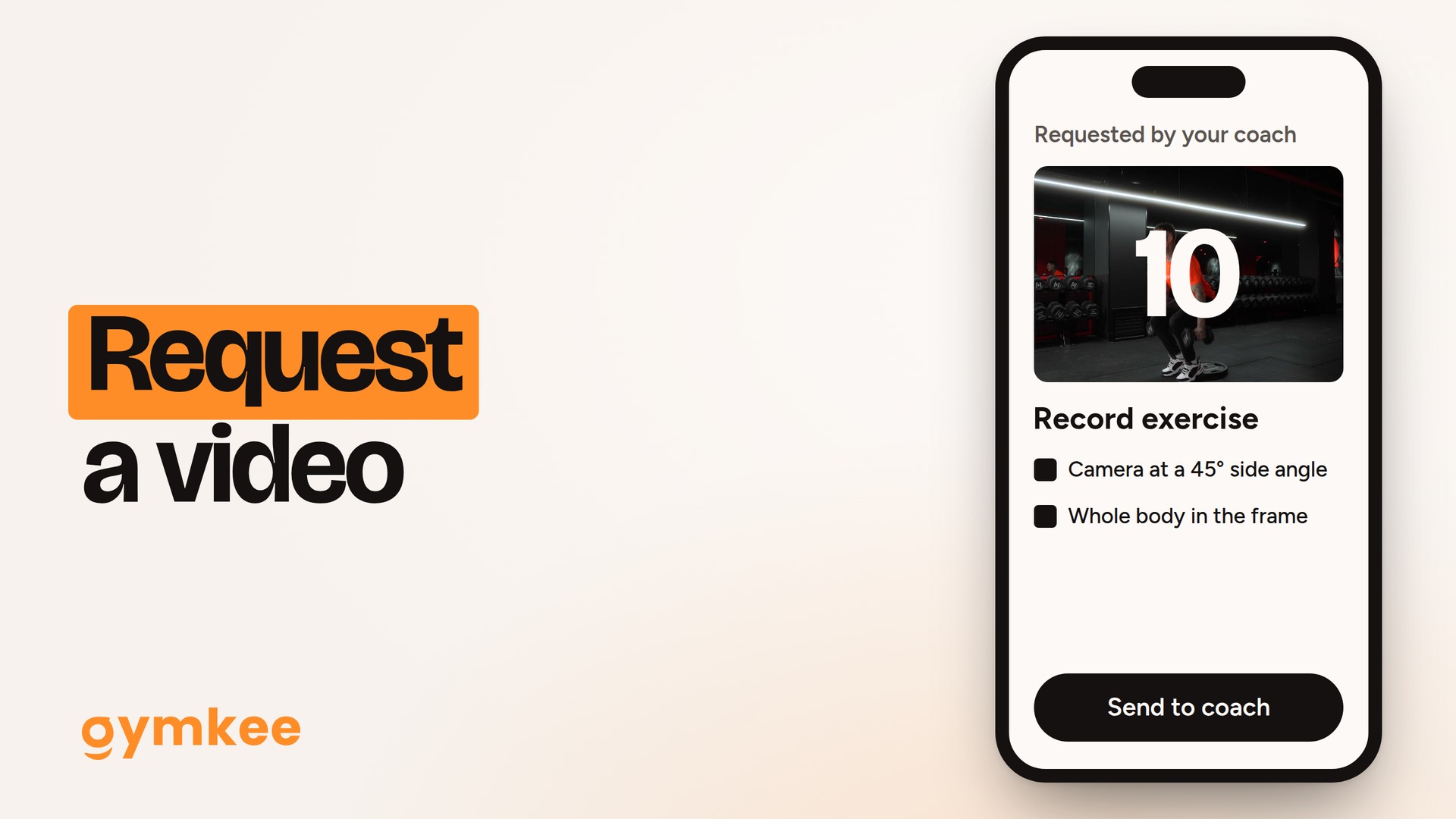 Ask your clients to film their movement
-
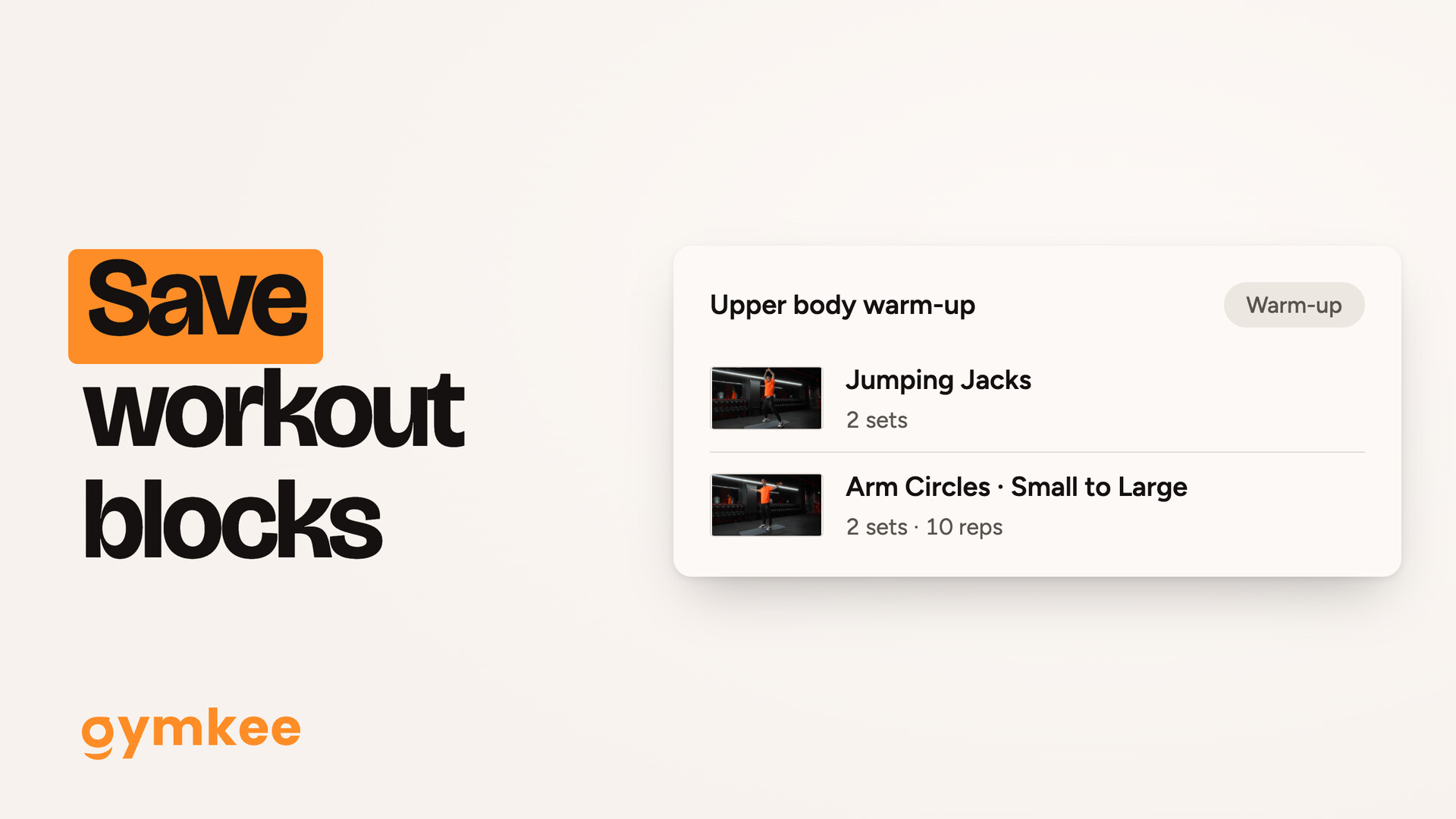 Save workout blocks as templates
-
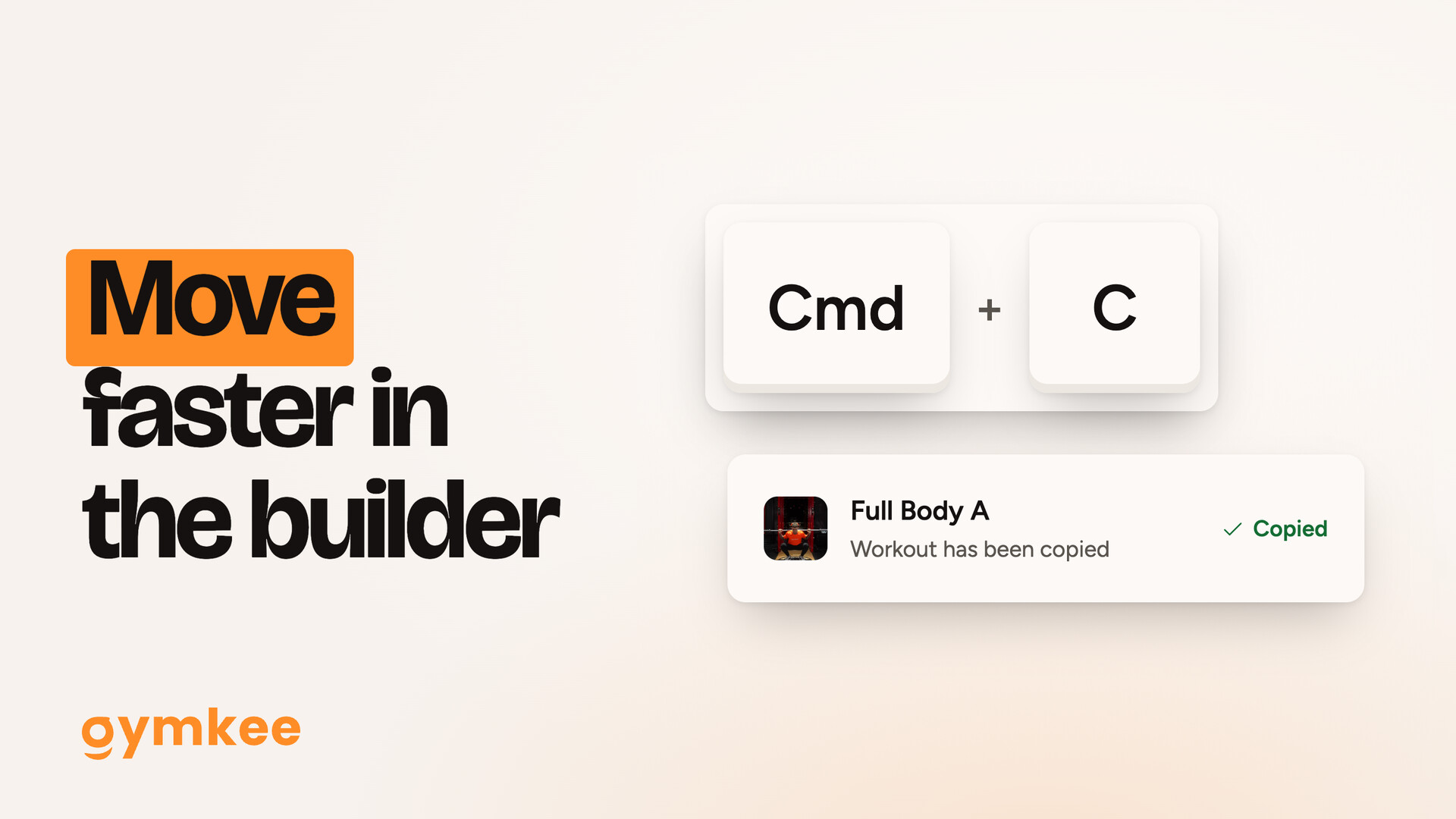 Move faster in the builder
-
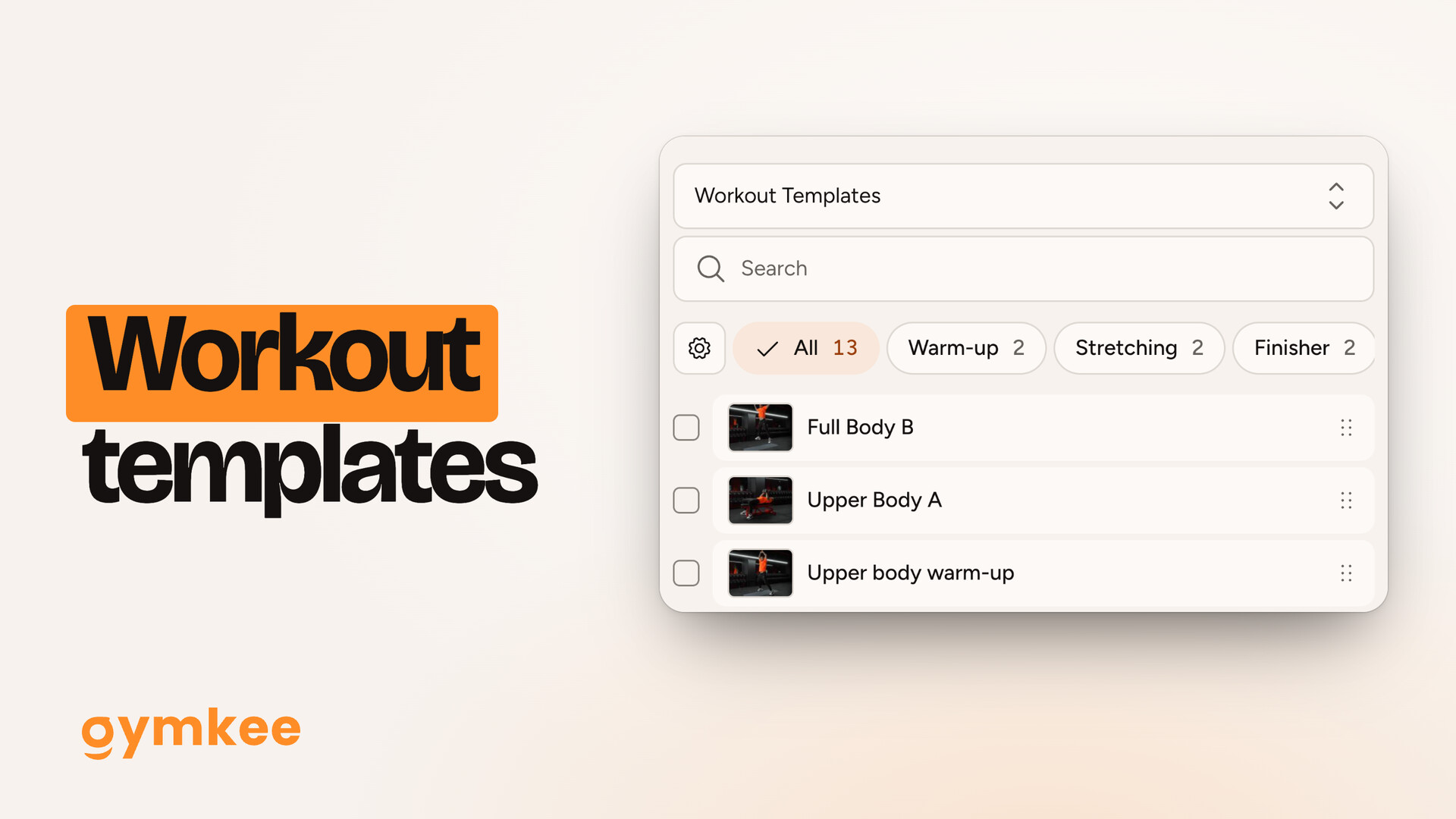 Workout templates
-
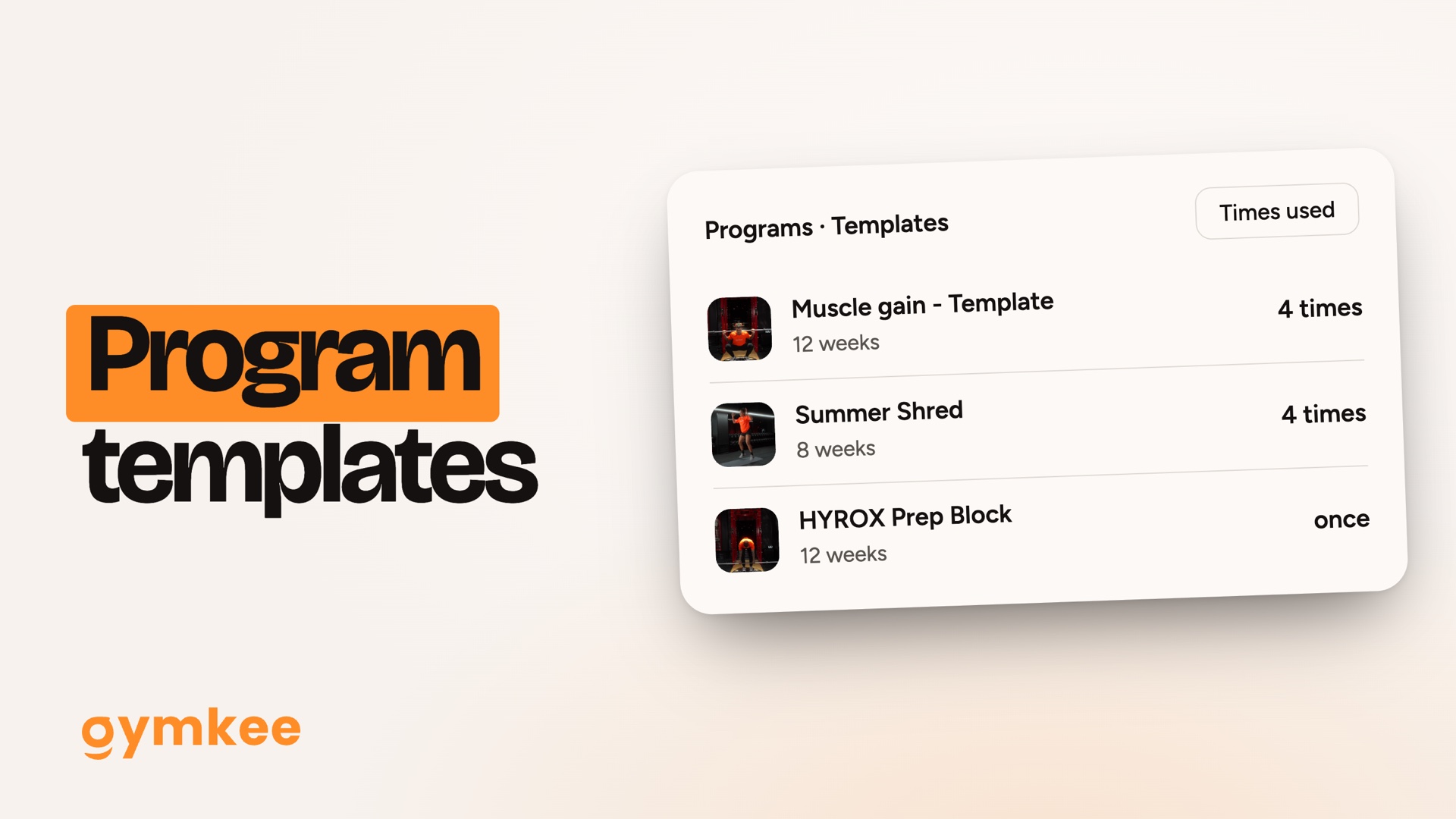 Program templates
-
 What is a Master Program?
-
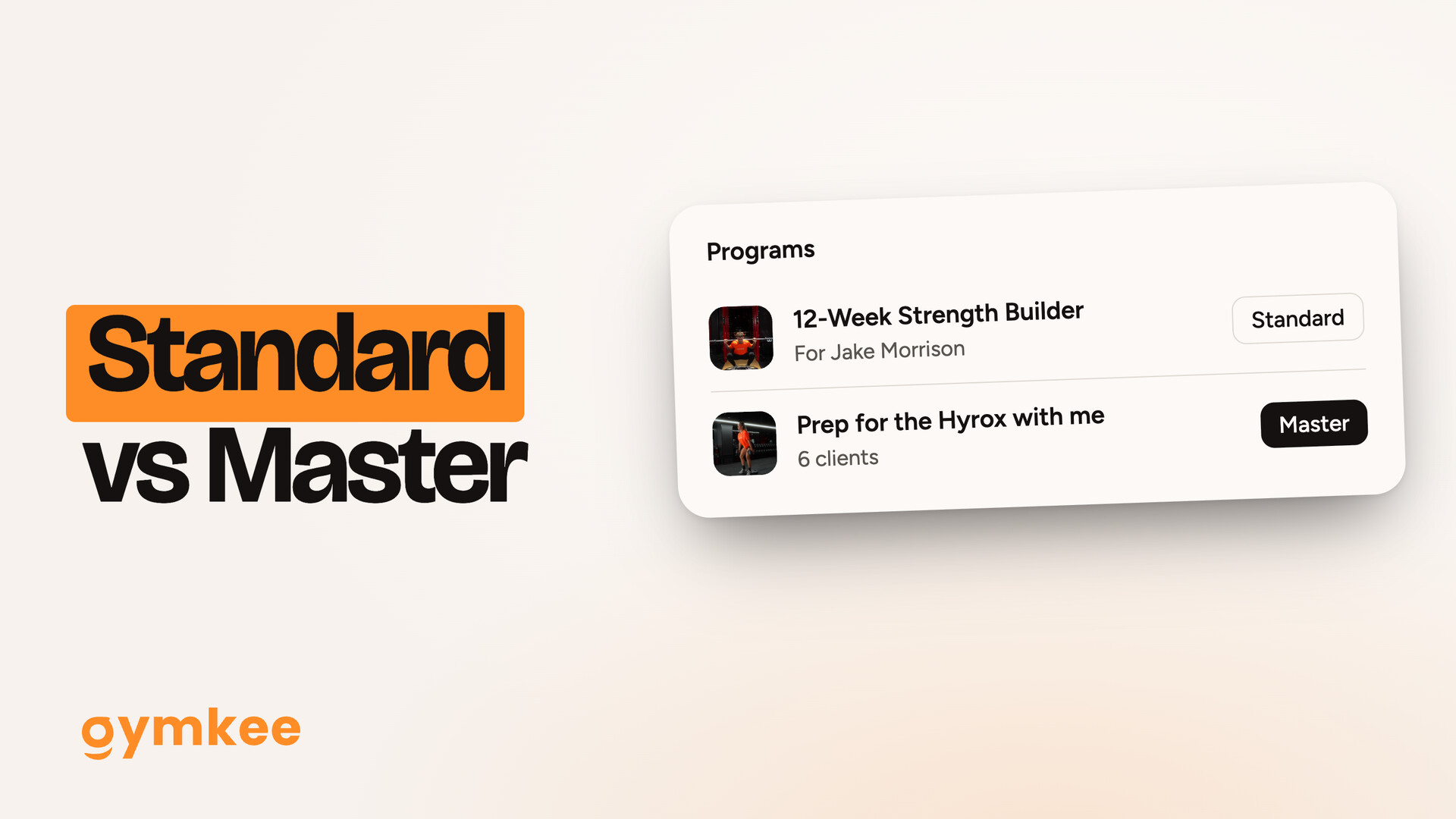 Standard program vs Master Program
-
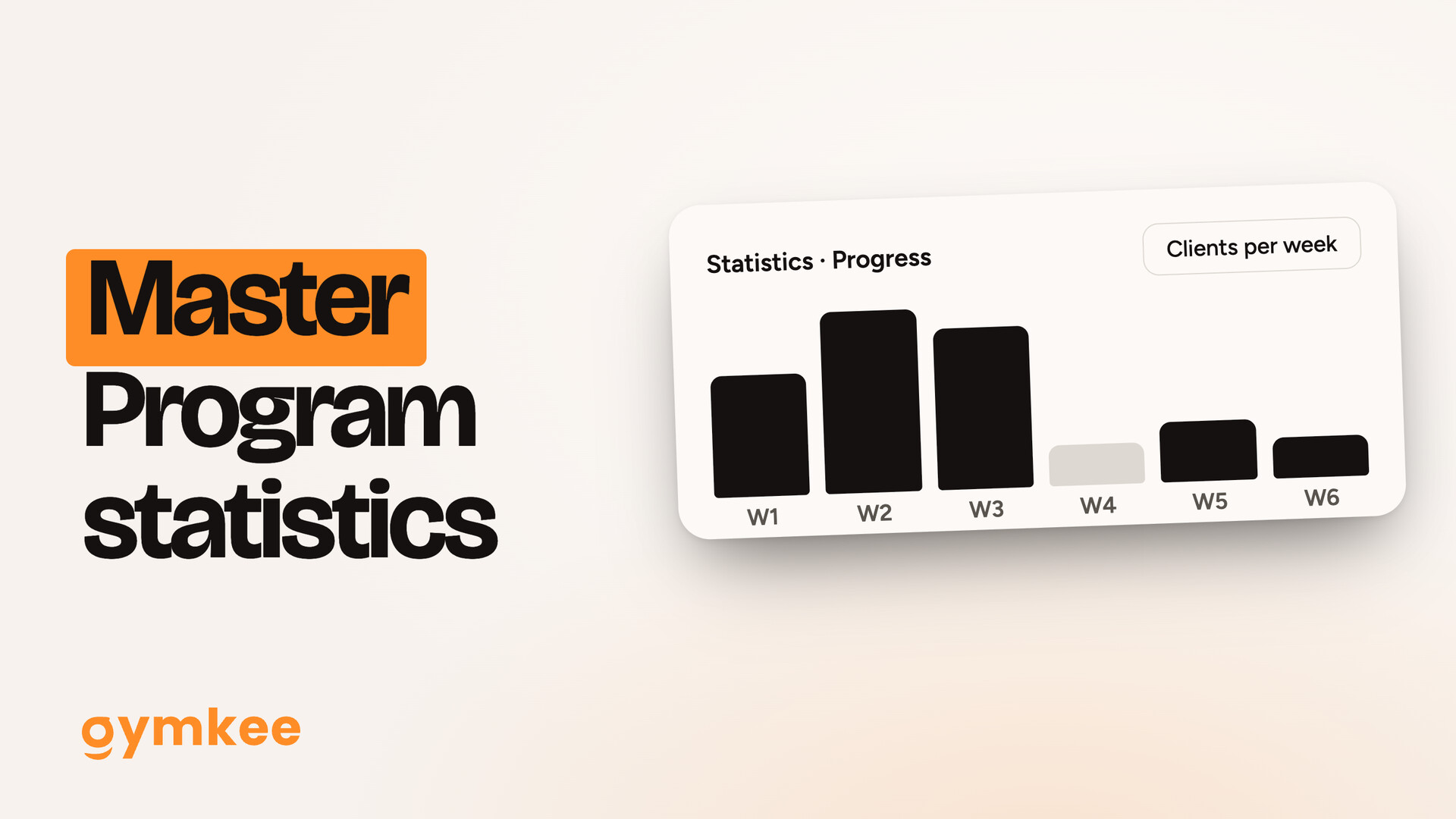 Master Program statistics
-
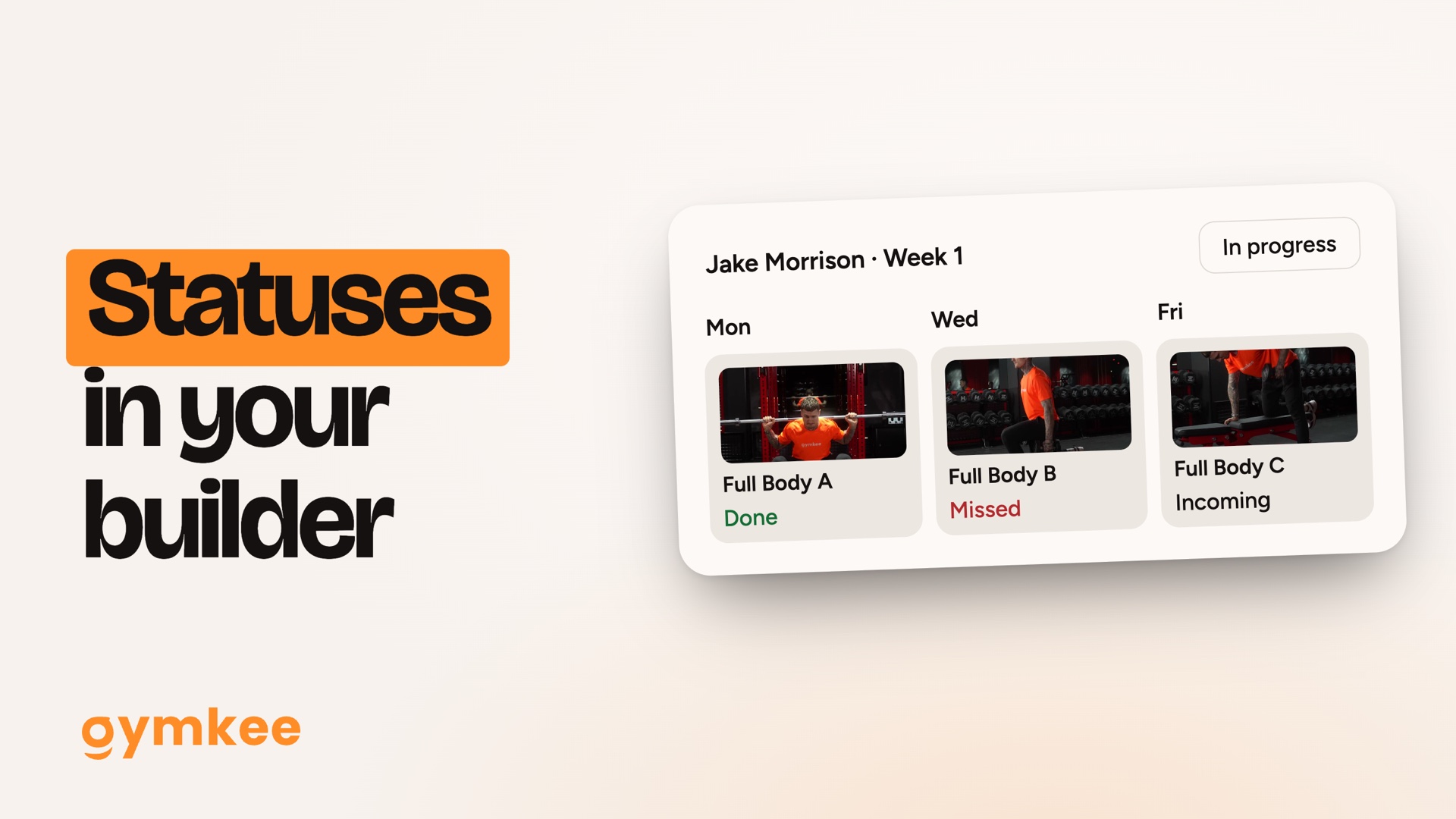 Statuses in your program builder
-
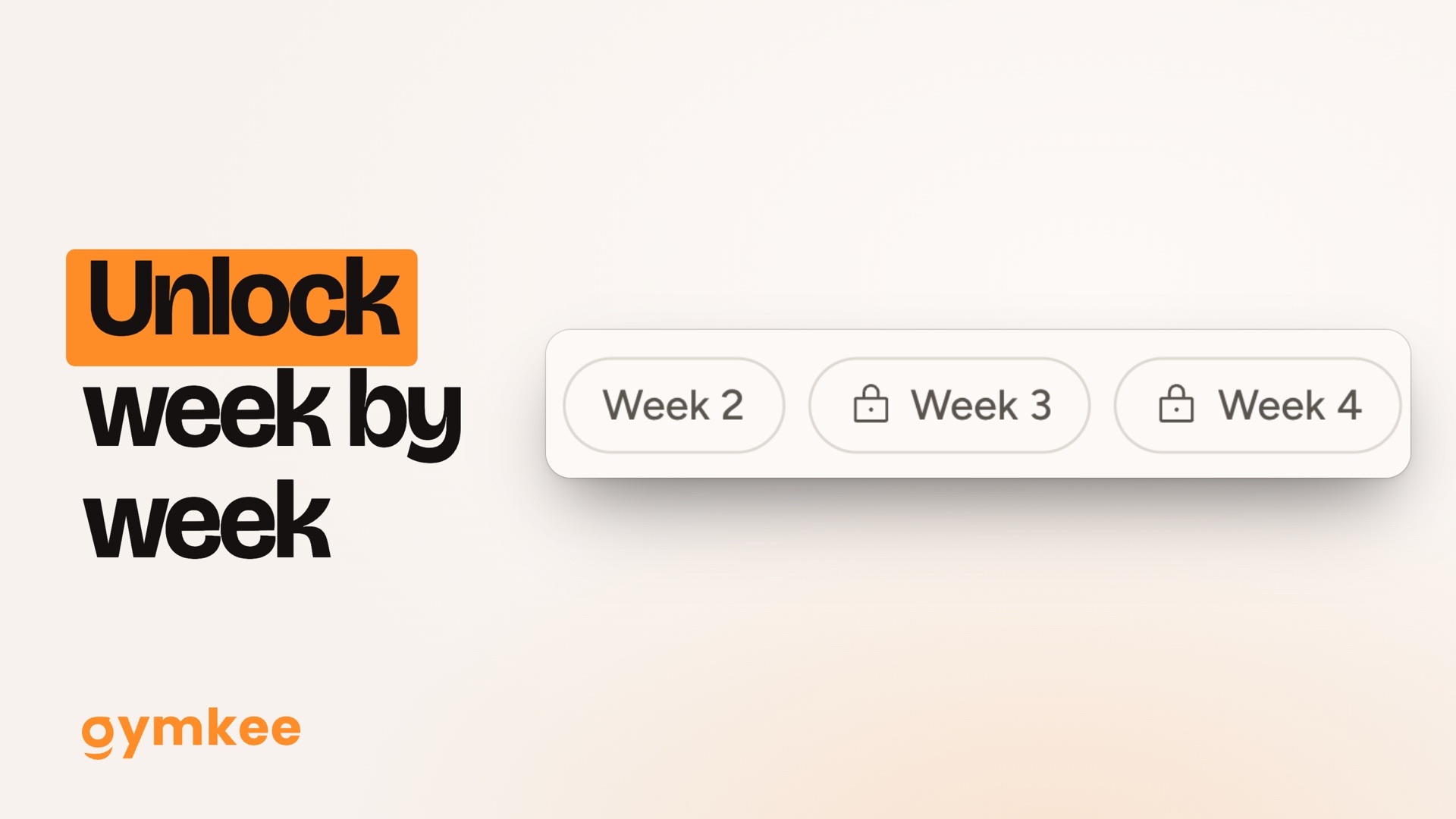 Unlock your programming week by week
-
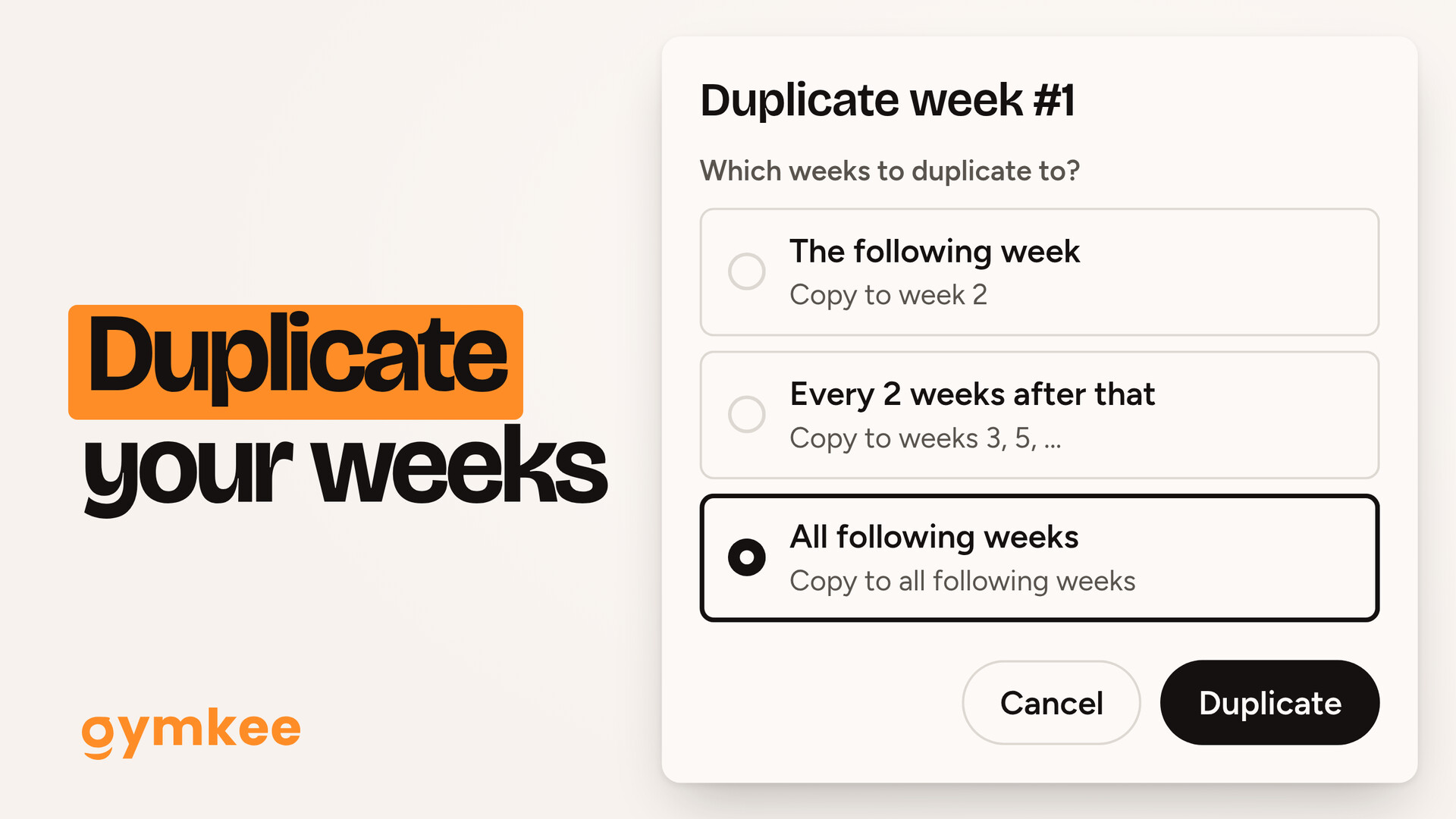 Duplicate your programming weeks
-
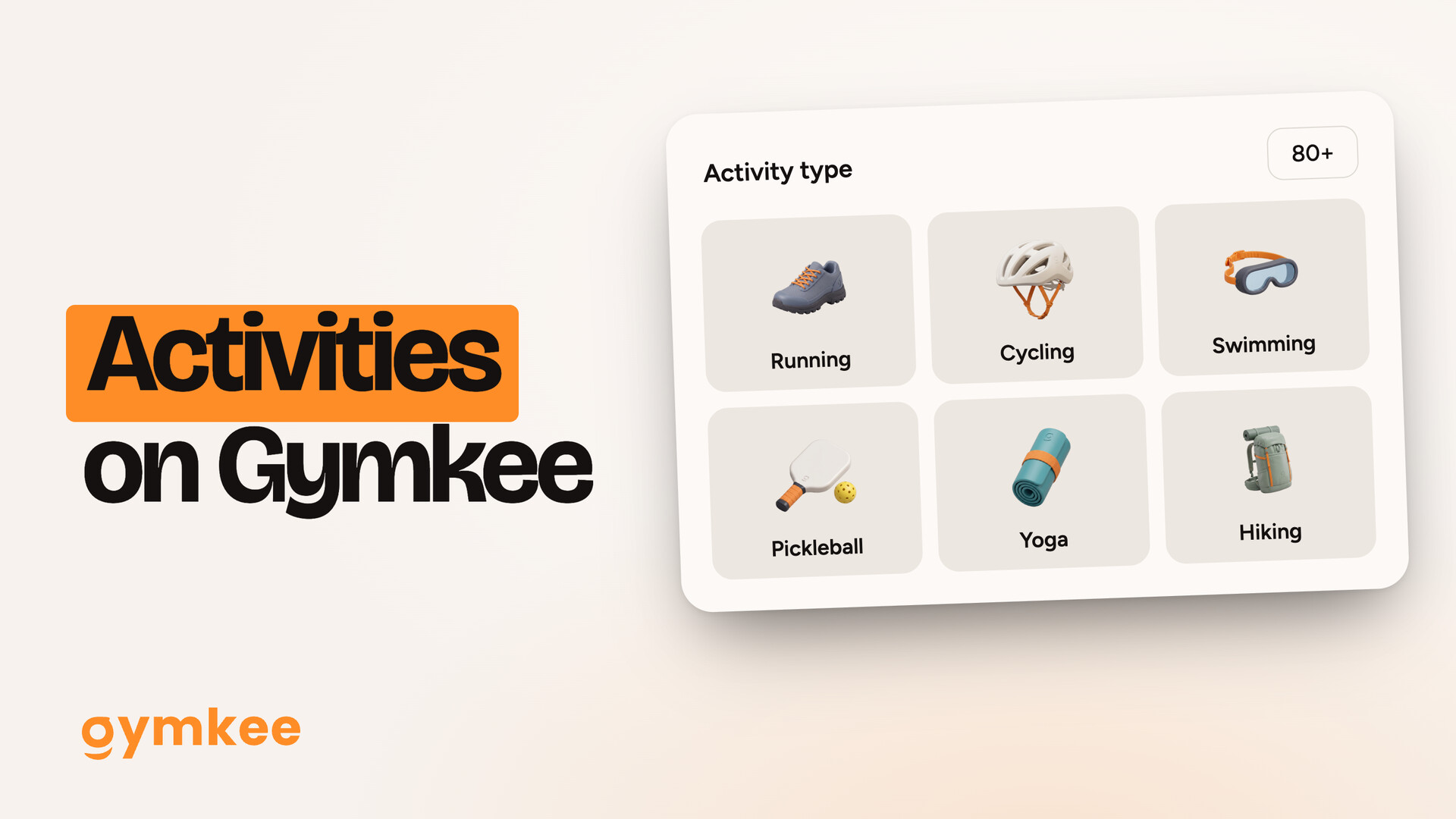 Activities on Gymkee
-
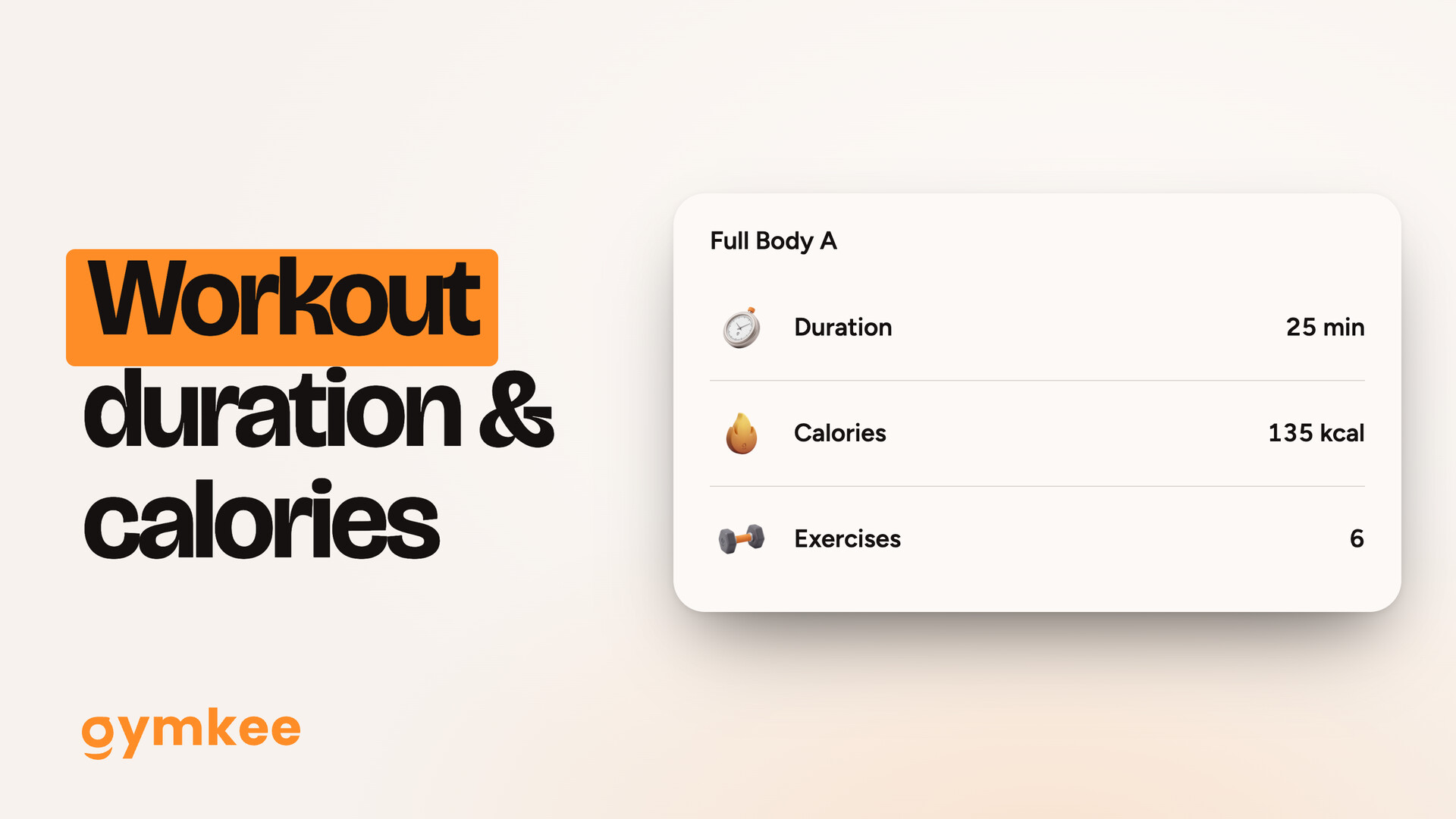 Workout duration & calories
Your exercise library
1 lesson
Build and organize your exercise database: custom exercises, media, and categories you'll reuse in every workout.
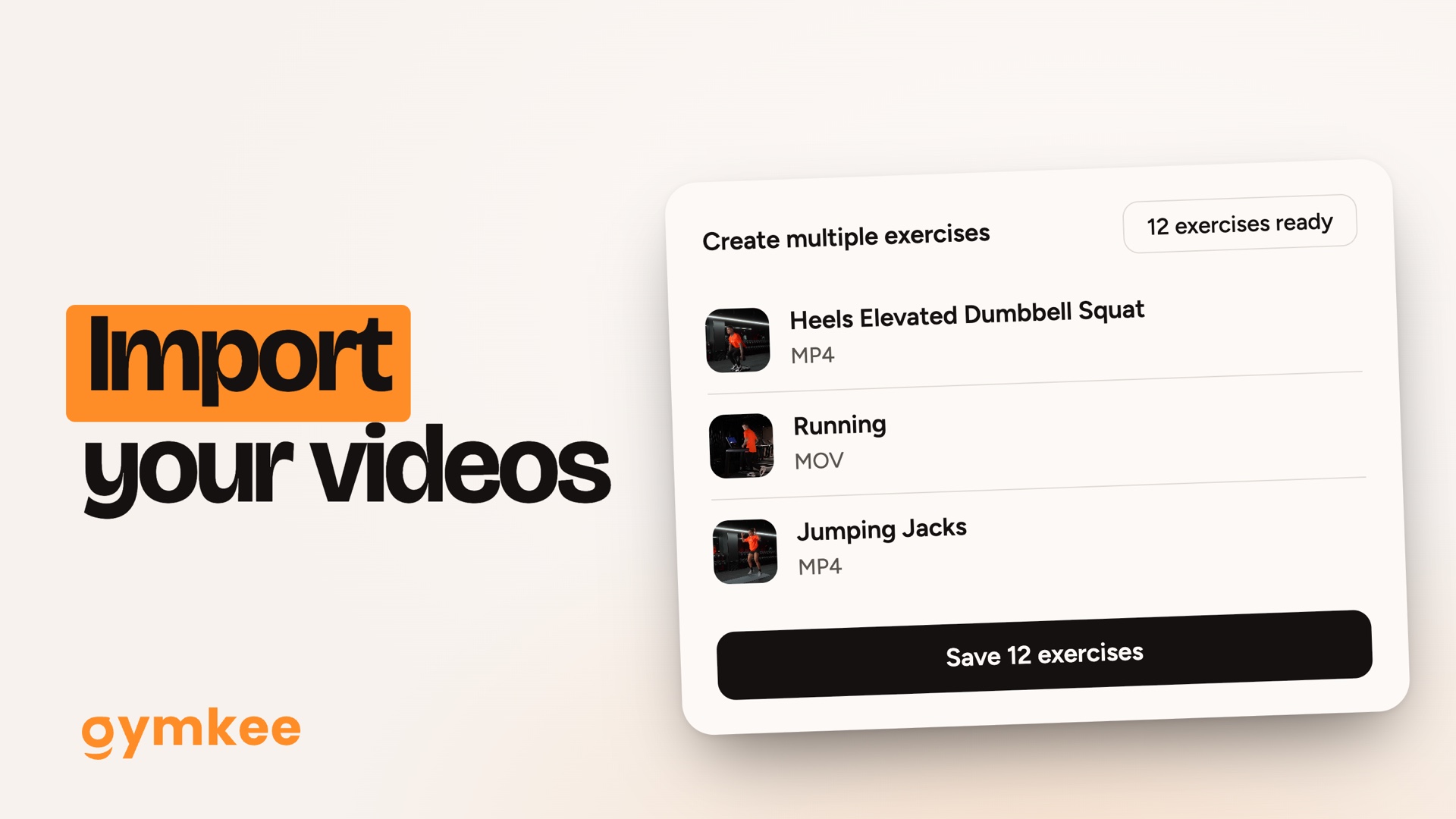
Nutrition coaching
4 lessons
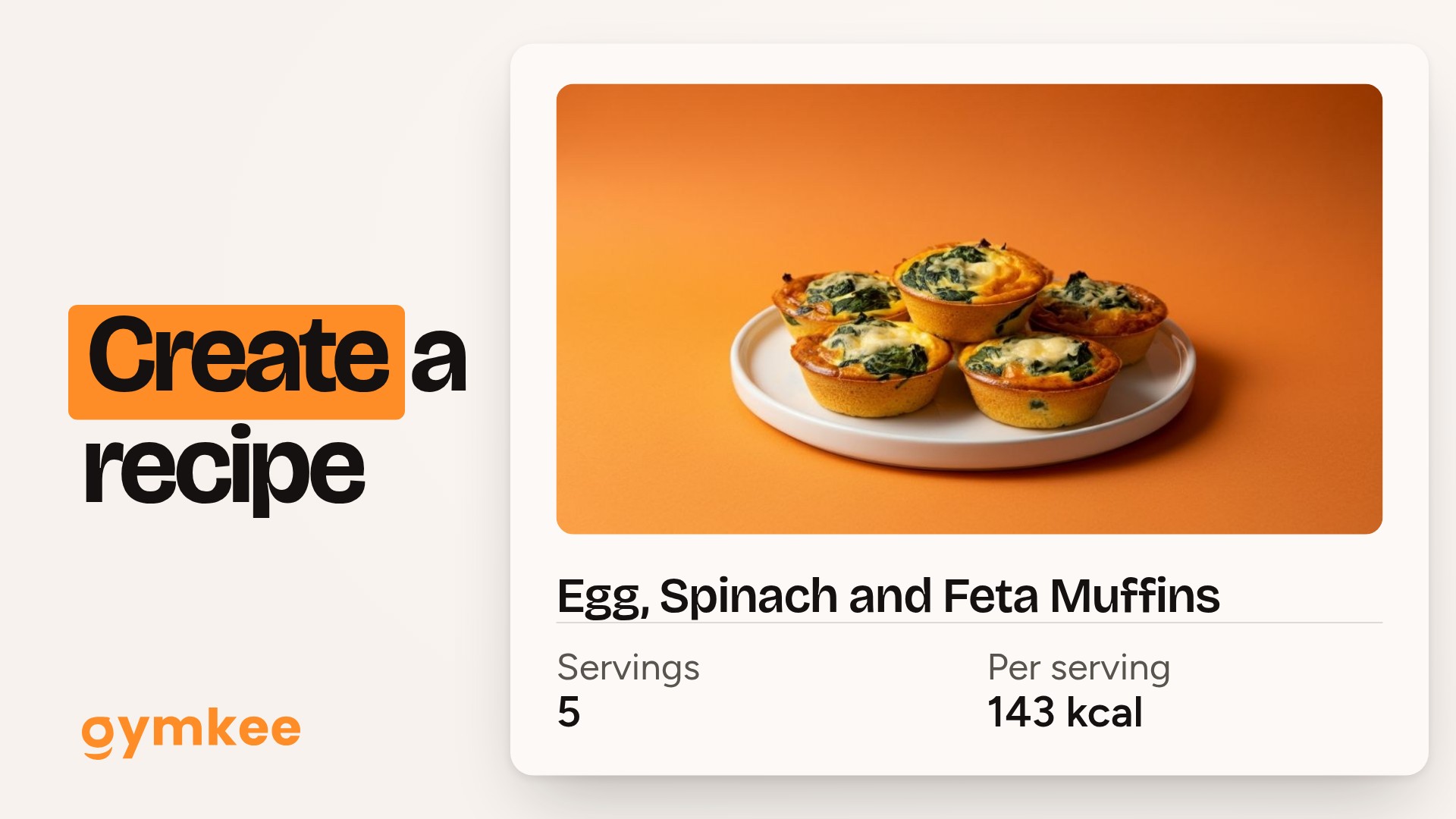
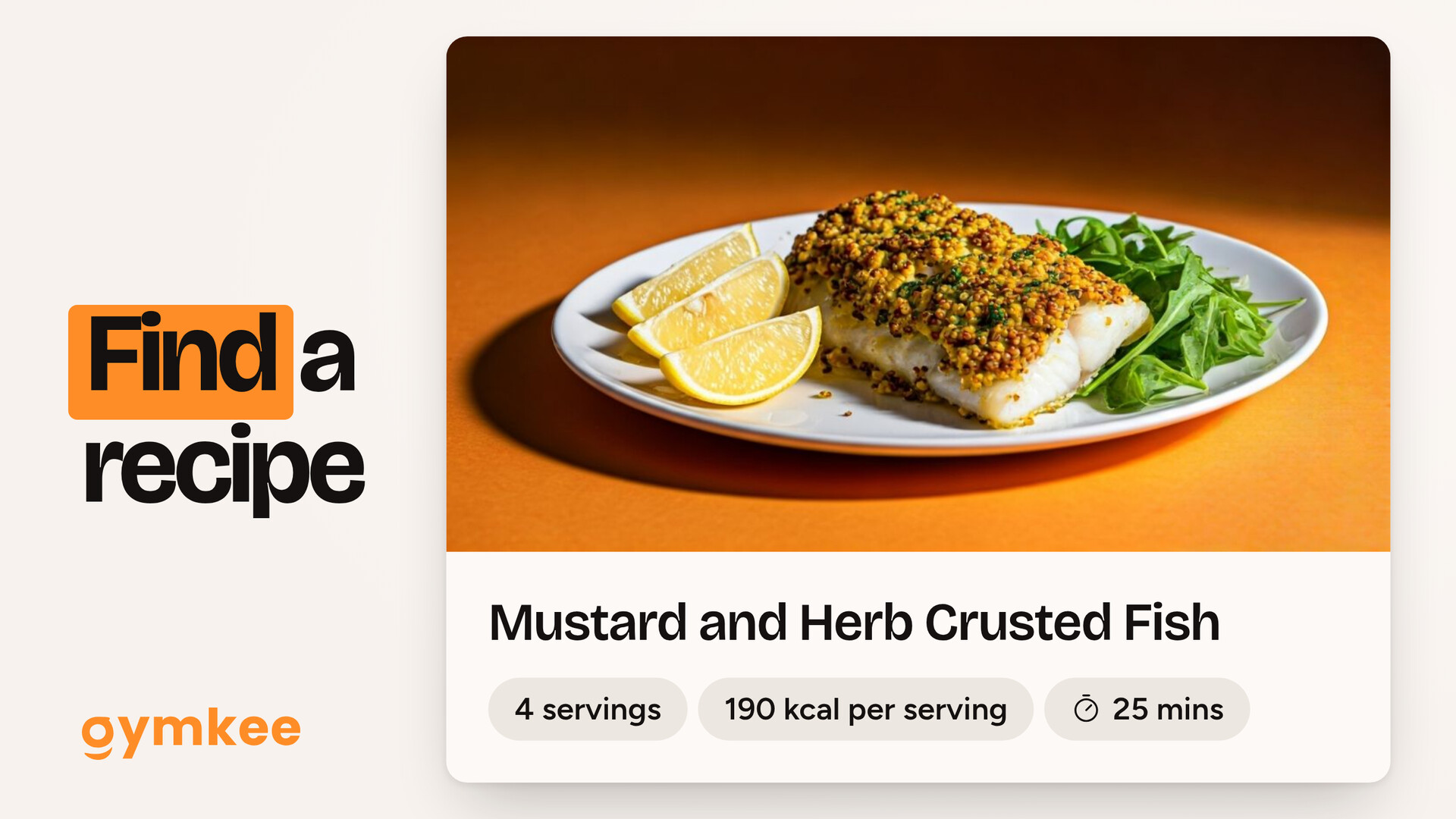
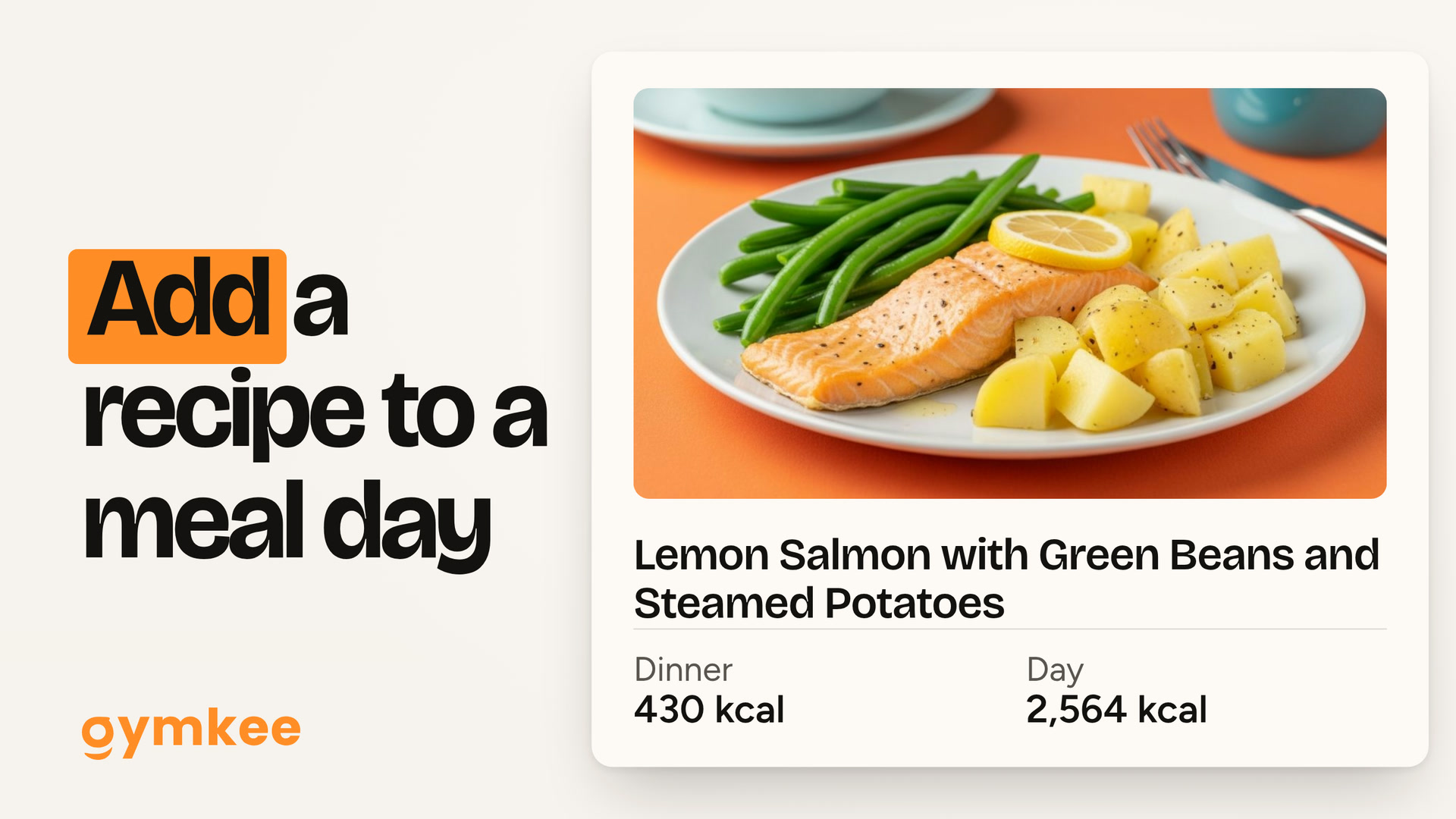
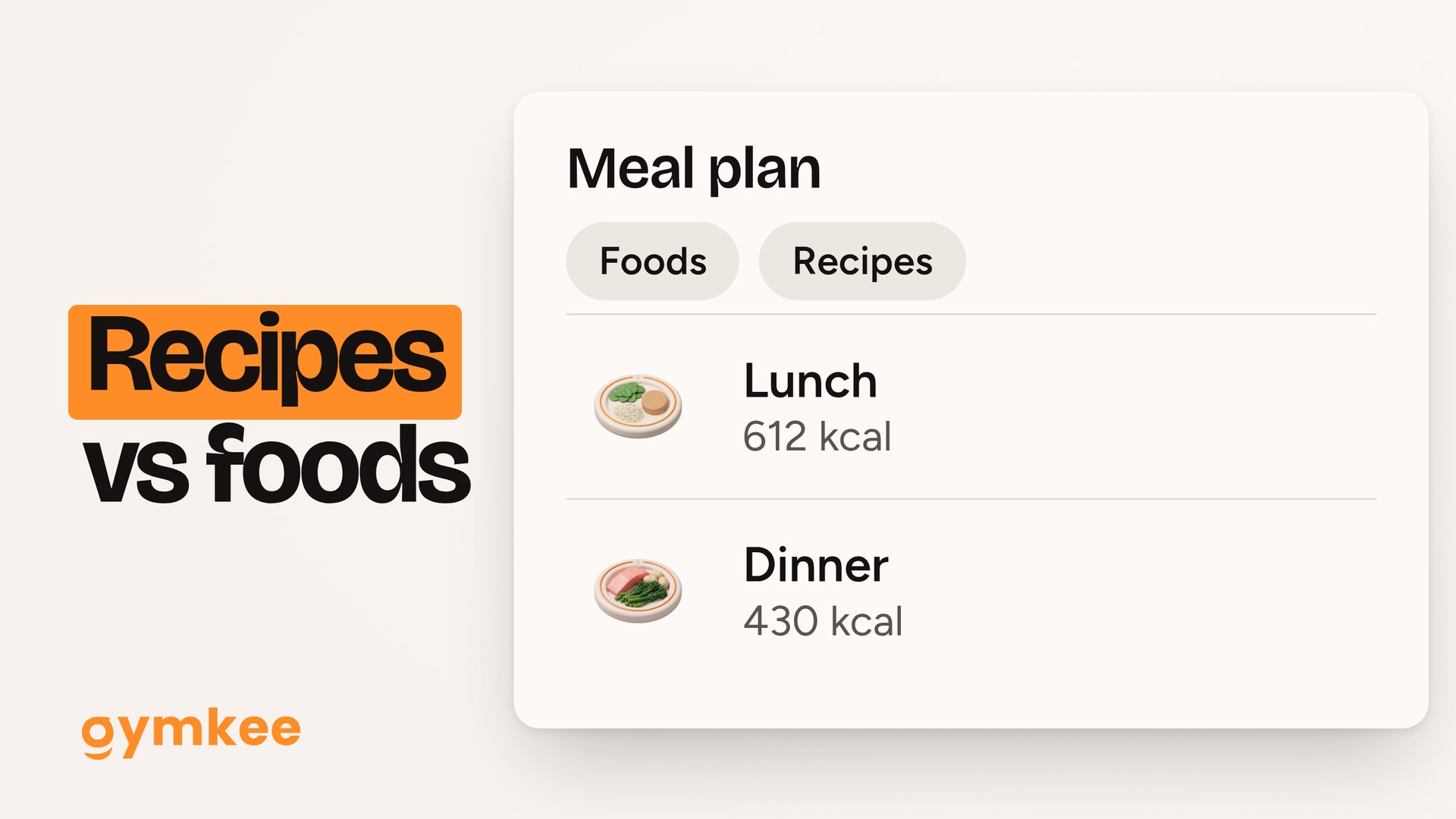
Build nutrition programs, detailed meal days or macro targets, recipes, food and product libraries, and adapt for clients with eating disorders.
Manage your clients
5 lessons
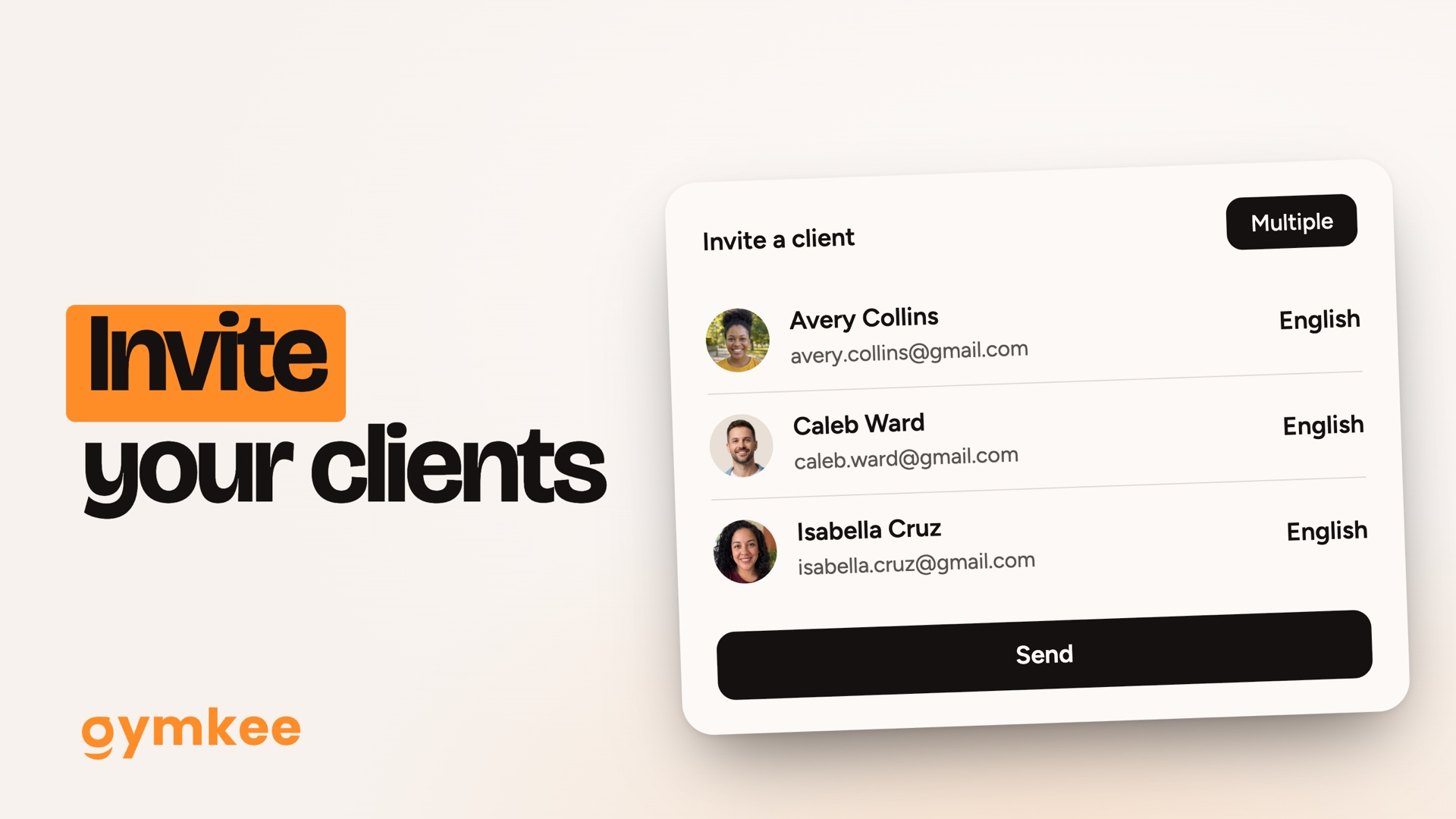
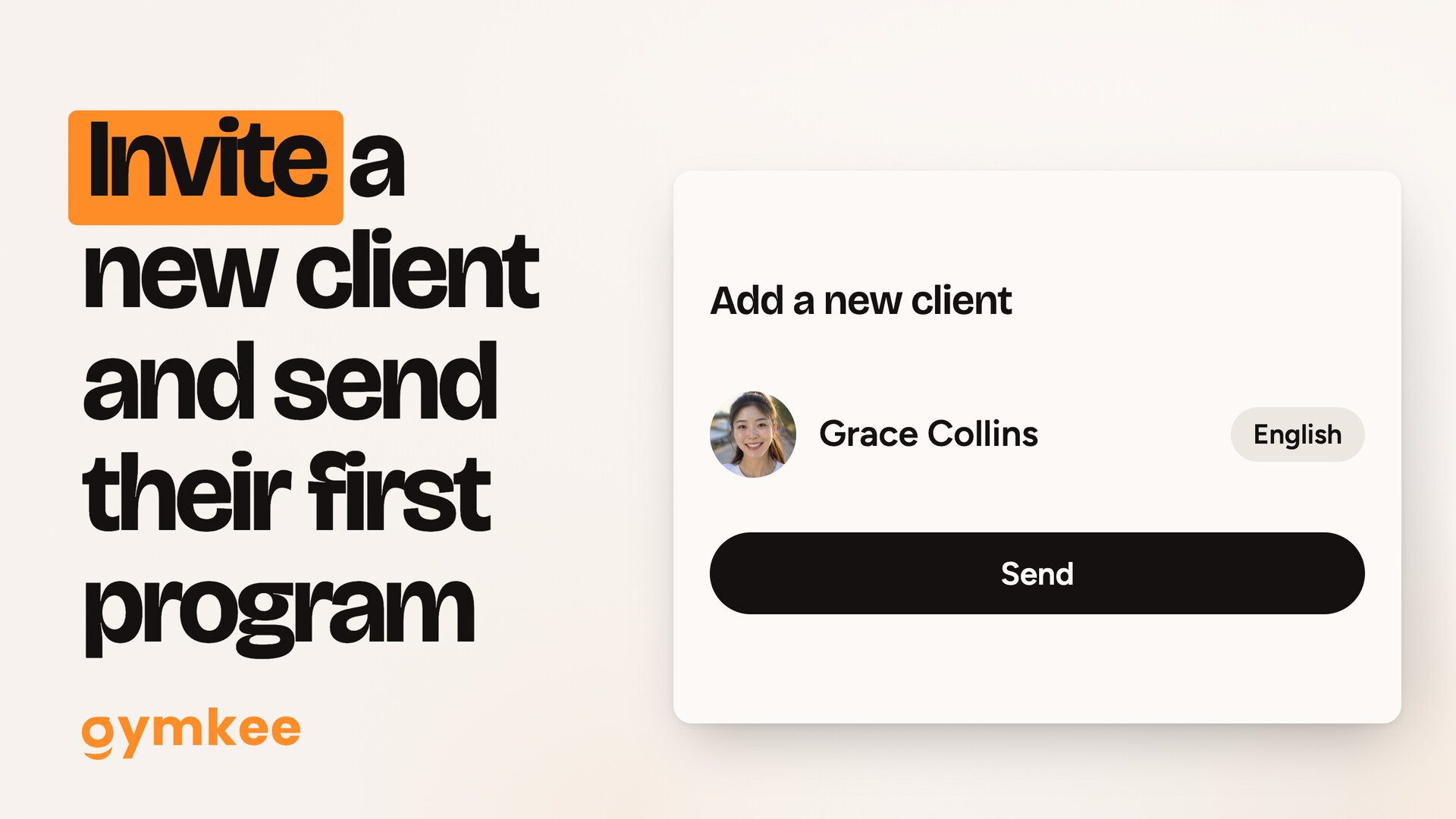
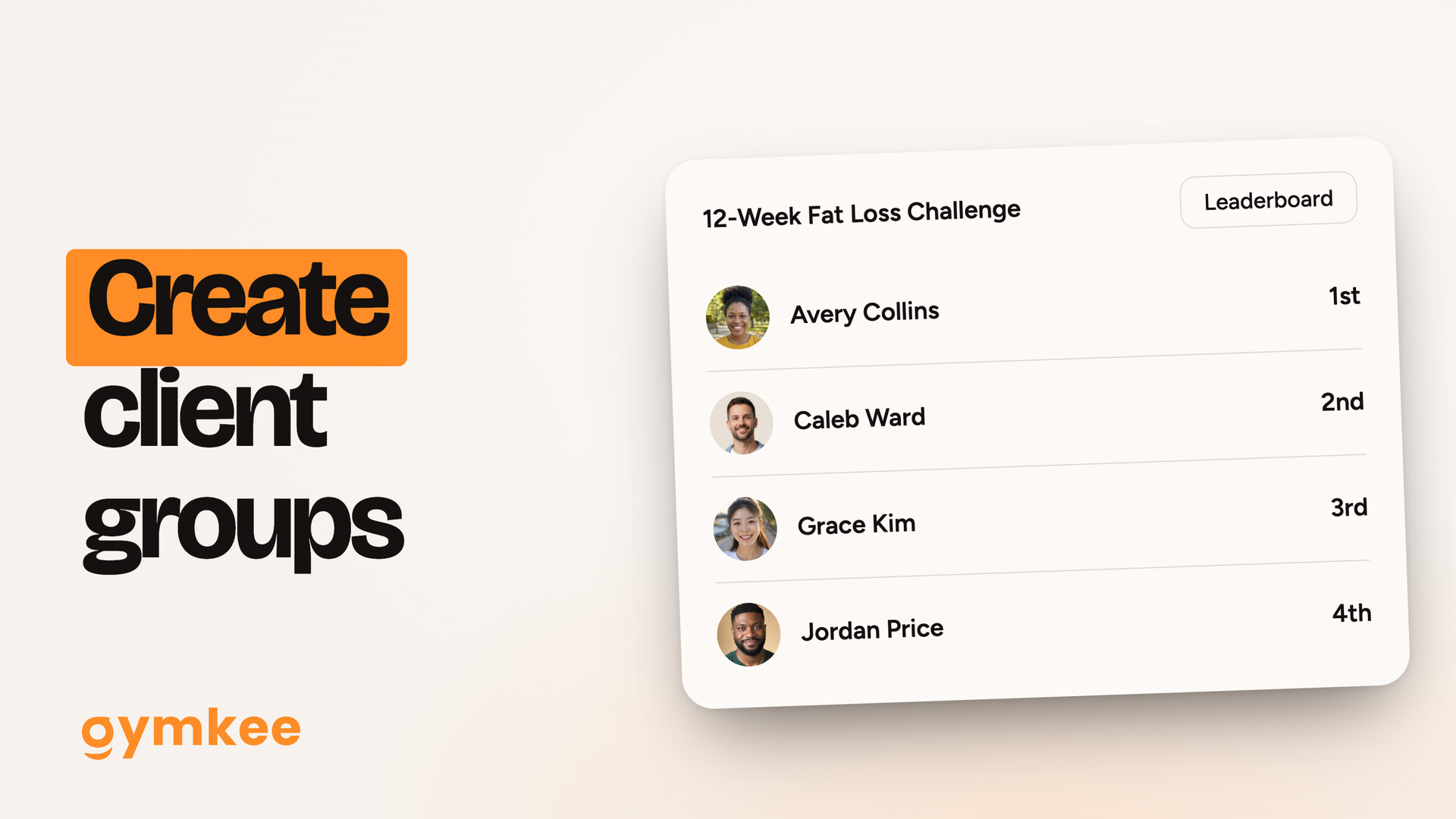
Everything client-side day to day: invite, group, follow their progress, pause or remove them, and read their synced health data.
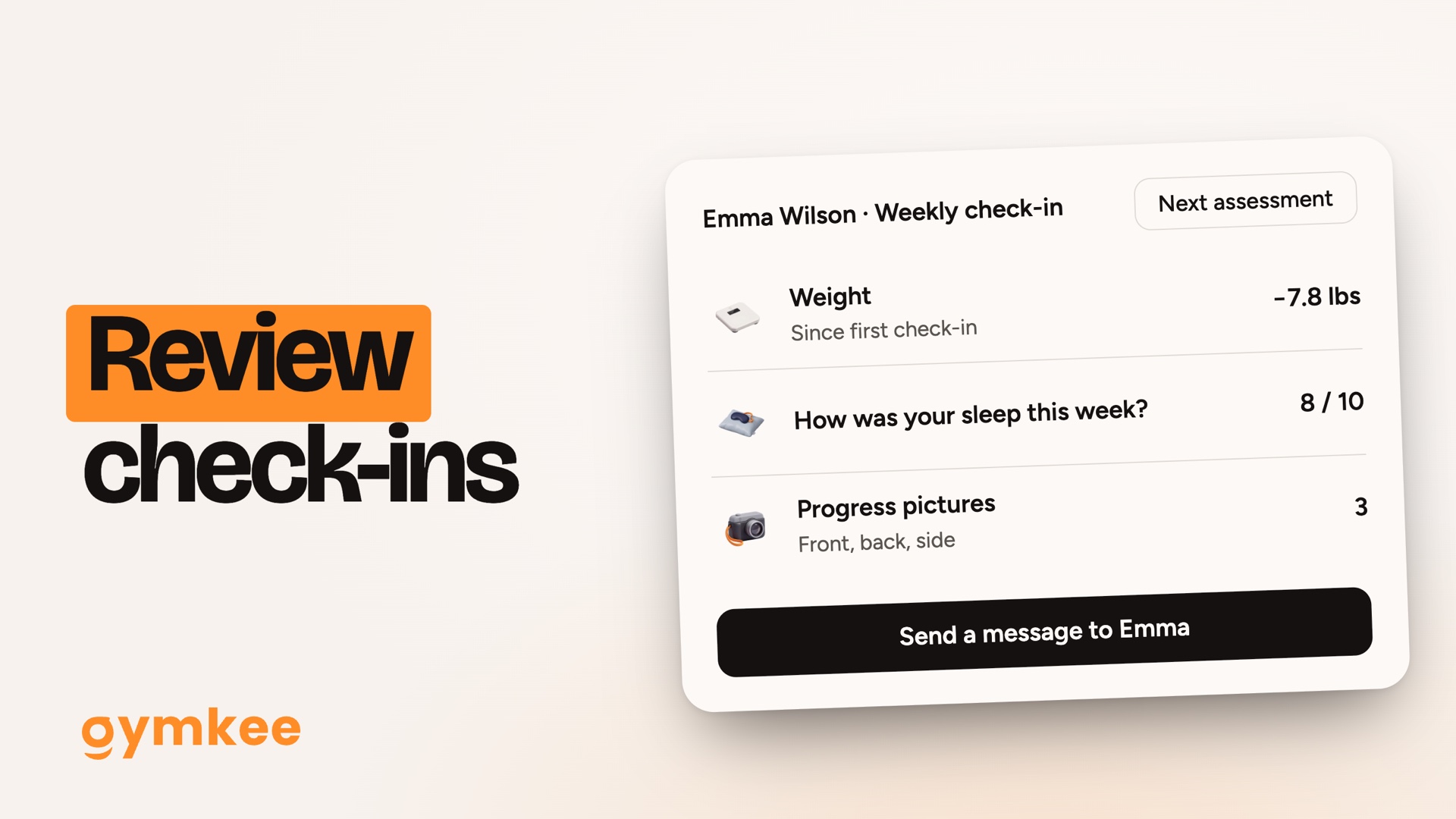
Assessments (check-ins)
2 lessons
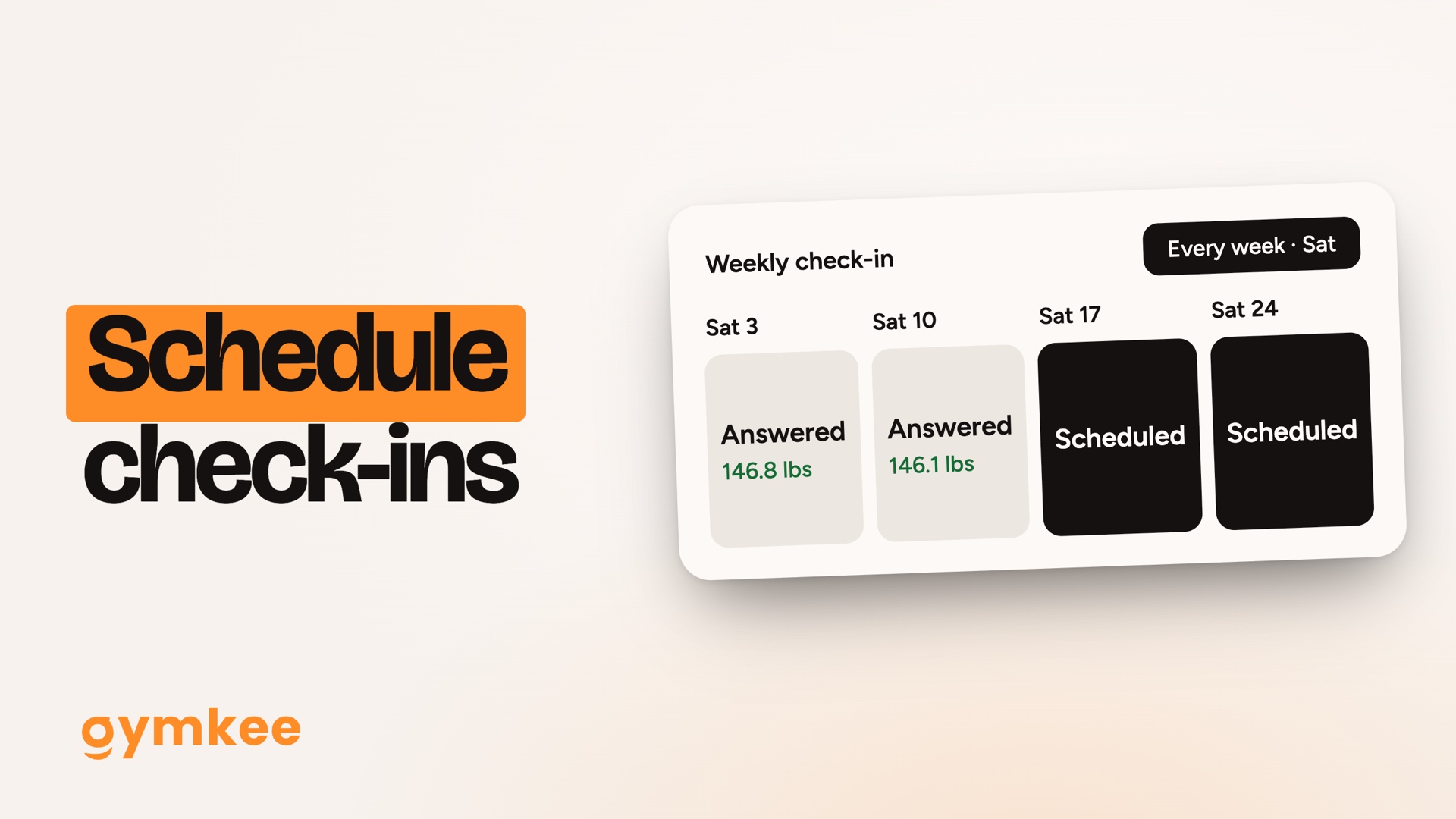
Create assessments, fill them in for your client, send them, compare results over time, and build reusable templates.
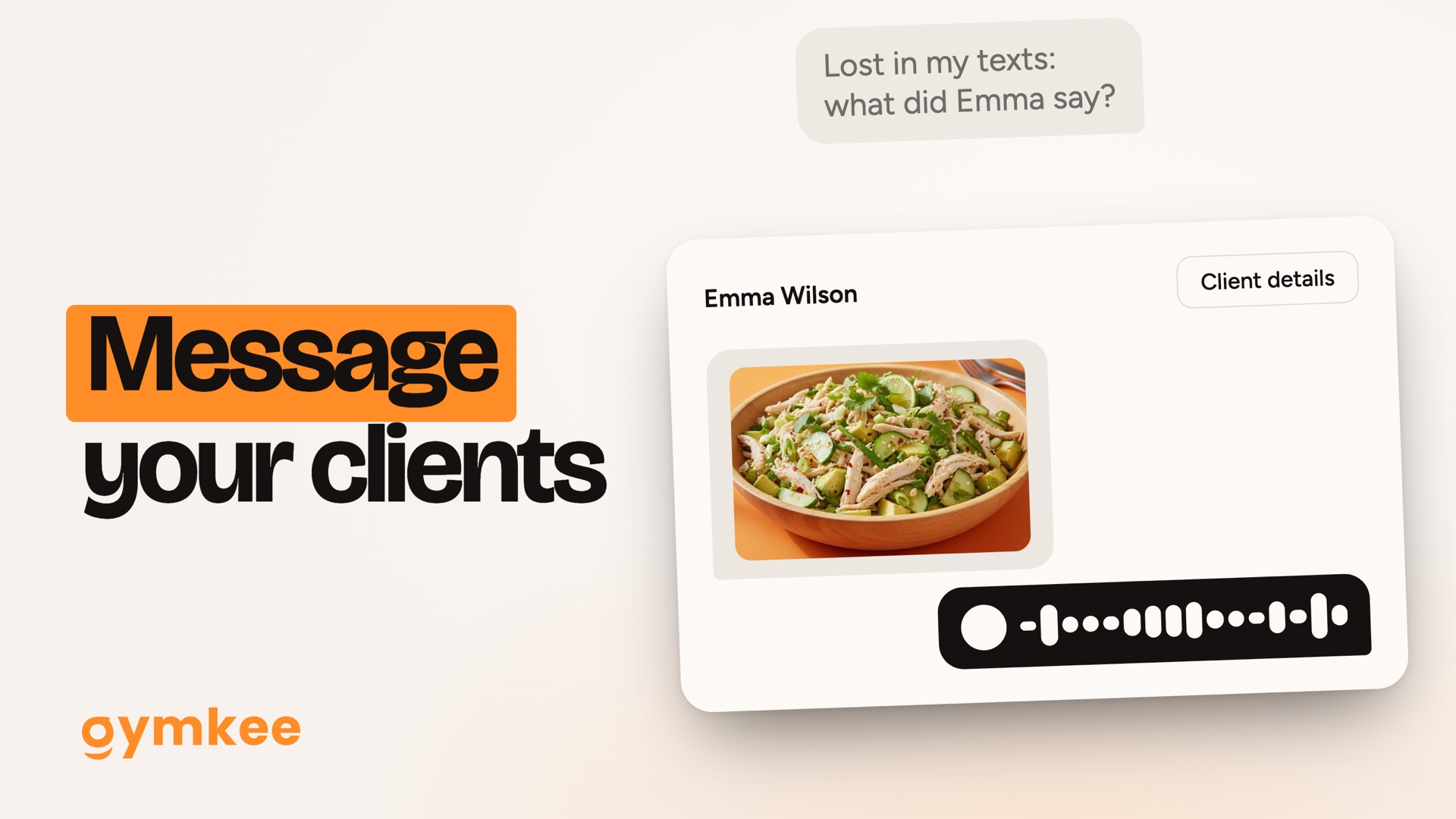
Messaging (Inbox)
1 lesson
Stay close to your clients: chat, share programs and media, and manage all your conversations in one place.
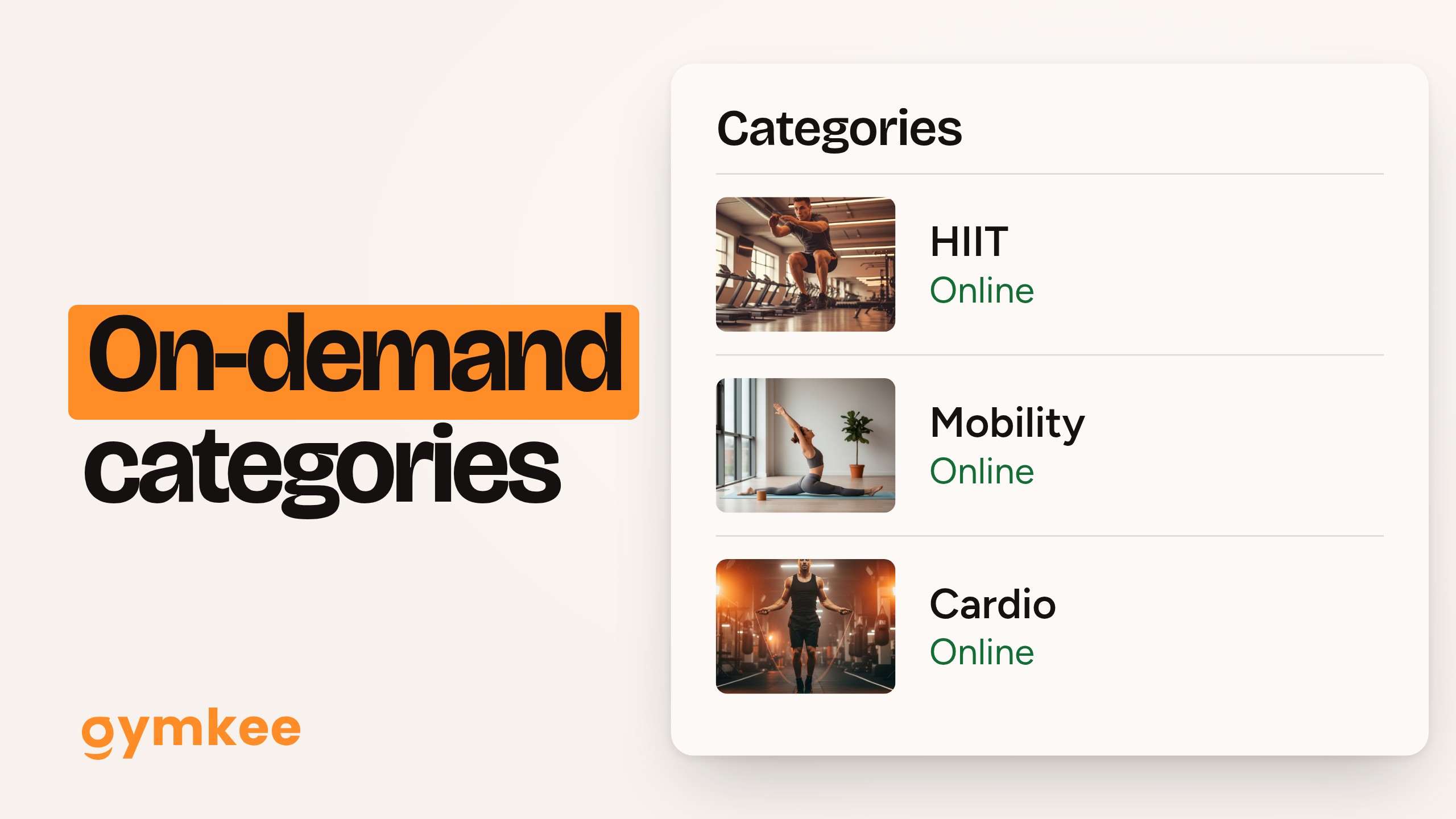
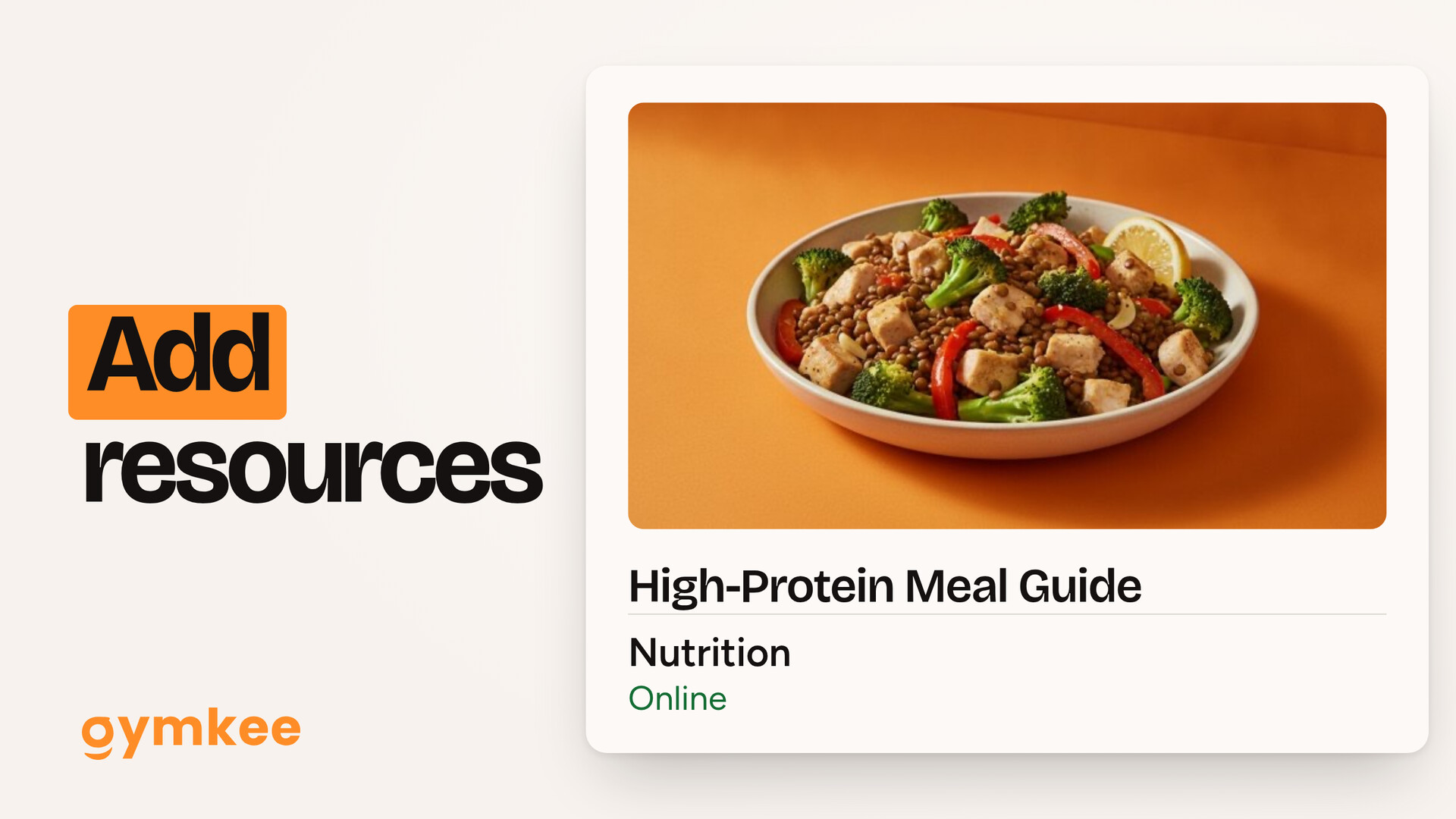
On-demand content
2 lessons
Scale beyond 1-to-1: build on-demand programs, workouts, video courses and resources your clients can access anytime, and sell them.
AI on Gymkee (Dwayne)
3 lessons
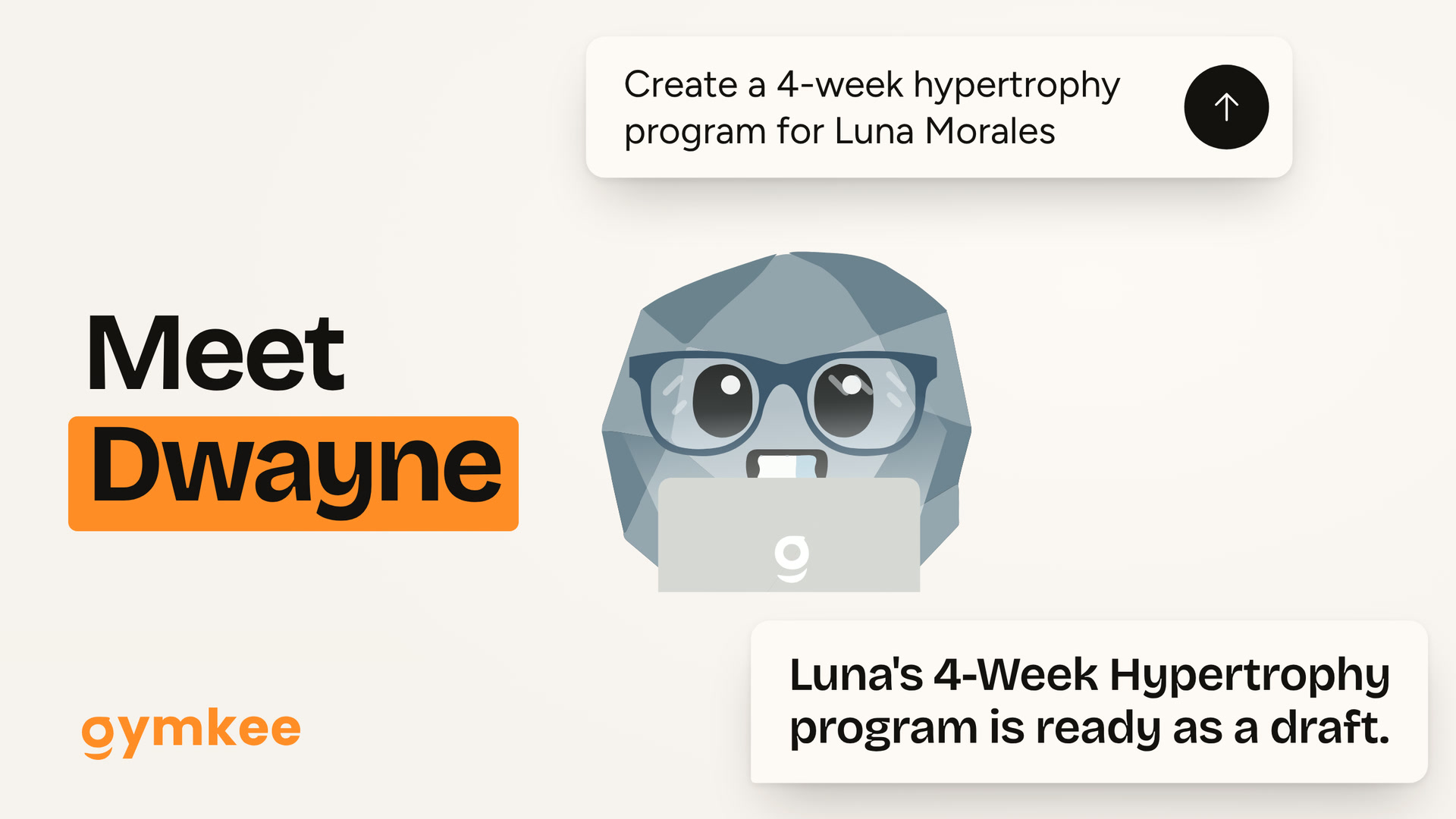
Dwayne is your AI copilot across all of Gymkee: it builds programs, workouts, exercises, nutrition, recipes, assessments and habits, analyzes your clients, drafts their messages, and reads your business. Learn to make it do the heavy lifting.


Sell with Gymkee Pay
5 lessons
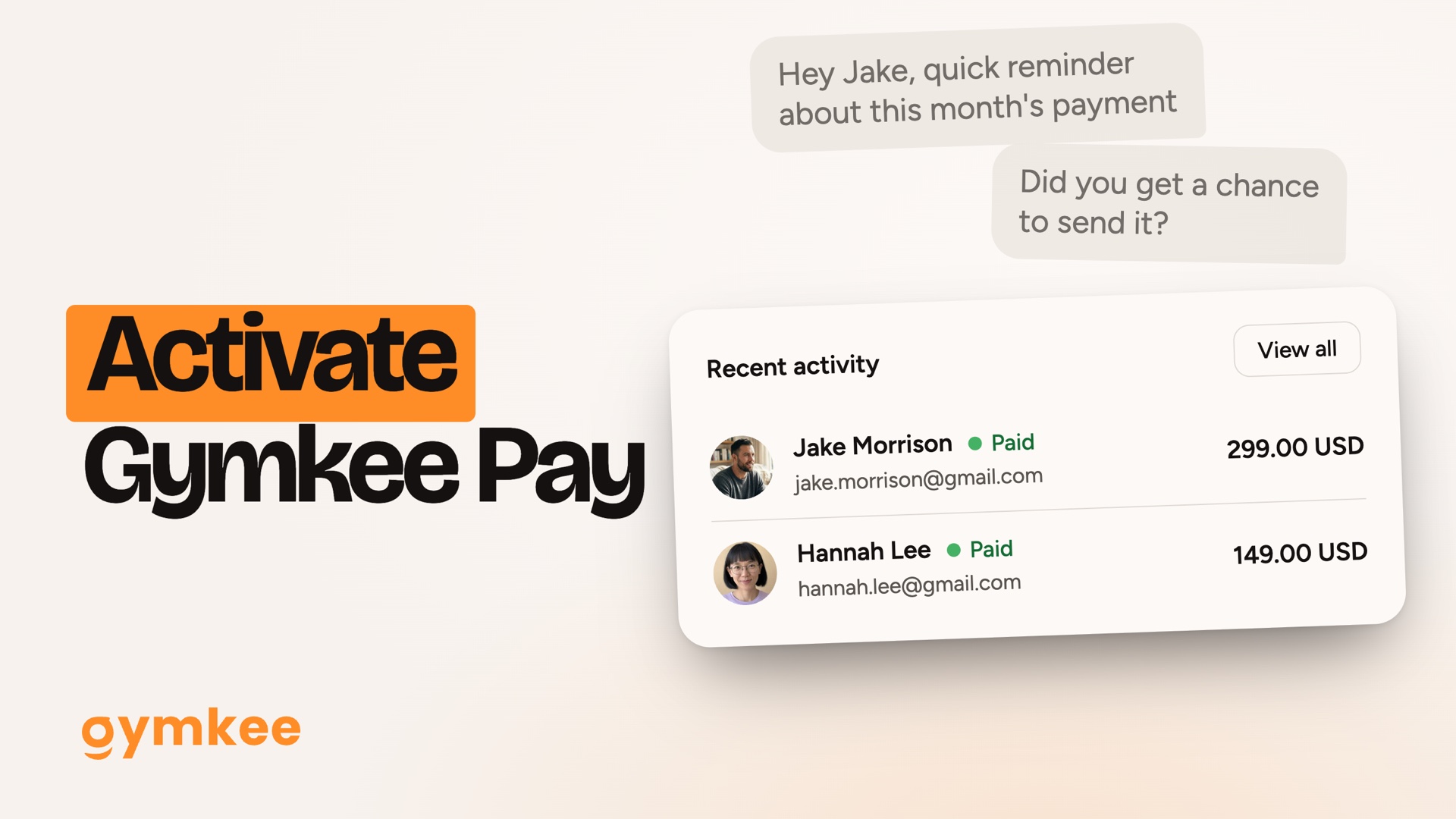
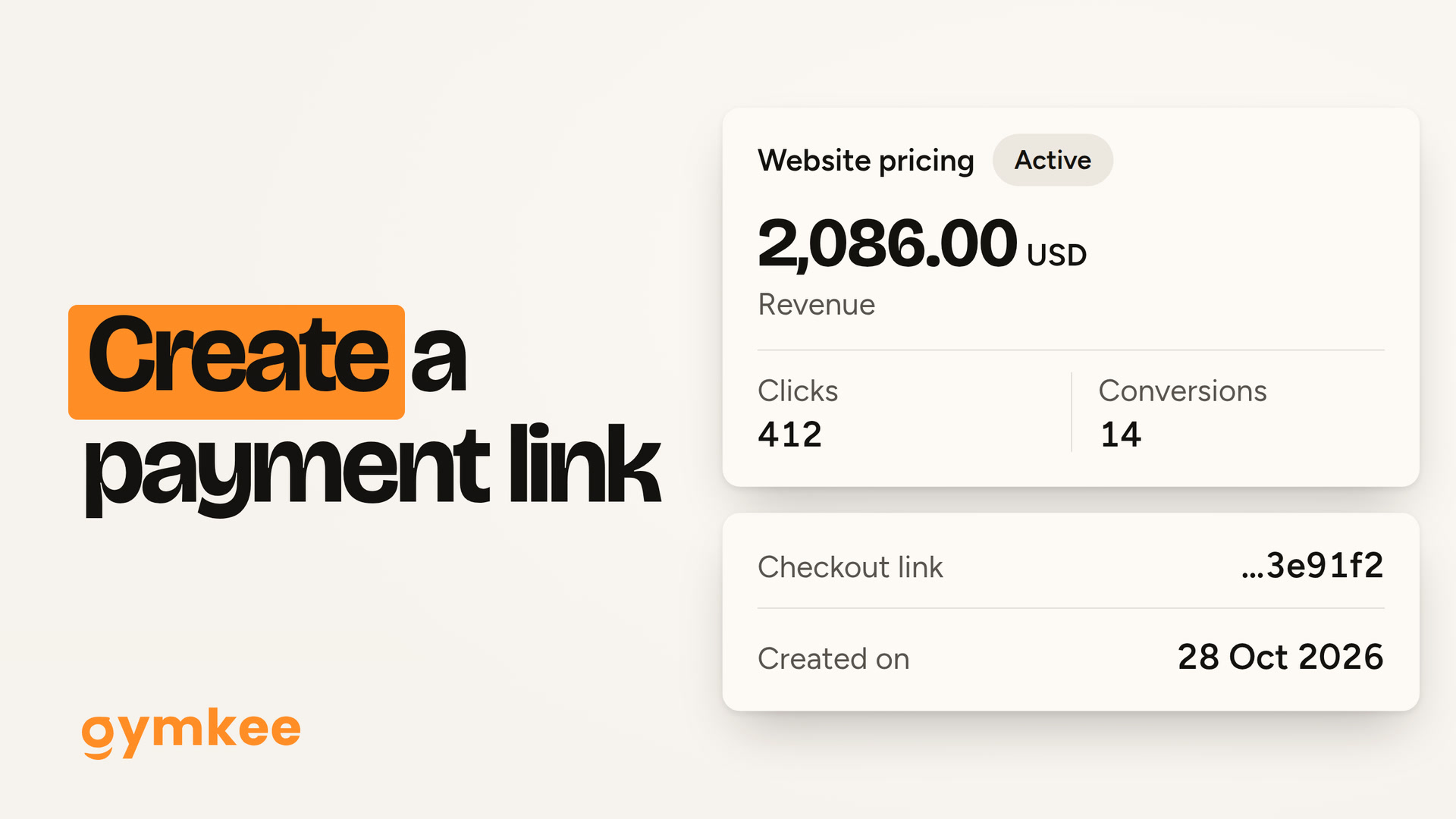
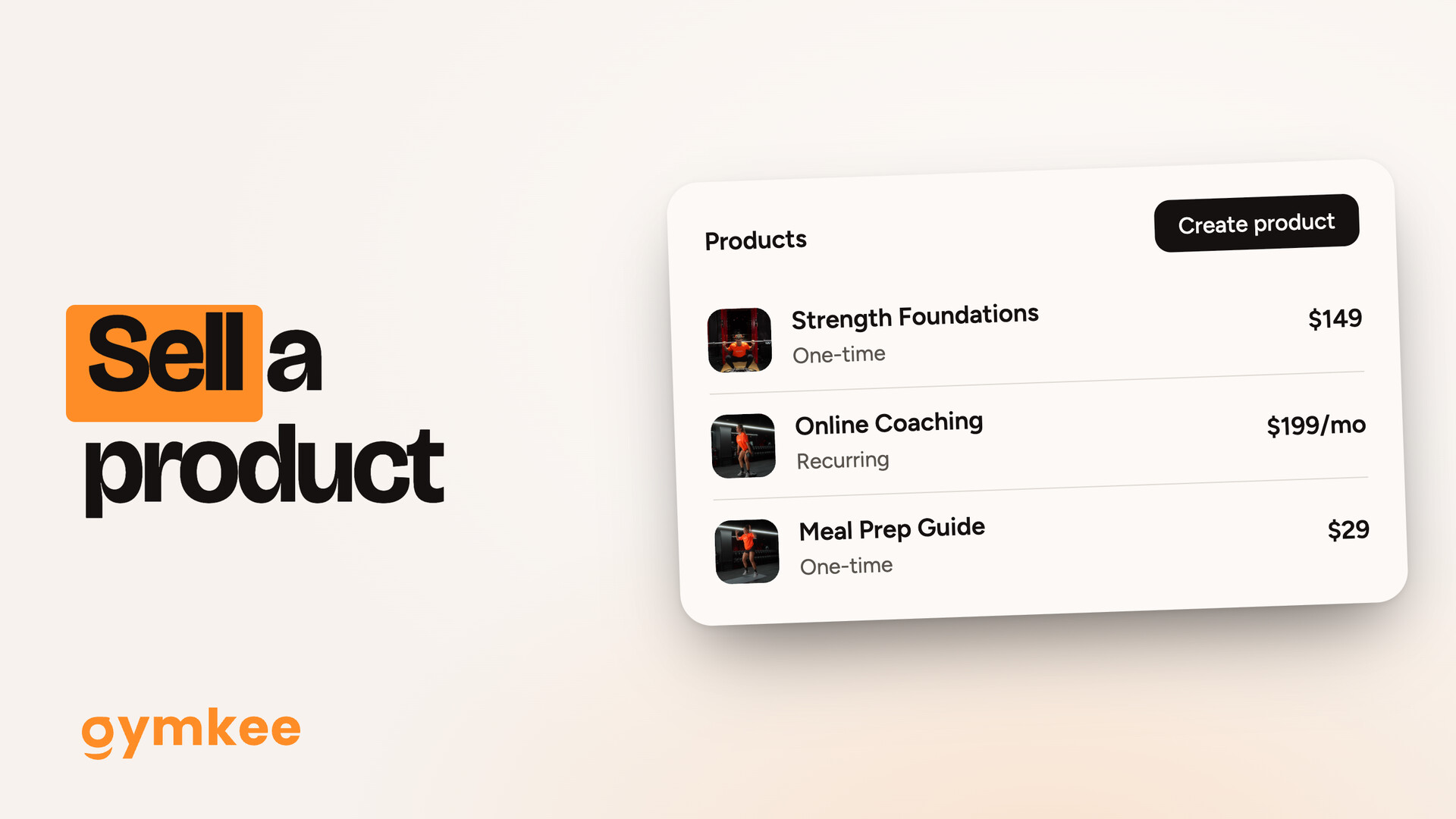
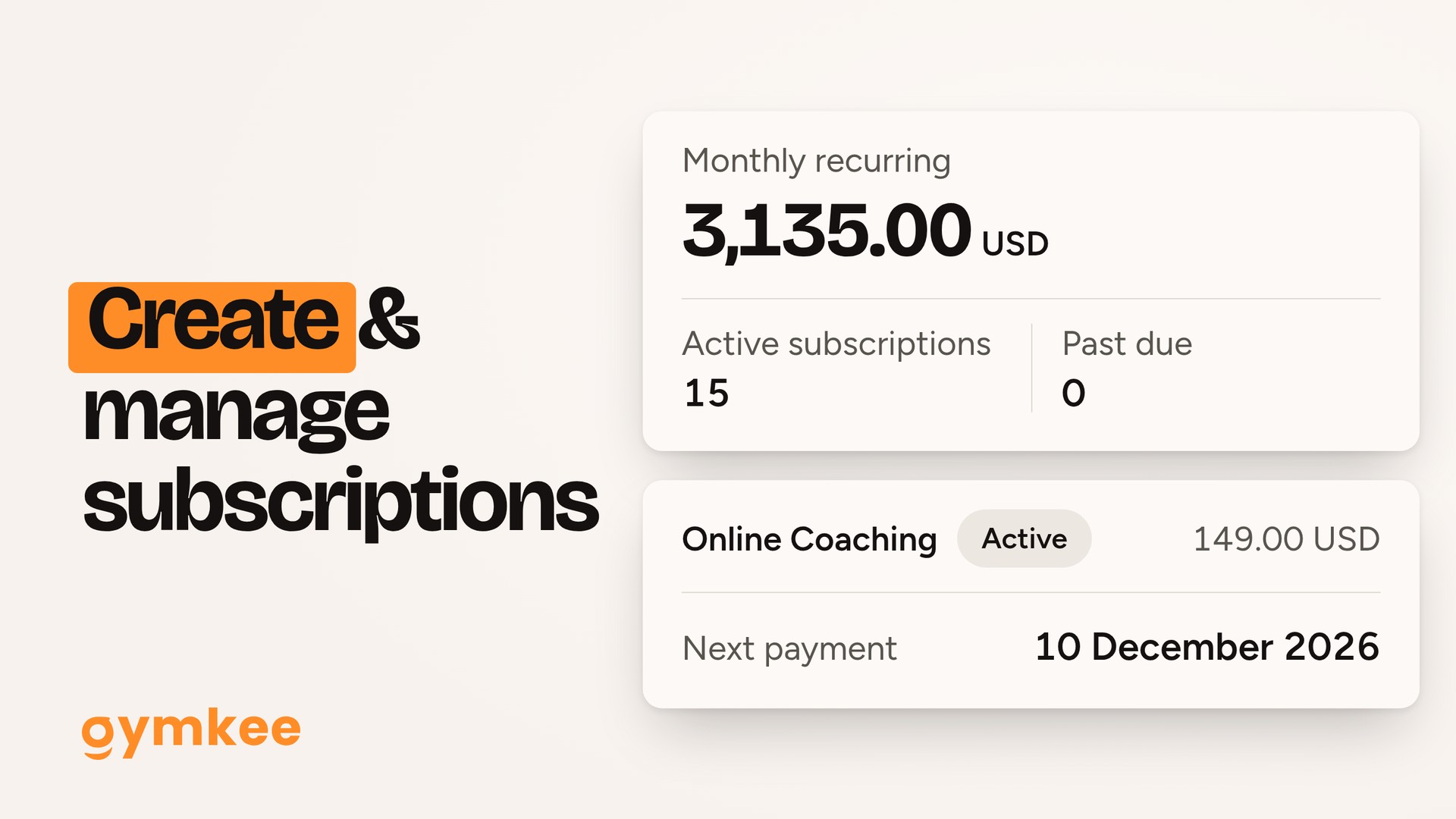
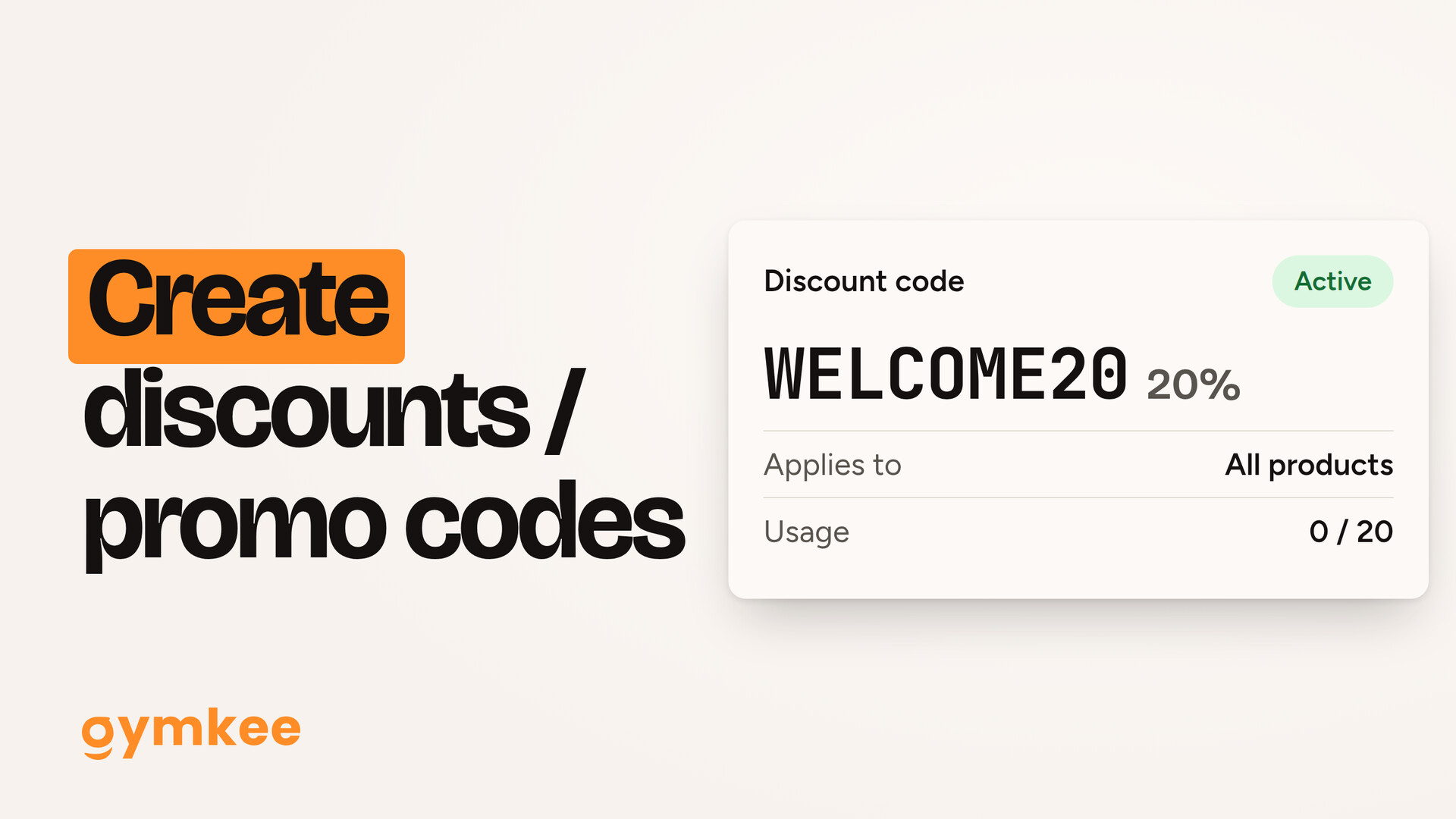
Turn Gymkee into your sales engine: payment links, products, subscriptions, invoices, payouts, discounts and your business dashboard.
Your account, team & brand
3 lessons
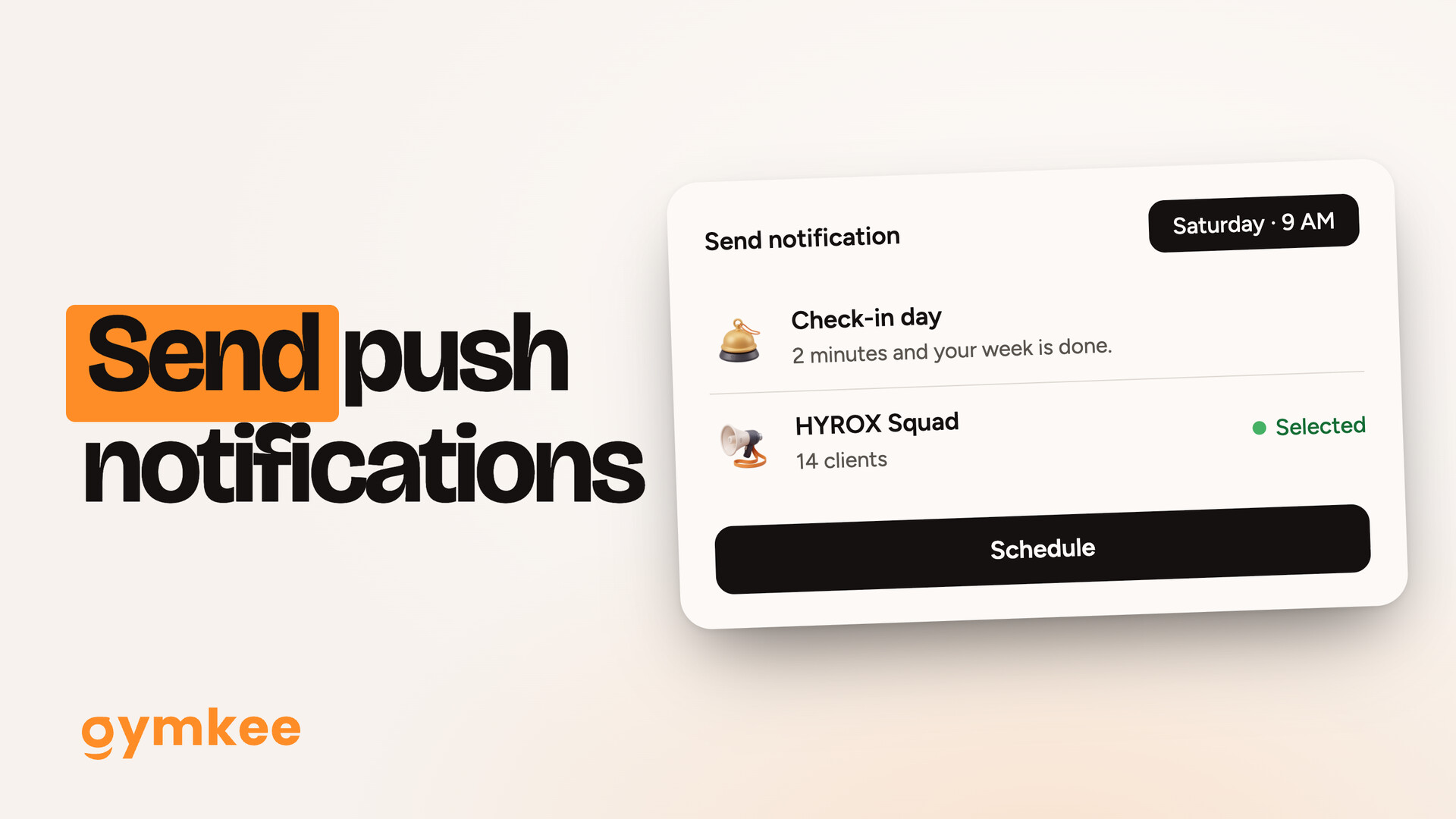
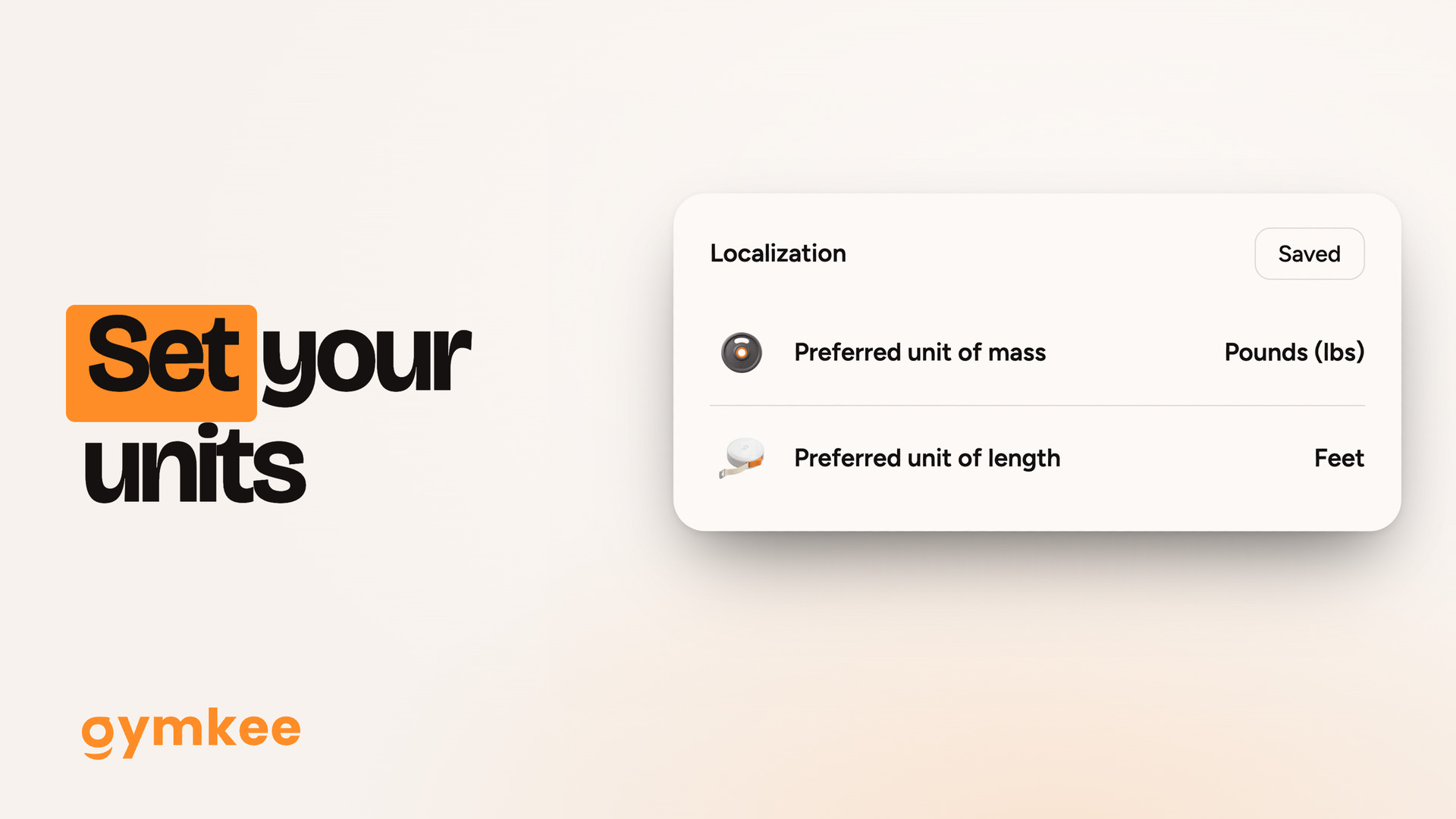
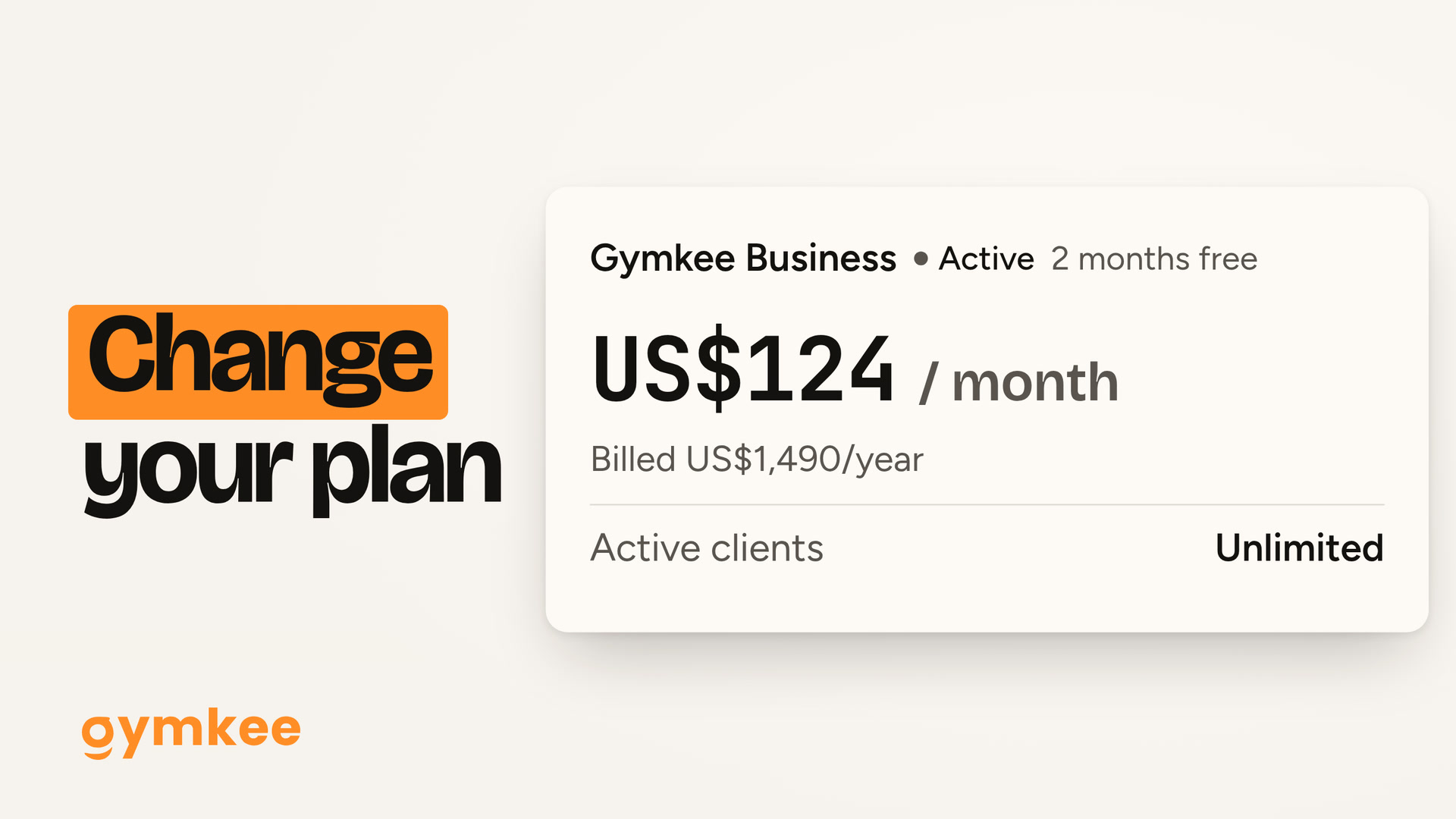
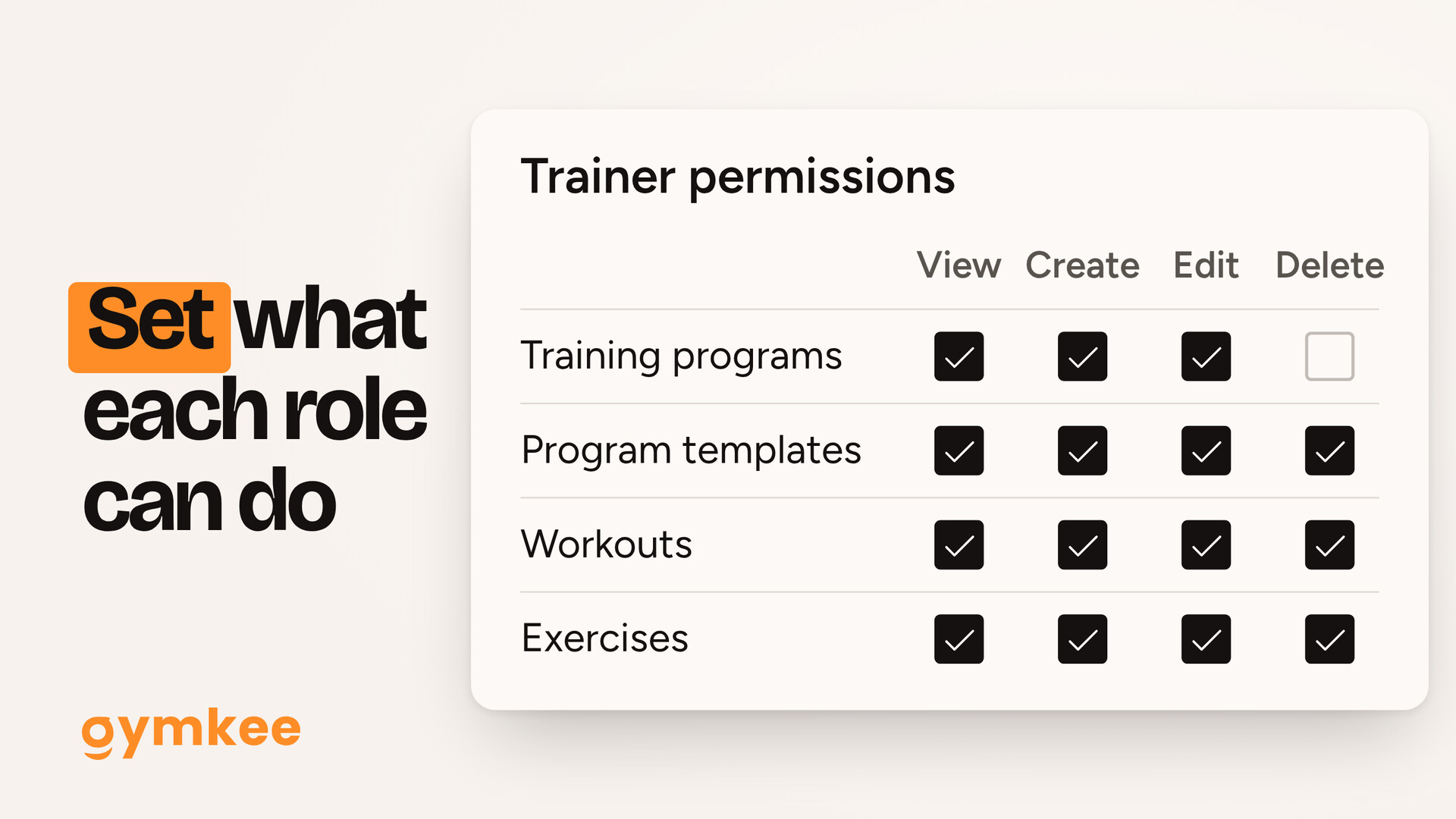
Run the business side: your plan, your team and their roles, your workspace, your branding, notifications and the referral program.
Integrations
1 lesson
Connect Gymkee to the tools you already use: integrations, partnerships and API keys.