

Gymkee comes with 400+ built-in exercises so you can build programs fast. But once you've added your own exercises, you may want your clients to see only yours, you can hide the Gymkee library.
Open Account, go to the Business tab, and scroll to Library visibility. Turn on Hide Gymkee exercise library.
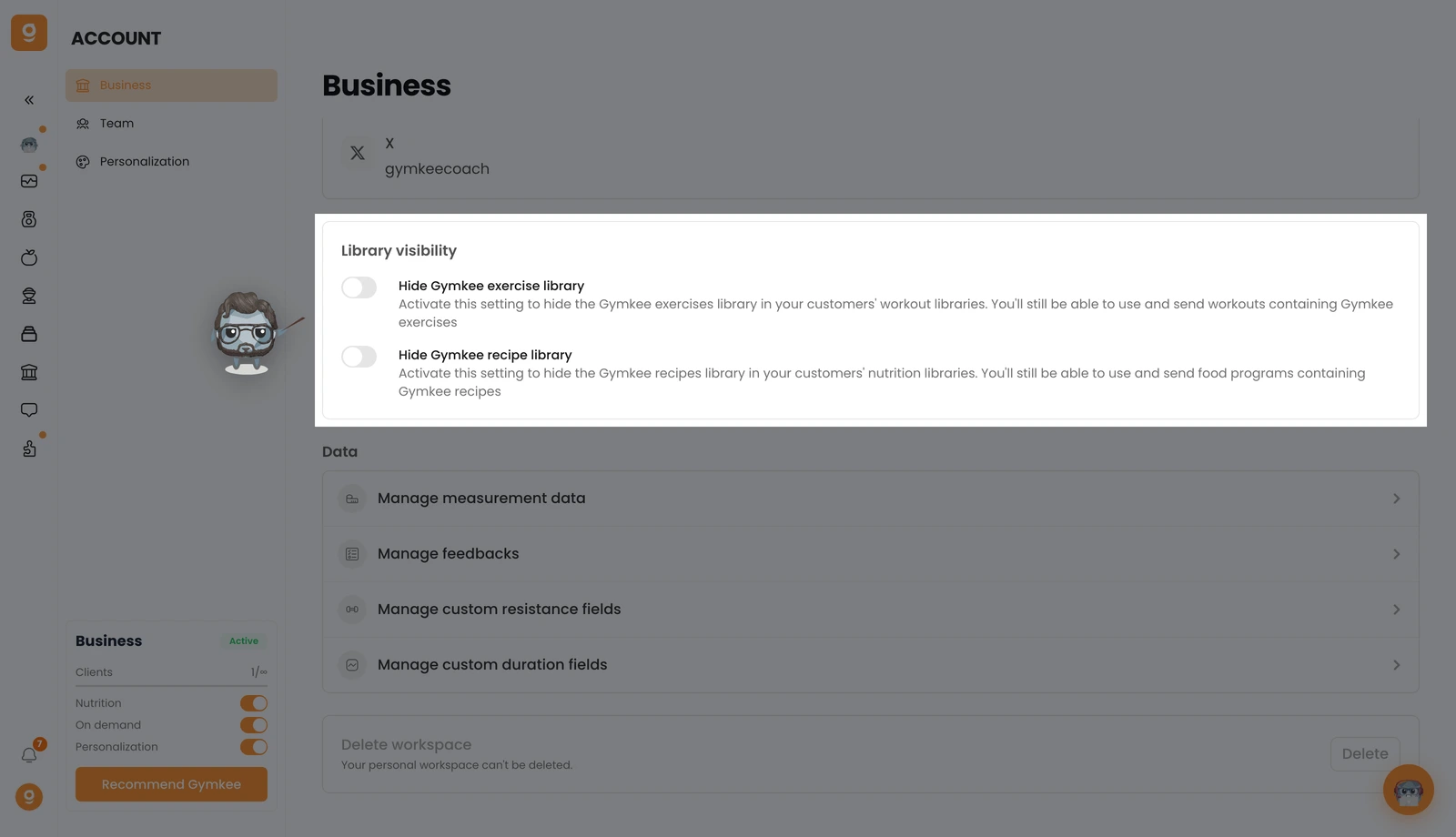
That's it, your clients will no longer see the Gymkee exercise library in their app, only the exercises you've added. You can still use and send workouts that contain Gymkee exercises, so nothing breaks in your existing programs.
Right below it you'll find Hide Gymkee recipe library, which does the same for nutrition, hide our recipes so clients only see yours.
Haven't added your own exercises yet? Follow this guide first: 👉 Add your own exercise videos on Gymkee
If you need anything, message us via the in-app chat at the bottom right 😉
Great coaching & take care of yourself ❤️
