

Once your program is finalized, you can send it to your client, they'll receive it straight on their mobile app.
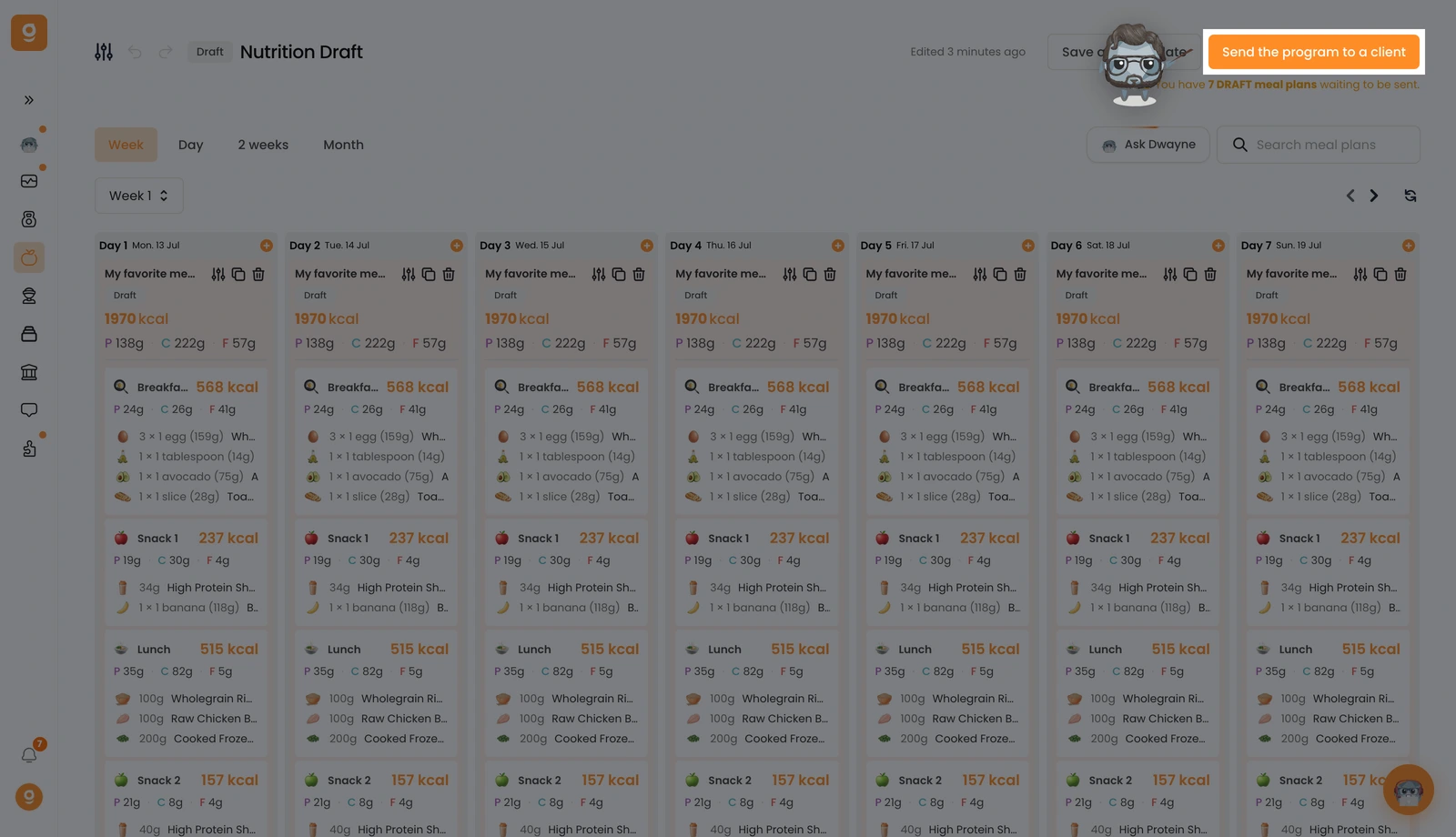
At the top right, click Send the program to a client (or Send the nutrition plan).
The Send the nutrition program window opens. Search your client by name or email, tick them, and click Send.
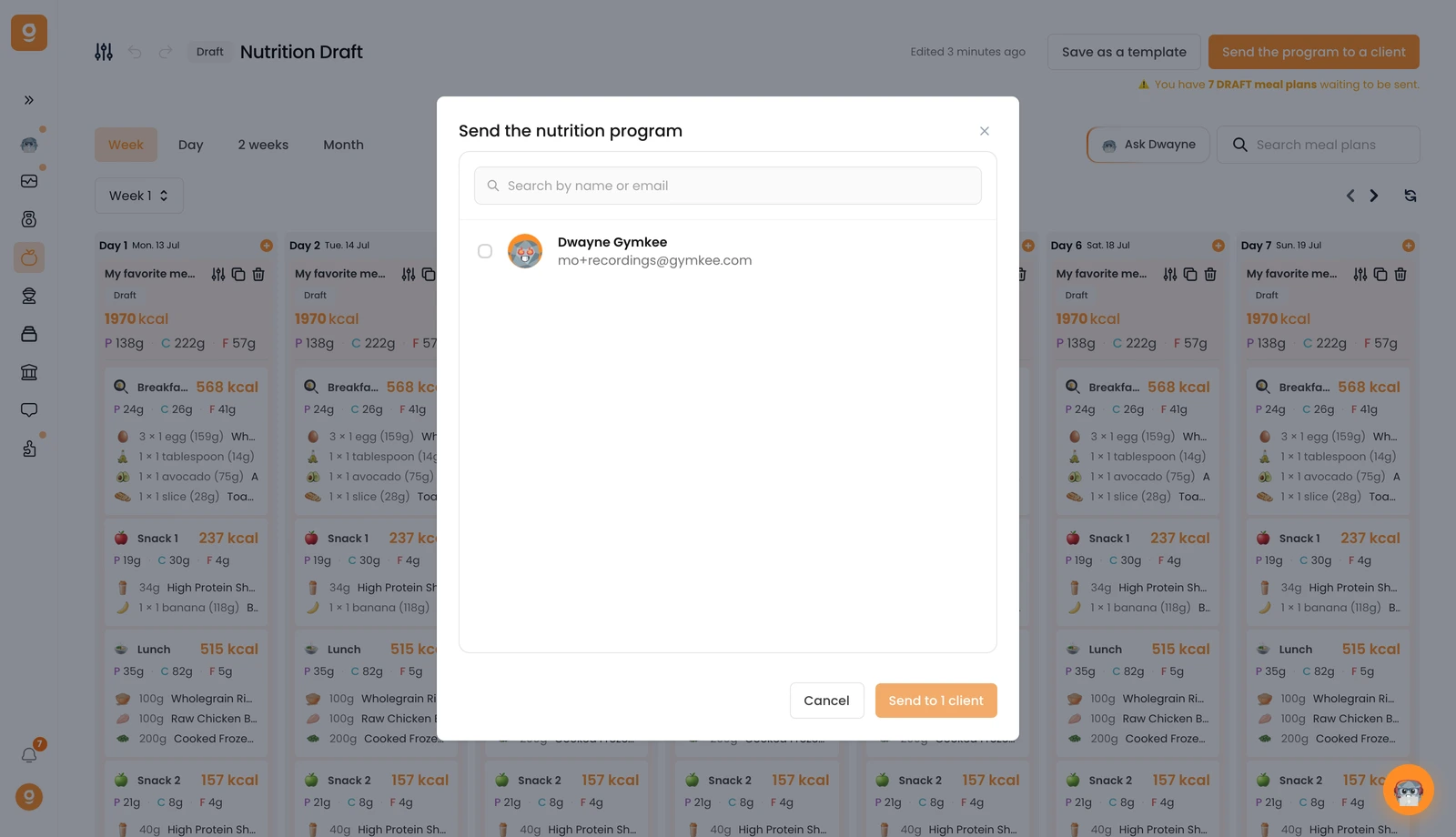
For a client to appear here, they need to have created their Gymkee account already. If they signed up while you were building the program, just refresh the page and they'll show up.
