

Have a lot of clients to add? Instead of inviting them one by one, upload a spreadsheet and invite them all at once.
Open Clients → List, start an invite, and choose Import CSV.
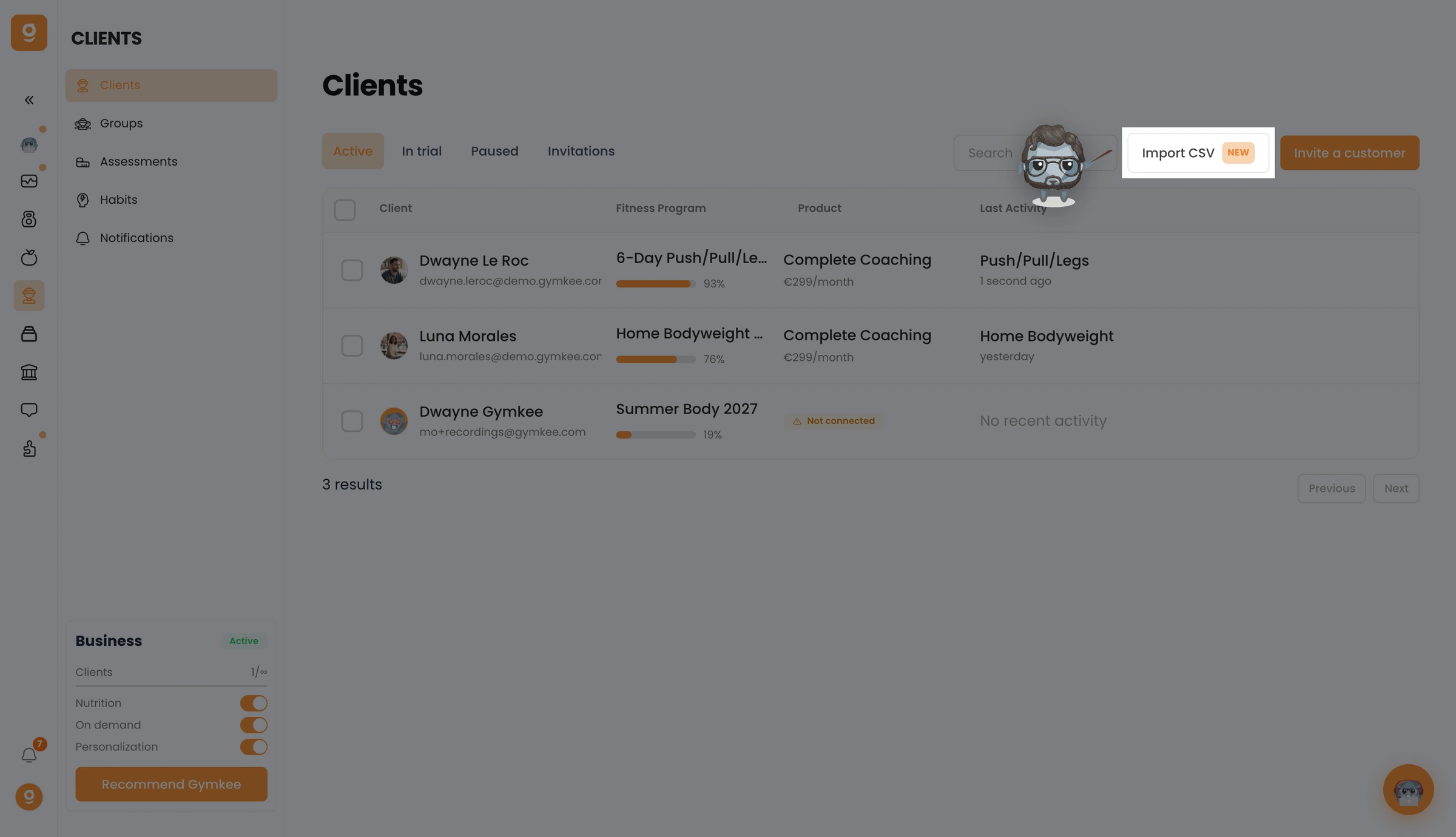
Prepare your file using the template, upload it, map the columns (name, email…) and confirm. Your clients then appear under the Invitations tab, each with a pending invite.
