

Keep every client conversation in one place. The Inbox lets you message your clients directly from Gymkee, text, photos and files, instead of scattering it across WhatsApp or email.
Open the Inbox from the left sidebar to see all your conversations.
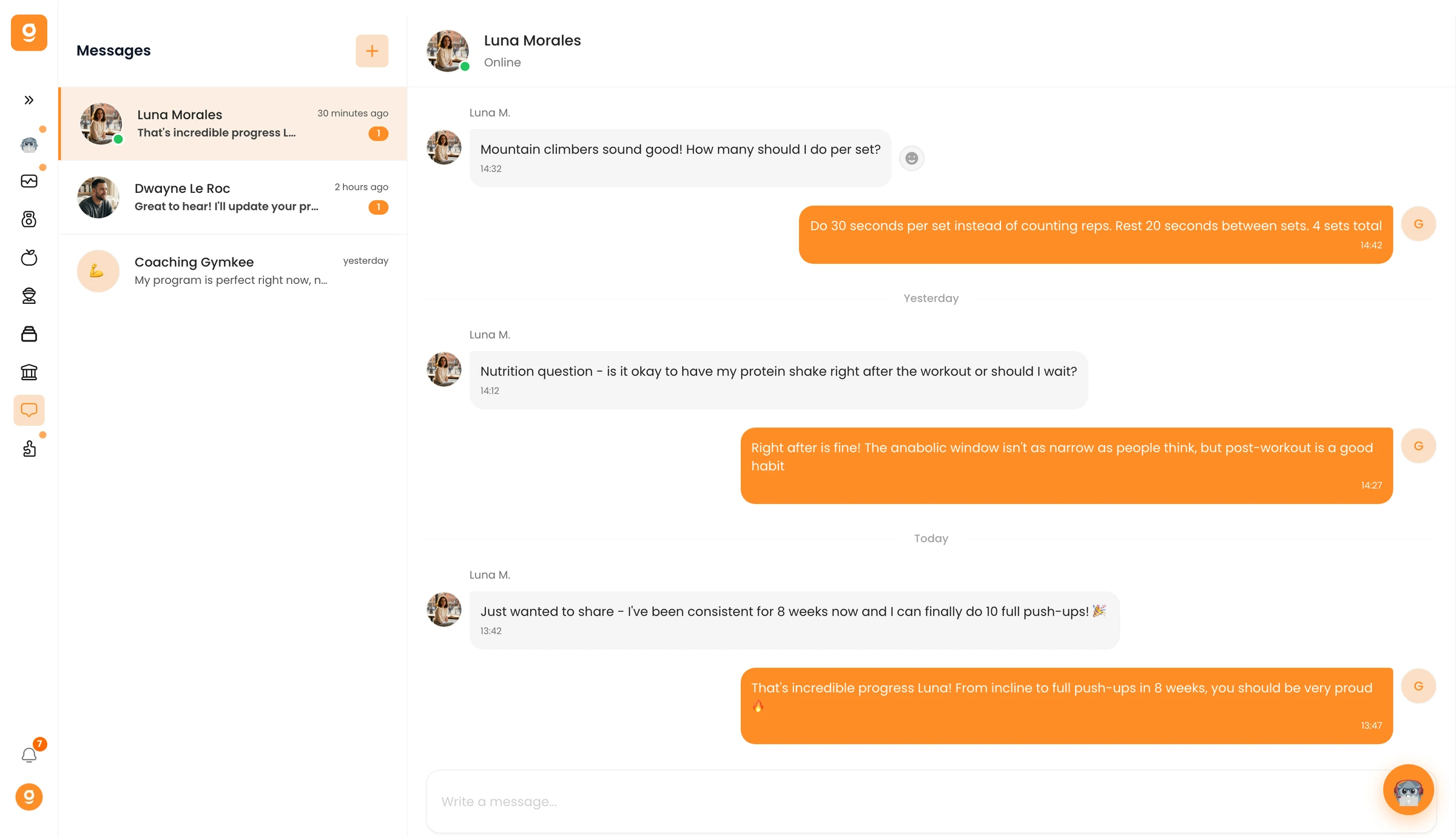
Pick a client on the left to open your thread. Type in the composer at the bottom and hit send, attach a photo or file with the paperclip. Your client gets a notification on their app right away, and the full history stays saved in the thread.
