

Client Groups let you organize your clients, by program, level or cohort, so you can manage and act on them together instead of one at a time.
Open Clients → Groups to see your groups.
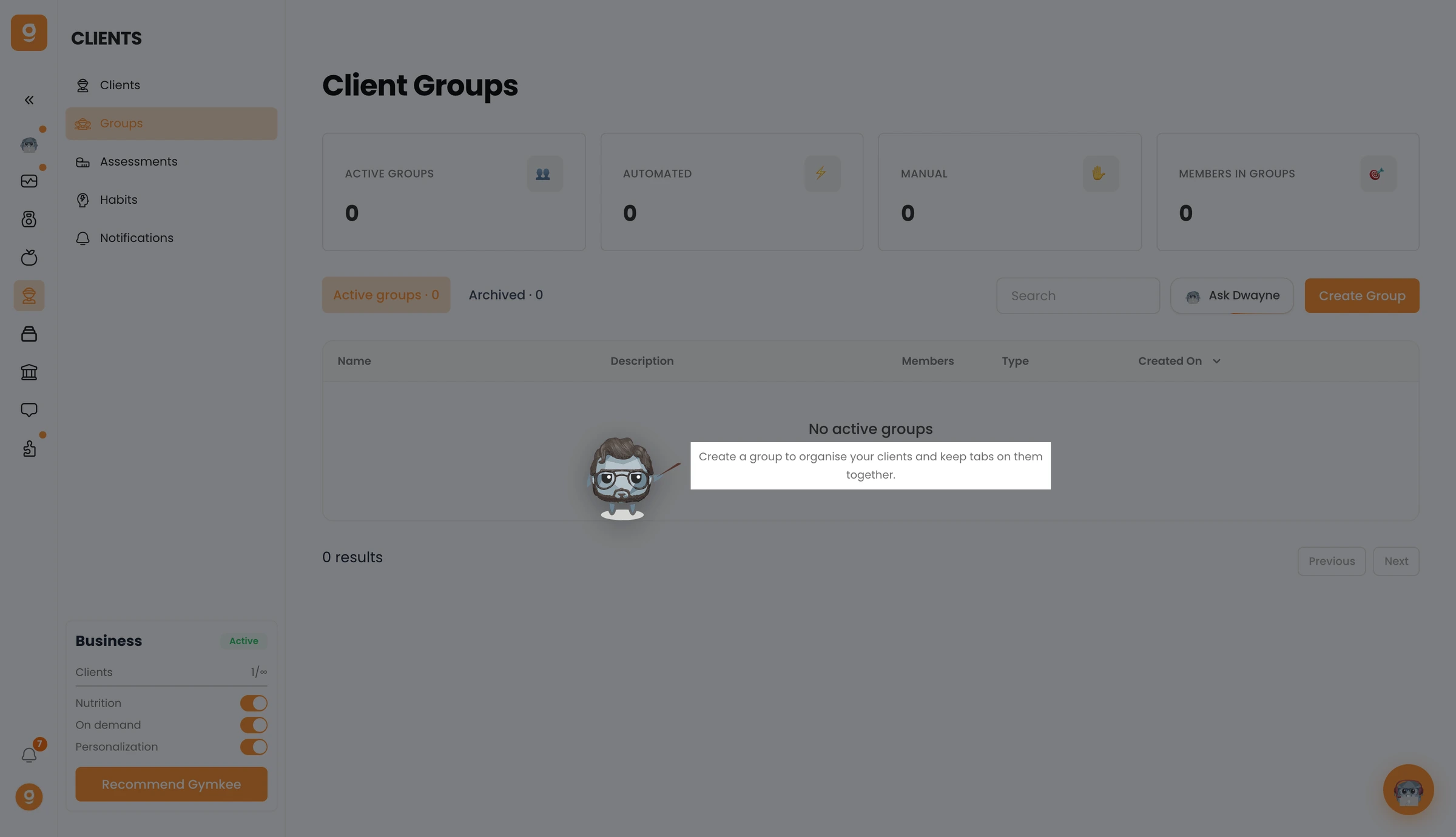
Create a new group, give it a name, and add the clients you want in it. Open a group to see its members, and act on the whole group at once.
