

Antes de poderes enviar um programa a um cliente, precisas de o adicionar na Gymkee. Aqui está como.
Abre o separador Clientes e clica em Convidar um cliente (canto superior direito). Preenche o primeiro nome, o apelido, o email e o idioma do cliente.
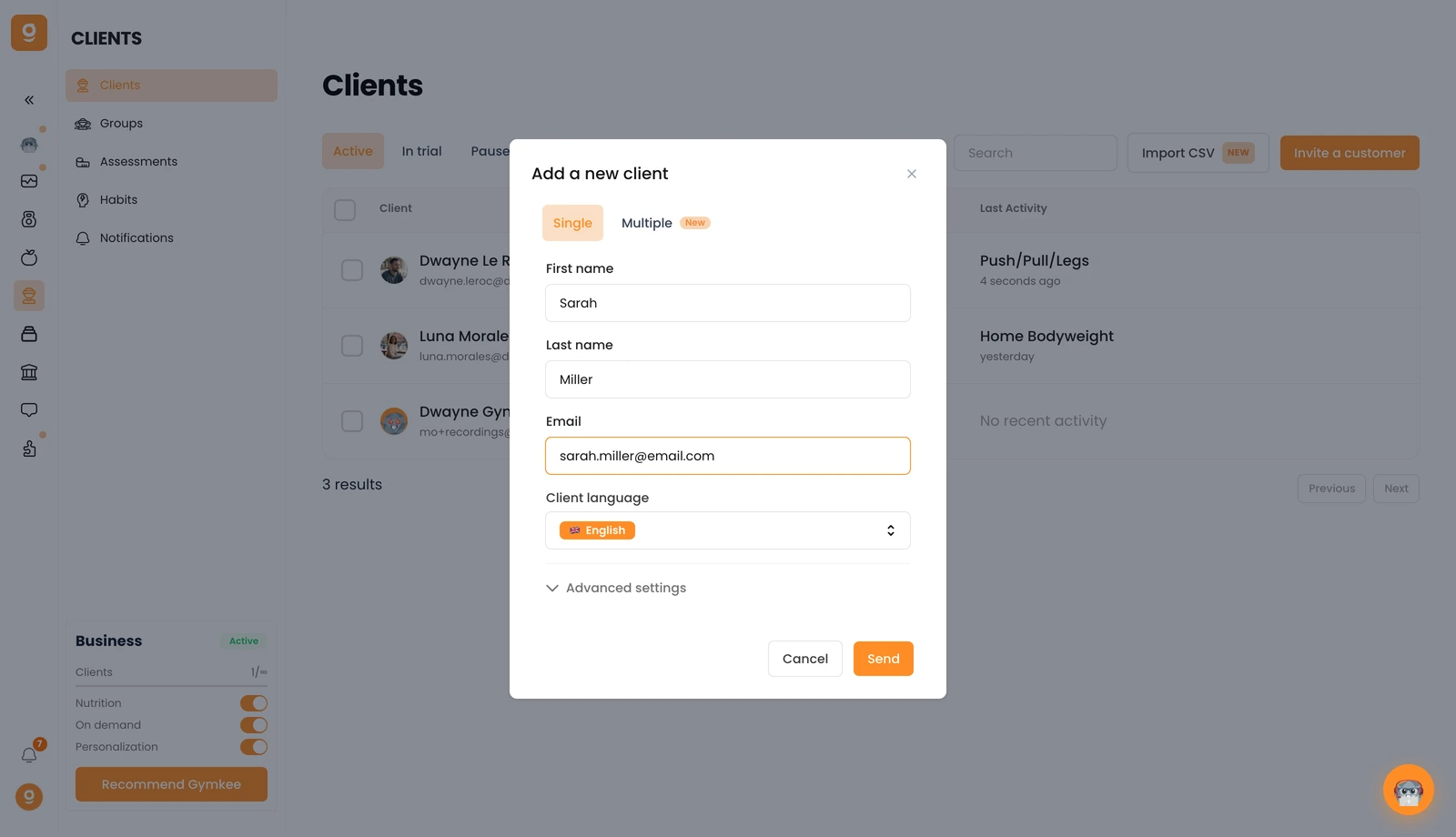
Precisas de adicionar várias pessoas de uma vez? Muda para o separador Múltiplos. E em Definições avançadas, podes atribuir uma subscrição ao convite do cliente se usares o Gymkee Pay.
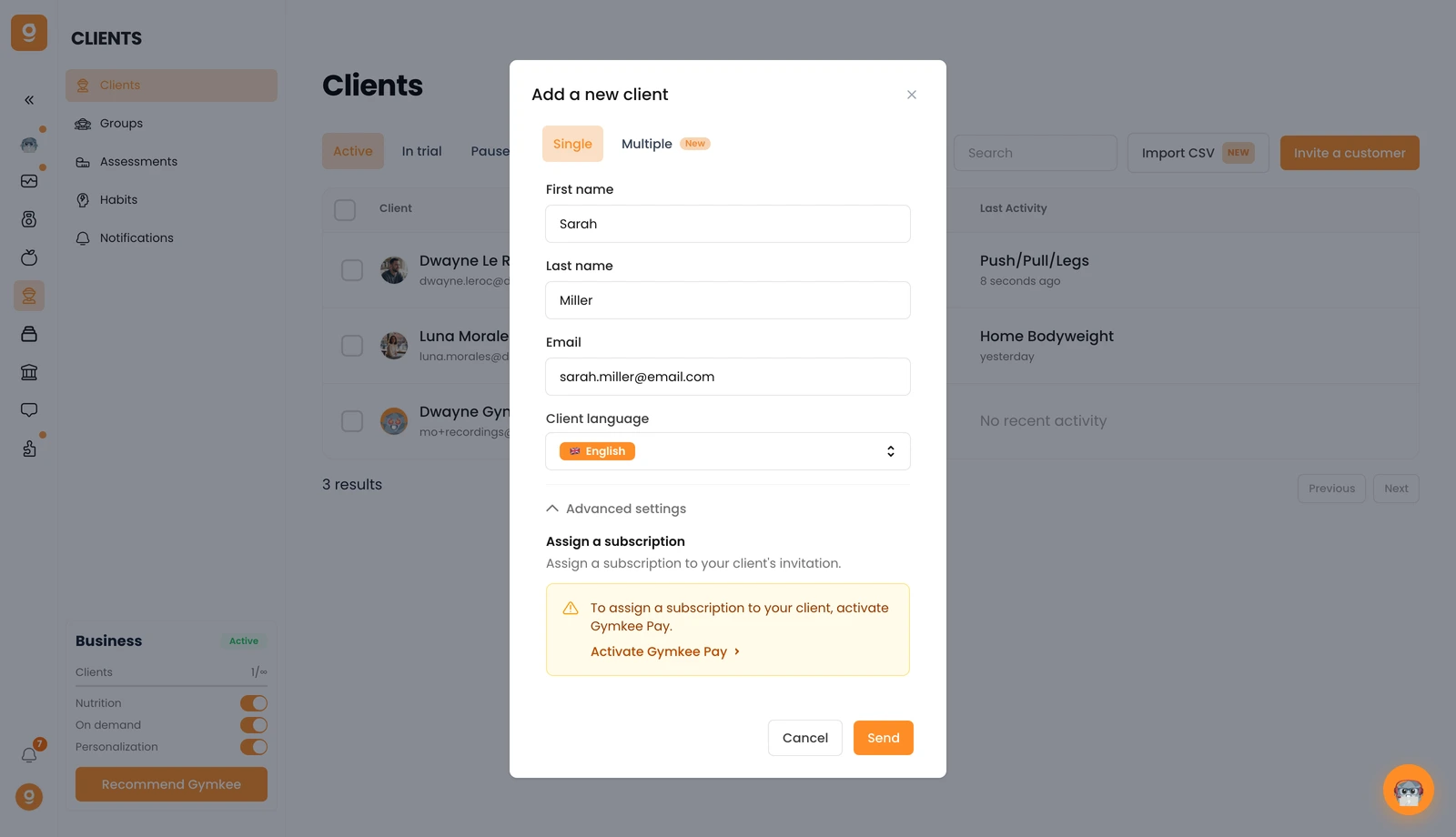
Clica em Enviar e o teu cliente recebe um convite por email para criar a sua conta Gymkee. Assim que a criar, aparecerá na tua lista de Clientes. Se não aparecer logo, basta atualizar a página.
Se precisares de alguma coisa, envia-nos uma mensagem através do chat na aplicação, no canto inferior direito 😉
Bom coaching e cuida de ti ❤️
