

Para além de copiar um único dia, podes duplicar uma semana inteira de nutrição para outras semanas do programa, em apenas dois cliques.
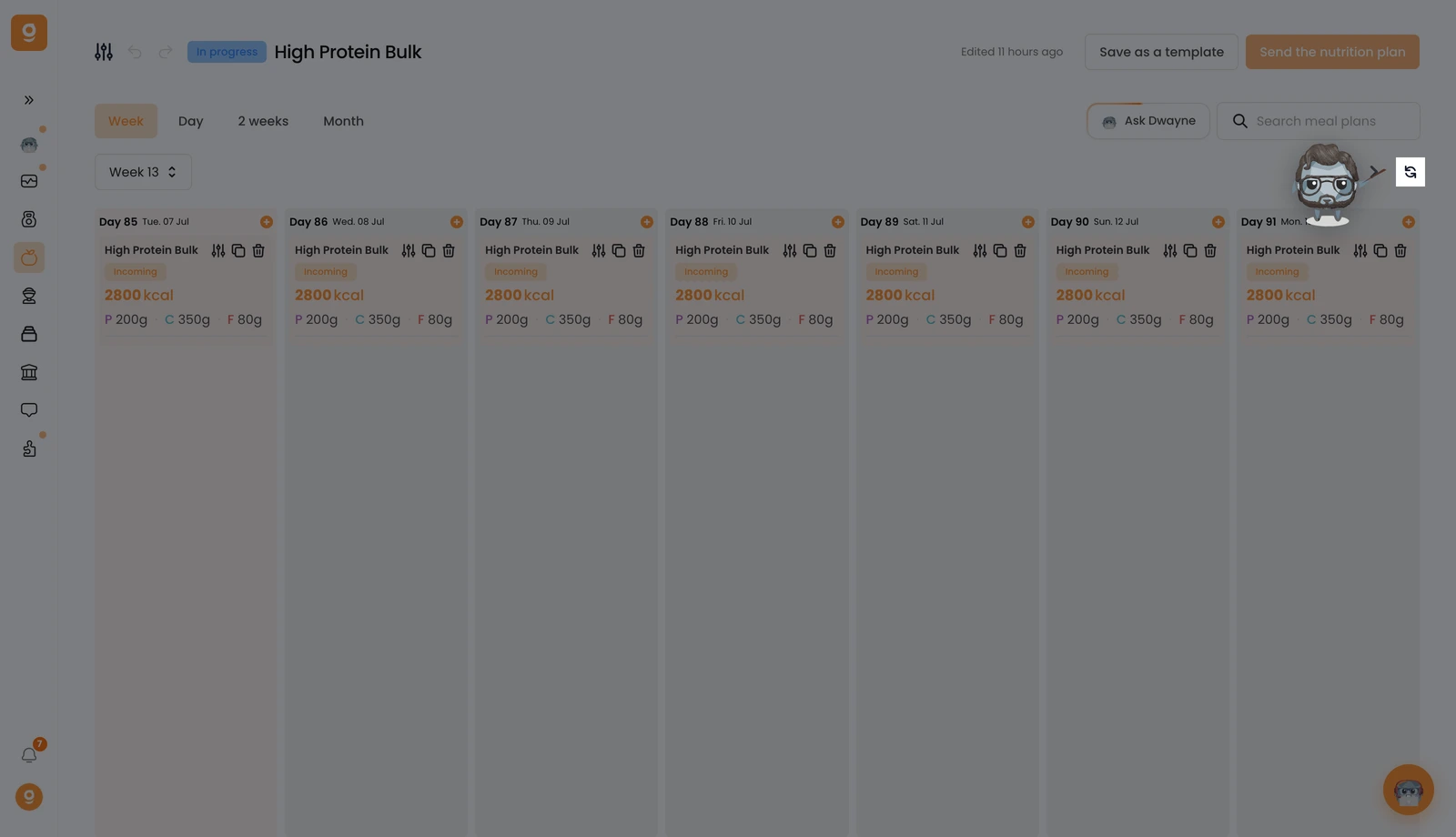
Na vista Semana, clica no botão Duplicar ao lado das setas de navegação das semanas.
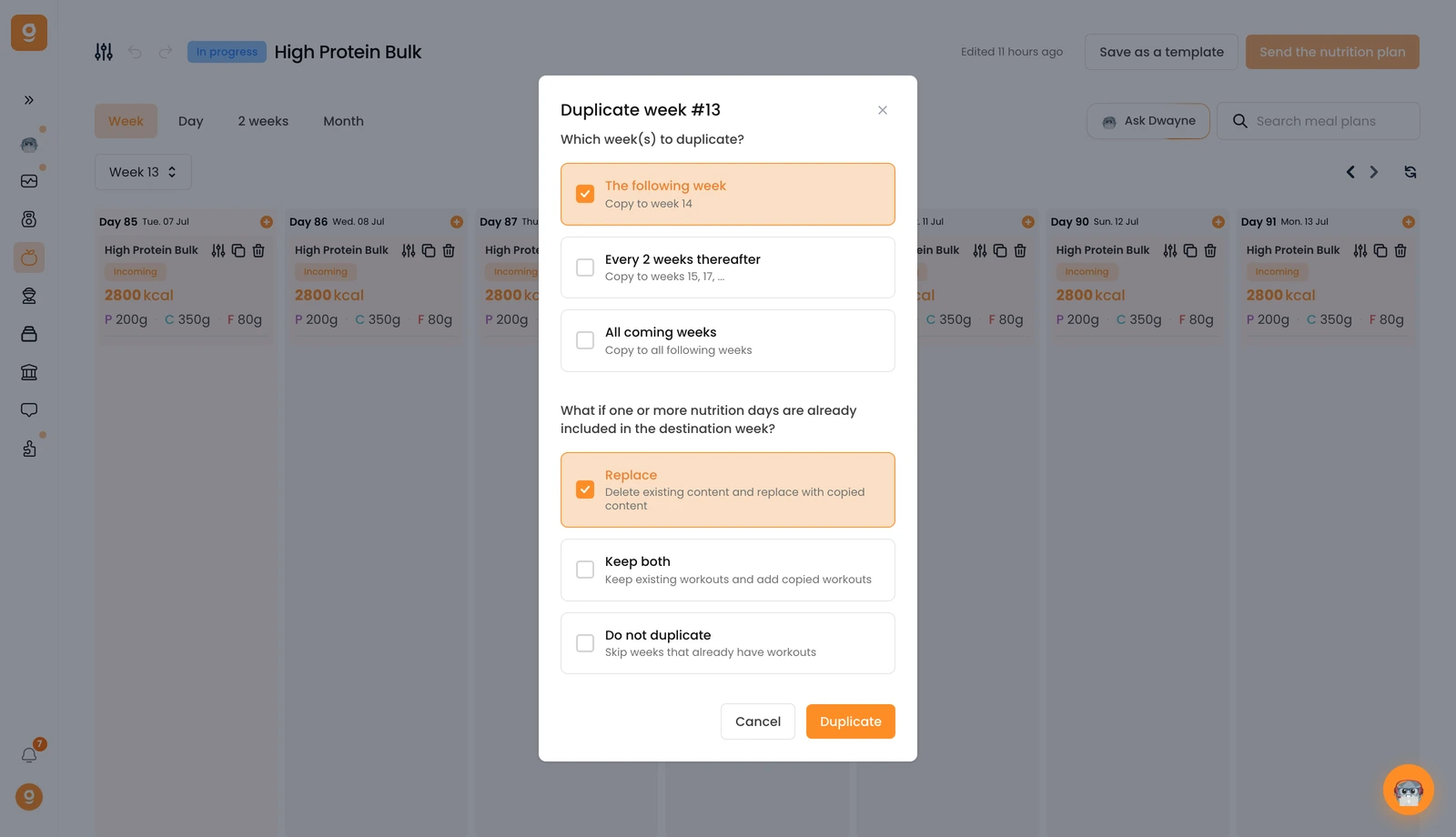
Uma janela permite-te configurar tudo num só sítio. Primeiro, escolhe para que semanas copiar: a semana seguinte, a cada 2 semanas, ou todas as semanas seguintes. Depois escolhe o que acontece se uma semana já tiver planos alimentares: substituí-los, manter ambos, ou ignorar. Clica em Duplicar e está feito.
É isso, uma semana inteira de nutrição copiada por todo o teu programa sem teres de refazer nada.
