

Tek bir günü kopyalamanın ötesinde, bir haftalık beslenmenin tamamını programın diğer haftalarına çoğaltabilirsin, hem de sadece iki tıklamayla.
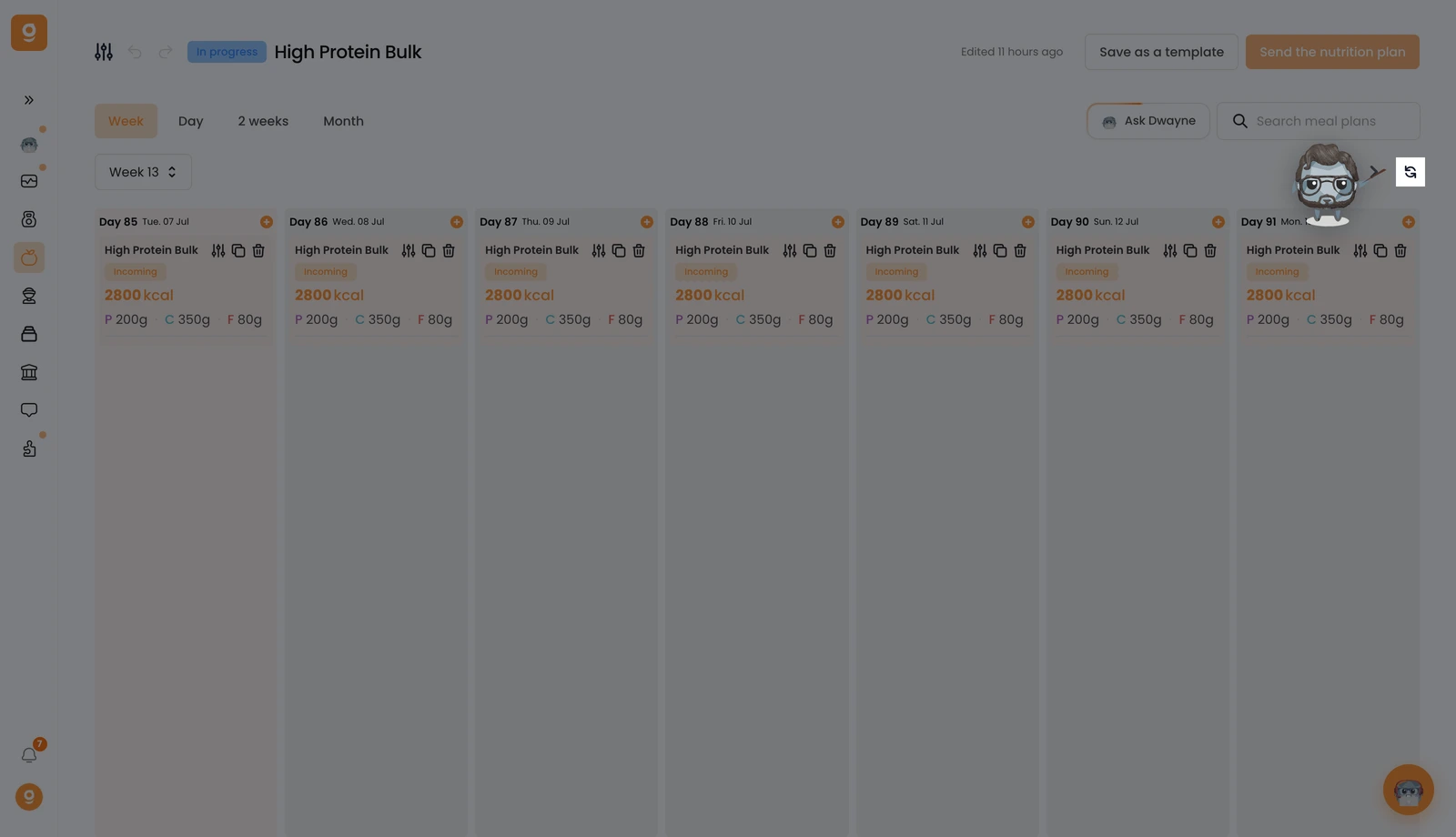
Hafta görünümünde, hafta gezinme oklarının yanındaki Çoğalt düğmesine tıkla.
Bir açılır pencere, her şeyi tek bir yerde yapılandırmanı sağlar. Önce, hangi haftalara kopyalanacağını seç: sonraki hafta, her 2 haftada bir ya da tüm gelecek haftalar. Sonra, bir haftada zaten öğün planları varsa ne olacağını seç: onları değiştir, her ikisini de tut ya da atla. Çoğalt'a tıkla ve işin bitti.
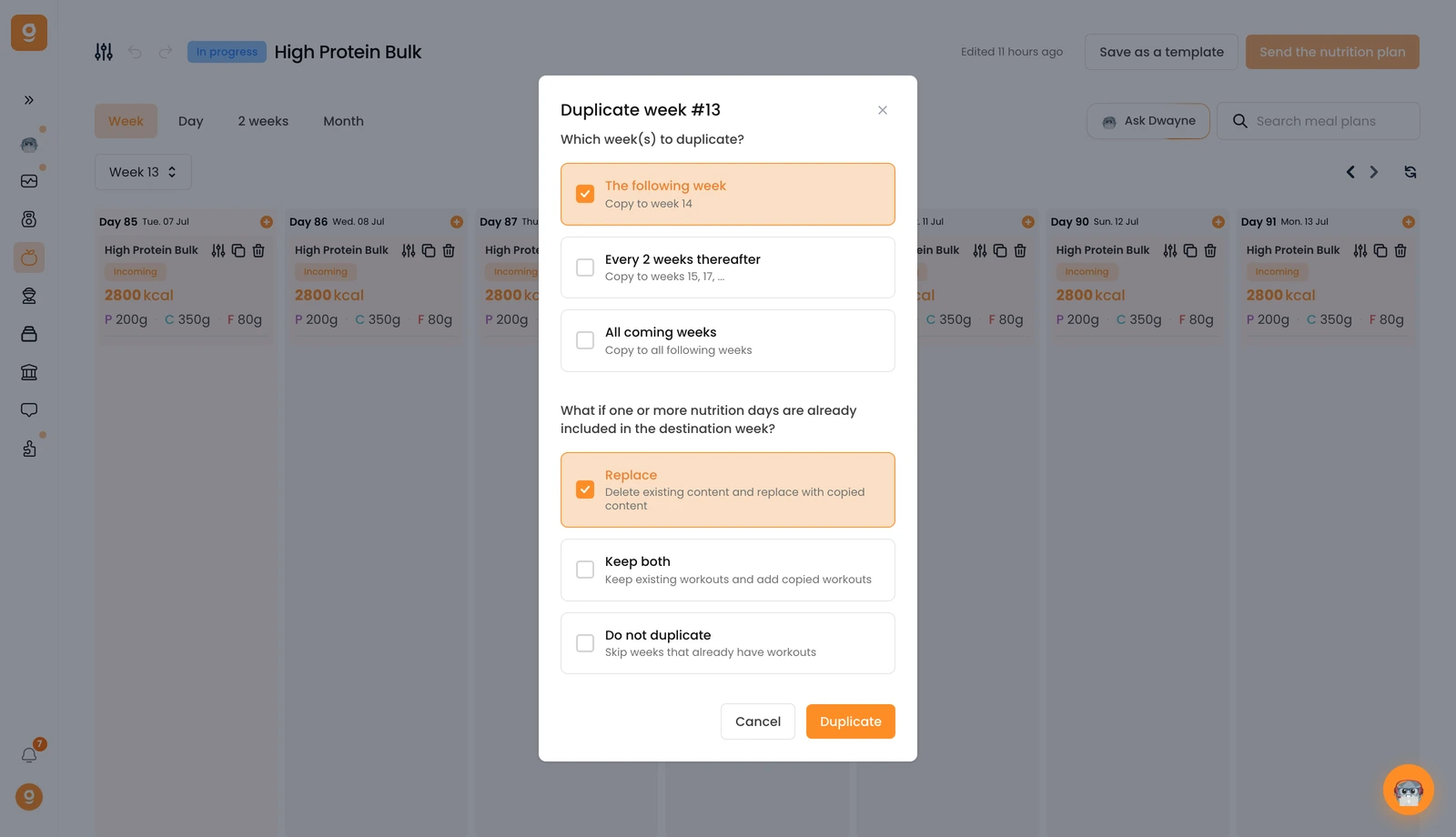
İşte bu kadar, hiçbir şeyi yeniden yapmadan programın boyunca kopyalanmış tam bir haftalık beslenme.
