Add teammates and manage roles

Invite assistant coaches or staff to your workspace and control what each can do with roles.

Grow your business by adding teammates β€” assistant coaches or staff β€” and control what each can do with roles.

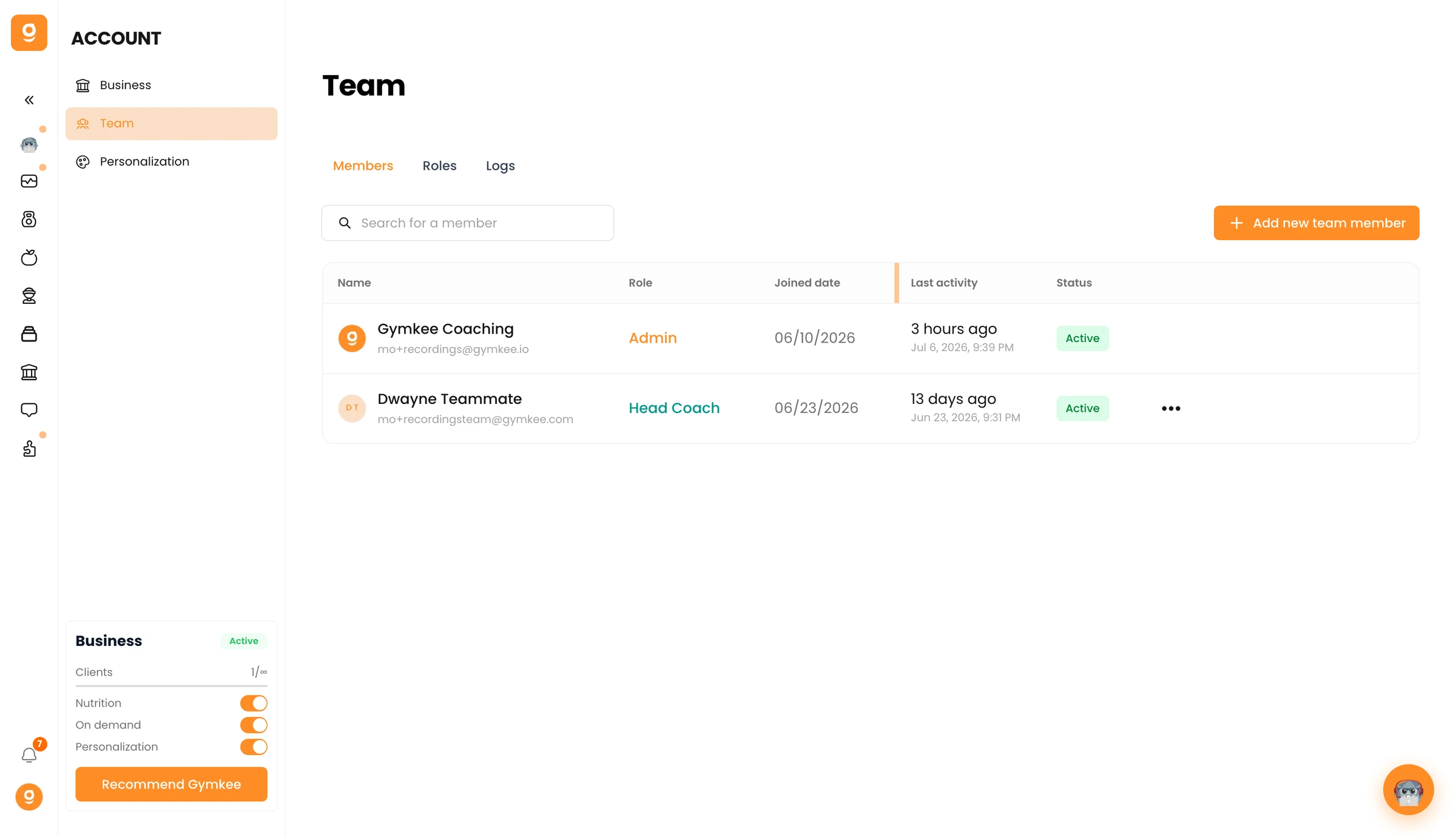
Open Account β†’ Team.

Add teammates and manage roles β€” screenshot 1

Click Add new team member, invite them by email, and assign a role. Use the Roles tab to define what each role can access, and Logs to see team activity.

Was this article helpful?

Still need help?

Our team and Dwayne, the Gymkee AI assistant, are here for you.

Ask Dwayne