

Made a mistake in your personal information, or just want to update it? Here's how.
Open Settings in the left menu and go to Personal Infos. There you can edit your basic information, first and last name, brand name, birth date, phone number, address, and more.
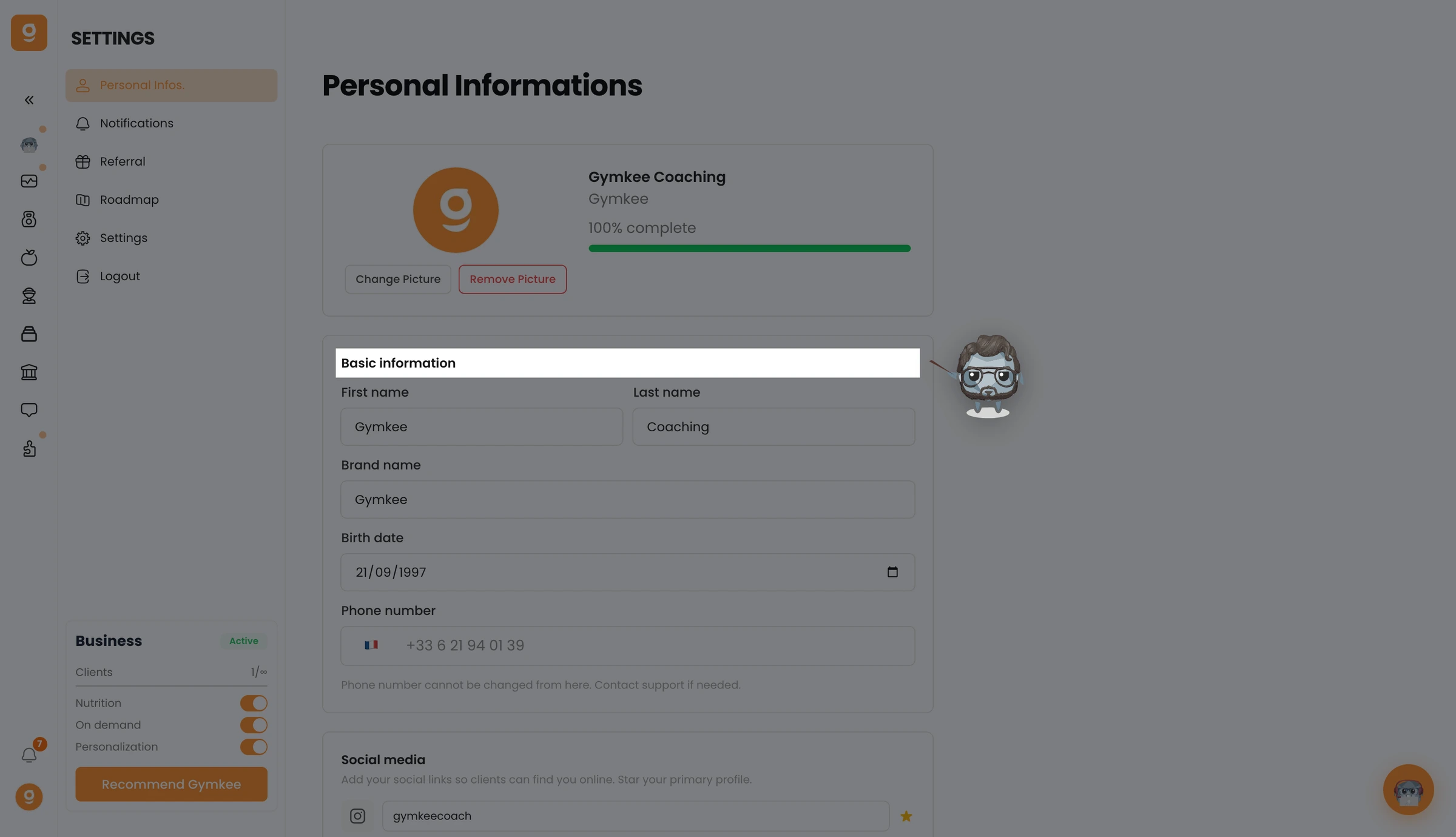
Change what you need and your details are saved.
If you need anything, feel free to contact us via the internal app chat on the bottom right 😉
Good coaching & take care of yourself ❤️
