

To change your password, go here
👉 Change my password
Depending on which account you need to reset, make sure you pick the right one, "I am a coach" or "I am an athlete".
Then type in the e-mail address that is linked to your account.
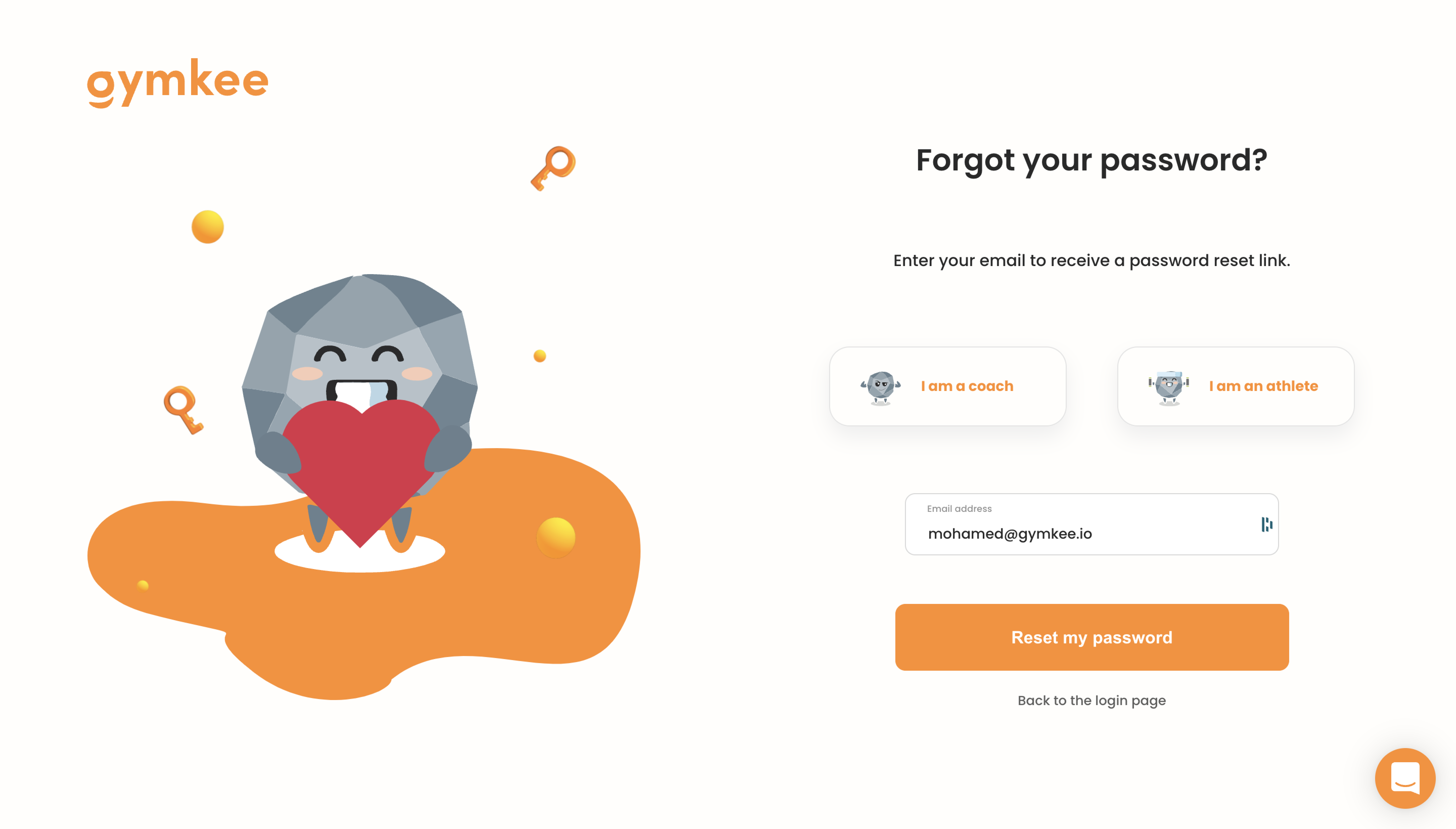
Once this is done, all you have to do is go to your inbox and follow the instructions to set up a new password.
Your password must contain:
- At least 8 characters.
- At least 1 capital letter.
- At least 1 lower case.
- At least 1 number.
There you go, now you know how to get a new password.
If you need anything, feel free to reach out to us using the in-app chat on the bottom right 😉
Good coaching & take care of yourself ❤️
