

Su Gymkee puoi dare a ogni cliente più flessibilità aggiungendo alternative a qualsiasi pasto: prepara diverse versioni dello stesso pasto e lascia che sia il tuo cliente a scegliere quella che preferisce seguire.
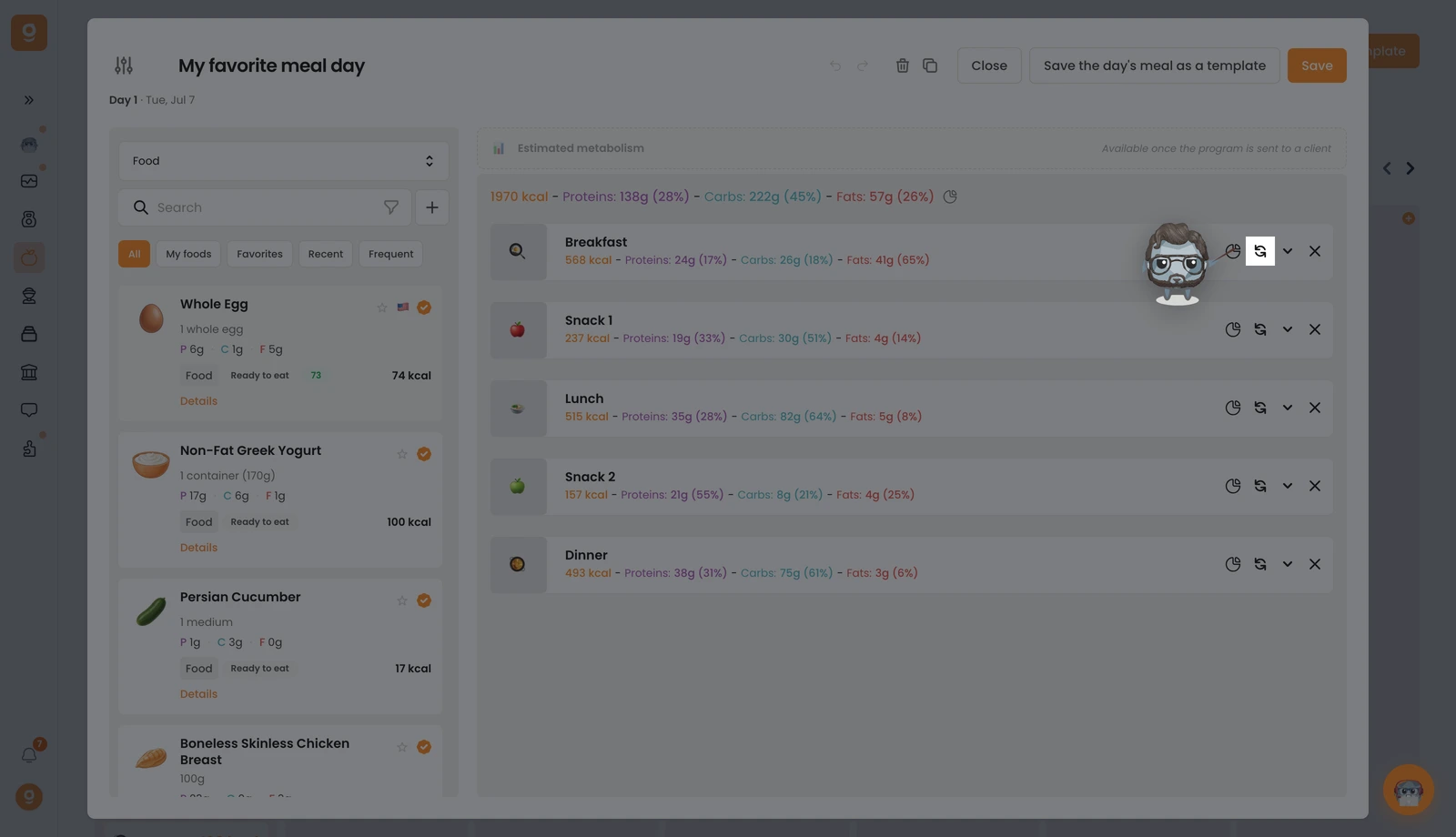
Sul pasto che ti interessa, clicca sull'icona di scambio (le due frecce circolari). Se ha già delle alternative, un piccolo badge indica quante.
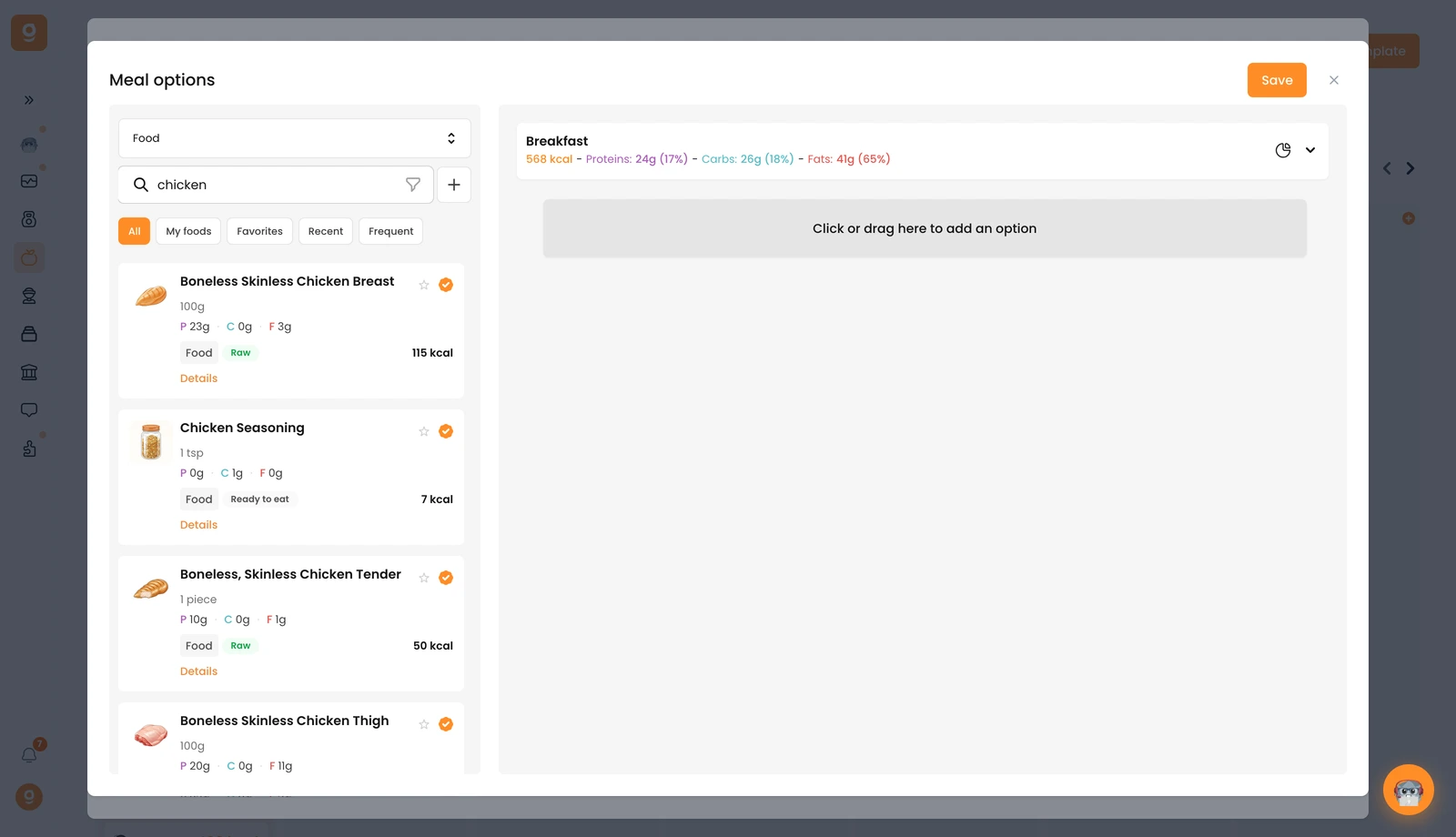
Si apre il pannello Opzioni del pasto con il tuo pasto di base in alto. Parte dai Modelli di alternative del pasto (set salvati che puoi riutilizzare): apri quel menu a tendina in alto a sinistra e passa a Alimenti (o Ricette) per accedere alla libreria con la barra di ricerca. Cerca l'alimento che desideri e trascinalo nello slot "Clicca o trascina qui per aggiungere un'opzione" sulla destra. Aggiungi tutti i pasti alternativi che vuoi, poi clicca su Salva.
Puoi fare esattamente la stessa cosa su un singolo alimento per offrire delle alternative all'interno di un pasto. Il tuo cliente sceglie poi quale versione seguire, direttamente dalla sua app.
