

Na Gymkee, podes dar flexibilidade a cada cliente adicionando alternativas a qualquer refeição: prepara várias versões da mesma refeição e deixa o teu cliente escolher a que quer seguir.
Na refeição que quiseres, clica no ícone de troca (as duas setas circulares). Se já tiver alternativas, um pequeno selo mostra quantas.
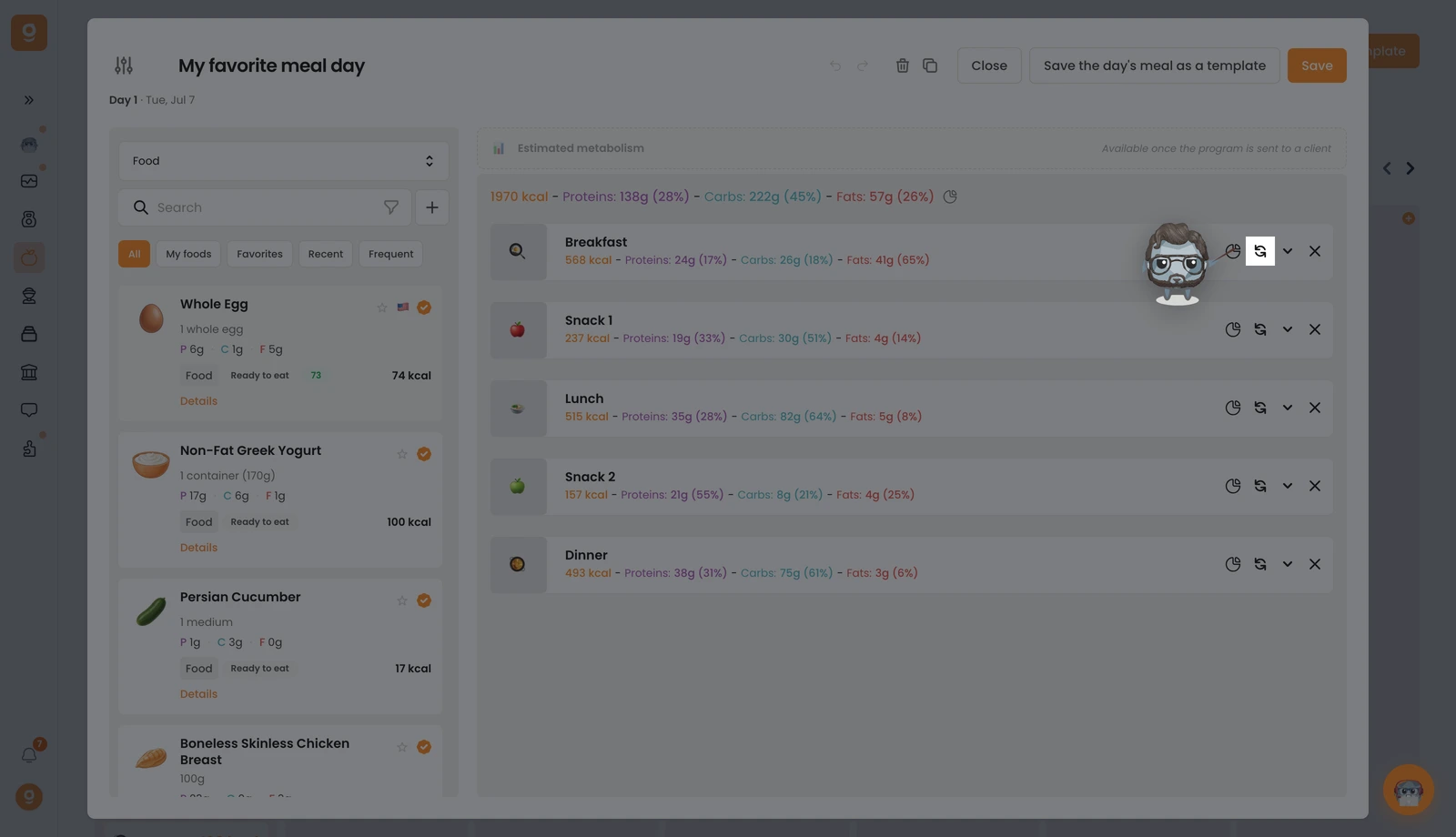
O painel Opções de refeição abre com a tua refeição base no topo. Começa em Modelos de alternativas de refeição (conjuntos guardados que podes reutilizar); abre esse menu pendente no canto superior esquerdo e muda-o para Alimentos (ou Receitas) para obteres a biblioteca com uma barra de pesquisa. Pesquisa o alimento que queres e arrasta-o para o espaço "Clica ou arrasta aqui para adicionar uma opção" à direita. Adiciona quantas refeições alternativas quiseres, depois clica em Guardar.
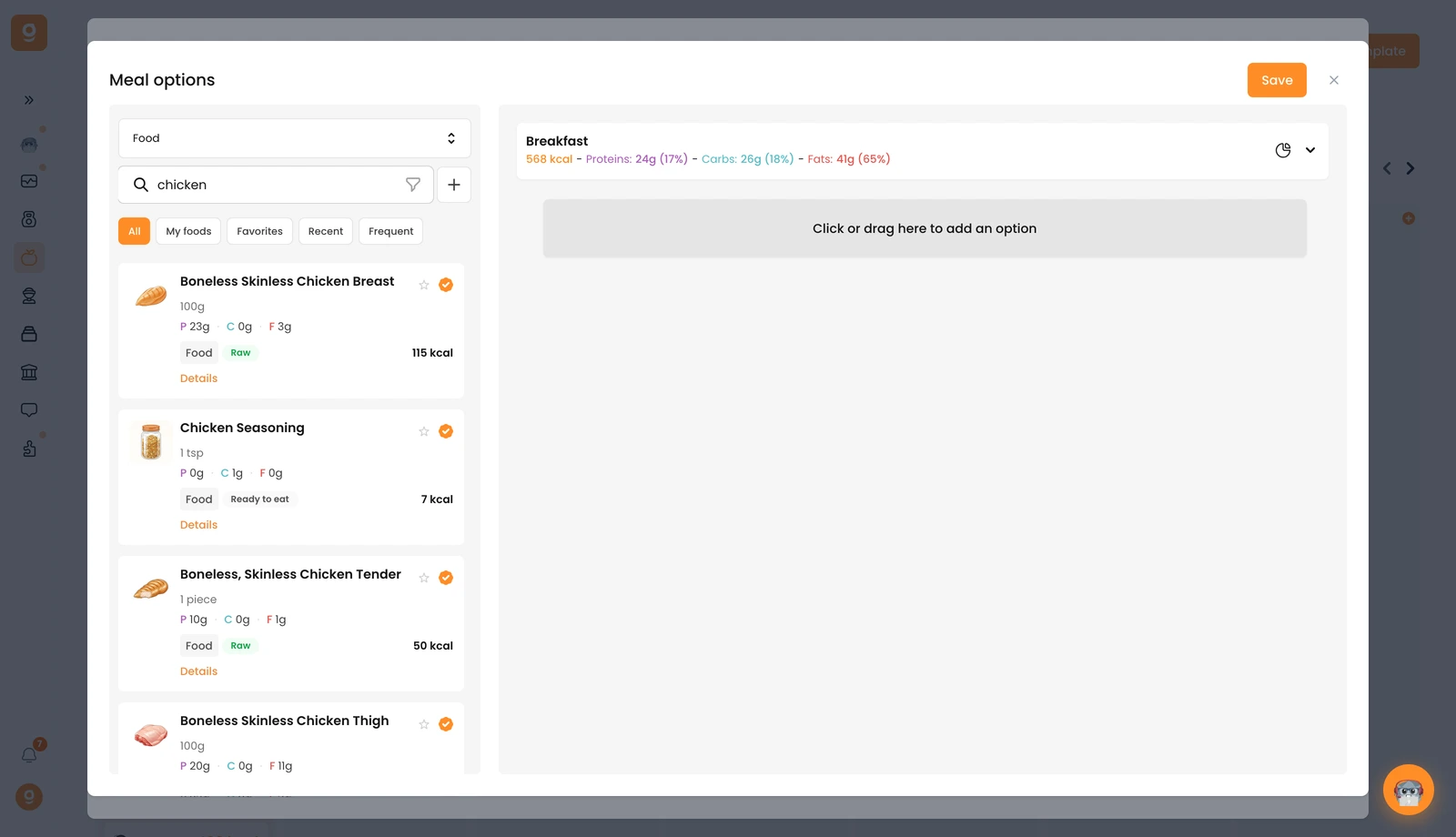
Podes fazer exatamente o mesmo num único alimento para oferecer trocas dentro de uma refeição. O teu cliente escolhe depois qual a versão a seguir, diretamente na sua aplicação.
