

On Gymkee, you can give each client flexibility by adding alternatives to any meal, prepare several versions of the same meal and let your client pick the one they want to follow.
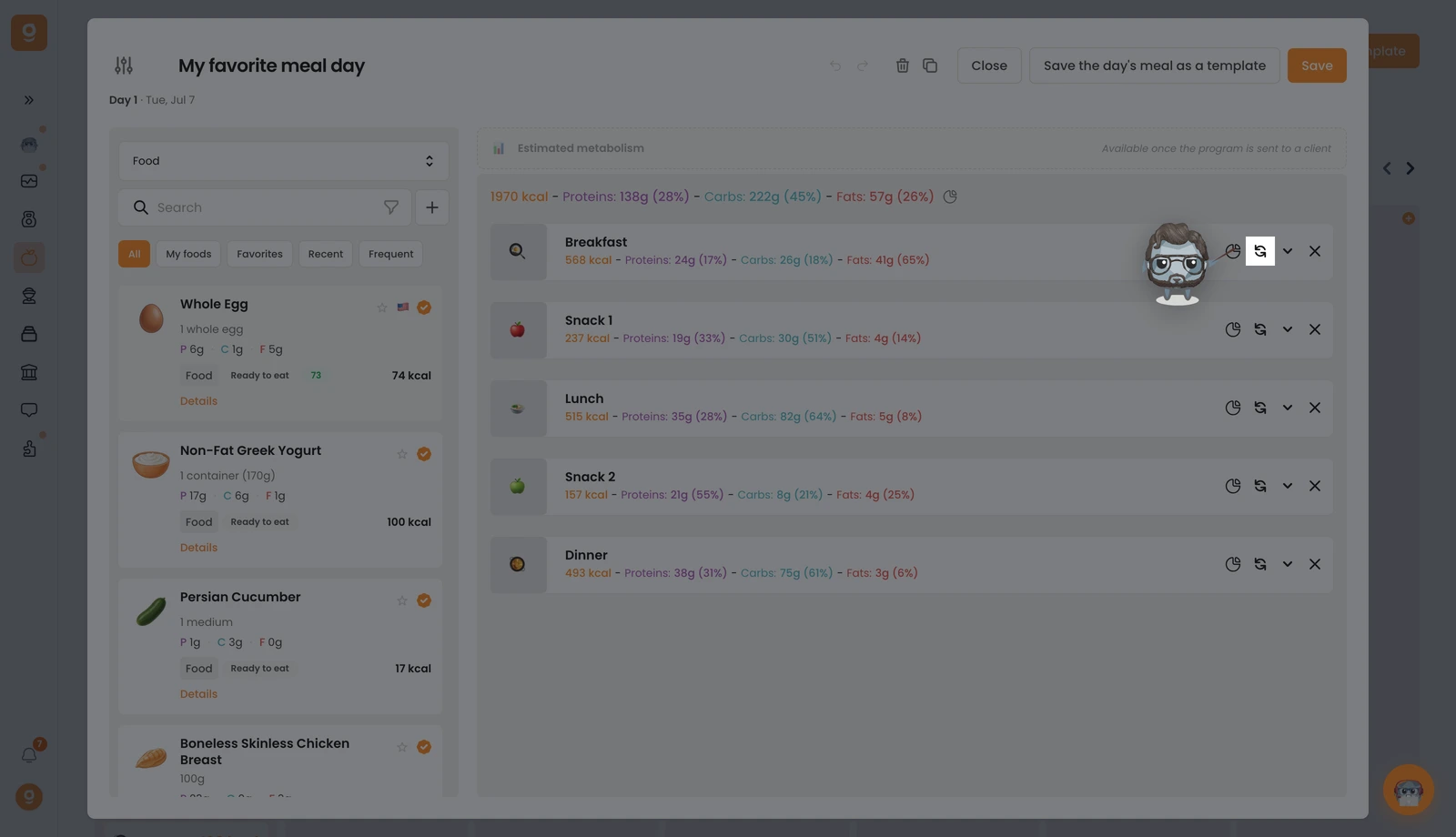
On the meal you want, click the swap icon (the two circular arrows). If it already has alternatives, a small badge shows how many.
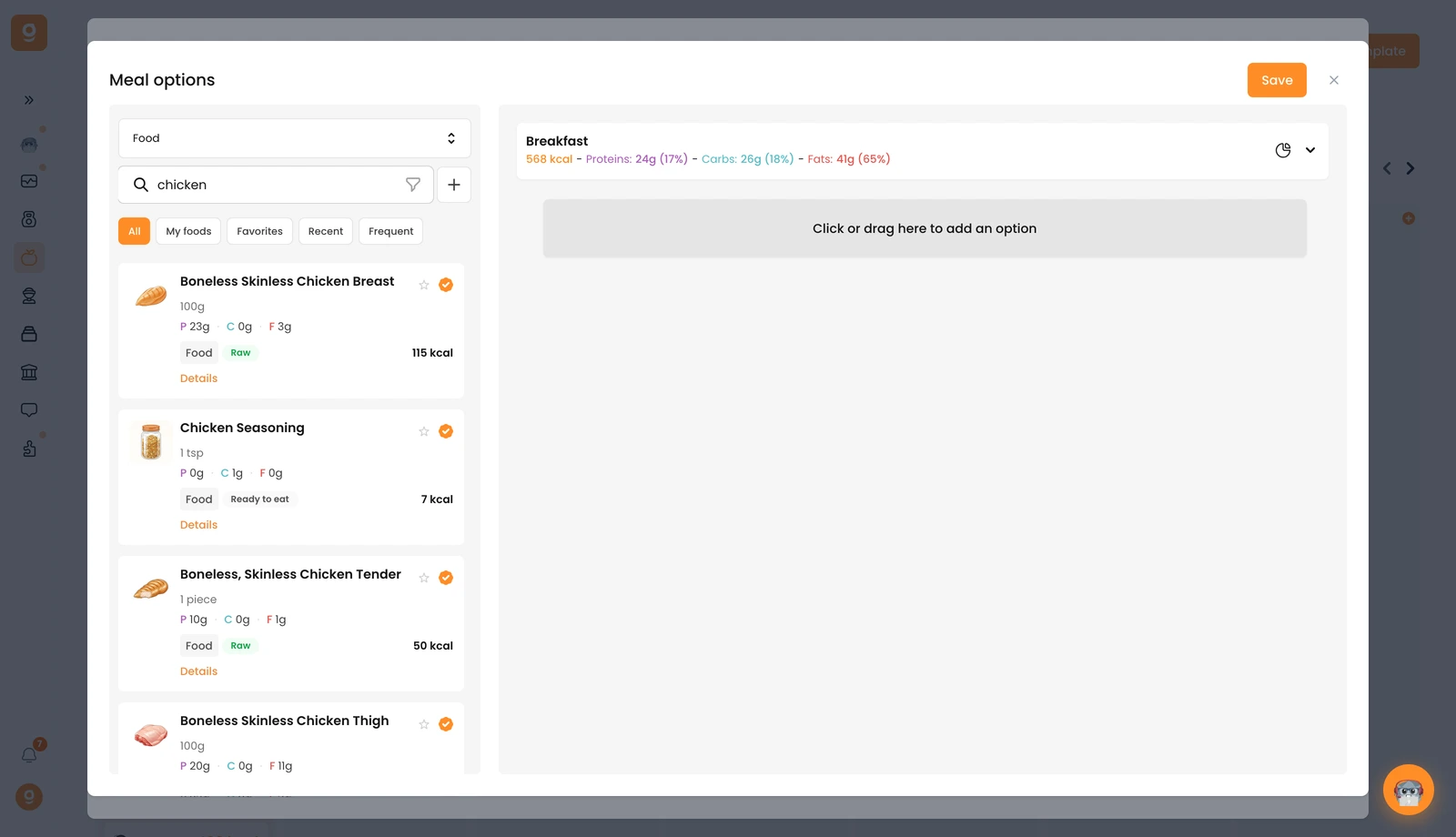
The Meal options panel opens with your base meal at the top. It starts on Meal alternative templates (saved sets you can reuse), open that dropdown at the top left and switch it to Food (or Recipes) to get the library with a search bar. Search the food you want and drag it into the "Click or drag here to add an option" slot on the right. Add as many alternative meals as you want, then click Save.
You can do the exact same thing on a single food item to offer swaps within a meal. Your client then chooses which version to follow, right from their app.
