

Gymkee'de, herhangi bir öğüne alternatifler ekleyerek her müşteriye esneklik sağlayabilirsin, aynı öğünün birkaç versiyonunu hazırla ve müşterinin takip etmek istediğini seçmesine izin ver.
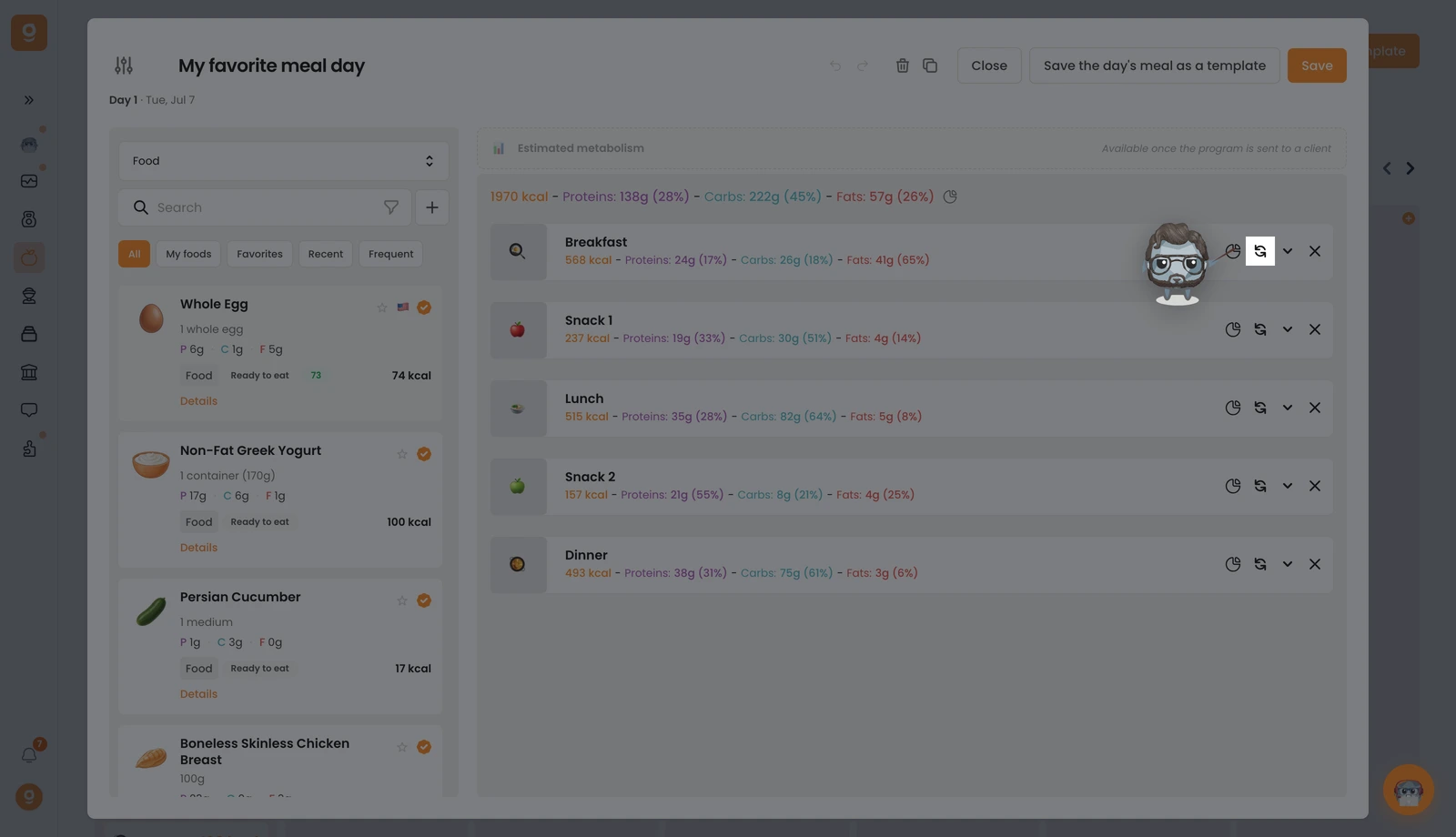
İstediğin öğünde, değiştir simgesine (iki dairesel ok) tıkla. Eğer zaten alternatifleri varsa, küçük bir rozet kaç tane olduğunu gösterir.
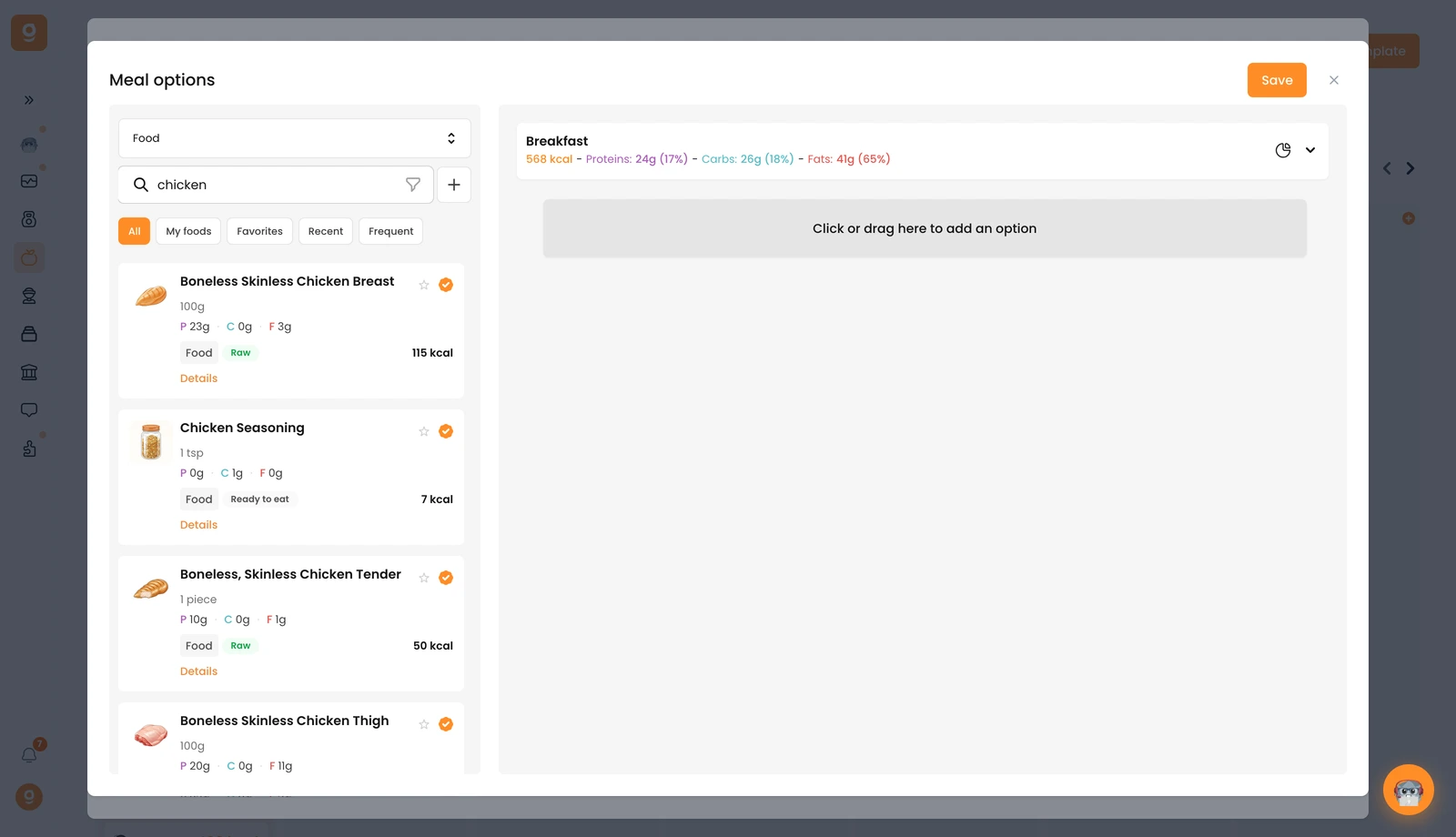
Öğün seçenekleri paneli, en üstte temel öğününle açılır. Öğün alternatifi şablonları (tekrar kullanabileceğin kayıtlı setler) ile başlar, sol üstteki açılır menüyü aç ve arama çubuğuyla kütüphaneyi almak için onu Besin'e (ya da Tarifler'e) geçir. İstediğin besni ara ve sağdaki "Bir seçenek eklemek için tıkla veya buraya sürükle" alanına sürükle. İstediğin kadar alternatif öğün ekle, sonra Kaydet'e tıkla.
Bir öğün içinde değişimler sunmak için tek bir besin öğesinde de tıpatıp aynı şeyi yapabilirsin. Müşterin böylece doğrudan uygulamasından hangi versiyonu takip edeceğini seçer.
