

Gymkee, kullanıma hazır 550'den fazla egzersizle gelir, ama kendi egzersizlerini de ekleyebilirsin, hem de kendi videolarınla, böylece danışanların tam olarak göstermek istediğin hareketi görür.
Fitness → Egzersiz kütüphanesi'ni aç ve sağ üstteki Egzersiz ekle'ye tıkla.
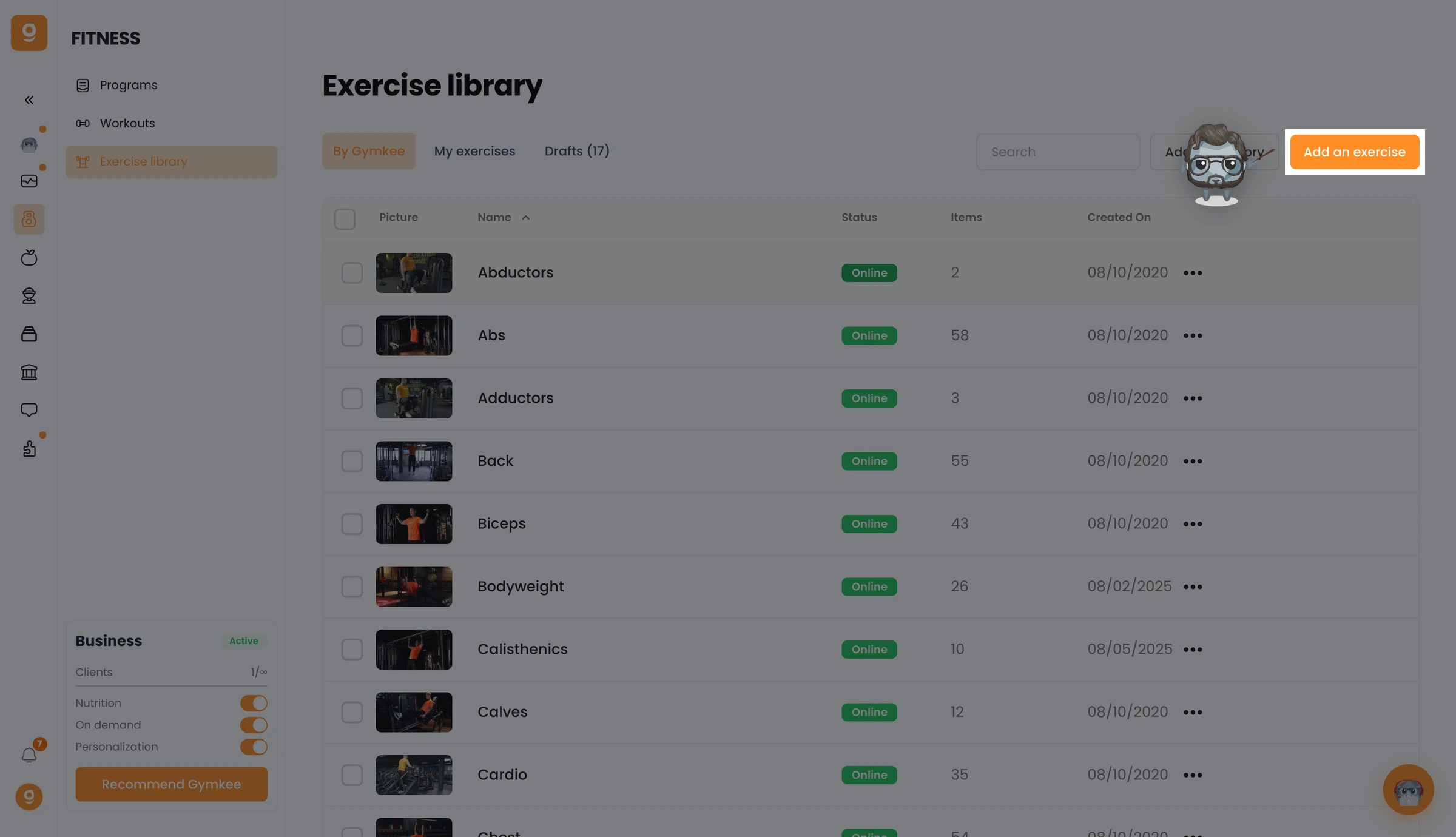
Bir veya birden fazla videoyu bırakma alanına sürükle (MP4, MOV veya WebM), tek bir egzersiz oluşturmak için bir video bırak, ya da hepsini aynı anda oluşturmak için birden fazla bırak. Ayrıca Dwayne AI'ı kullan seçeneğini açarak adı, açıklamayı, kategorileri ve etiketleri videondan otomatik doldurabilir, sonra Devam et'e tıklayabilirsin.
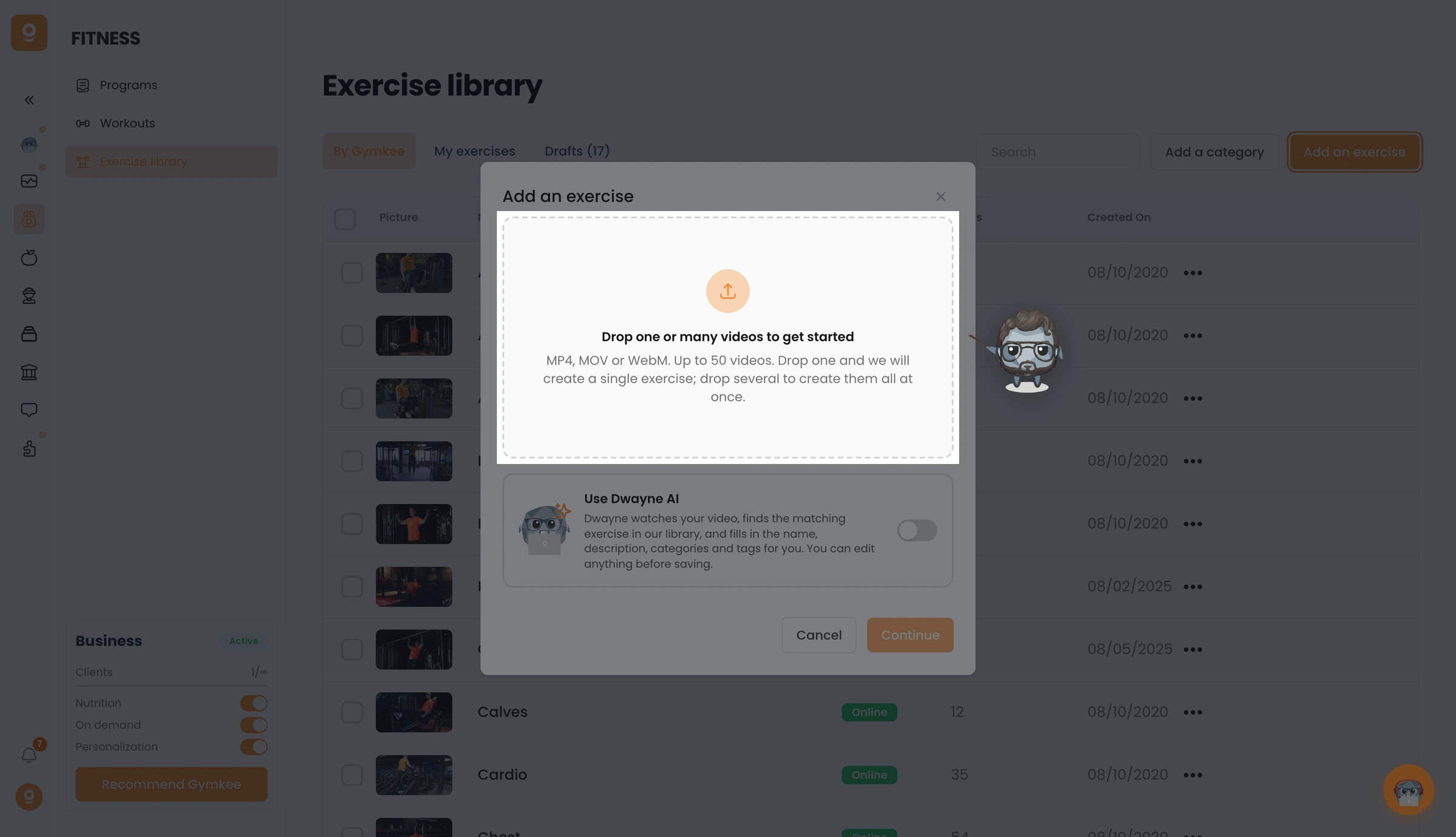
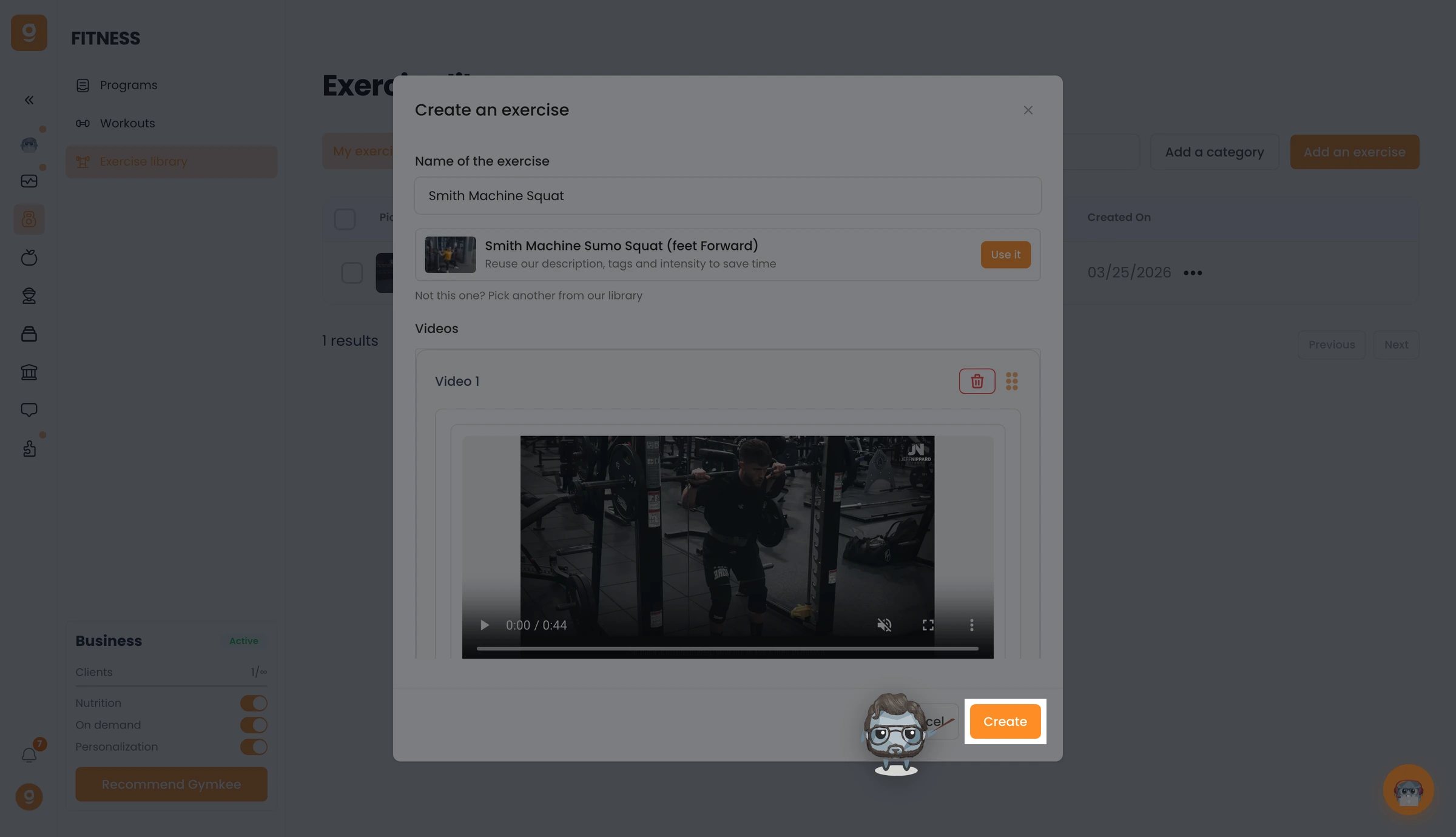
Editörde egzersizine bir ad ver ve videosunu kontrol et.
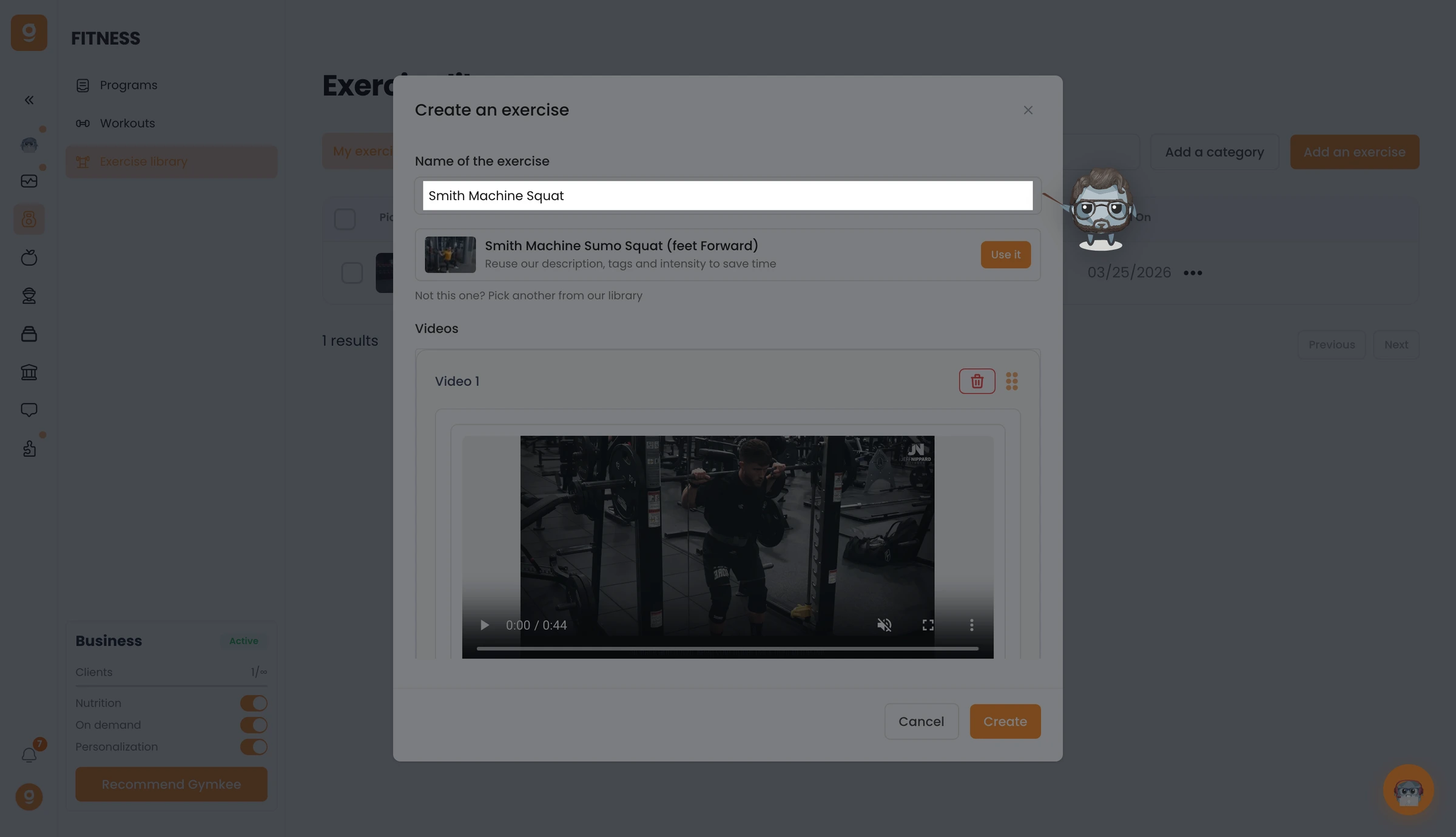
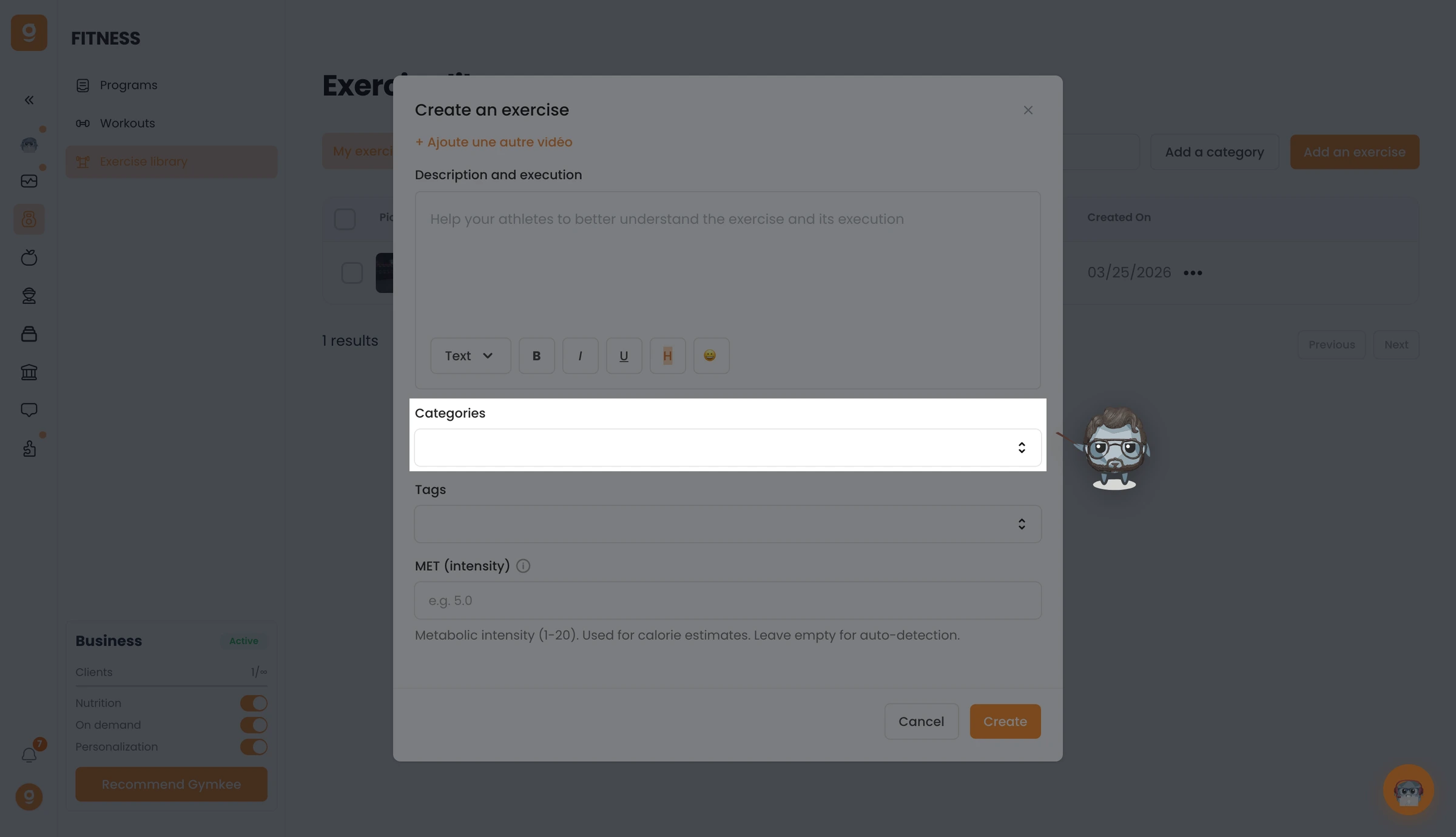
Modeli ve yönü ayarla, ardından danışanlarına hareketi adım adım anlatmak için bir açıklama ve uygulama yaz.
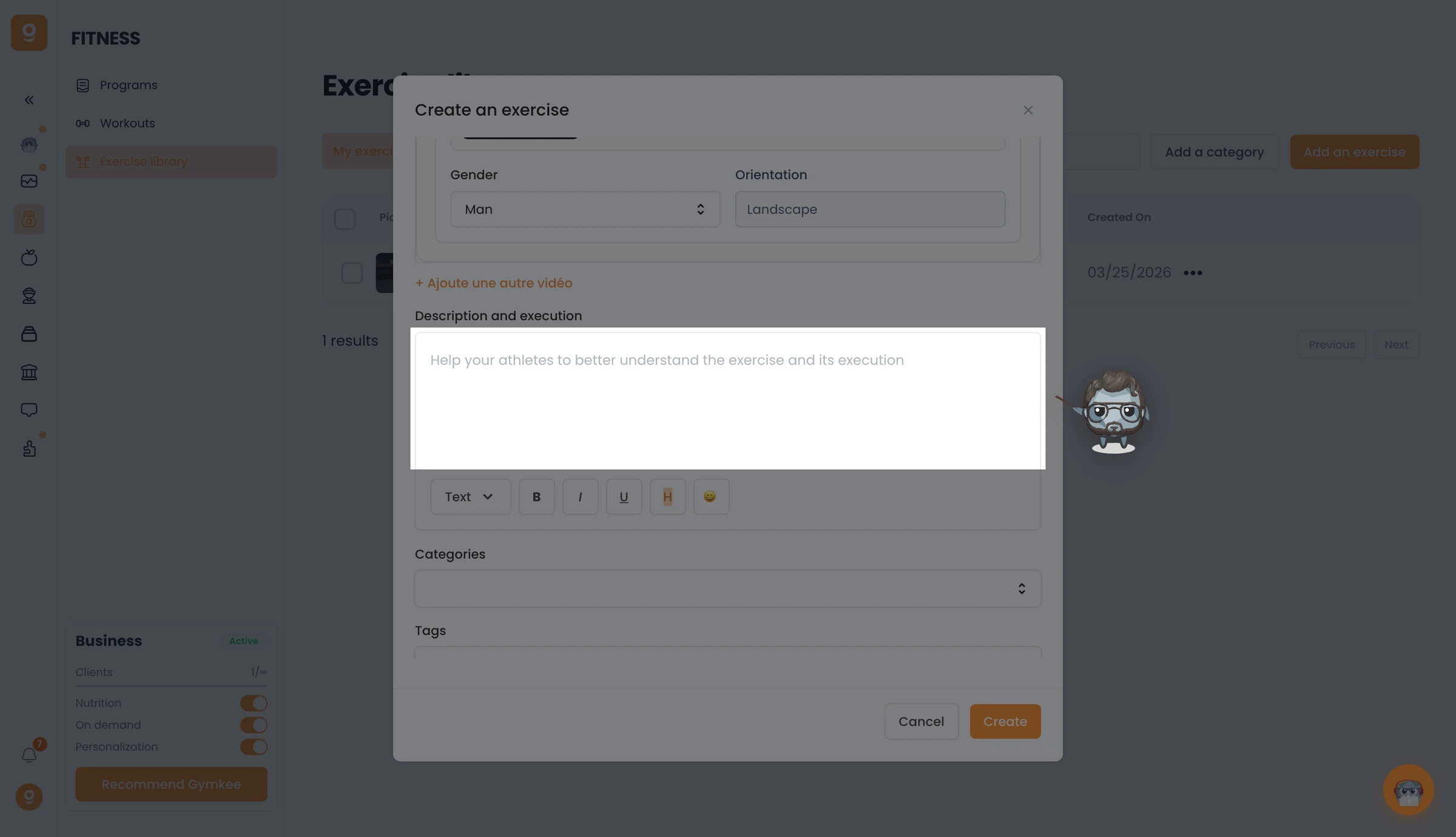
Kategorileri seç, egzersizin çalıştırdığı her kas grubunu, birincil ve ikincil olarak, düzenlemek için Etiketler ekle ve kalori tahminleri için isteğe bağlı olarak bir MET değeri gir.
Her şey hazır olduğunda Oluştur'a tıkla. Egzersizin kütüphanene eklenir ve istediğin programa eklemeye hazır hale gelir.
Kendi egzersizlerini ekledikten sonra, Gymkee kütüphanesini gizleyerek danışanların yalnızca senin egzersizlerini görmesini de sağlayabilirsin, bkz. Gymkee egzersiz kütüphanesini gizle.
Bir şeye ihtiyacın olursa, sağ alttaki uygulama içi sohbet üzerinden bize ulaş 😉
İyi koçluklar & kendine iyi bak ❤️
