

You don't coach a client anymore and want to remove them? Here's how, but first, know that removing a client permanently deletes all their data: training, measurements, assessments and stats.
If it's only a temporary break, pause the client instead. See our guide: Pause a client.
Open Clients in the left menu and click the client you want to remove to open their profile.
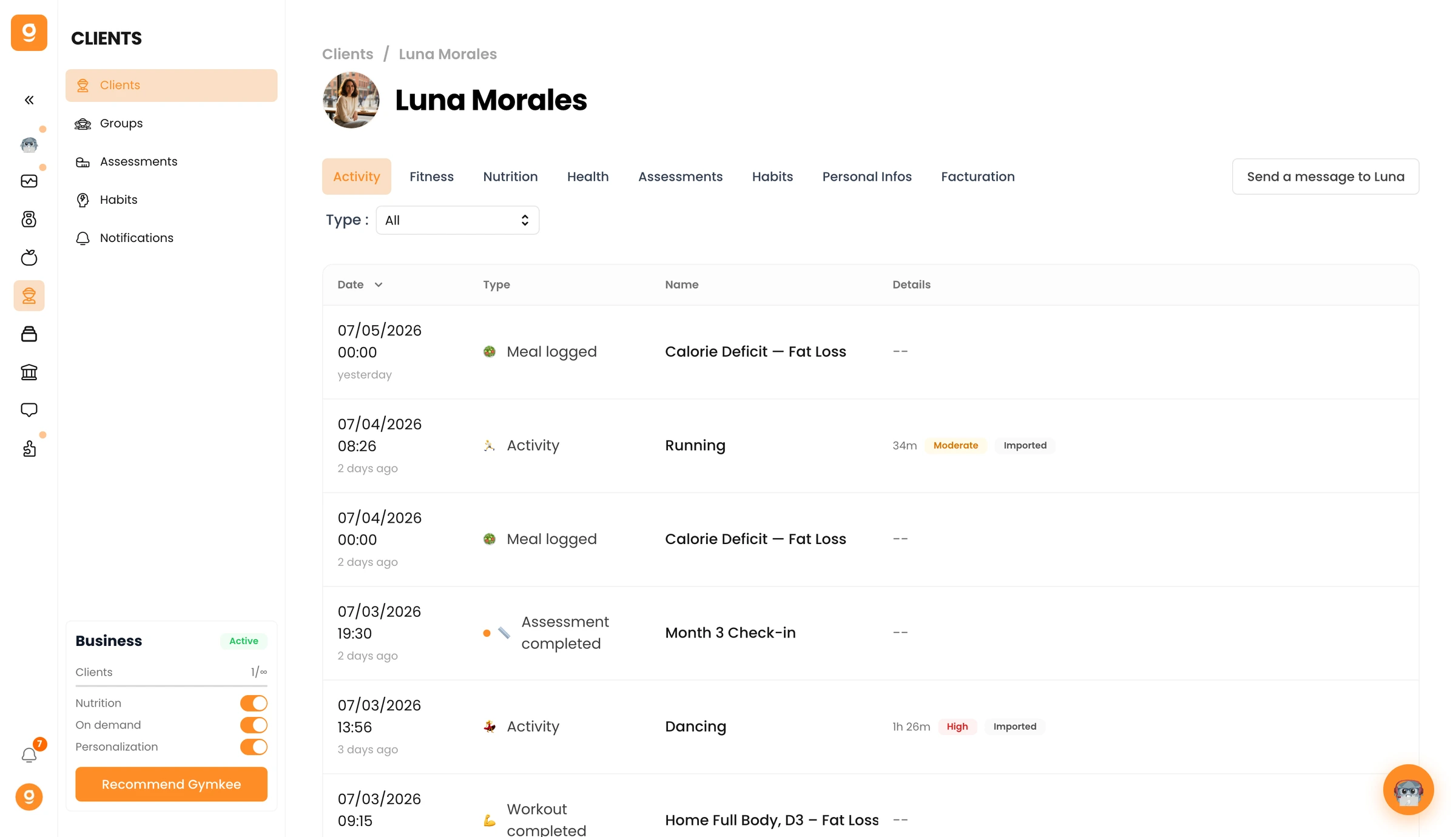
Go to the Personal Infos tab and scroll down to the Danger Zone. Click Remove [client name], then confirm.
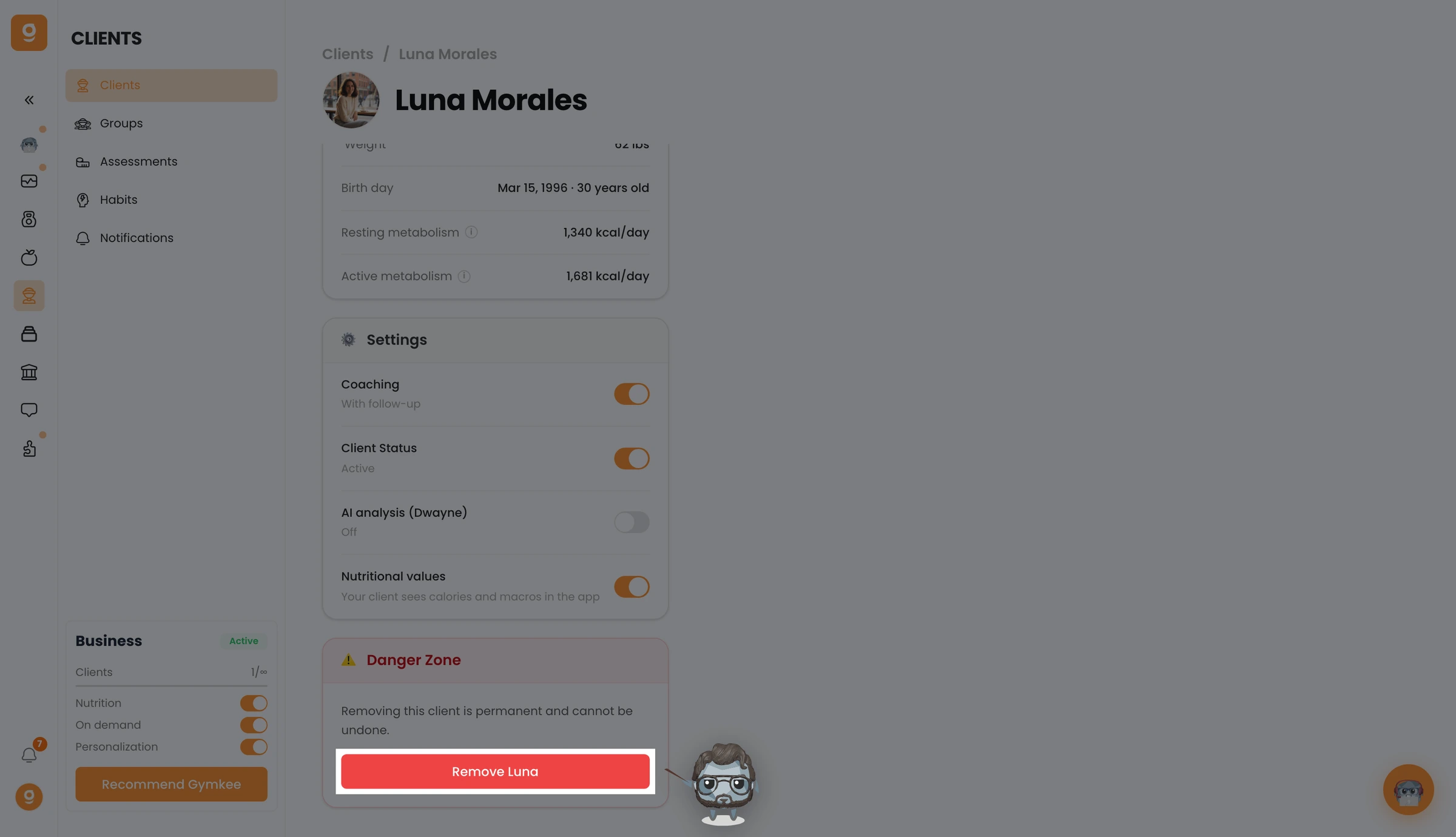
Your client is now removed and loses access to Gymkee. To add them back later, you'll need to invite them again from scratch.
If you need anything, contact us via the in-app chat at the bottom right 😉
Have great trainings & take care of yourself ❤️
