

Coach je een klant niet meer en wil je hem verwijderen? Zo doe je dat, maar weet eerst dat het verwijderen van een klant al zijn gegevens permanent wist: trainingen, metingen, beoordelingen en statistieken.
Gaat het maar om een tijdelijke pauze, pauzeer de klant dan in plaats daarvan. Zie onze gids: Een klant pauzeren.
Open Klanten in het linkermenu en klik op de klant die je wilt verwijderen om zijn profiel te openen.
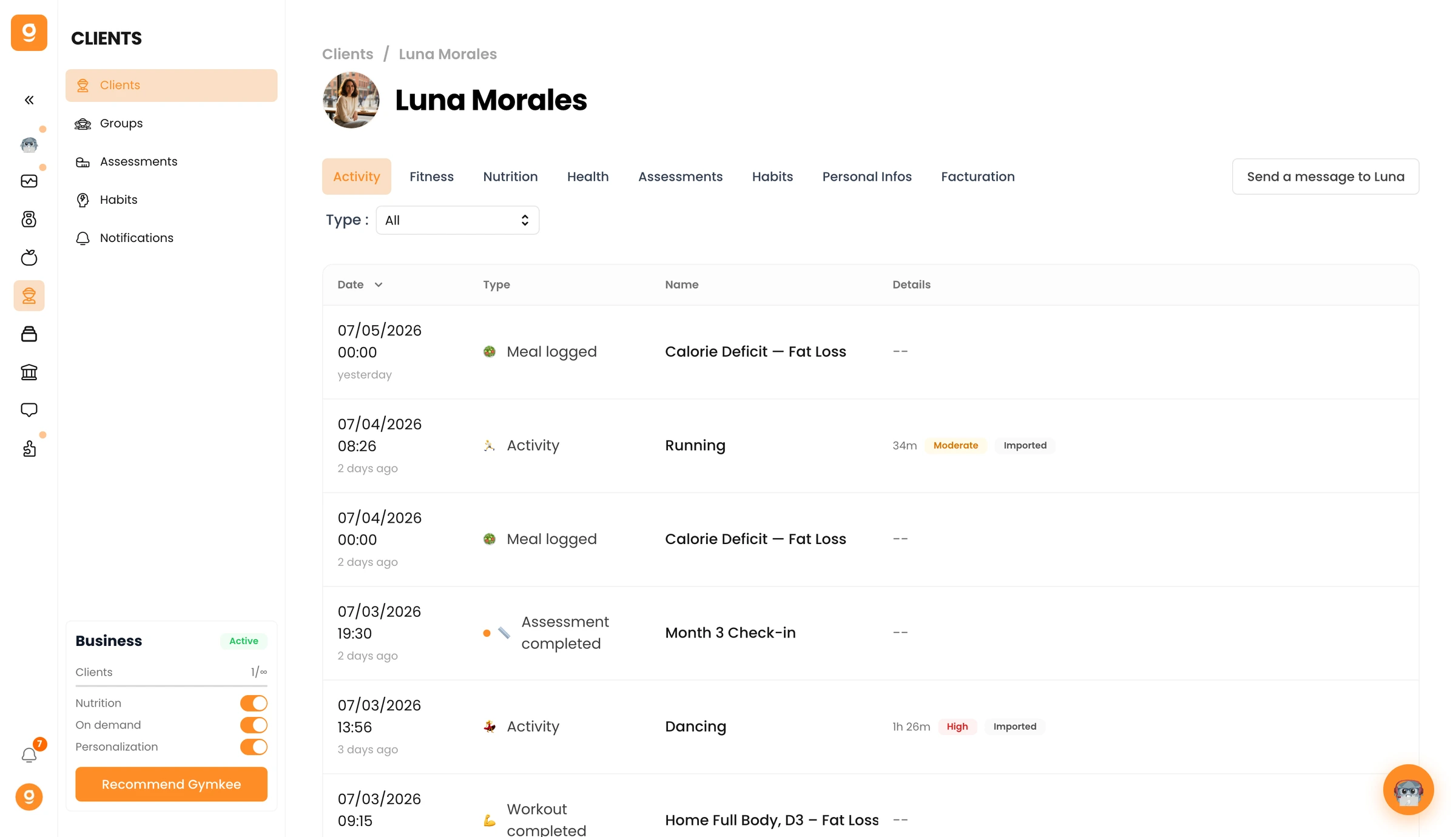
Ga naar het tabblad Persoonlijke gegevens en scrol omlaag naar de Gevarenzone. Klik op Verwijder [naam klant] en bevestig.
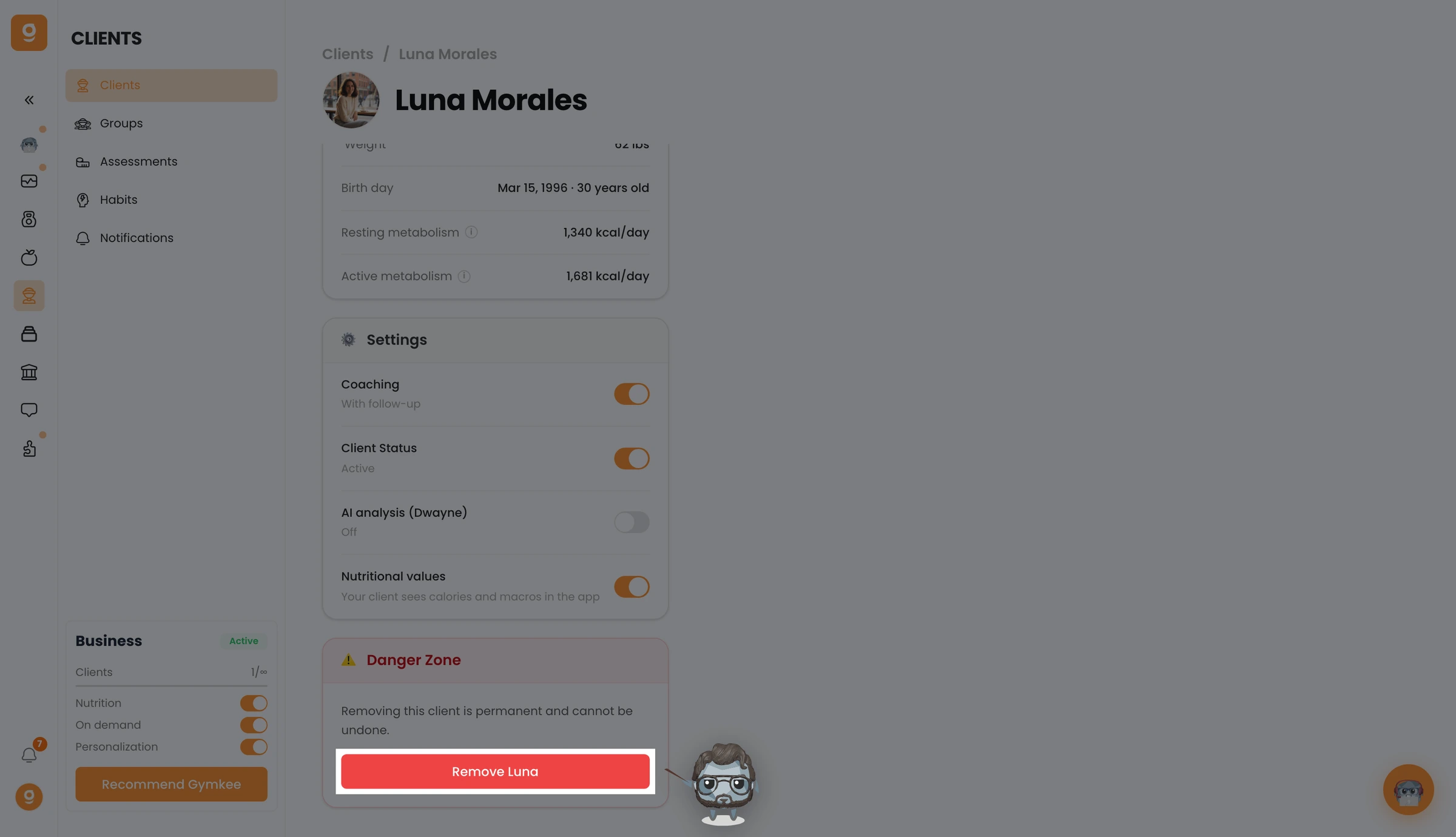
Je klant is nu verwijderd en verliest de toegang tot Gymkee. Om hem later weer toe te voegen, moet je hem opnieuw vanaf nul uitnodigen.
Heb je ergens hulp bij nodig? Bereik ons via de chat rechtsonder in de app 😉
Fijne trainingen en zorg goed voor jezelf ❤️
