

Artık bir danışana koçluk yapmıyorsun ve onu kaldırmak mı istiyorsun? İşte nasıl yapılacağı, ama önce şunu bil: bir danışanı kaldırmak, tüm verilerini kalıcı olarak siler: antrenmanlar, ölçümler, değerlendirmeler ve istatistikler.
Eğer sadece geçici bir ara ise, bunun yerine danışanı duraklat. Rehberimize bak: Bir danışanı duraklat.
Sol menüde Danışanlar'ı aç ve profilini açmak için kaldırmak istediğin danışana tıkla.
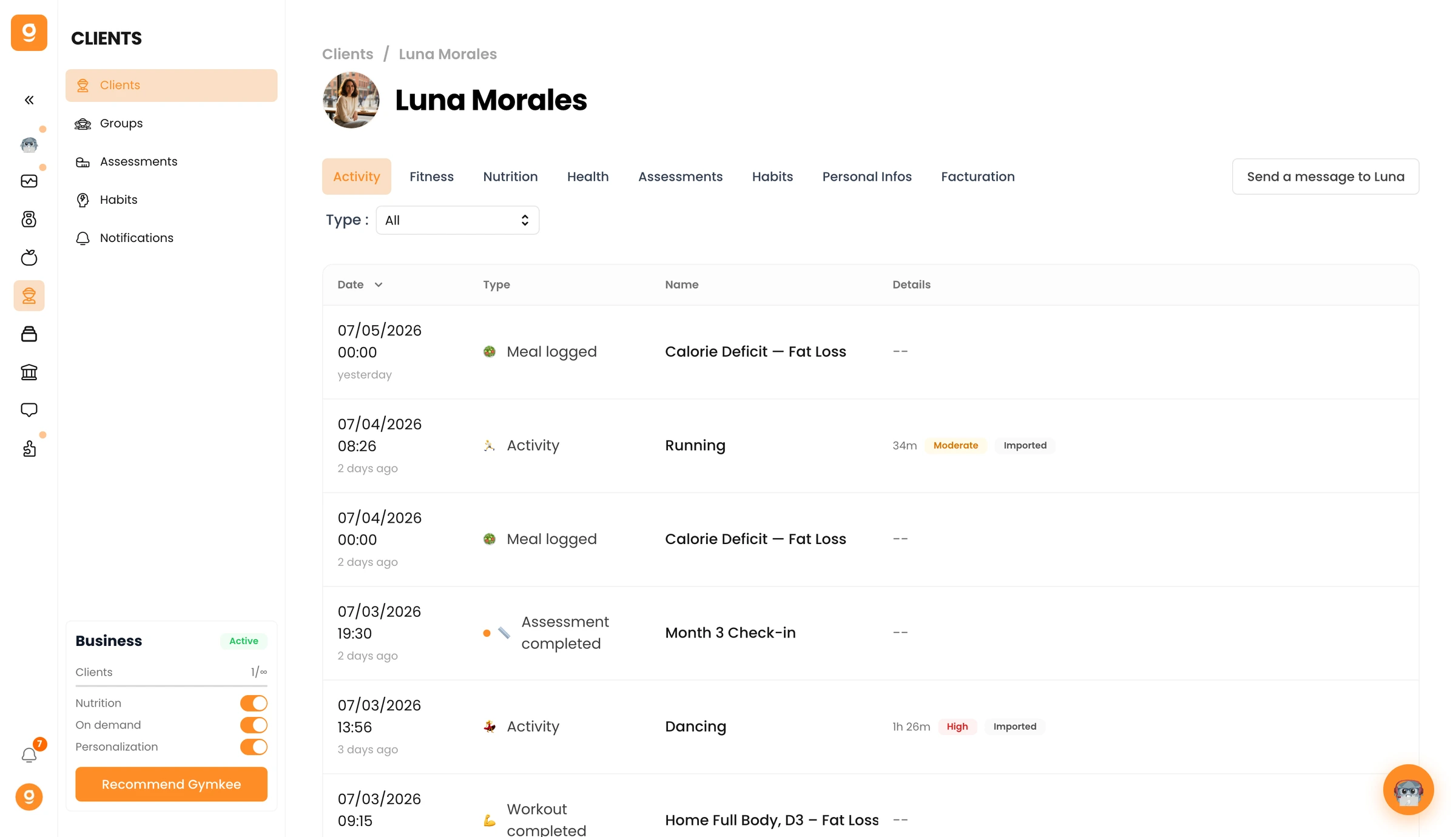
Kişisel Bilgiler sekmesine git ve aşağı kaydırarak Tehlikeli Bölge'ye in. [danışan adı]'nı kaldır'a tıkla, sonra onayla.
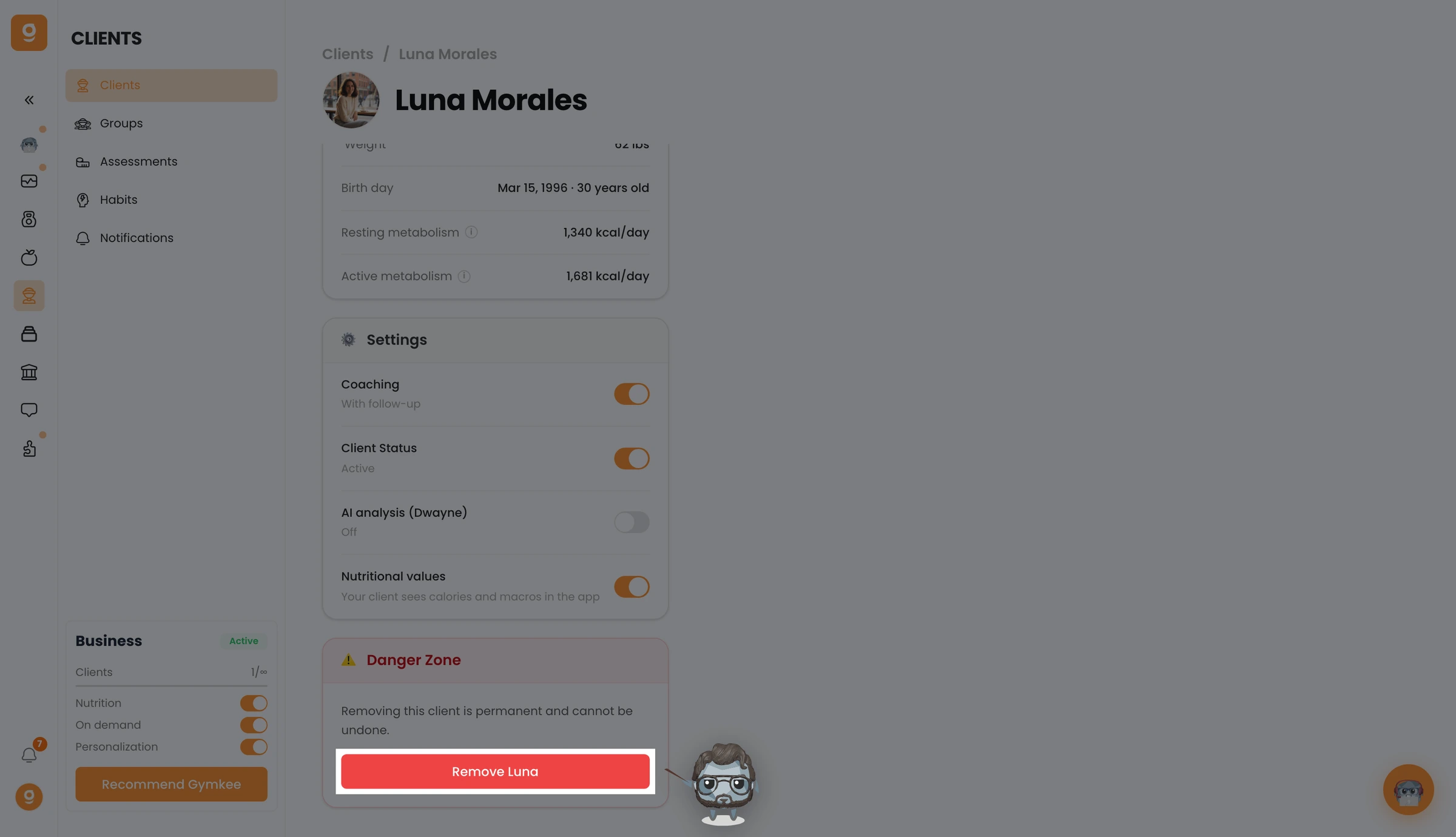
Danışanın artık kaldırıldı ve Gymkee'ye erişimini kaybetti. Onu daha sonra geri eklemek için, onu sıfırdan tekrar davet etmen gerekir.
Bir şeye ihtiyacın olursa, sağ alttaki uygulama içi sohbet üzerinden bize ulaş 😉
İyi antrenmanlar & kendine iyi bak ❤️
