

もうコーチングをしていないクライアントを削除したいですか?その方法をご紹介します。ただし、その前に知っておいていただきたいことがあります。クライアントを削除すると、そのクライアントのすべてのデータが完全に削除されます。トレーニング、測定値、アセスメント、統計データがすべて消えます。
一時的なお休みの場合は、削除ではなくpause(一時停止)をおすすめします。詳しくはこちらのガイドをご覧ください:クライアントを一時停止する。
左メニューのClients(クライアント)を開き、削除したいクライアントをクリックしてプロフィールを開きます。
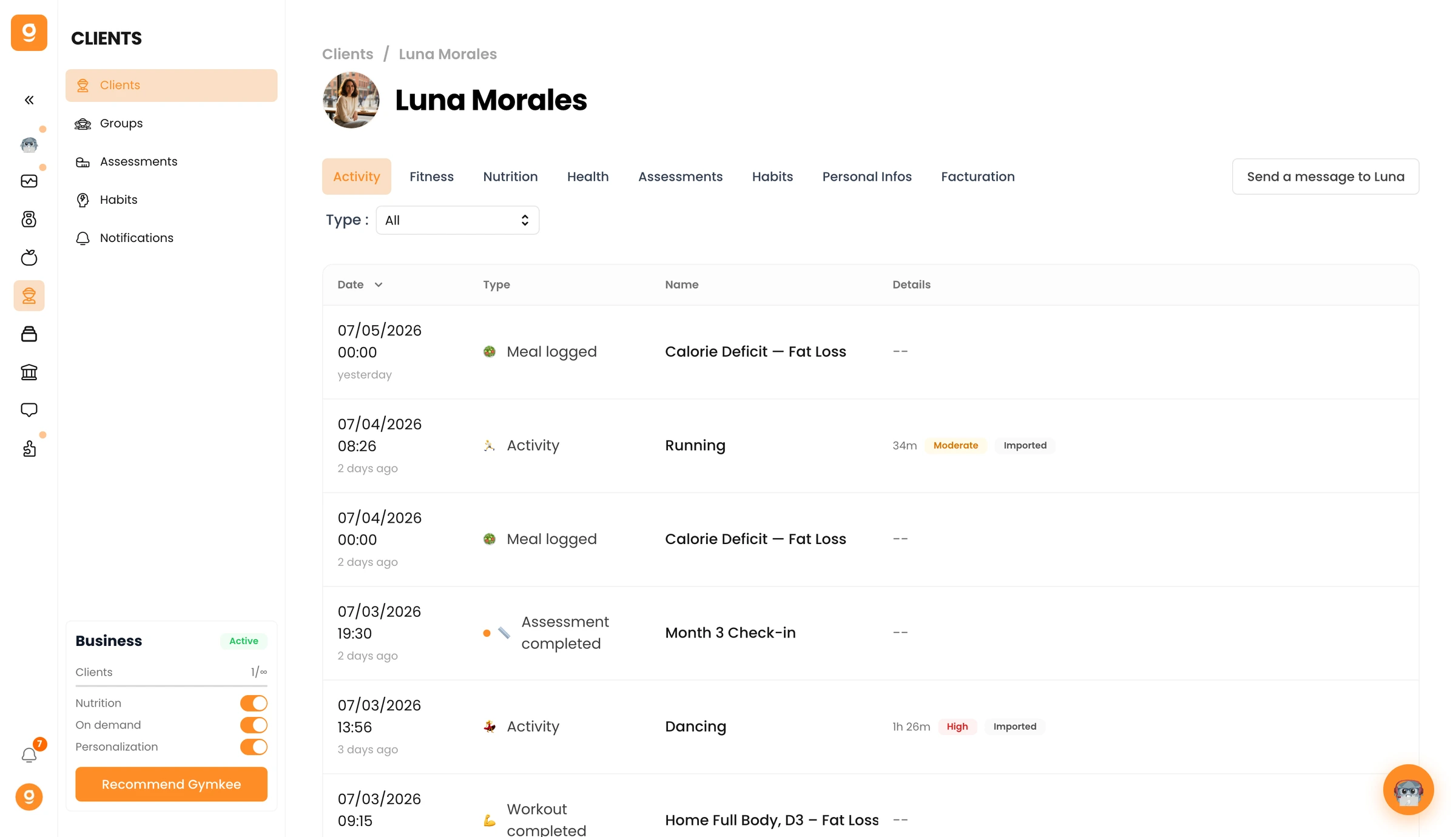
Personal Infos(個人情報)タブに移動し、下にスクロールしてDanger Zone(危険な操作)まで進みます。Remove [クライアント名](削除)をクリックし、確認します。
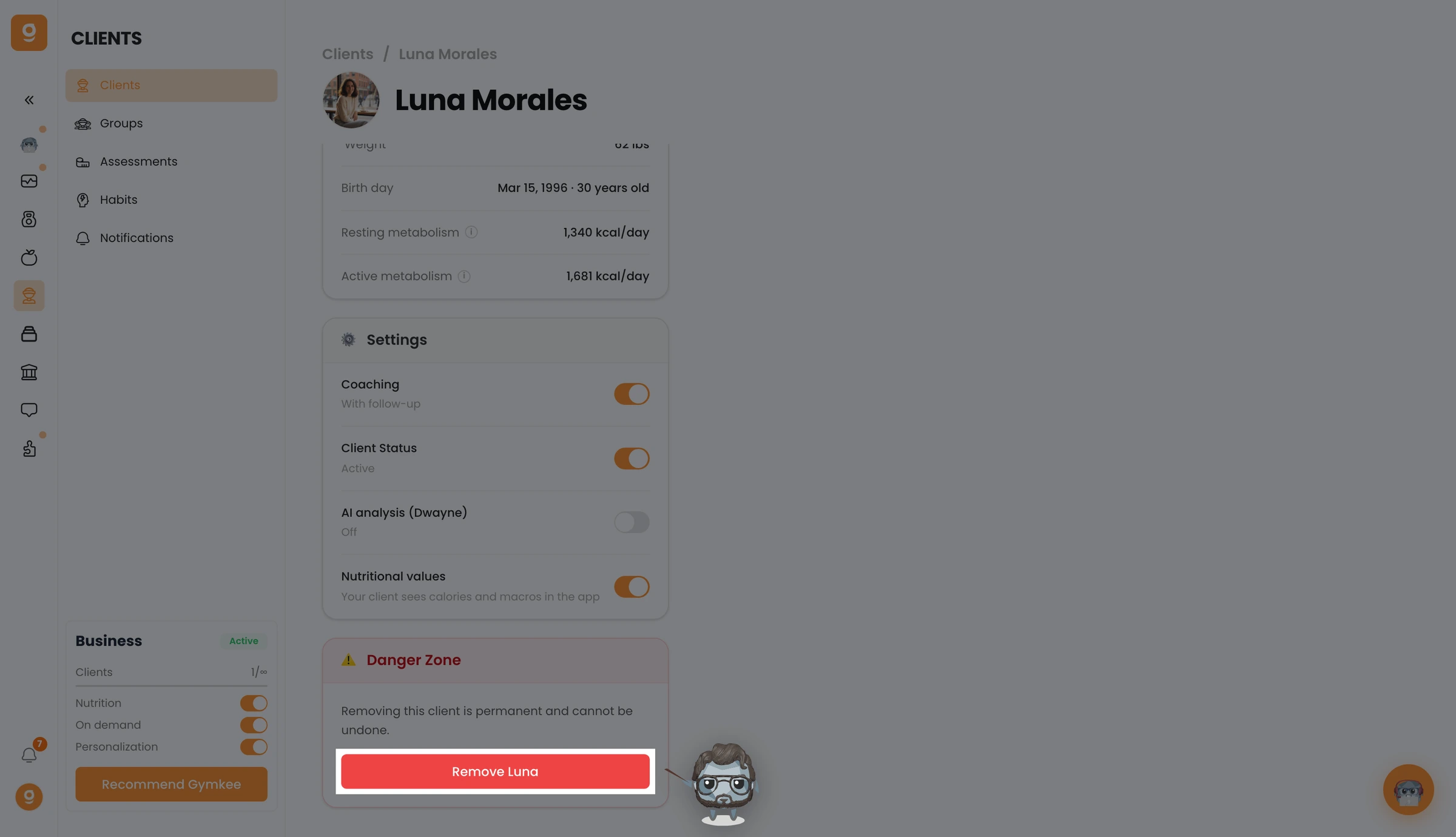
これでクライアントが削除され、Gymkeeへのアクセスができなくなります。あとで再び追加したい場合は、最初から改めて招待し直す必要があります。
何かお困りのことがあれば、画面右下のアプリ内チャットからお気軽にお問い合わせください 😉
よいトレーニングを、そしてご自身の健康も大切に ❤️
