

Nie coachujesz już klienta i chcesz go usunąć? Oto jak, ale najpierw wiedz, że usunięcie klienta trwale kasuje wszystkie jego dane: treningi, pomiary, oceny i statystyki.
Jeśli to tylko chwilowa przerwa, zamiast tego wstrzymaj klienta. Zobacz nasz przewodnik: Wstrzymaj klienta.
Otwórz Klienci w menu po lewej i kliknij klienta, którego chcesz usunąć, aby otworzyć jego profil.
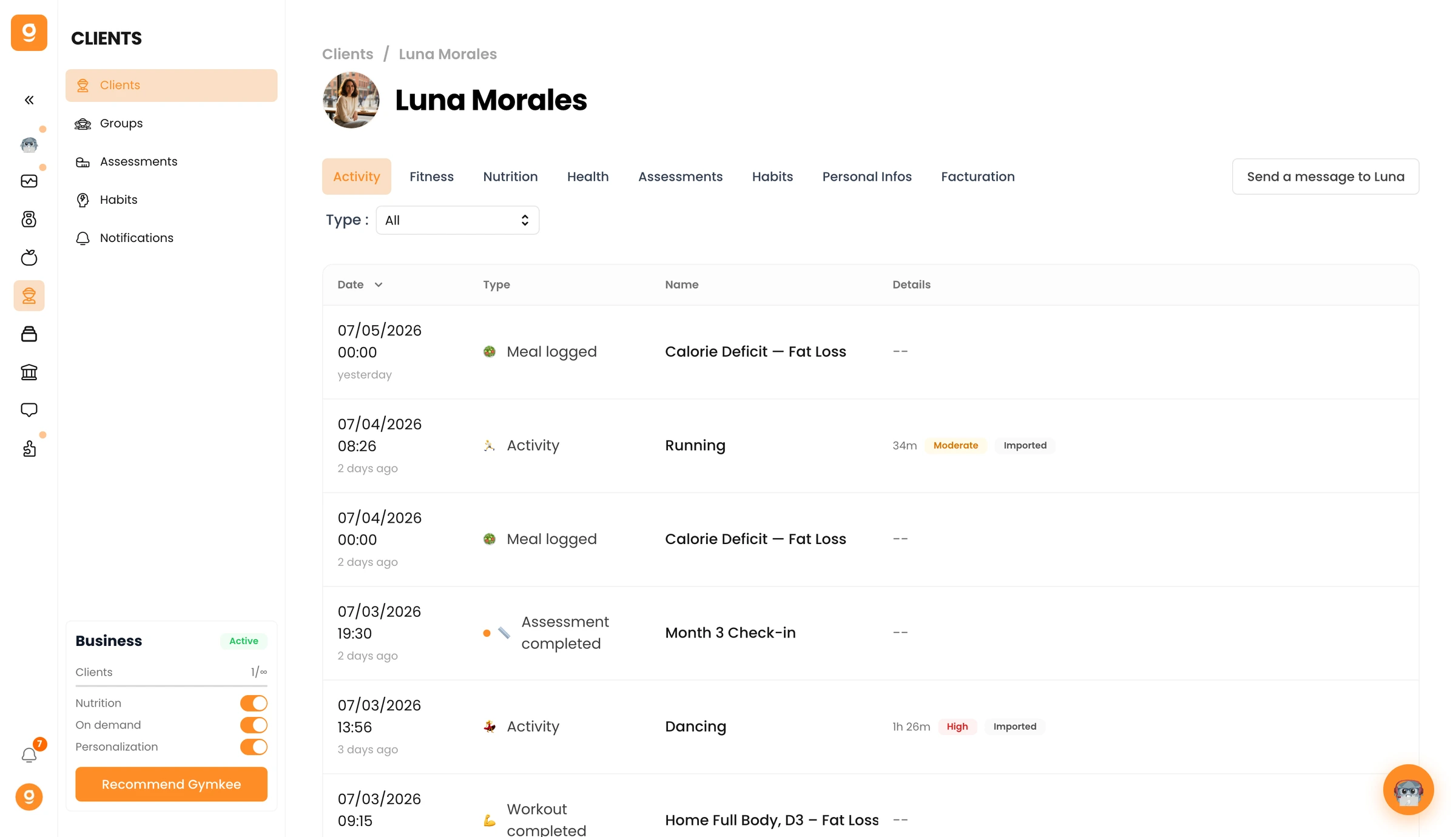
Przejdź do zakładki Dane osobowe i przewiń w dół do Strefy zagrożenia. Kliknij Usuń [imię klienta], a następnie potwierdź.
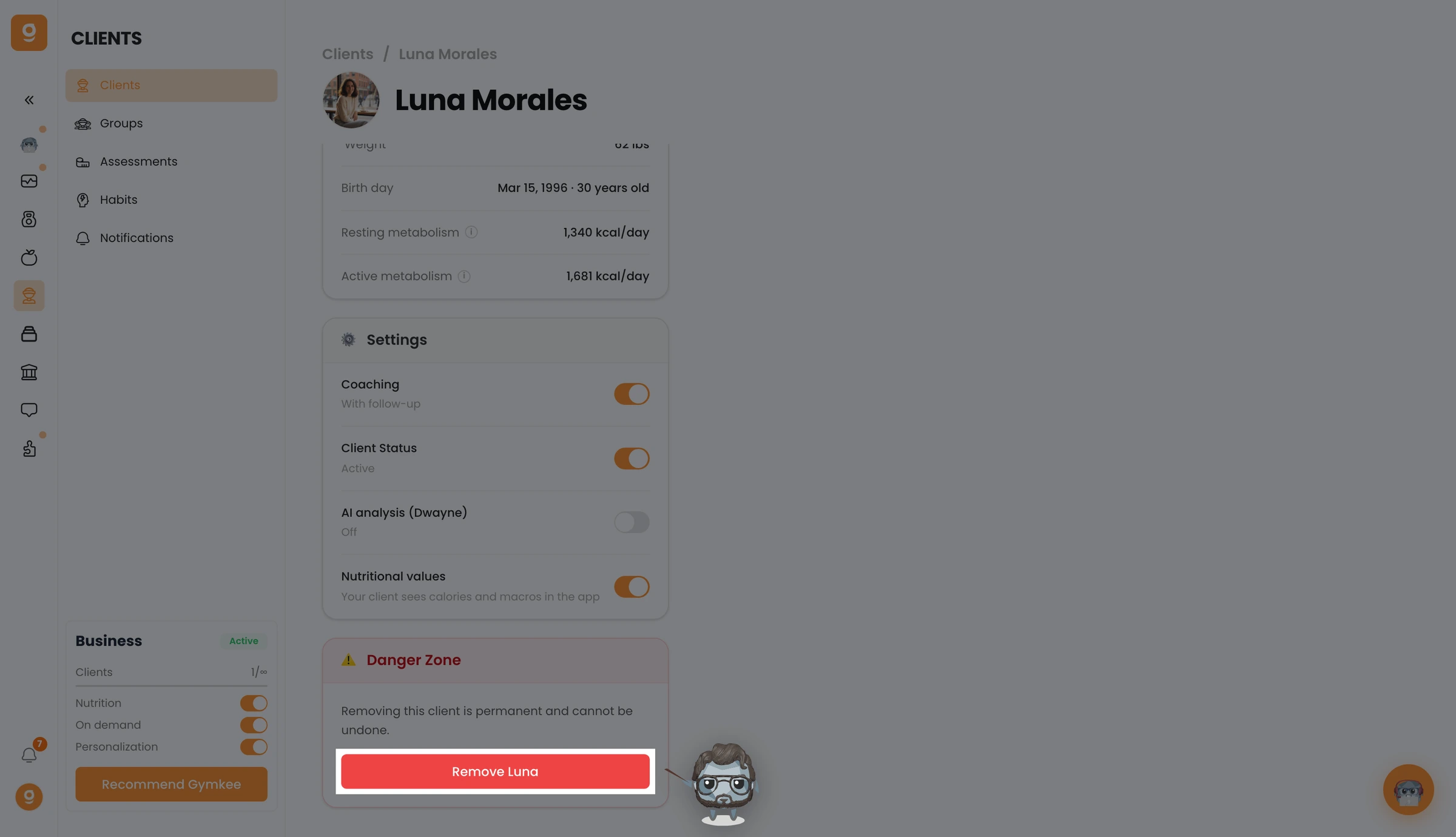
Twój klient jest teraz usunięty i traci dostęp do Gymkee. Aby dodać go ponownie później, będziesz musiał zaprosić go od nowa.
Jeśli czegoś potrzebujesz, skontaktuj się z nami przez czat w aplikacji w prawym dolnym rogu 😉
Udanych treningów i dbaj o siebie ❤️
