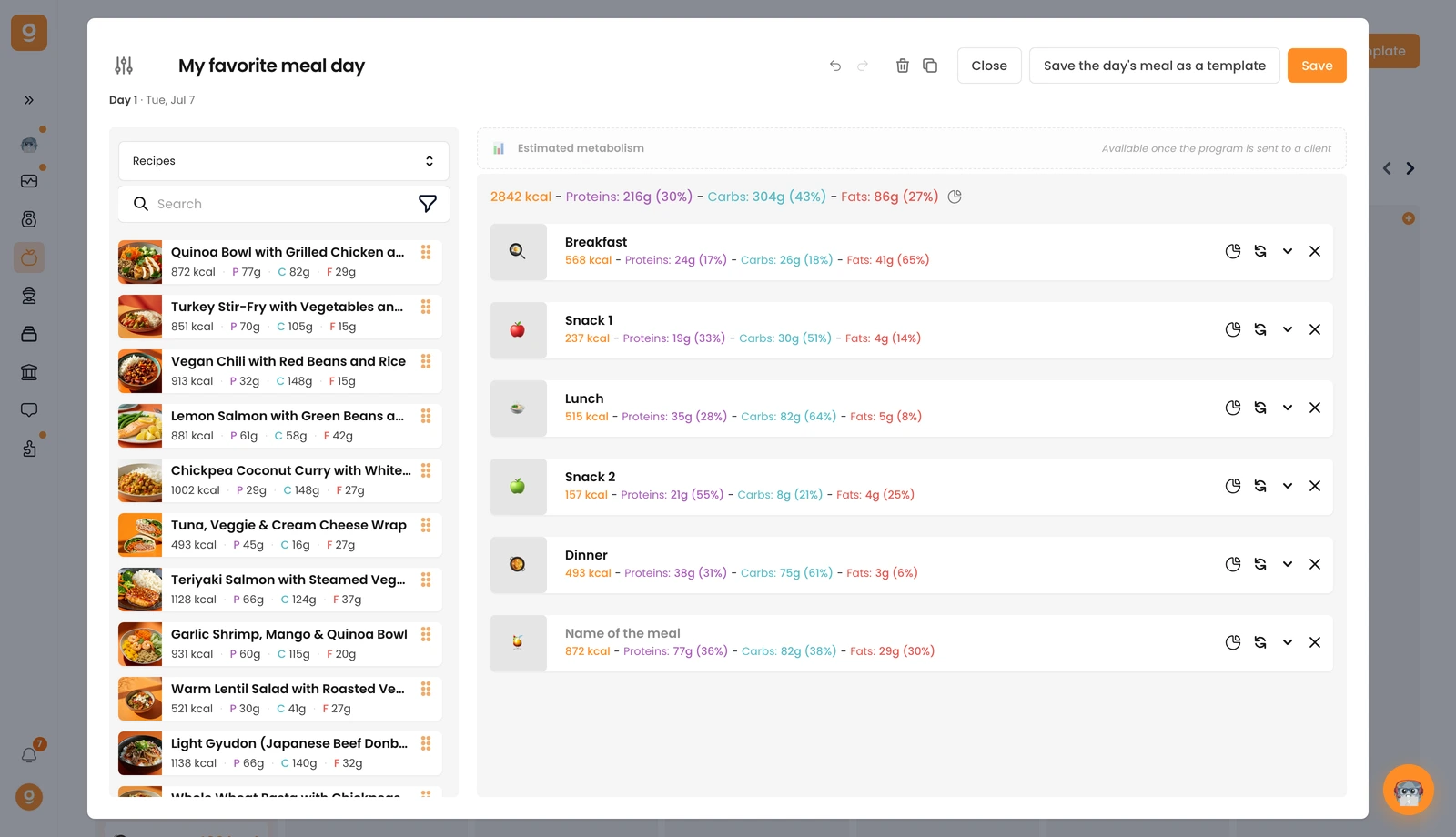
Beyond foods and products, you can use recipes in your meal plans too.
In the day editor, open the source dropdown at the top left and switch from Food to Recipes. You'll find 100+ ready-to-use healthy recipes, and any recipes you've created appear at the very top.
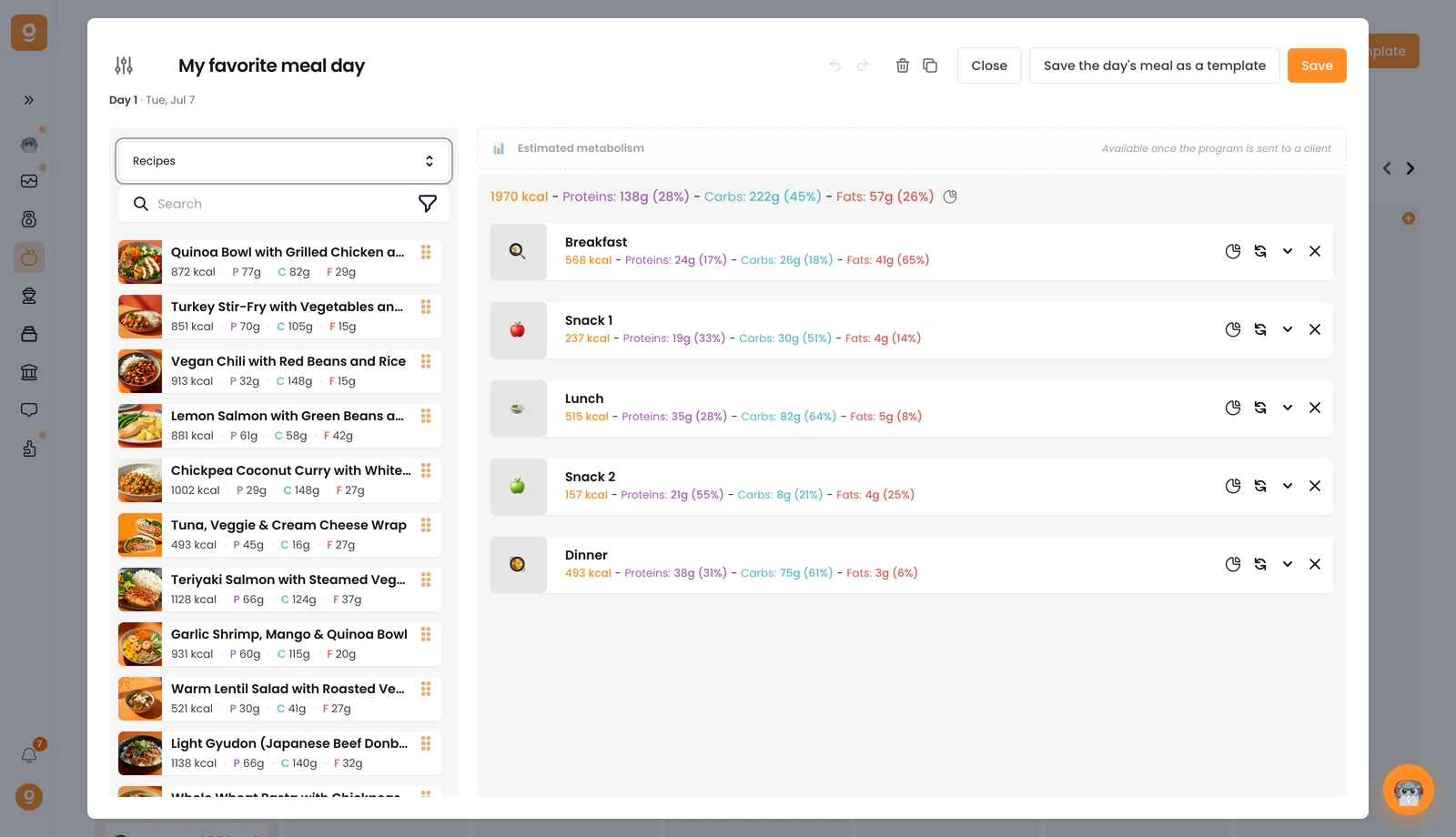
Click a recipe (or drag it into the meal area on the right) and it's added with the recipe's macros. Open the meal to set the number of portions, the number of portions equals the number of servings, so set it to 1 for a single serving.