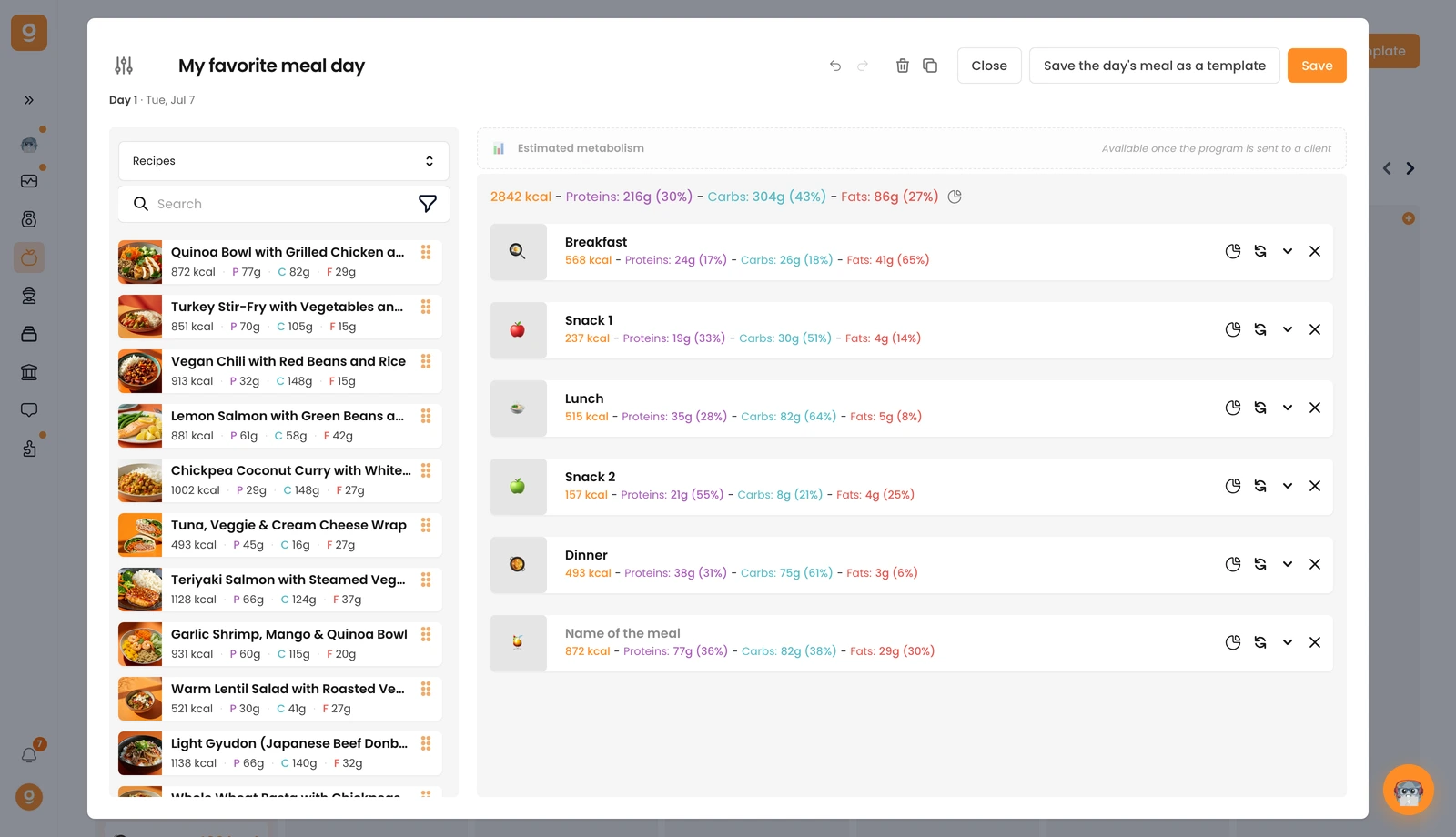
Naast voedingsmiddelen en producten kun je ook recepten in je maaltijdplannen gebruiken.
Open in de dagbewerker linksboven het bronnenmenu en schakel van Voeding naar Recepten. Je vindt er 100+ kant-en-klare gezonde recepten, en alle recepten die je zelf hebt gemaakt, staan helemaal bovenaan.
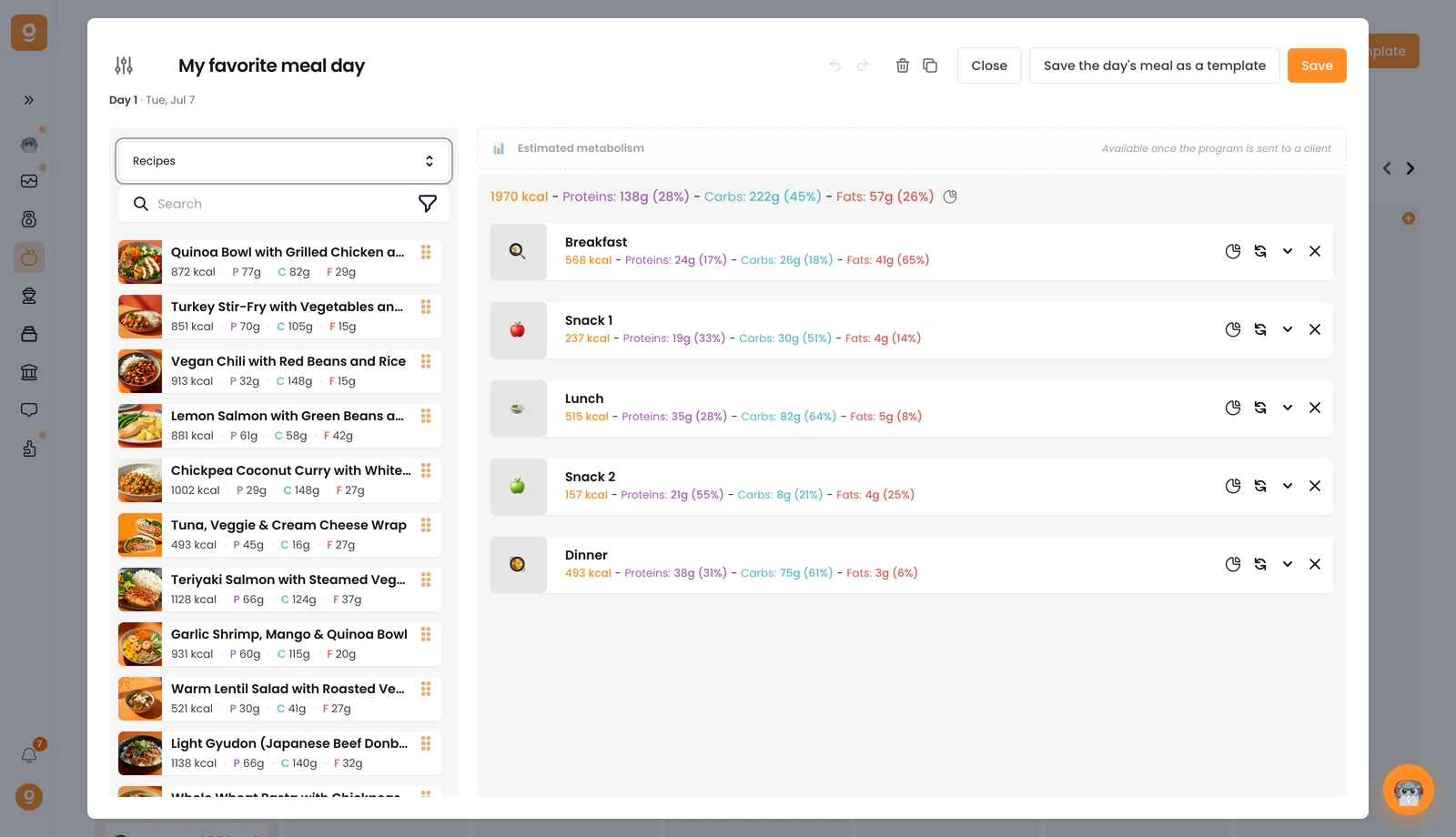
Klik op een recept (of sleep het naar het maaltijdgedeelte aan de rechterkant) en het wordt toegevoegd met de macro's van het recept. Open de maaltijd om het aantal porties in te stellen, het aantal porties komt overeen met het aantal serveringen, dus zet het op 1 voor één portie.