

Gdy już zbudujesz trening, nie musisz tworzyć go od nowa na każdy dzień, możesz go skopiować i wkleić w dwa kliknięcia.
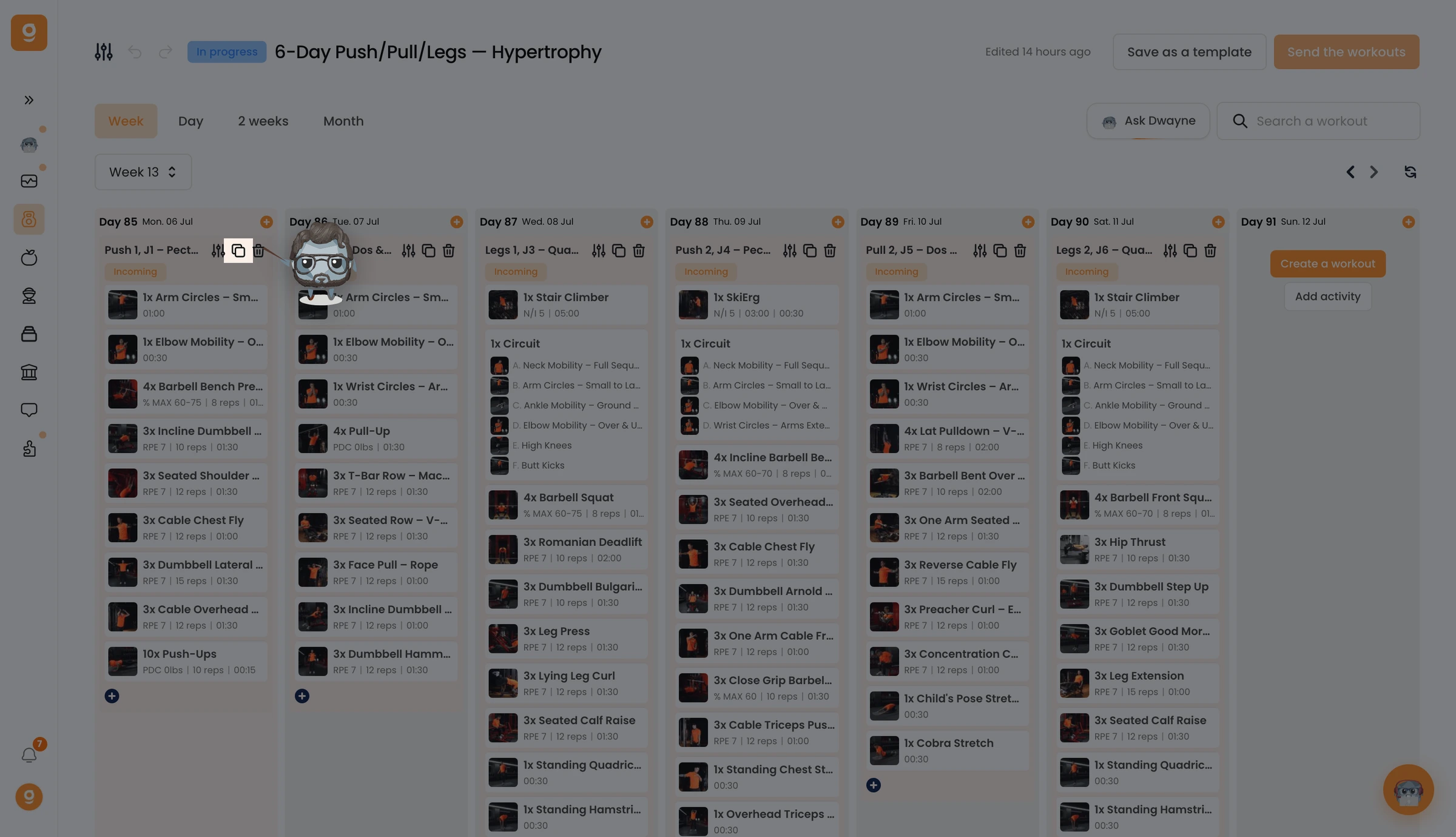
Na treningu, który chcesz ponownie wykorzystać, kliknij ikonę Kopiuj.
Na dole ekranu zobaczysz potwierdzenie „Trening został skopiowany”.
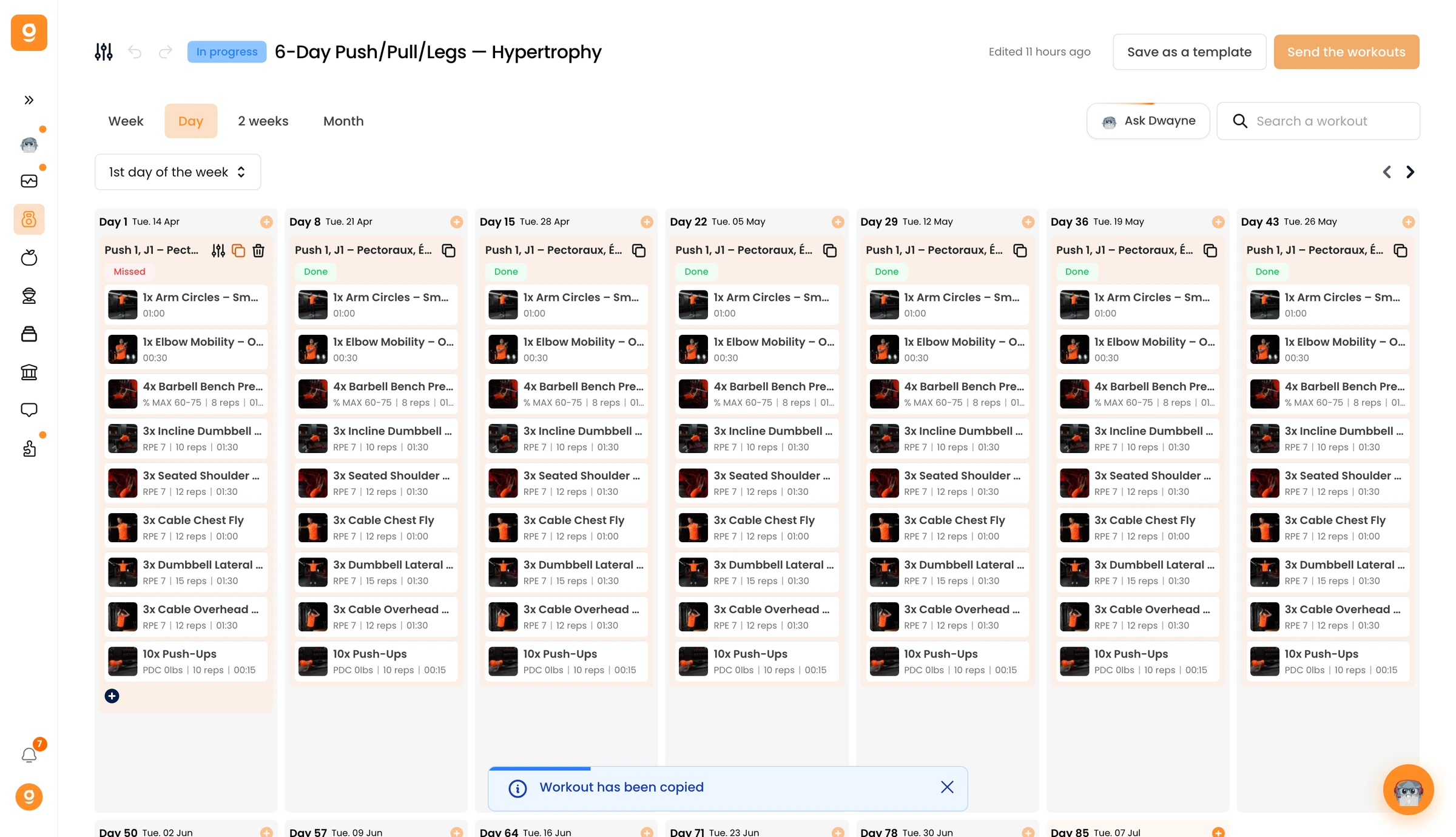
Teraz najedź na dzień, w którym go chcesz, i kliknij Wklej trening. Cały trening zostanie odtworzony w tym dniu, powtórz to w tylu dniach, ile chcesz, a następnie otwórz dowolny wklejony trening, aby go dostosować.
