

Bir egzersizin her setinin doldurabileceğin 4 talimat etiketi vardır: yük, tekrar, dinlenme ve tempo. Onları görmek için egzersizi ok işaretiyle genişlet, sonra neyi ölçtüğünü değiştirmek için herhangi bir etiket adına tıkla.
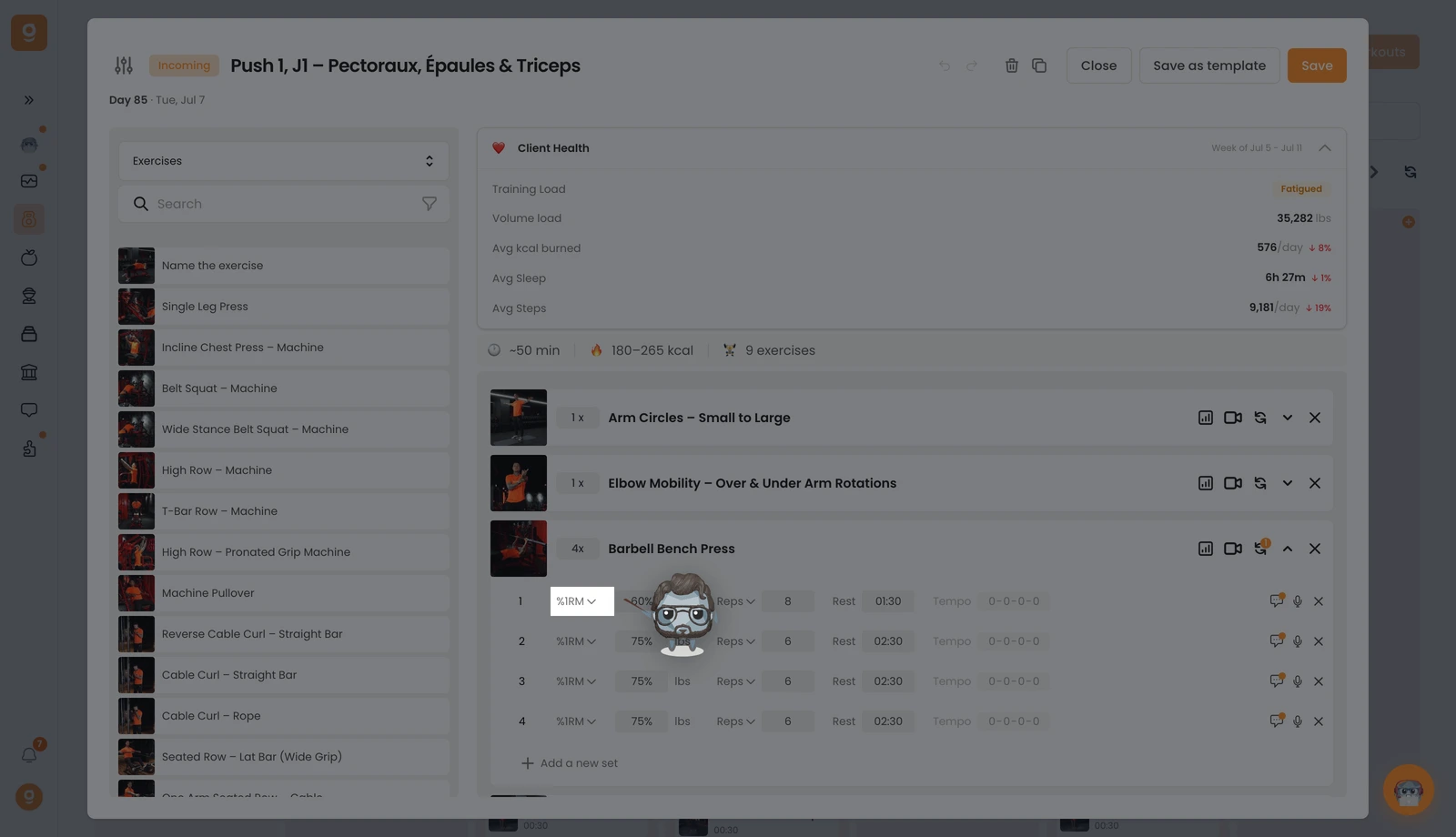
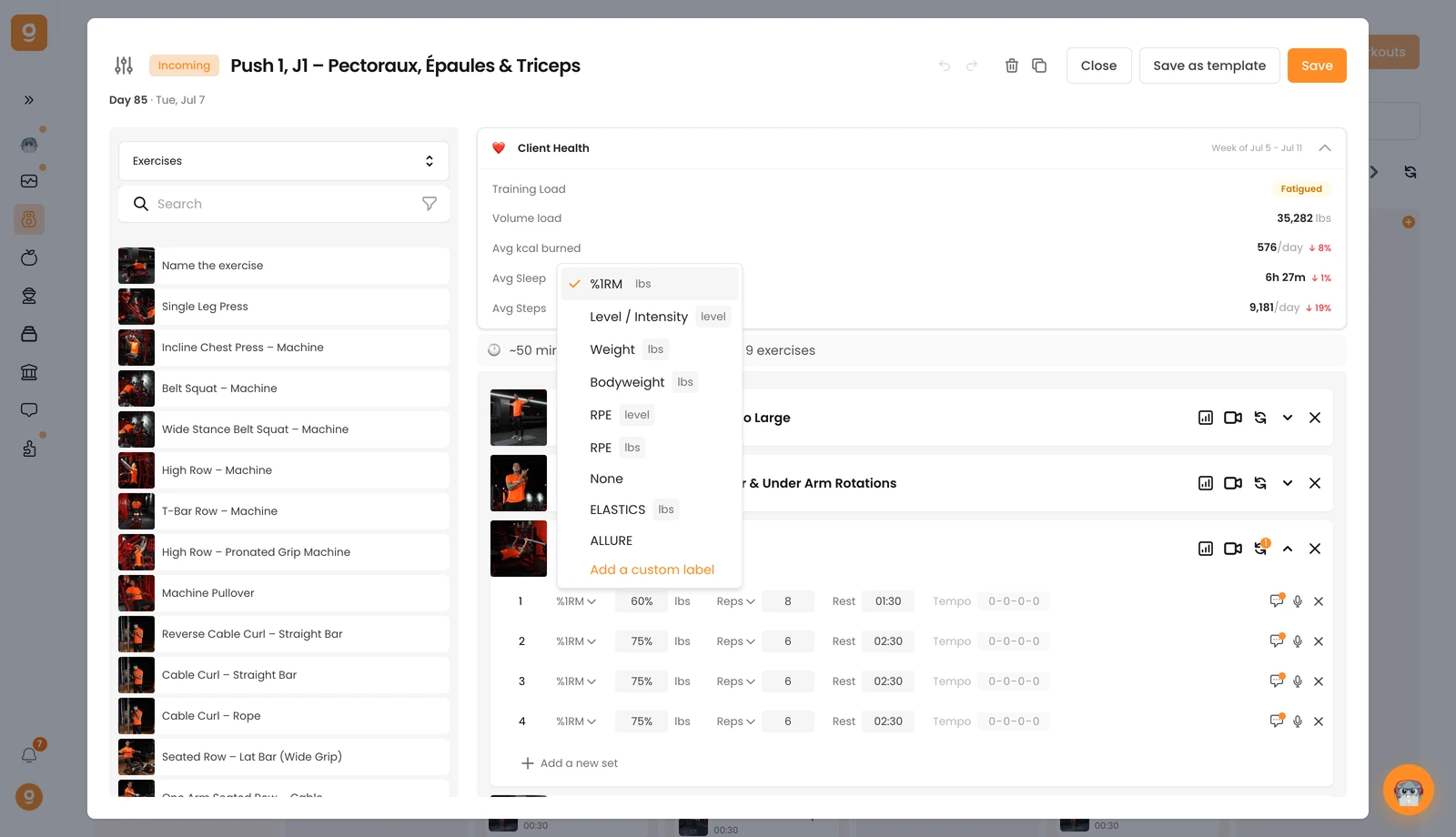
1, Yük ve yoğunluk. İlk etiket, setin ne kadar zor olduğunu ayarlar. Varsayılan olarak Ağırlık'tır. Bunun yerine %1RM, Seviye / Yoğunluk (kardiyo makineleri için harika), Vücut ağırlığı, RPE (seviyeye veya ağırlığa göre) ya da yük beklenmiyorsa Yok seçmek için ona tıkla. Çizginin altındaki herhangi bir etiket özeldir, Özel etiket ekle ile kendininkileri ekle.
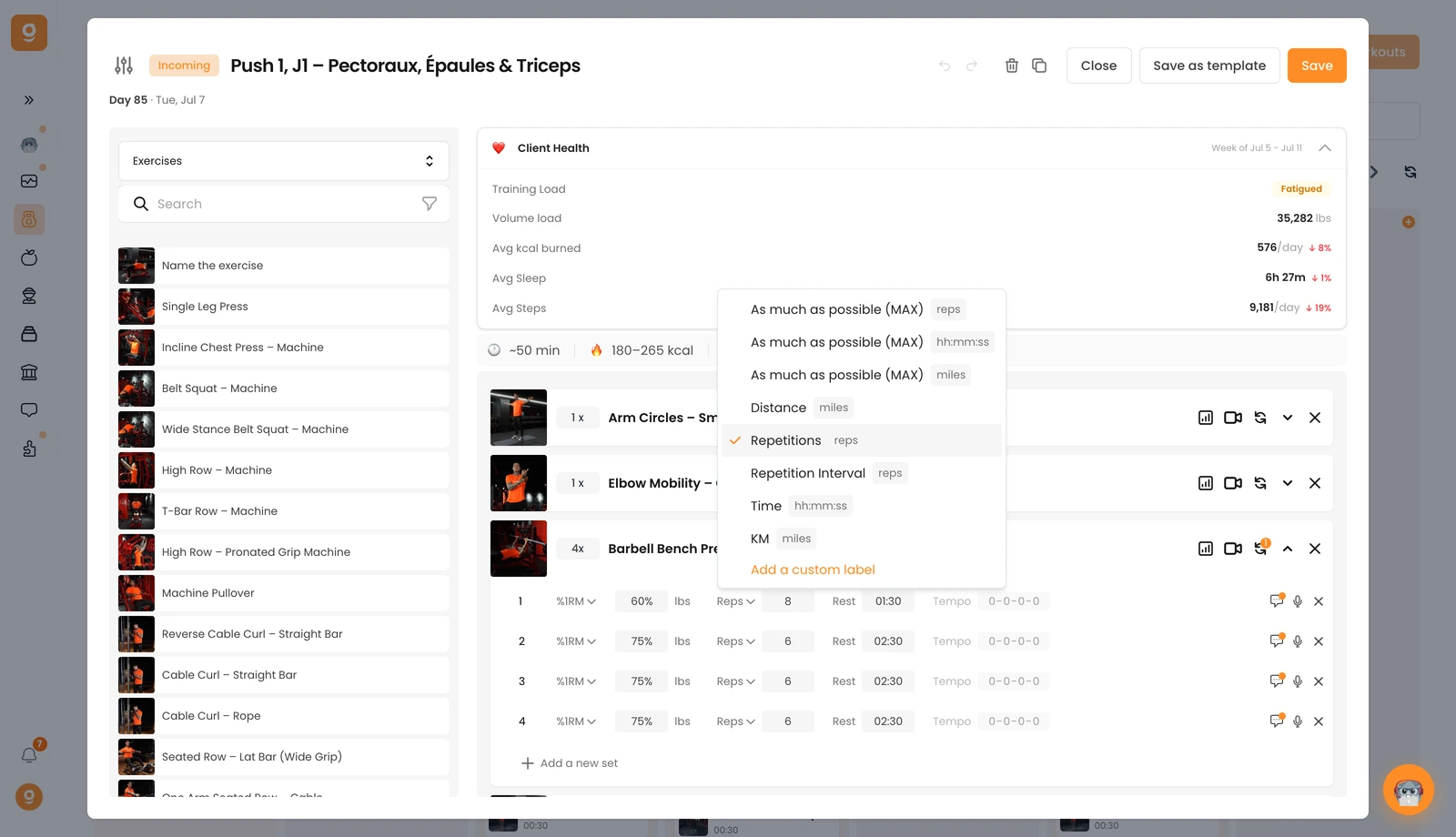
2, Tekrar, süre veya mesafe. İkinci etiket varsayılan olarak Tekrar'dır. Tekrar, süre veya mesafe cinsinden mümkün olduğunca çok (MAX), sabit bir Mesafe, bir Tekrar Aralığı (ör. 8–10 tekrar), bir Süre hedefi ya da KM'ye geçmek için ona tıkla, ve burada da özel etiketler ekleyebilirsin.
3, Dinlenme. Üçüncü etiket, setler arasındaki dinlenme süresidir, sadece yaz.
4, Tempo. Dördüncüsü tempodur (varsayılan olarak 0-0-0-0 = kapalı). Etkinleştirmek ve temponu ayarlamak için değerlere tıkla.
Ekstra yol göstermek için yorum simgesiyle herhangi bir sete bir yorum da ekleyebilir ve ✕'i ile bir seti kaldırabilirsin. Artık müşterilerine kesin, net talimatlar vermek için hazırsın.
